PortSwigger
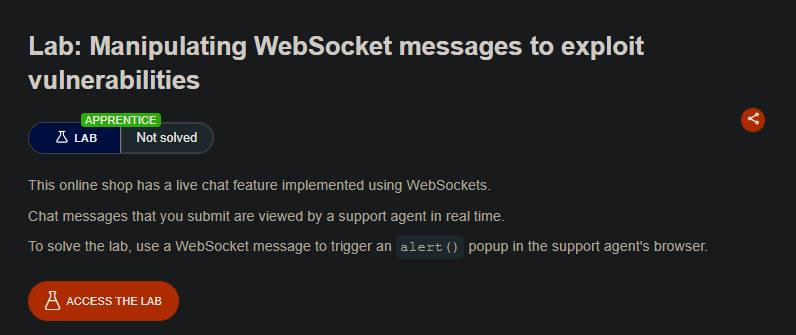
Lab Description
This online shop has a live chat feature implemented using WebSockets.
Chat messages that you submit are viewed by a support agent in real time.
Objective: Use a WebSocket message to trigger analert()popup in the support agent’s browser.
Step 1: Understanding the Vulnerability
WebSocket communication is bidirectional and persistent. Unlike HTTP requests, WebSocket messages are not automatically sanitized by the browser in the same way. If the server or client fails to properly encode user input before rendering it in another user’s browser (e.g., a support agent viewing chat messages), an attacker can inject malicious JavaScript.
In this lab:
- Users send chat messages via WebSockets
- A support agent views these messages in real time
- The client-side encodes some characters (like
<), but with interception we can bypass this
Step 2: Reconnaissance
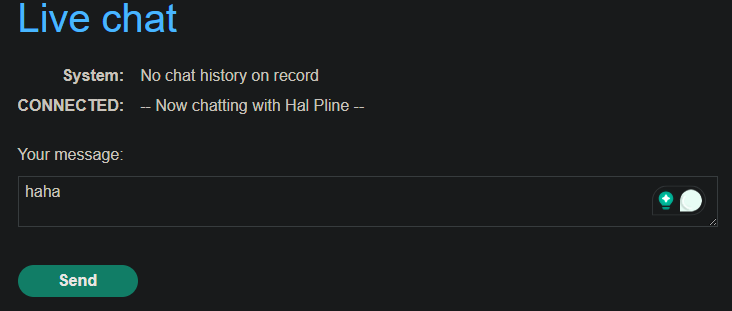
- Click Live chat on the lab website.
- Send a test message (e.g.,
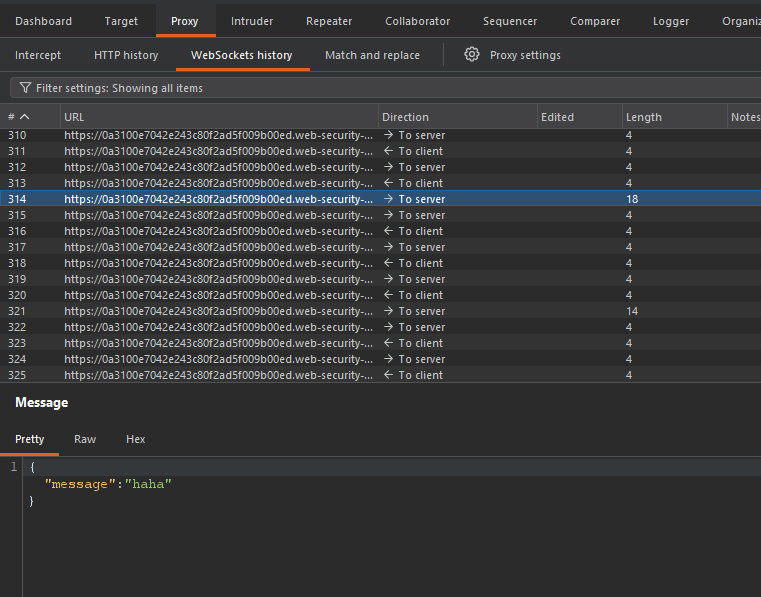
Hello). - In Burp Suite, go to the Proxy → WebSockets history tab.
- Observe that chat messages are transmitted as WebSocket messages, not HTTP requests.
Step 3: Testing for Encoding
-
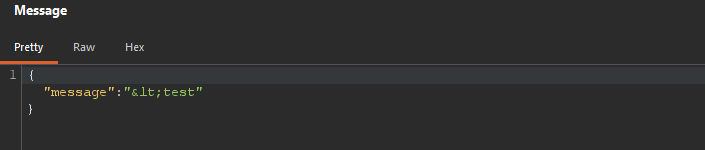
Send a new message containing a
<character (e.g.,<test).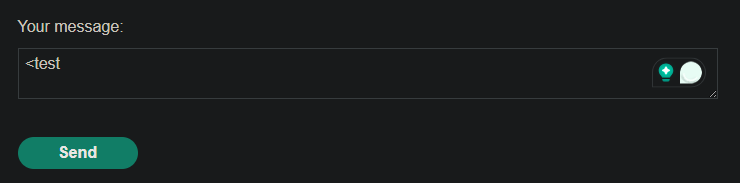
-
In Burp’s WebSockets history, inspect the corresponding message.
-
Notice that the
<has been HTML-encoded by the client before sending (e.g., becomes<).
This indicates the client is trying to prevent XSS, but the protection is client-side only and can be bypassed.
Step 4: Intercepting and Modifying WebSocket Messages
-
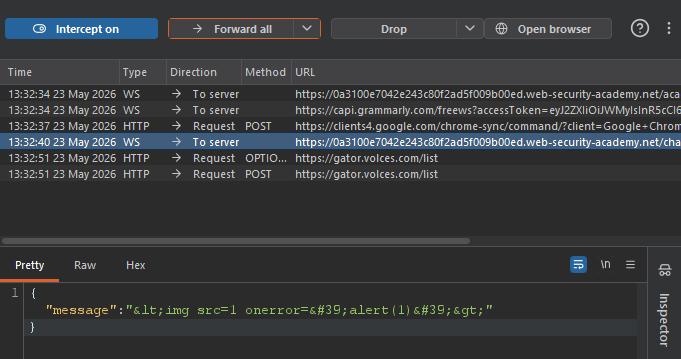
In Burp Proxy, enable Intercept WebSocket messages (in Proxy → Proxy Settings → WebSocket Interception Rules Messages).
-
Send another chat message (e.g.,
x). -
In the intercepted WebSocket message, replace the message content with the following payload:
<img src=1 onerror='alert(1)'>
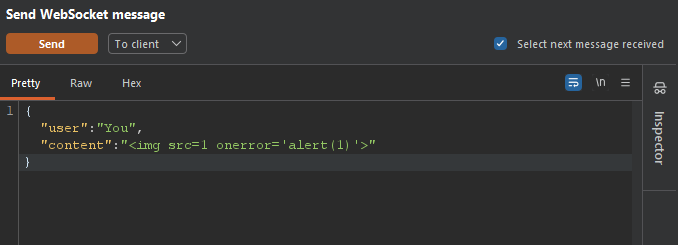
- Send the message.
Step 5: Triggering the Alert
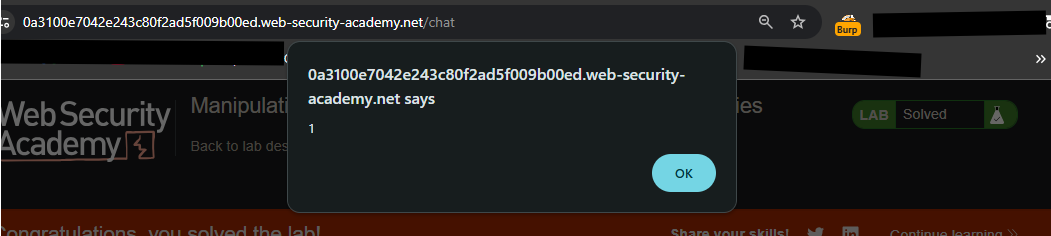
- After forwarding, the browser executes the payload.
- An
alert(1)popup appears in your browser. - Because the support agent views the same chat feed in real time, the popup also appears in their browser — solving the lab.

Step 6: Lab Solved
Success message displayed:

Key Takeaway
Never trust client-side encoding.
WebSocket messages must be sanitized and validated on the server-side before being sent to other users. Client-side protections can be trivially bypassed with interception tools like Burp Suite.