PortSwigger
Lab Description
This lab’s verbose error messages reveal that it is using a vulnerable version of a third-party framework. To solve the lab, obtain and submit the version number of this framework.
Objective: Trigger an error message that discloses the framework version.
Step 1: Understanding Information Disclosure
Information disclosure occurs when:
- Error messages are too detailed
- Stack traces reveal internal system information
- Version numbers expose known vulnerabilities
Why this is dangerous:
- Attackers can identify vulnerable software versions
- Known CVEs can be exploited
- Internal paths and system architecture are exposed
In this lab:
- Product pages accept a
productIdparameter - Sending invalid data triggers an exception
- The stack trace reveals the Apache Struts version
Step 2: Reconnaissance
Step 2.1: Explore the Application
- Open the lab homepage
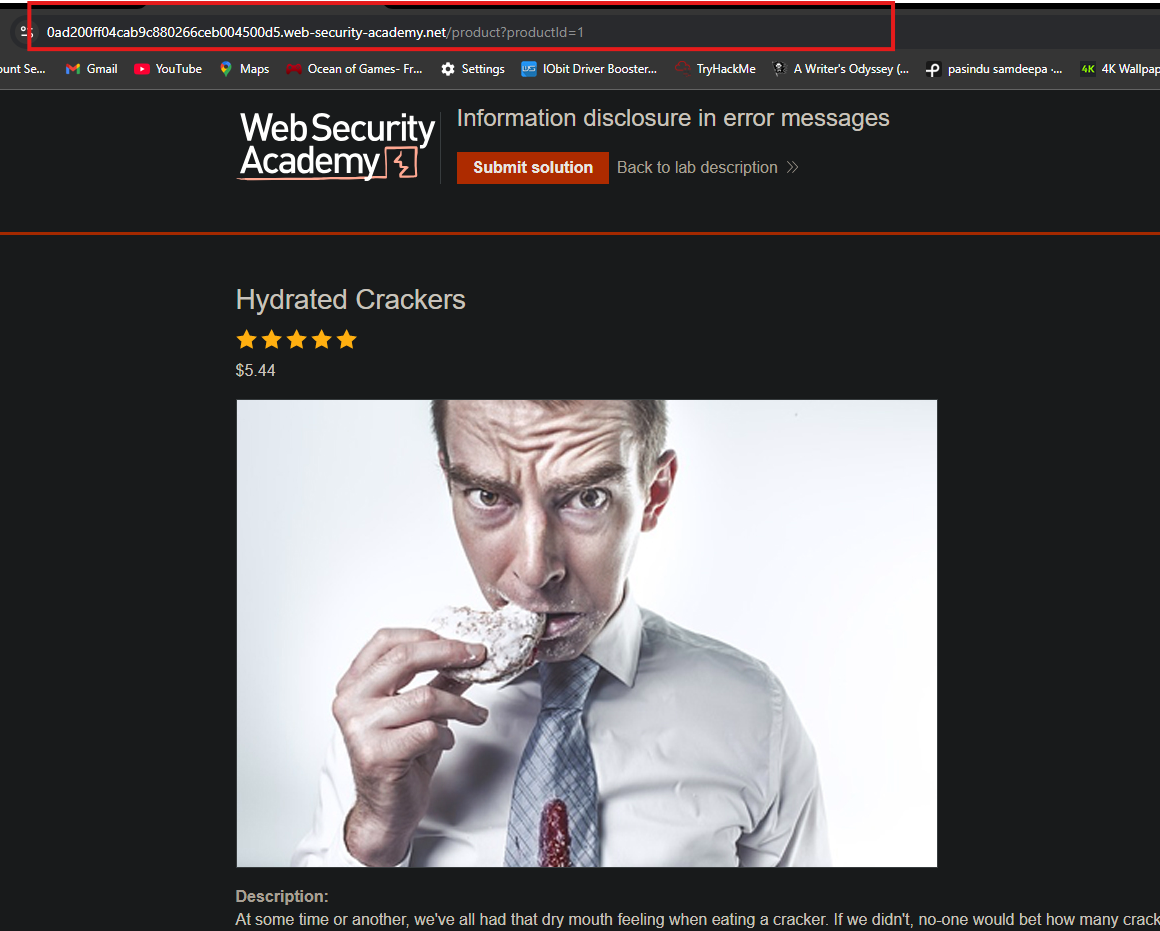
- Browse to a product page (e.g., click on any product)
- Observe the URL structure:
Step 2.2: Identify User Inputs
The productId parameter appears to accept numeric values:
productId=1⇒ Leather JacketproductId=2⇒ Running ShoesproductId=3⇒ Gift Card
This parameter is a potential injection point.
Step 3: Triggering an Error
Step 3.1: Send Request to Repeater
- In Burp Suite, go to Proxy ⇒ HTTP history
- Find the
GET /product?productId=1request - Right-click ⇒ Send to Repeater
Step 3.2: Modify the Parameter
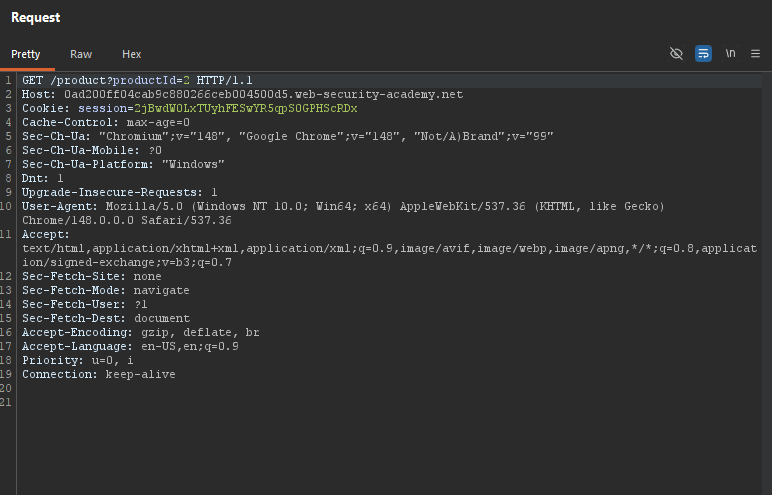
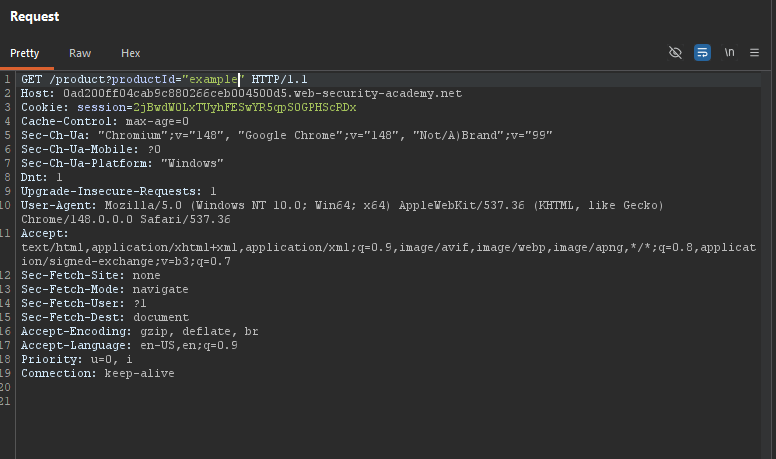
Change the productId parameter from an integer to a string:
Original request:
Modified request:
Step 3.3: Send the Request
Click Send in Repeater.
Step 4: Analyzing the Error Response
Step 4.1: Observe the Stack Trace
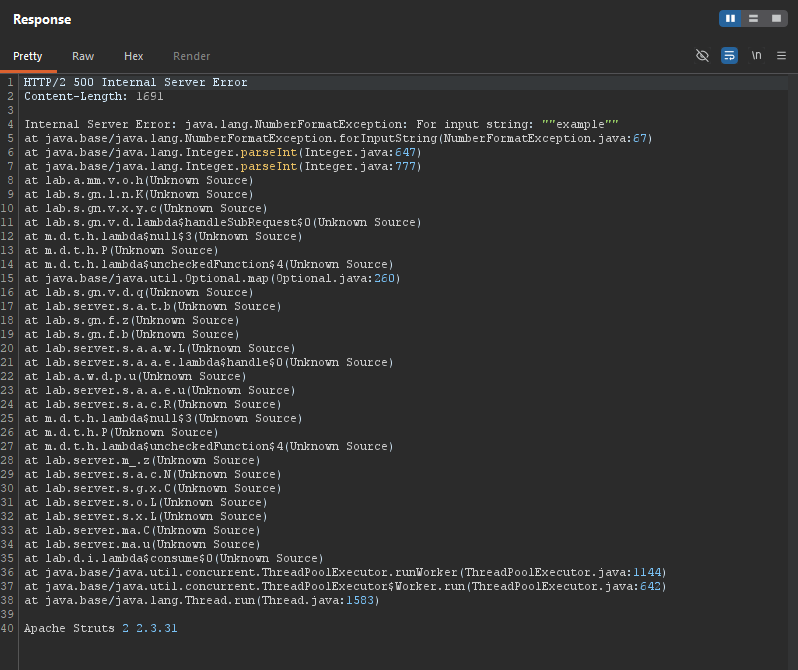
The response should contain a detailed error message, similar to:
Step 4.2: Identify the Framework Version
Look for lines containing version information:

The version number: 2.3.31
Apache Struts 2 2.3.31
Step 5: Submitting the Solution
-
Go back to the lab page
-
Click Submit solution
-
Enter the version number:
2 2.3.31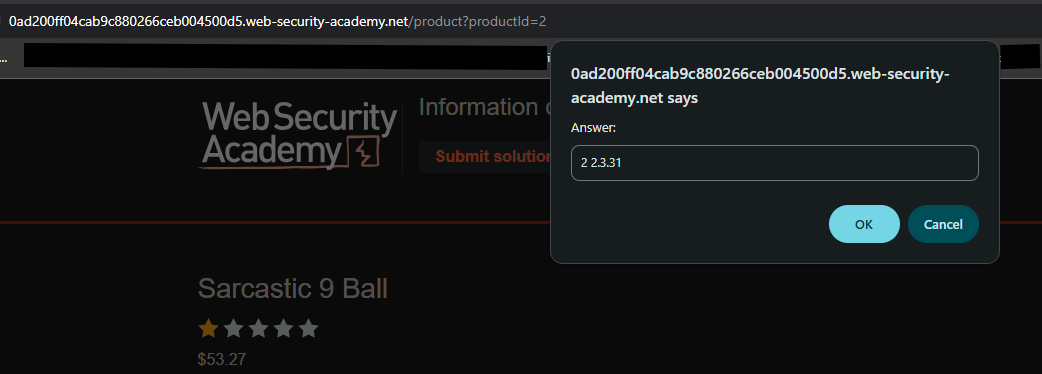
-
Click Submit
Step 6: Lab Solved
Success message displayed:
