PortSwigger
Steps
Description
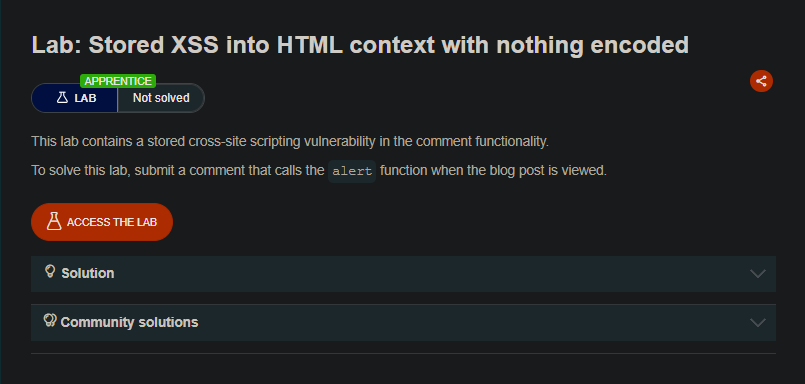
Submit a comment that calls the alert function when the blog post is viewed.
Solution Steps
- Access the lab and open any blog post.
- Scroll down to the comment section.
- Fill in the comment form with the following payload:
- Comment:
<script>alert(1)</script> - Name: Any name (e.g.,
thunder) - Email: Any valid format (e.g.,
haha@haha.com) - Website: Can be left blank or any value
- Comment:
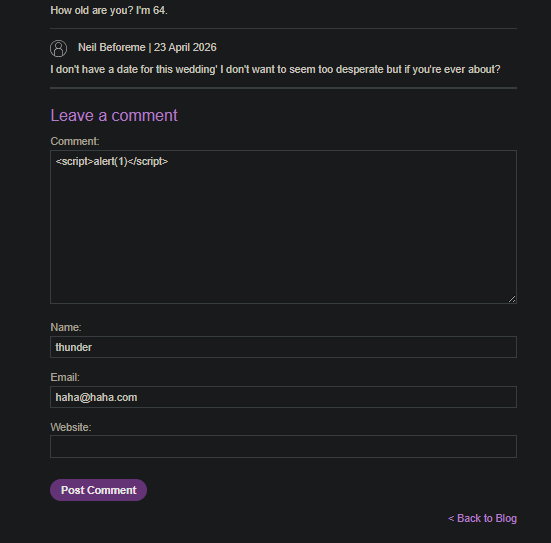
- Click “Post comment”.
- The page reloads with the new comment stored.
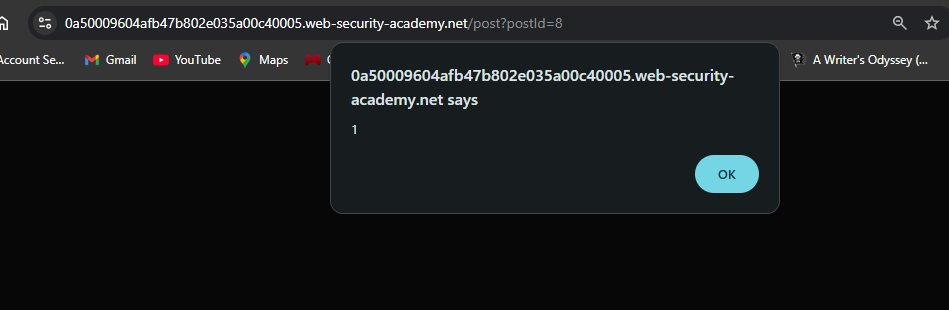
- View the blog post again (or refresh the page) — the alert will fire.
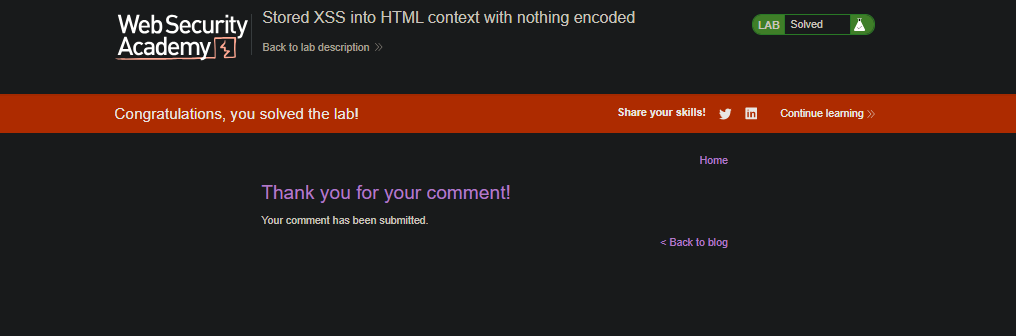
- The lab is now Solved.
Why This Works
The comment functionality stores user input and later renders it in the HTML without encoding or sanitization. When any user views the blog post, the <script> tag executes in their browser.