PortSwigger
Description
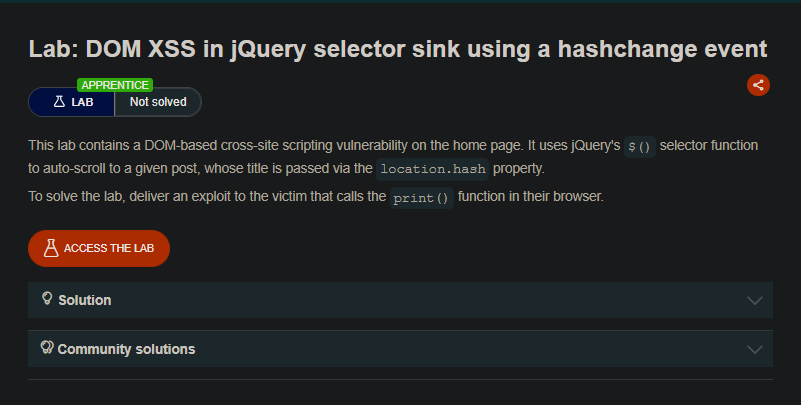
This lab contains a DOM-based cross-site scripting vulnerability on the home page. It uses jQuery’s $() selector function to auto-scroll to a given post, whose title is passed via the location.hash property. Deliver an exploit to the victim that calls the print() function in their browser.
Solution Steps
Step 1: Understand the Vulnerability
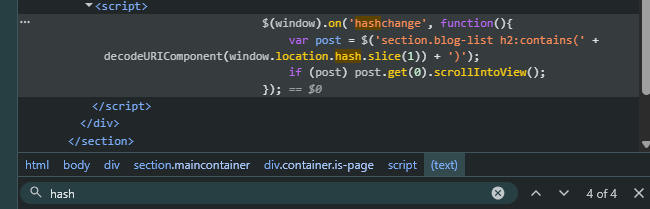
On the home page, jQuery uses the hash value (the part after # in the URL) as a selector. For example:
https://lab-id.web-security-academy.net/#blog-post
If the hash contains HTML or JavaScript, jQuery may execute it.
Step 2: Open the Exploit Server
From the lab banner, click “Exploit server” to open the exploit server page.
Step 3: Create the Malicious Iframe
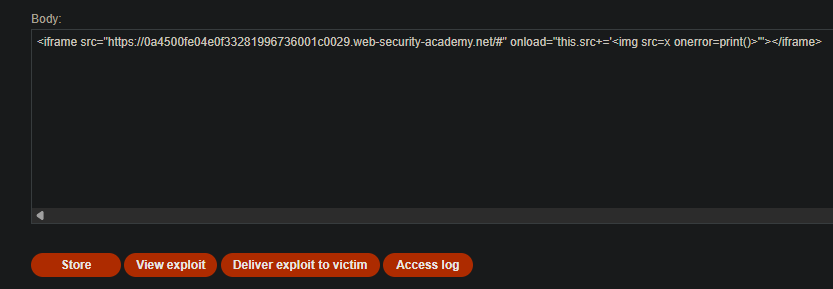
In the “Body” section of the exploit server, add the following iframe:
<iframe src="https://YOUR-LAB-ID.web-security-academy.net/#" onload="this.src+='<img src=x onerror=print()>'"></iframe>
Replace YOUR-LAB-ID with your actual lab ID.
In Exploit Server
Step 4: Test the Exploit
- Click “Store” to save the exploit.
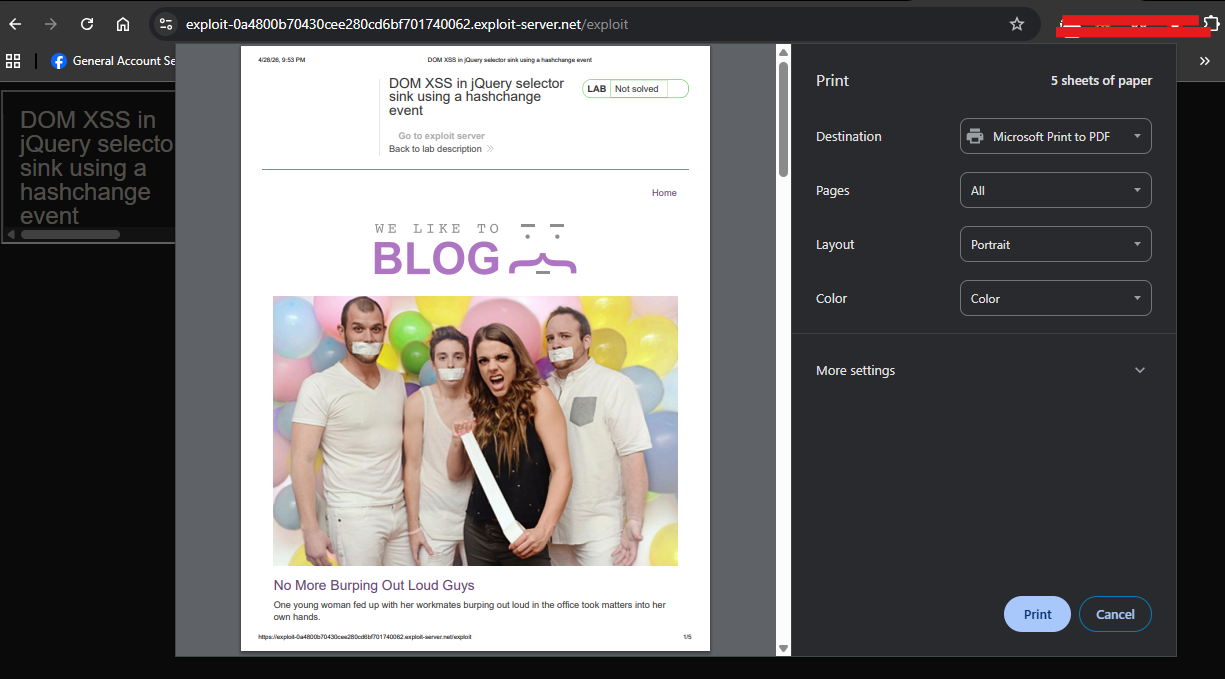
- Click “View exploit” to test it.
- Confirm that the
print()function is called (browser print dialog appears).
Step 5: Deliver to Victim
- Go back to the exploit server.
- Click “Deliver to victim”.
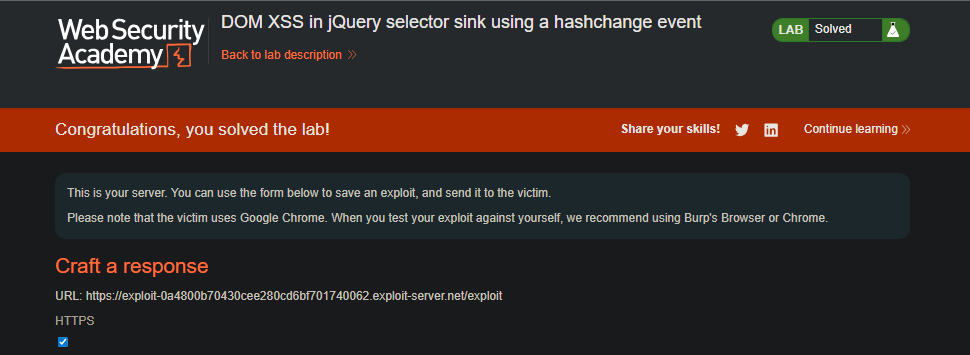
- The lab is marked as Solved.
Extra Knowledge
What Happens Step by Step
- Victim loads the exploit page (hosted on exploit server)
- Iframe loads the vulnerable home page with
/# - onload event triggers - appends the XSS payload to the hash
- Page hash becomes
/#<img src=x onerror=print()> - jQuery selector processes the hash and executes the
onerror print()function is called
Why This Works
- jQuery’s
$()selector function can create HTML elements from strings - The hash value is not properly sanitized before being used as a selector
- When jQuery sees
<img ...>, it creates an image element - The
onerrorevent triggers when the image fails to load