PortSwigger
Description
This lab contains a DOM-based cross-site scripting vulnerability in the search blog functionality. It uses an innerHTML assignment, which changes the HTML contents of a div element, using data from location.search.
Steps
- Access the Lab and locate the search box.
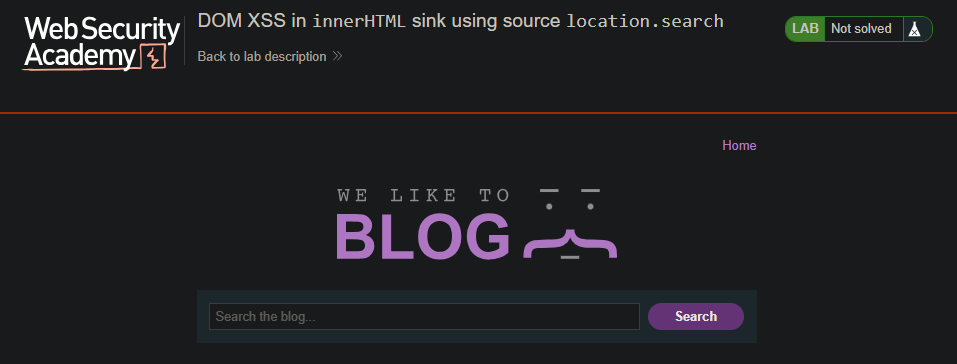
- First, test with a random string (eg.
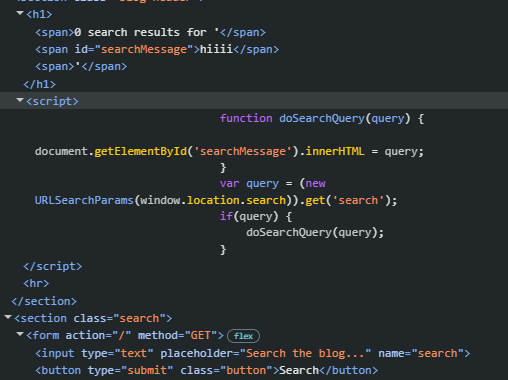
haha) in the search box and submit it. - Rigth-click and inspect the element to see where your input appears.
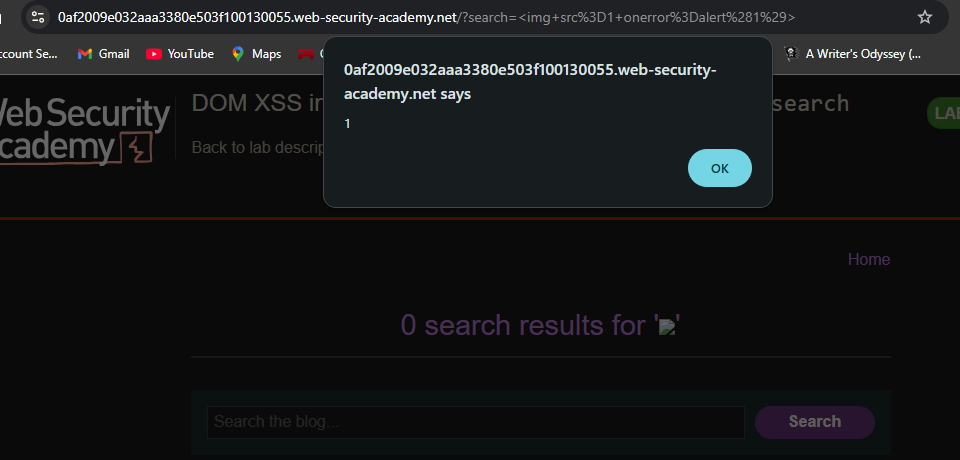
- Enter the following payload into the search box:
<img src=1 onerror=alert(1)>
Because :
- *-
<script>alert(1)</script>often does NOT execute when injected viainnerHTMLbecause modern browsers block script execution for security. <img src=1 onerror=alert(1)>works because:- *It’s a normal HTML element
- *The
onerrorevent still fires - Browser executes the JavaScript inside the event handler
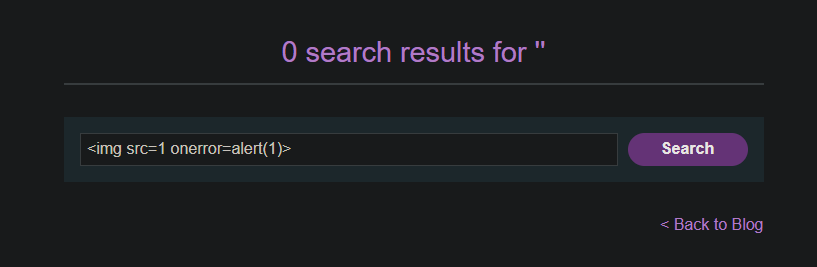
- Click “Search”.
-
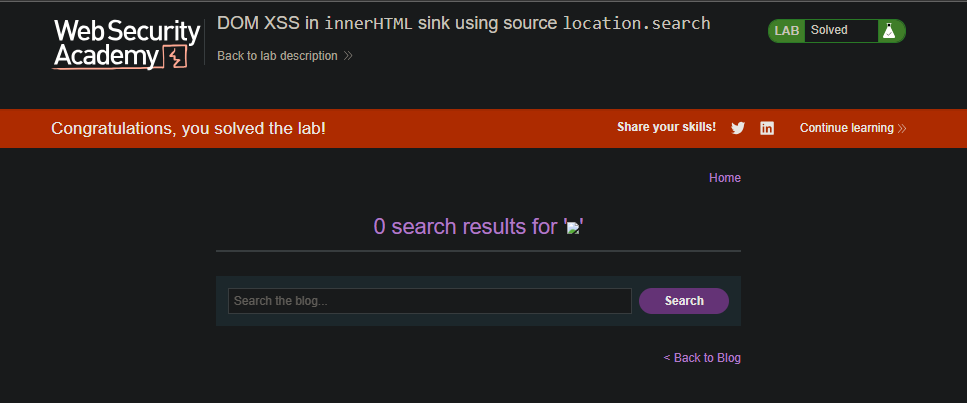
- The alert fires, and the lab is marked as Solved.
Solved
Deeper Learning
Why This Works
- The
innerHTMLproperty allows insertion of HTML tags. - Unlike
document.write,innerHTMLdoes not execute<script>tags for security reasons. - However, event handlers like
onerroron HTML elements will execute JavaScript. <img src=1 onerror=alert(1)>works because:src=1is an invalid image source → triggers erroronerrorevent fires → executesalert(1)
Comparison with Previous Lab
Why This Works
- The
innerHTMLproperty allows insertion of HTML tags. - Unlike
document.write,innerHTMLdoes not execute<script>tags for security reasons. - However, event handlers like
onerroron HTML elements will execute JavaScript. <img src=1 onerror=alert(1)>works because:src=1is an invalid image source → triggers erroronerrorevent fires → executesalert(1)
Comparison with document.write
| Lab | Sink | Restriction | Recommended Payload |
|---|---|---|---|
DOM XSS in document.write | document.write() | Inside img src attribute | "><svg onload=alert(1)> |
DOM XSS in innerHTML | innerHTML | <script> blocked | <img src=1 onerror=alert(1)> |