PortSwigger
Description
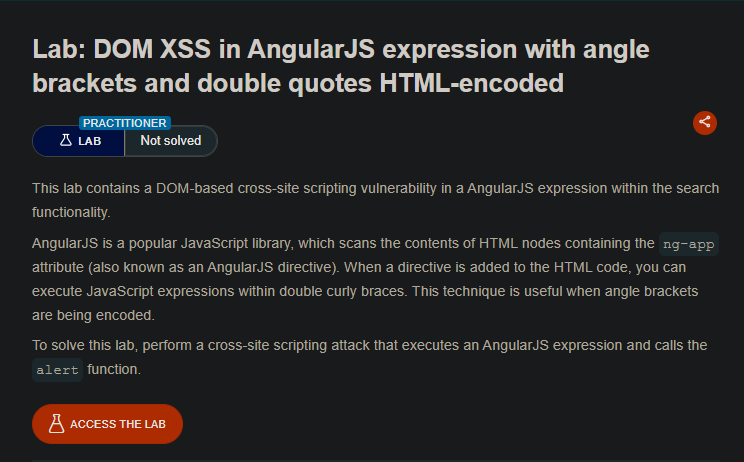
Perform a DOM-based XSS attack that executes an AngularJS expression and calls the alert function. Angle brackets (< >) and double quotes (") are HTML-encoded, so you cannot use traditional HTML/JavaScript injection.
Vulnerability Explanation
The search functionality uses AngularJS with the ng-app directive. AngularJS evaluates expressions inside double curly braces {{ }}. This allows JavaScript execution without using angle brackets or quotes.
Solution Steps
Step 1: Test with random string
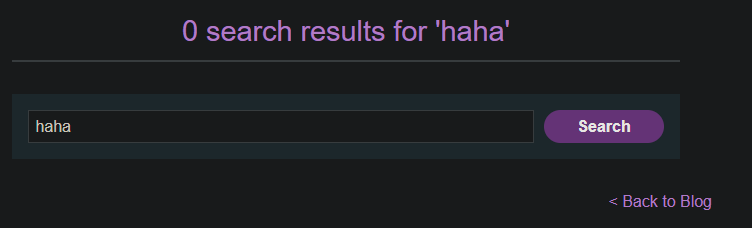
Enter a random alphanumeric string into the search box (e.g., haha).
Step 2: View the page source
Right-click and select “View Page Source” or press Ctrl+U. Observe that your random string is enclosed in an ng-app directive.
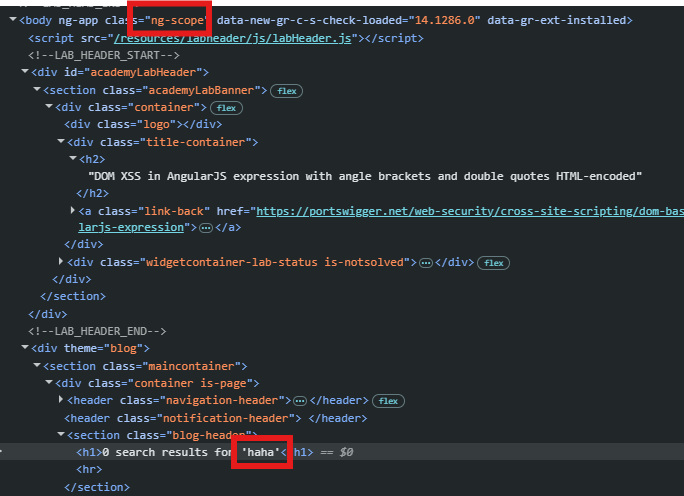
- can identify it using AngularJS
Step 3: Understand AngularJS Expressions
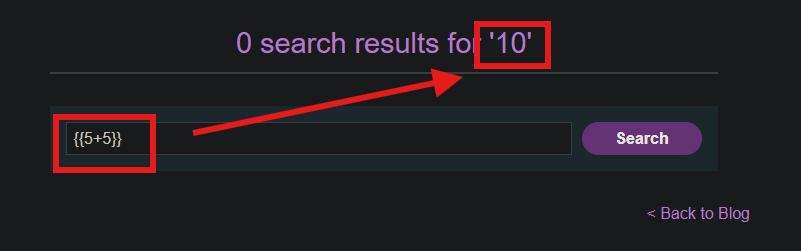
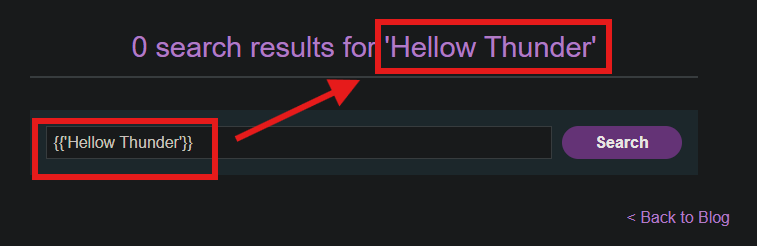
AngularJS evaluate anything inside {{ }} as a JavaScript expression. For example:
{{5+5}}     → Displays: 10
{{'hello'}} → Displays: hello
Step 4: Construct a Angular Payload
Since we can execute JavaScript inside {{ }}, we need to call the alert function.
Payload :
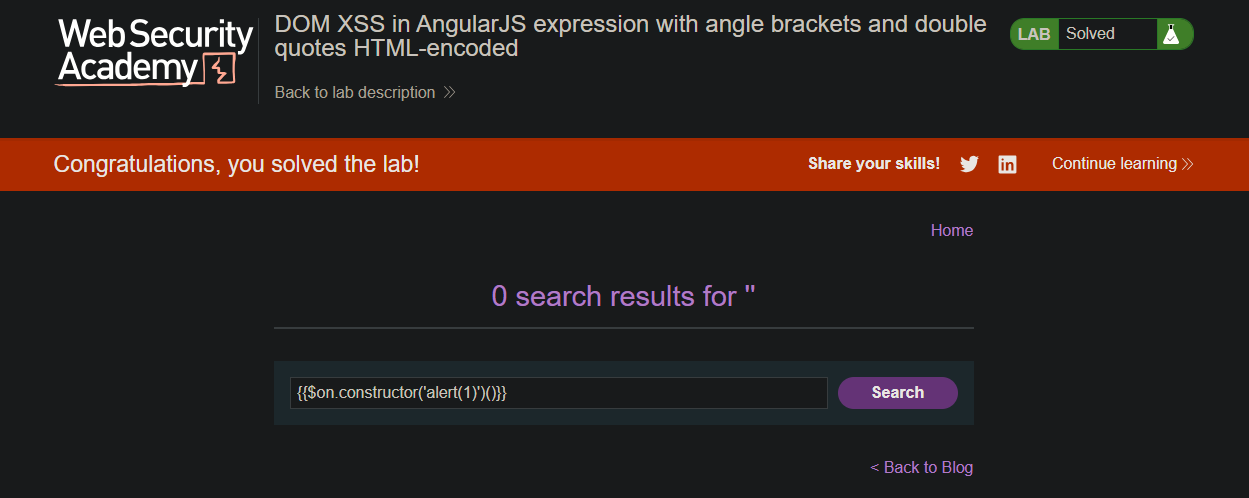
{{$on.constructor('alert(1)')()}}

- check the
alertfunction displayed.
Step 5: Solved Lab