PortSwigger
Lab Description
This lab’s flawed logic allows arbitrary users to access administrative functionality that should only be available to company employees. To solve the lab, access the admin panel and delete the user carlos.
Step 1: Understanding the Vulnerability
The inconsistent security control:
- Admin panel access is granted based on email domain (
@dontwannacry.com) - During registration, email is validated via confirmation link
- However, the email change functionality allows any user to change their email to any domain
- No re-validation required after email change
The attack:
- Register a normal account (any email)
- Confirm the registration
- Log in and change email to
anything@dontwannacry.com - Admin access granted without additional verification
Step 2: Reconnaissance
Step 2.1: Discover Admin Path
Use Burp content discovery or manually check /admin:
https://YOUR-LAB-ID.web-security-academy.net/admin
Response: Access denied, but error message reveals:
Admin interface only available to DontWannaCry users
Step 2.2: Note Your Email Server Domain
Click the Email client button. Note your unique email domain:
YOUR-EMAIL-ID.web-security-academy.net
Example: exploit-0abc123.web-security-academy.net
Step 3: Register a Normal Account
Step 3.1: Registration
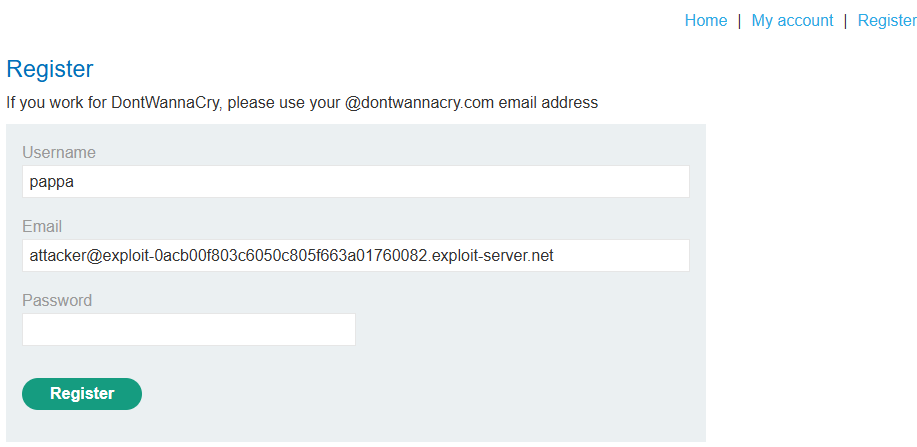
Go to the registration page and create an account with any email:
anything@YOUR-EMAIL-ID.web-security-academy.net
Step 3.2: Confirm Registration
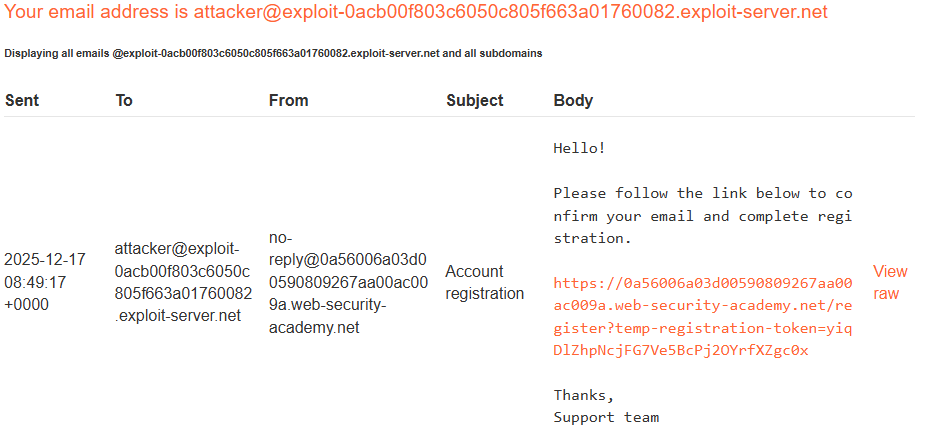
- Go to the Email client
- Find the confirmation email
- Click the confirmation link
Step 3.3: Log In
Log in with your new account.
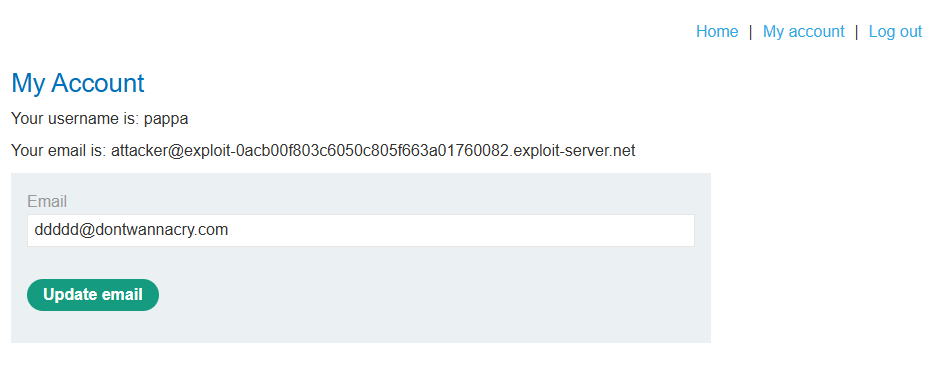
Step 4: Exploit the Email Change
Step 4.1: Go to My Account
Navigate to My account.
Step 4.2: Find Email Change Option
Notice there is an option to change your email address.
No additional verification required! (No password confirmation, no re-authentication, no email confirmation.)
Step 4.3: Change to Admin Domain
Change your email address to:
anything@dontwannacry.com
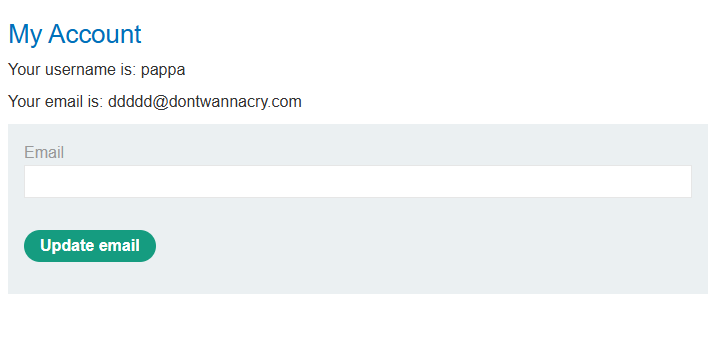
Step 4.4: Save the Change
Submit the email change.
Step 5: Access Admin Panel
Step 5.1: Navigate to Admin
Go to:
https://YOUR-LAB-ID.web-security-academy.net/admin
You now have access!
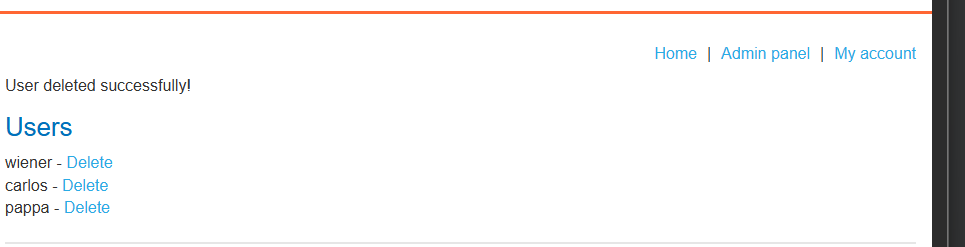
Step 5.2: Delete Carlos
Find and click the delete link for carlos:
https://YOUR-LAB-ID.web-security-academy.net/admin/delete?username=carlos
Step 6: Lab Solved
Success message displayed: