PortSwigger
Lab Description
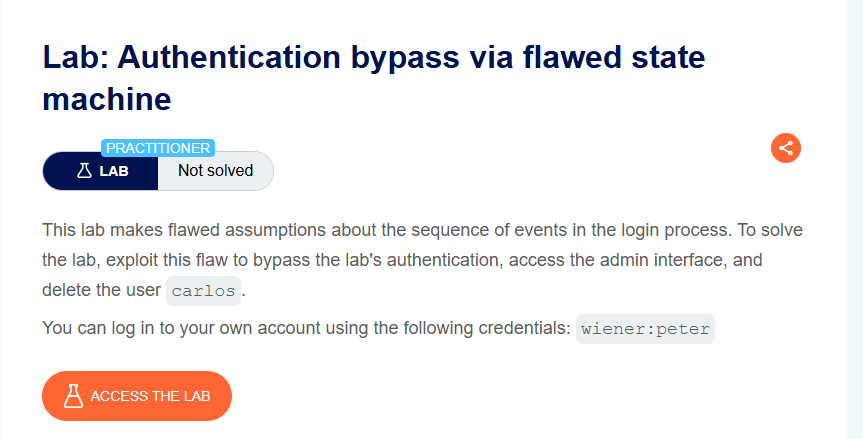
This lab makes flawed assumptions about the sequence of events in the login process. To solve the lab, exploit this flaw to bypass the lab’s authentication, access the admin interface, and delete the user carlos.
- Your credentials:
wiener:peter
Step 1: Understanding the Vulnerability
The state machine flaw:
- After login, the application expects the user to select a role (e.g., admin or normal user)
- The application assumes the user will complete the role selection step
- If we skip the role selection step, the application defaults to the highest privilege level (administrator)
The attack:
- Log in normally
- Intercept the role selection request
- Drop it (never send it)
- Navigate directly to
/admin - The application grants admin access because no role was explicitly set
Step 2: Reconnaissance
Step 2.1: Complete Normal Login
- Log in with
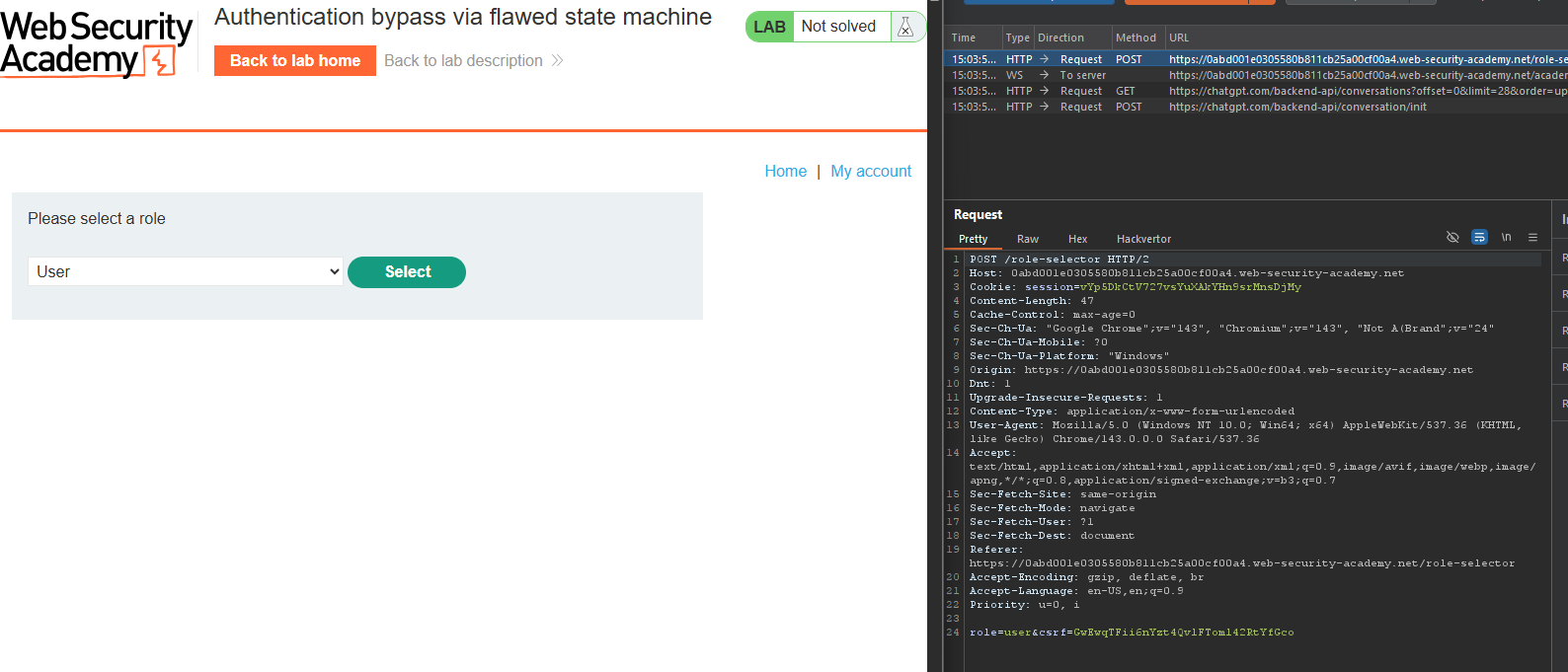
wiener:peter - Observe the role selection page after login
- Choose a role (e.g., normal user)
- Get redirected to home page
Step 2.2: Test Direct Admin Access
Try accessing /admin after normal login:
- If you selected normal user role → Access denied
Step 2.3: Discover Admin Path
Use content discovery or guess /admin:
https://YOUR-LAB-ID.web-security-academy.net/admin
Note that it’s inaccessible normally.
Step 3: Exploiting the State Machine Flaw
Step 3.1: Log Out
Log out of your account completely.
Step 3.2: Enable Proxy Intercept
In Burp, turn on Intercept (Intercept is on).
Step 3.3: Log In Again
- Submit
wiener:peteron the login page - Burp intercepts the
POST /loginrequest - Forward it
Step 3.4: Intercept Role Selection
The next request is GET /role-selector (or similar — the role selection page).
DO NOT FORWARD THIS REQUEST.
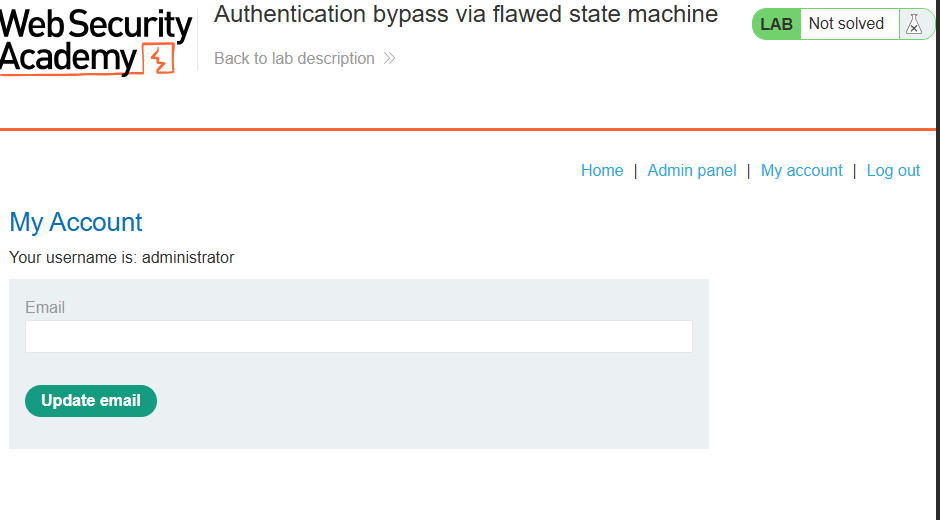
Instead: Drop the request.
Step 3.5: Bypass and Access Admin
- Turn off Intercept
- Navigate directly to
/adminin your browser
You should now have access to the admin panel!
Step 4: Deleting User Carlos
Step 4.1: Access the Admin Panel
Go to:
https://YOUR-LAB-ID.web-security-academy.net/admin
Step 4.2: Find Delete Option
Look for the link to delete carlos:
/admin/delete?username=carlos
Step 4.3: Delete Carlos
Click the link or send the request.
Step 5: Lab Solved
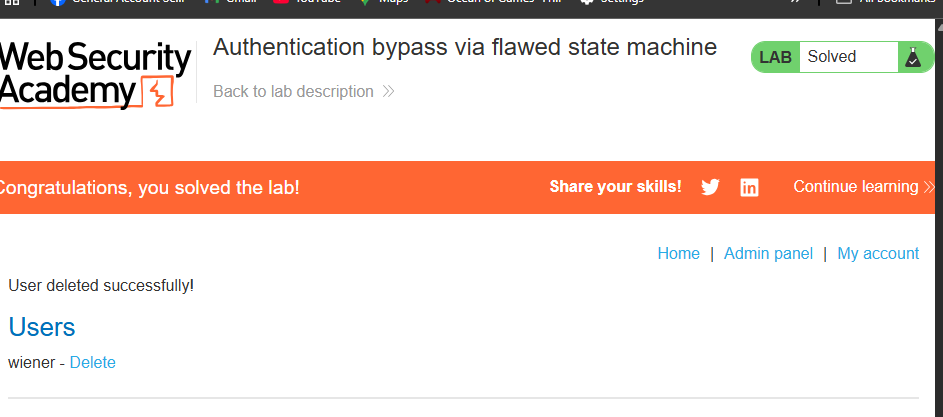
Success message displayed: