PortSwigger
Description
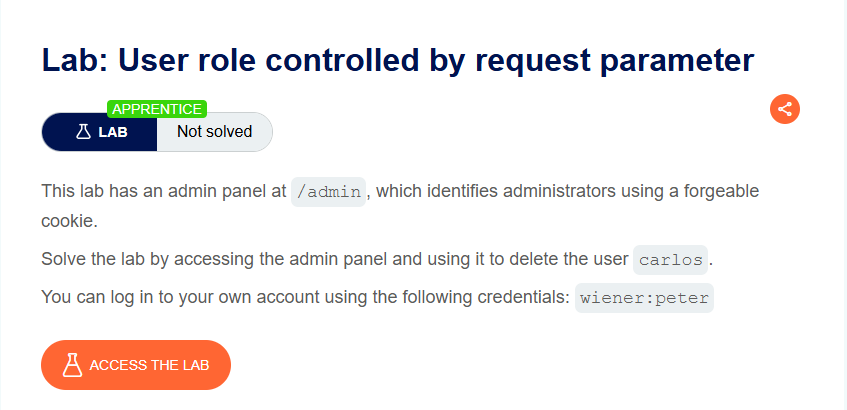
This lab has an admin panel at /admin that is only accessible to administrators. Instead of using a server-side session or token, the application relies on a client-side cookie called Admin to determine privileges. This cookie is completely forgeable — no signing, no encryption, no validation.
Step 1 - Log In and Explore
Log in with wiener:peter.
Browse to /admin - you will see an access denied message (or be redirected).
You cannot access the admin panel yet.
Step 2 - Capture the Login Response
Use Burp Suite with response interception enabled.
Submit the login form and forward the request until you see the response.
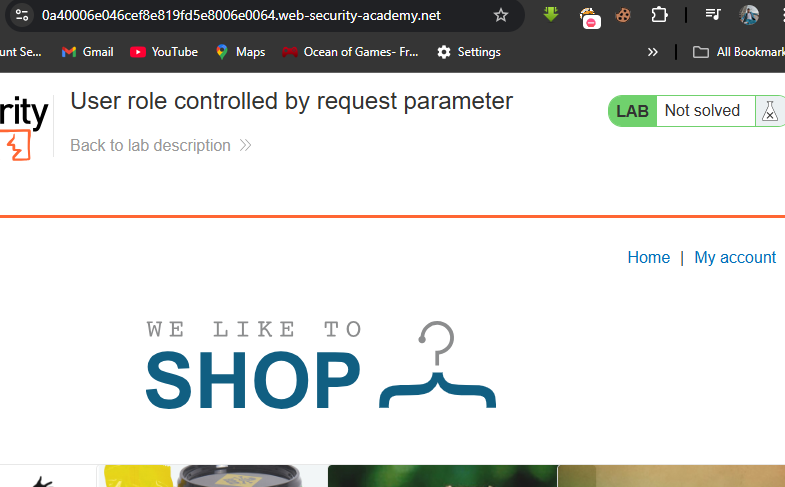
In the response headers, you will find a cookie being set:
Set-Cookie: Admin=false; ...
This cookie tells the application whether the user is an admin.
Step 3 - Modify the Cookie
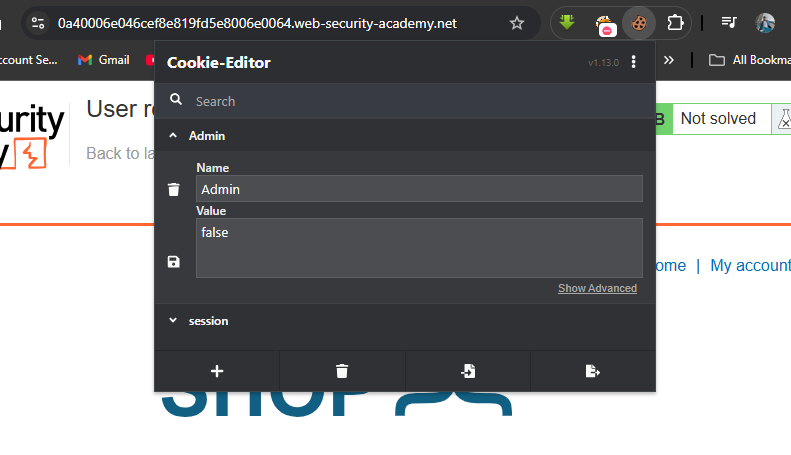
In Burp (or using a browser extension like Cookie-Editor), change the Admin cookie from false to true.
| Name | Original Value | Modified Value |
|---|---|---|
Admin | false | true |
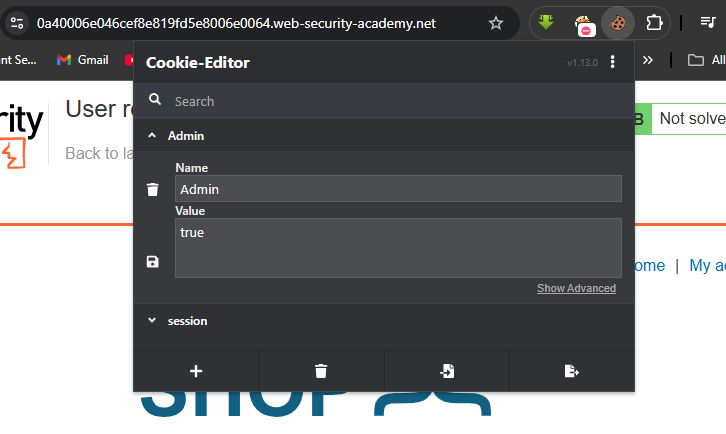
You can do this by either:
-
In Burp: Modify the response before it reaches your browser (change
falsetotruein theSet-Cookieheader) -
In Browser: Use Cookie-Editor extension to manually edit the cookie after login
Step 4 - Access the Admin Panel
Now browse to /admin again.
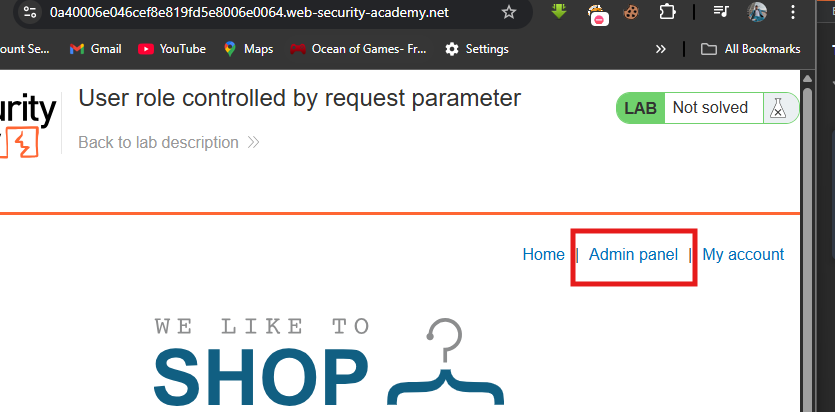
This time, because your Admin=true cookie is present, you will see the admin panel:
Users
wiener - Delete
carlos - Delete
Step 5 - Delete carlos
Click the Delete button next to carlos.
Step 6 - Lab Solved
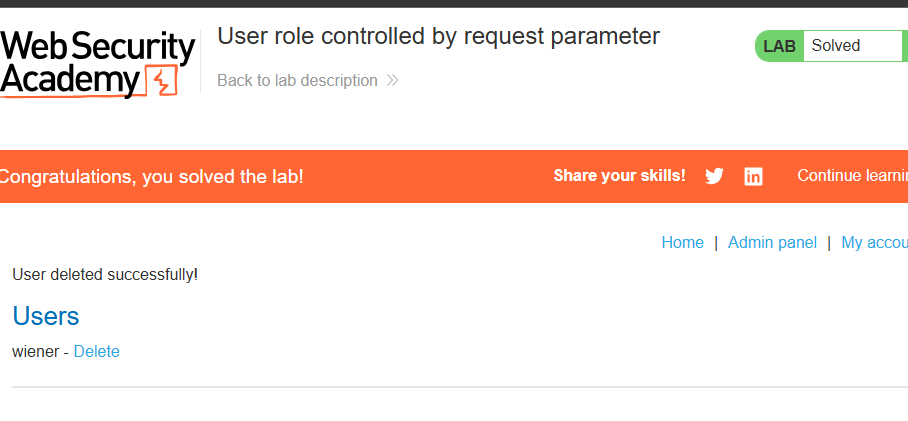
You’ll see:
User deleted successfully!
Congratulations, you solved the lab!
Why This Works
| Security Failure | Impact |
|---|---|
| Role stored in client-side cookie | User can modify it at will |
| No cookie signing or encryption | Cannot detect tampering |
| No server-side role mapping | Cookie is the only source of truth |
This is essentially a client-side trust failure — the application assumes the cookie is honest.