PortSwigger
Description
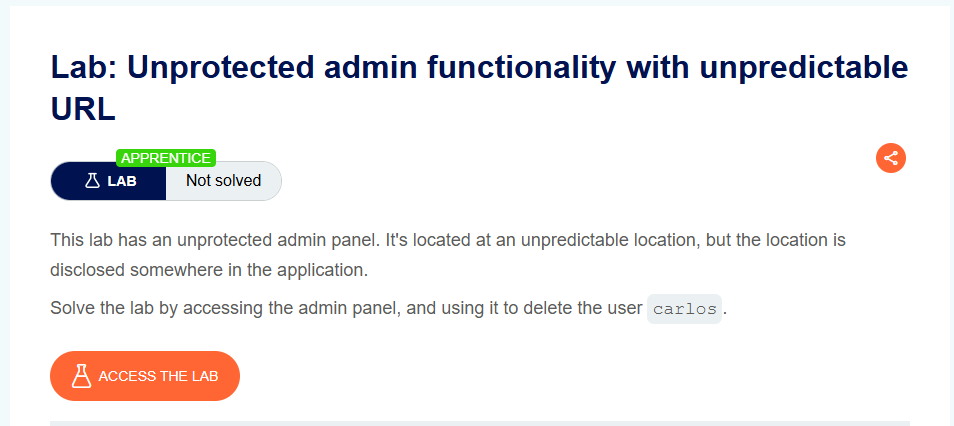
This lab has an unprotected admin panel at an unpredictable location, but the location is disclosed somewhere in the application.
Objective: Access the admin panel and delete the user carlos.
Vulnerability Explanation
The admin panel is not at a predictable path (like /admin or /administrator-panel). Instead, it uses a randomized URL (e.g., /admin-8a7f3d9e2b1c). However, the URL is disclosed somewhere in the application — in this case, in the page’s JavaScript source code.
Once you find the URL, there is no authentication protecting the admin panel.
Solution Steps
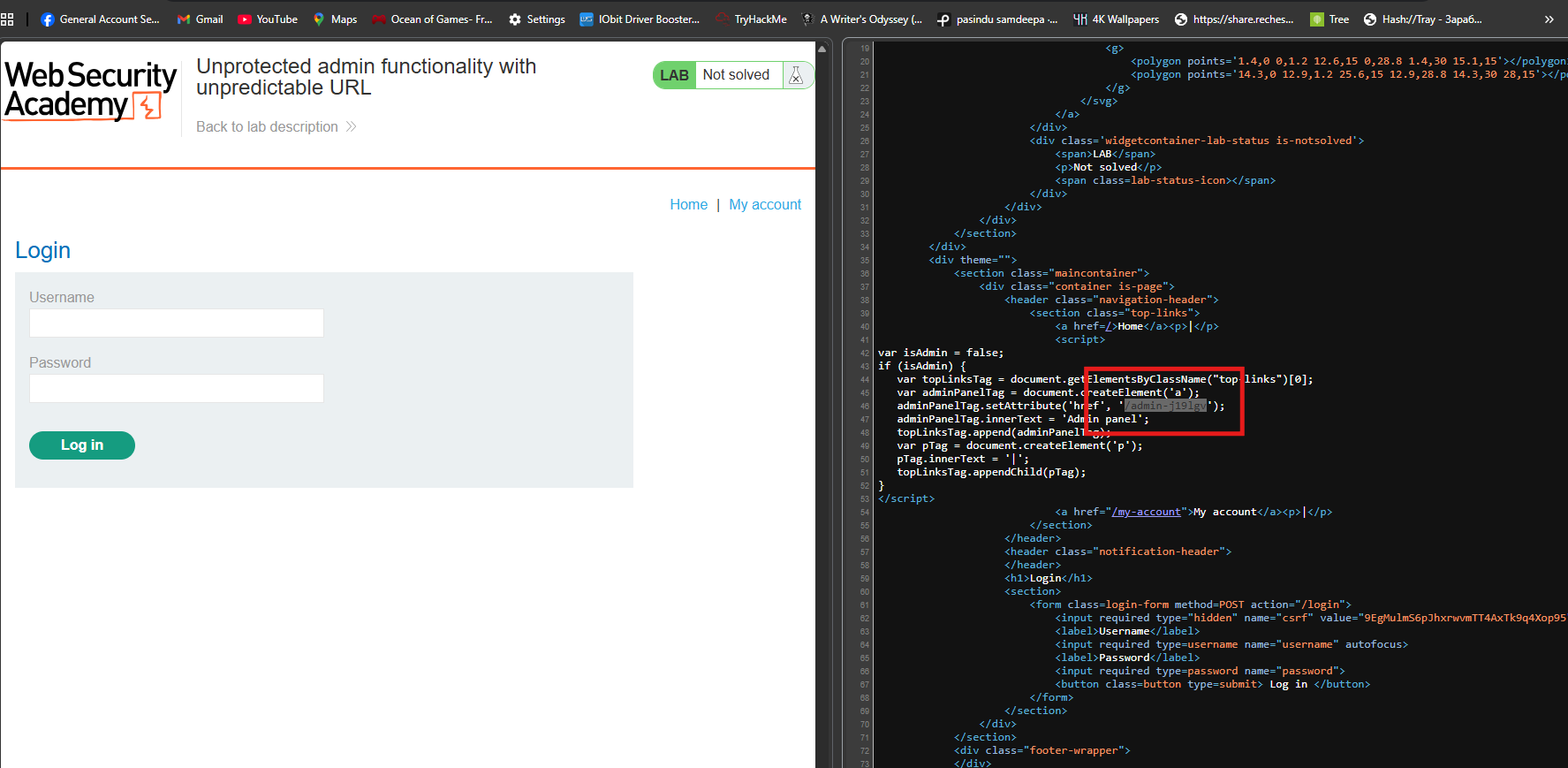
Step 1: View the Page Source
Open the lab home page and view the page source:
Method 1: Right-click → “View Page Source”
Step 2: Look for JavaScript Code
In the page source, search for JavaScript code that might reference an admin panel.
Look for patterns like:
/admin-adminPanelisAdmindeleteUserhref
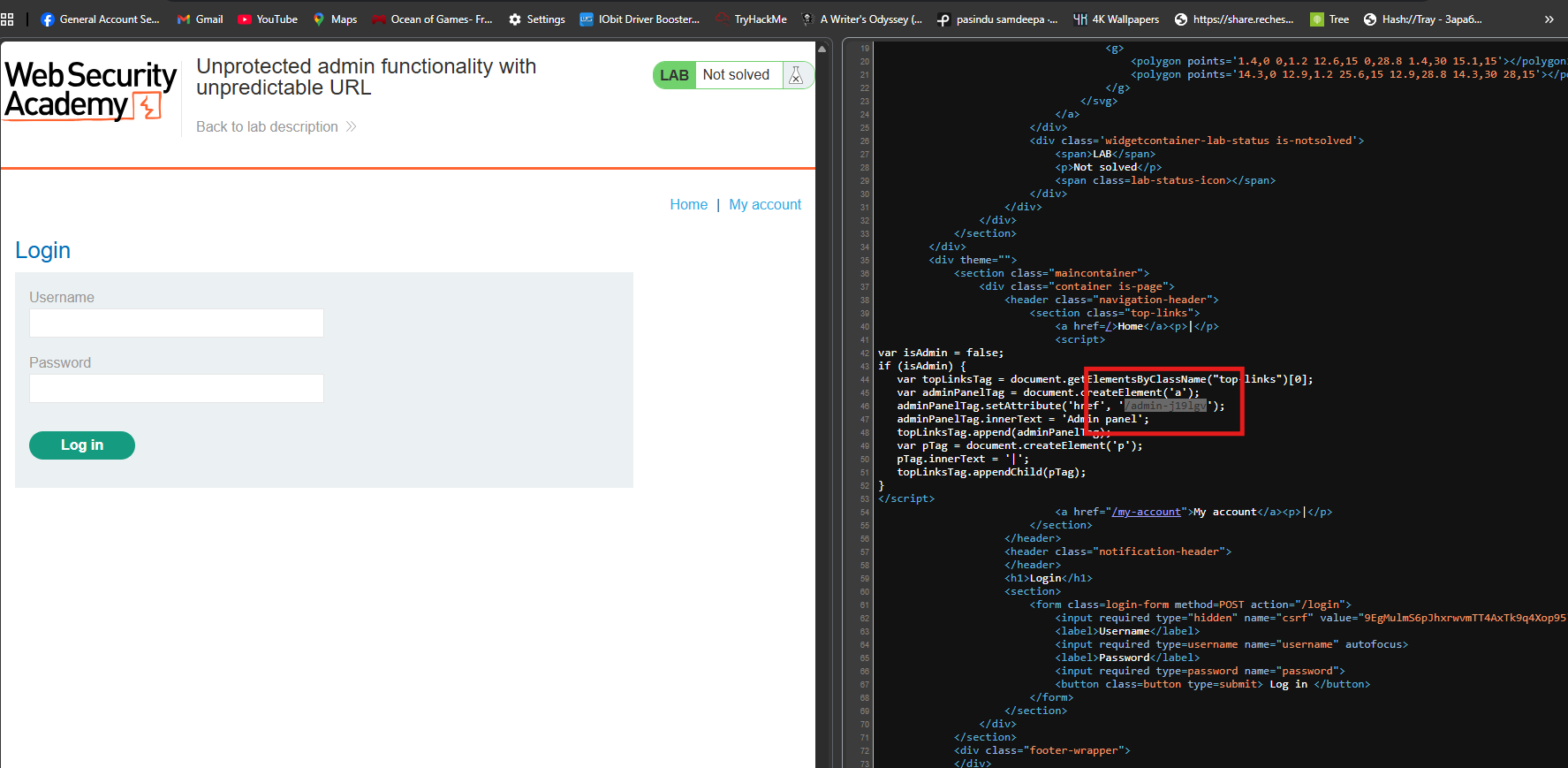
Step 3: Find the Disclosed Admin URL
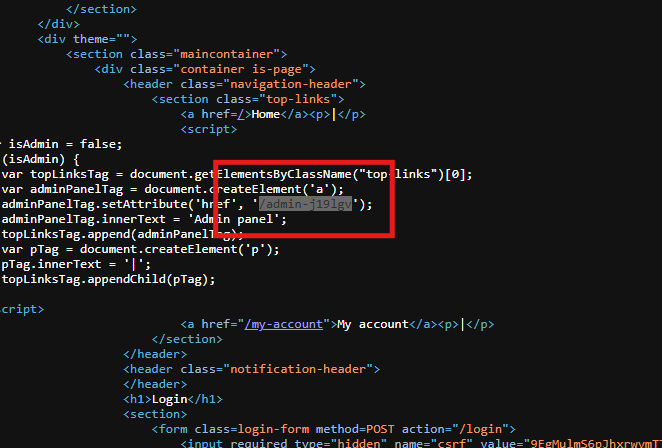
In the JavaScript, you’ll find something like:
<script>
    var adminPanel = '/admin-8a7f3d9e2b1c';
    // or
    window.location.href = '/admin-8a7f3d9e2b1c';
    // or
    const ADMIN_PATH = '/admin-8a7f3d9e2b1c';
</script>
- The actual URL will be unique to your lab instance (e.g.,
/admin-63c8f4572a).
Step 4: Access the Admin Panel
In the URL bar, append the discovered path to the lab URL:
https://YOUR-LAB-ID.web-security-academy.net/admin-8a7f3d9e2b1c
- Result: The admin panel loads with no authentication required!

Step 5: Delete carlos
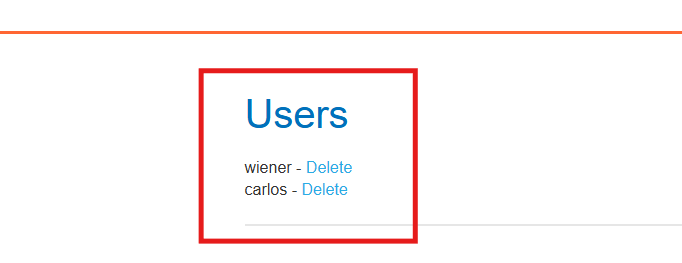
On the admin panel, find the option to delete user carlos:
https://YOUR-LAB-ID.web-security-academy.net/admin-8a7f3d9e2b1c/delete?username=carlos
Or click the “Delete” button next to carlos’s username.
Step 6: Solve the Lab
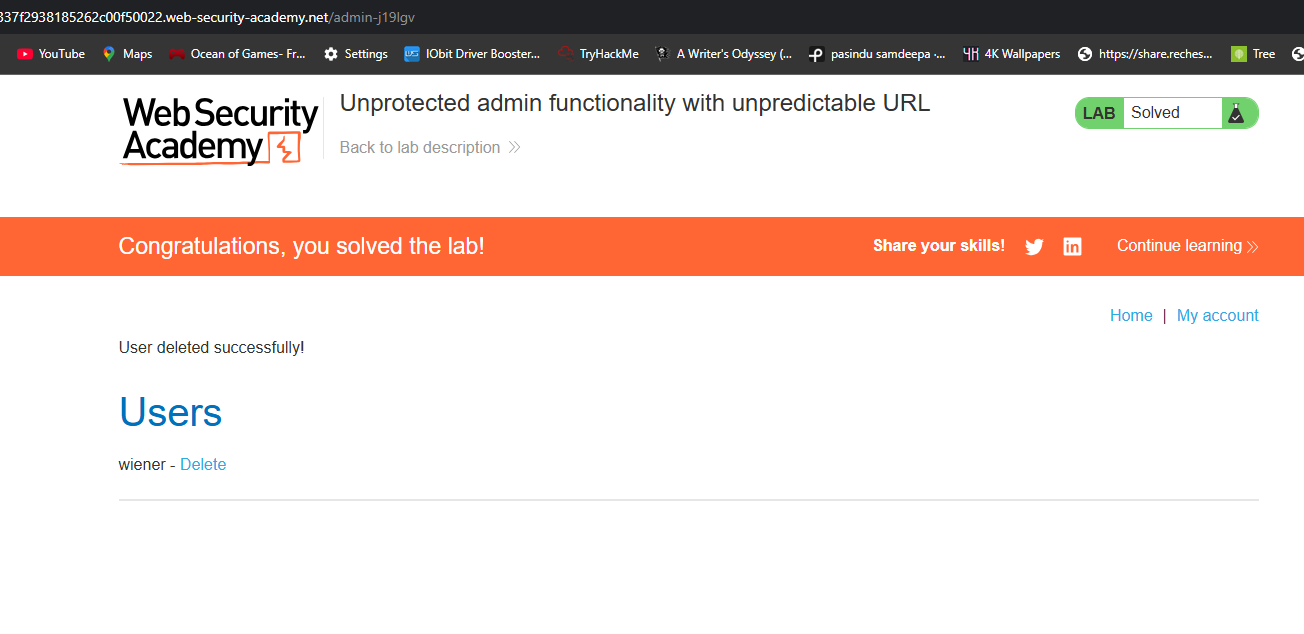
The lab is marked as Solved when carlos is successfully deleted.