PortSwigger
Description
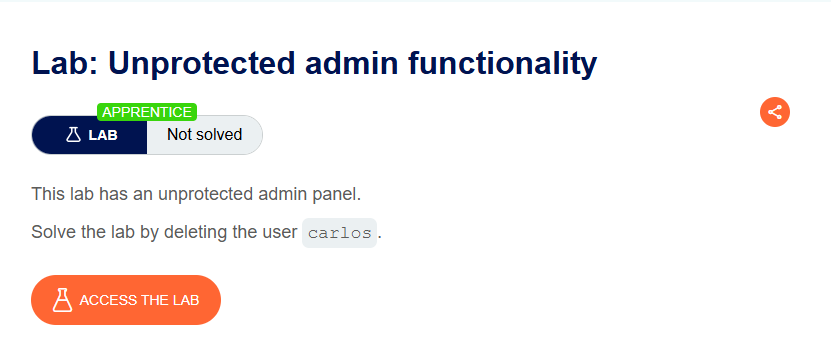
This lab has an unprotected admin panel. The admin panel location is disclosed in robots.txt.
Objective: Delete the user carlos.
Vulnerability Explanation
Many websites use robots.txt to tell search engine crawlers which pages not to index. However, this file is publicly accessible and can disclose sensitive directories — including admin panels.
The admin panel has no access control, meaning anyone who finds the path can access it.
Solution Steps
Step 1: Check robots.txt
Append /robots.txt to the lab URL:
https://YOUR-LAB-ID.web-security-academy.net/robots.txt
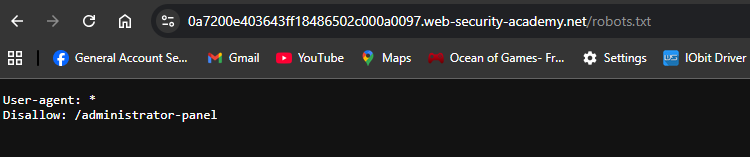
- The
Disallowline reveals the path to the admin panel:/administrator-panel
Step 2: Access the Admin Panel
In the URL bar, replace /robots.txt with /administrator-panel:
https://YOUR-LAB-ID.web-security-academy.net/administrator-panel
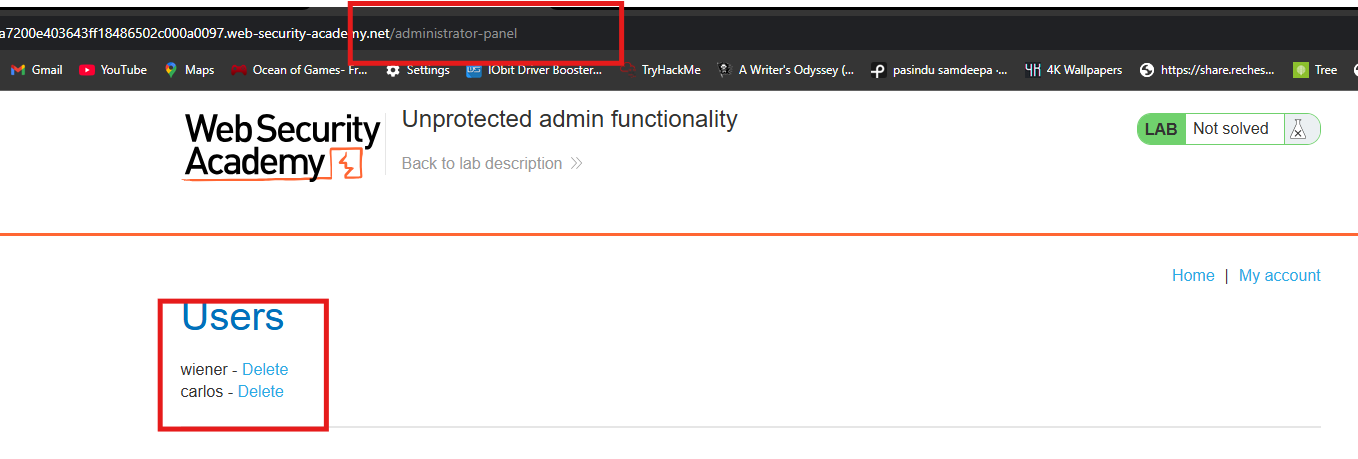
- Result: The admin panel loads with no authentication required!
Step 3: Delete carlos
On the admin panel, find the option to delete user carlos:
https://YOUR-LAB-ID.web-security-academy.net/administrator-panel/delete?username=carlos
- Or click the “Delete” button next to carlos’s username.
Step 4: Solve the Lab
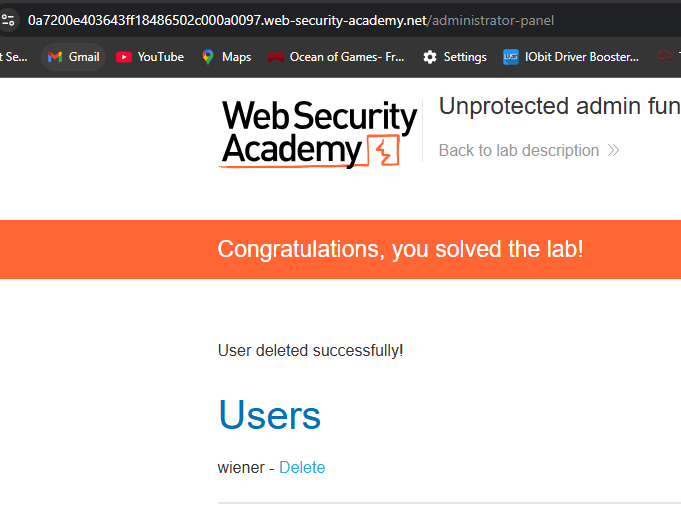
The lab is marked as Solved when carlos is successfully deleted.